

 Multiple Faces Detected


 February 24th, 2023
Email has become an integral part of our lives, and we use it for everything from personal communication to professional correspondence. However, with the convenience of email comes the risk of email scams and security breaches. Cybercriminals have become increasingly sophisticated in their methods of stealing personal information and money through email scams, leaving us vulnerable to identity theft and financial loss. In this blog post, we will explore the steps you can take to secure your email and protect yourself from email scams. By following these guidelines, you can ensure that your email remains safe and secure, and you can avoid falling victim to the various email scams that are out there.
Can a Scammer Get Your Email Address?
Scammers can obtain your email address in several ways. Scammers can gain access to your email address through data breaches that occur when a company’s or website’s security is compromised. When a data breach occurs, hackers may steal user data, including email addresses and other personal information.
Some scammers purchase email lists from third-party providers that have obtained email addresses through various means, such as public records, online directories, or social media platforms.
Scammers can also use software that generates email addresses based on common naming conventions or company email formats. They can then send phishing emails or spam messages to these addresses, hoping that some will be valid.
Scammers may also use social engineering techniques to obtain your email address. For example, they may send a fake email or social media message that appears to be from a trusted friend or colleague, asking for your email address or other personal information.
What Happens if a Scammer Has Your Email Address?
If a scammer has your email address, they may use it for a variety of purposes to try and scam you or gain access to your personal information. Here are some of the things a scammer may do if they have your email address:
Send phishing emails
A scammer may use your email address to send phishing emails that attempt to trick you into providing personal information or clicking on a malicious link. These emails may appear to be from a trusted source, such as your bank or an online retailer, and may contain urgent or threatening language to prompt you to take immediate action.
Spread malware
A scammer may use your email address to spread malware to your contacts. They may send you an email with an infected attachment, and once you open it, the malware will infect your computer and send itself to everyone in your contact list.
Use your email address for spam
Scammers may use your email address to send spam emails to you and others. These emails may contain links to fake products or services, or they may attempt to sell you products that don’t exist.
Attempt to gain access to your accounts
A scammer may attempt to gain access to your accounts by using your email address to reset your passwords. They may then try to guess your security questions or use other means to gain access to your accounts.
What is The Best Defense Against Email Scams?
Email scams are one of the most prevalent and damaging forms of cybercrime, with individuals and businesses alike falling victim to various types of email scams. These scams can be anything from phishing attempts, where attackers try to trick you into giving away personal information or credentials, to advanced social engineering attacks, where scammers use sophisticated techniques to manipulate you into making payments or transferring funds. The best defense against email scams is to adopt a multi-layered approach that involves a combination of technical and non-technical measures.
The first and most important defense against email scams is awareness. It is essential to be aware of the common types of email scams and to know how to identify them. Educate yourself and your employees about phishing, spear phishing, CEO fraud, and other common types of email scams. Regularly conduct training sessions and provide resources that help identify and avoid scams.
The second layer of defense is to use strong and unique passwords. This may seem obvious, but many people still use weak and easy-to-guess passwords, making it easy for scammers to access their email accounts. Use a password manager to generate strong, unique passwords and to securely store them.
The third defense layer is to enable multi-factor authentication (MFA) for your email account. MFA adds an additional layer of security by requiring users to enter a one-time code sent to a trusted device in addition to their password. This makes it much more difficult for attackers to gain access to your email account even if they have your password.
Another crucial defense is to be cautious when opening emails from unknown senders or emails that contain suspicious attachments or links. Always verify the sender’s identity before clicking on any links or downloading attachments. Use email filtering services that block malicious emails and attachments before they reach your inbox.
The fifth defense layer is to keep your software and operating systems up-to-date. Email scams often exploit vulnerabilities in software, so it is essential to keep your email client, browser, and other software up-to-date. This ensures that any known security vulnerabilities are patched, reducing the risk of an attack.
Finally, it is essential to have a robust incident response plan in place. Despite all the measures taken, it is still possible to fall victim to an email scam. Having an incident response plan in place helps minimize the damage by allowing you to quickly identify and respond to any attack. This includes measures such as isolating infected devices, resetting compromised passwords, and notifying law enforcement.
How Do I Protect Myself From Phishing Emails?
Phishing emails are one of the most common forms of email scams, where attackers attempt to steal personal information or credentials by tricking you into clicking on a link or downloading an attachment. Here are some tips to protect yourself from phishing emails:
- Verify the sender’s identity: Be wary of emails from unknown or suspicious senders. Check the sender’s email address and verify that it matches the company or organization they claim to represent. Be particularly cautious of emails that claim to be from a financial institution or government agency, as they are often targets for phishing scams.
- Check for spelling and grammar errors: Many phishing emails contain spelling and grammar errors. Legitimate organizations are unlikely to send out emails with such errors, so this can be a red flag for a phishing attempt.
- Don’t click on links or download attachments: Phishing emails often contain links or attachments that, once clicked or downloaded, install malware or direct you to a fake website that collects your personal information. Before clicking on a link or downloading an attachment, verify that it is legitimate by hovering over the link to see the URL or by contacting the sender to confirm the attachment’s content.
- Be cautious of urgent or threatening messages: Phishing emails often use urgent or threatening language to create a sense of panic and prompt you to take immediate action. Be wary of emails that demand urgent action or threaten to close your account if you do not comply.
- Use email filters: Most email clients offer filters that can block suspicious emails before they even reach your inbox. Enable email filtering and use spam detection to reduce the number of phishing emails that make it to your inbox.
- Keep your software up-to-date: Phishing emails often exploit vulnerabilities in software, so it is important to keep your email client, browser, and other software up-to-date. This ensures that any known security vulnerabilities are patched, reducing the risk of an attack.
Signs of a Phishing Email
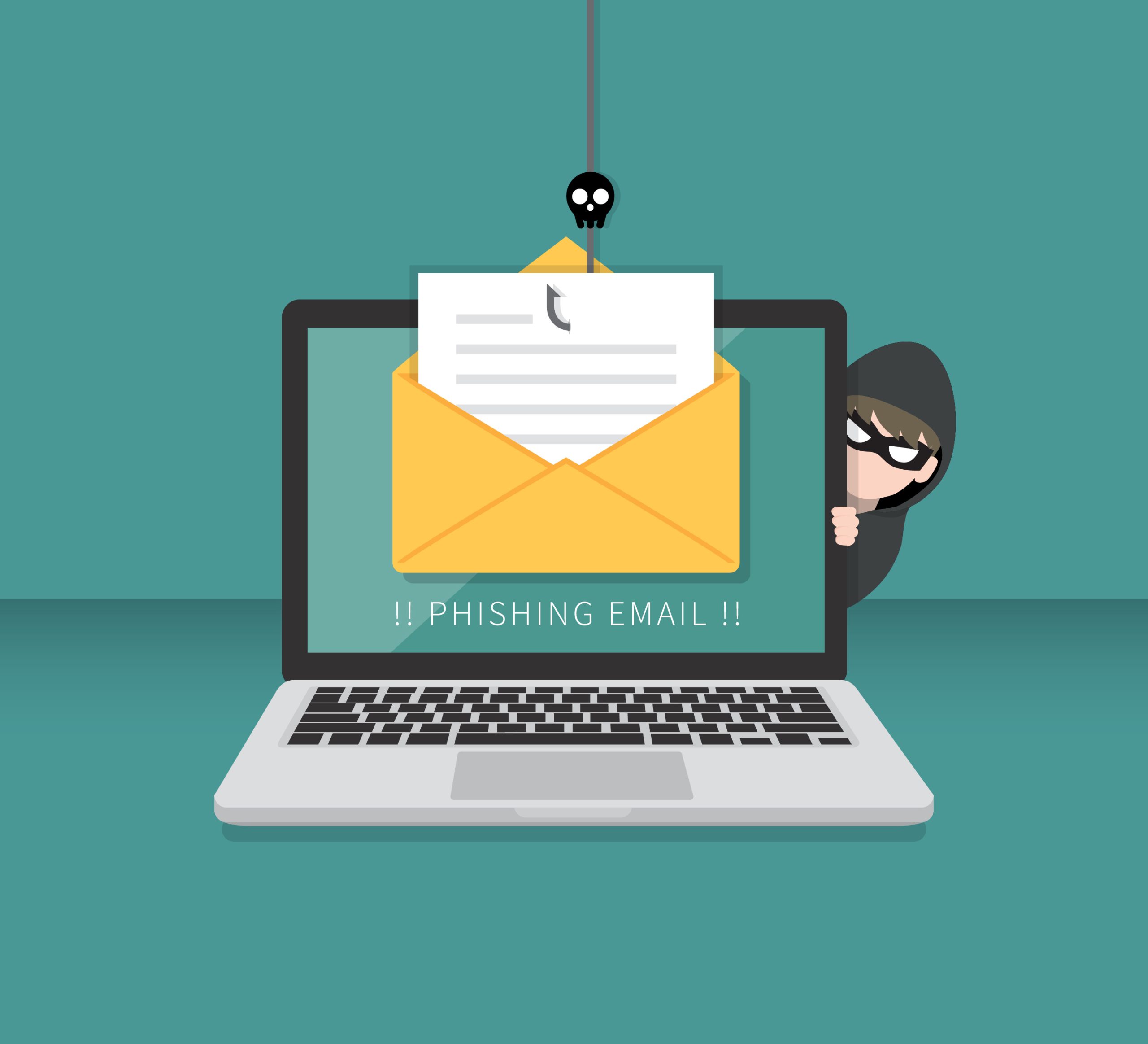
Phishing emails are a common type of email scam that attempts to trick the recipient into providing personal information, such as login credentials or credit card details. Here are some signs to look out for when identifying a phishing email:
- One of the most common signs of a phishing email is a suspicious sender email address. Scammers often use email addresses that are similar to legitimate businesses or organizations, but with slight variations or misspellings.
- Phishing emails often use urgent or threatening language to prompt the recipient to take immediate action. They may claim that your account has been compromised or that you have an unpaid bill that needs to be resolved right away.
- Phishing emails often request personal information, such as login credentials, credit card details, or social security numbers. Legitimate businesses and organizations usually do not ask for this information via email.
- Phishing emails are often poorly written and contain spelling and grammar mistakes. This is because many phishing emails are sent by scammers who do not speak English as their first language.
- Phishing emails may contain links or attachments that, when clicked or opened, can infect your device with malware or direct you to a fake login page that steals your credentials.
- Phishing emails may also offer deals or rewards that seem too good to be true. For example, they may offer a large sum of money in exchange for a small fee or ask you to complete a survey in exchange for a gift card.
How to Report Email Scams
If you have received an email that you suspect is a scam or phishing attempt, it is important to report it to the relevant authorities. Most email providers have a system for reporting spam and phishing emails. Look for the option to mark the email as spam or report it as a phishing attempt, and follow the prompts to report the email. This helps the email provider to identify and block similar emails in the future.
The FTC is the main government agency responsible for protecting consumers from scams and fraud. You can file a complaint with the FTC online, by phone, or by mail. The FTC will review your complaint and may take action against the scammers.
The APWG is a global coalition of government agencies, private companies, and industry groups that work to combat phishing and other types of email scams. You can report the phishing email to the APWG using their online reporting system.
If the phishing email appears to be from a legitimate business or organization, you can forward the email to their abuse department or customer service team. This can help the company to identify and take action against the scammers.
If the phishing email is related to a bank account or credit card, you should contact your bank or credit card company as soon as possible to report the scam and take steps to protect your account.
It is important to warn others about the phishing email to prevent them from falling victim to the scam. You can share information about the email on social media or with friends and family, and encourage them to be vigilant when it comes to email scams.
How to Educate Yourself and Others
Educating yourself and others about email scams and how to protect against them is an important step in preventing scams from succeeding. Here are some ways to educate yourself and others about email scams:
- Stay informed: Keep up-to-date with the latest types of email scams and tactics used by scammers. Subscribe to newsletters or blogs that cover cybersecurity or online safety topics.
- Share information with others: Share information about email scams with friends, family, and colleagues. Inform them about the signs of a phishing email and encourage them to be cautious when opening emails from unknown senders.
- Use online resources: There are many online resources available that provide information and tips on how to protect against email scams. Some examples include the Federal Trade Commission (FTC), the National Cybersecurity Alliance, and the Anti-Phishing Working Group (APWG).
- Attend training sessions: Many organizations offer cybersecurity training sessions for employees or members of the public. These sessions can help you to learn more about email scams and how to protect against them.
- Review security settings: Review the security settings on your email account and ensure that you are using two-factor authentication, strong passwords, and other security features that can help to protect against email scams.
- Stay vigilant: Finally, it is important to stay vigilant when it comes to email scams. Always be cautious when opening emails from unknown senders, and never provide personal information or click on links or attachments in suspicious emails.
By educating yourself and others about email scams and how to protect against them, you can help to prevent scams from succeeding and reduce the risk of financial loss or identity theft. Remember to stay informed and be vigilant when it comes to email scams.









