

 Multiple Faces Detected



 June 25th, 2026
You sent a message. No reply. No delivered notice. Something feels different, but you cannot put your finger on what changed. Apple never tells you when someone blocks your number on iMessage. No notification, no alert, no announcement. The signs are there if you know what to look for, but none of them confirm a block on their own.
This guide covers every reliable signal that someone has blocked you on iMessage, how to tell the difference between a block and a phone that is simply off, and what to do once you have your answer. If the person who blocked you is someone you met online and you want to verify who they actually were, you can run their number or photo through Social Catfish to find every account connected to their identity.
How to Know If Someone Blocked You on iMessage
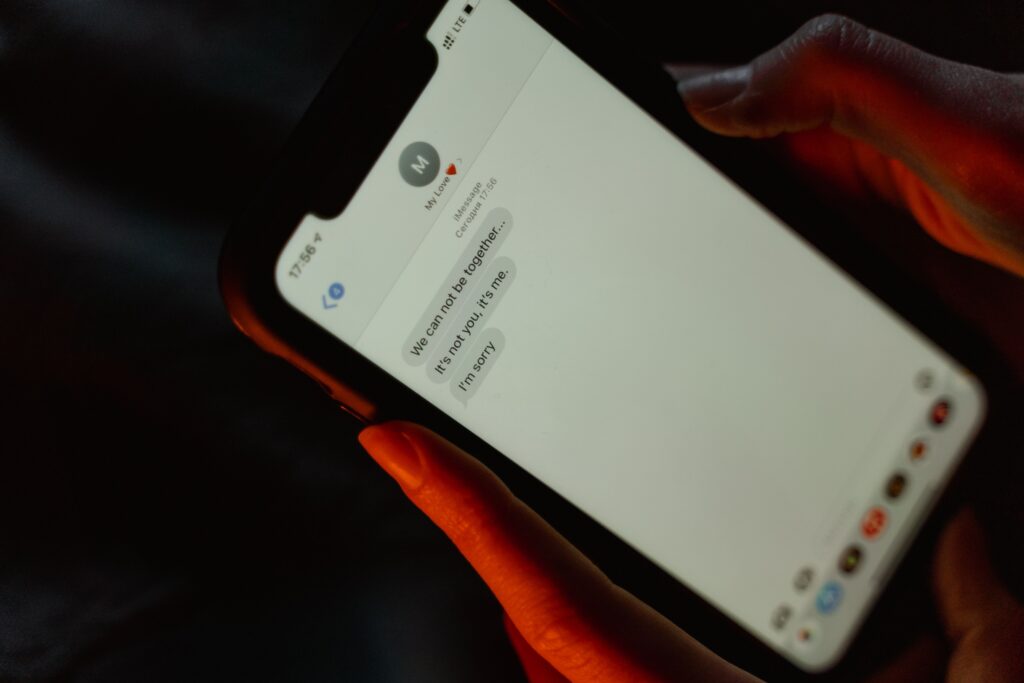
There is no single sign that confirms a block on iMessage with absolute certainty. Apple designed the system this way intentionally to protect the privacy of the person who did the blocking. What you are looking for is a consistent pattern of multiple signals appearing together over time, not one isolated incident.
Network issues, dead batteries, Do Not Disturb mode, Focus modes, and device switches can all produce the same behavior as a block individually. The difference between a block and a technical issue is consistency. A technical issue resolves itself. A block does not.
The five signs below are the most reliable signals. Check as many as possible before drawing a conclusion.
How to Know If Someone Blocked Your Number — The Signs
Your Messages Stop Showing Delivered
When iMessage is working normally, a Delivered label appears under your sent message once it reaches the recipient’s device. When that label stops appearing consistently across multiple messages over several days, it is one of the strongest signals of a block.
There is an important iOS version difference here that most people miss:
- iOS 16.4 and earlier: messages may not show Delivered at all when you are blocked
- iOS 16.5 and later: Apple changed how delivery notifications work. You may still see a Delivered notification even if you are blocked. What you will never see if you are blocked is Read. On newer iOS versions, messages that consistently show Delivered but never show Read across multiple attempts over time is the pattern to watch for, not the absence of Delivered alone.
What else it could mean: their phone is off, no cell service, iMessage is disabled on their device, or they switched to Android.
Your Messages Turn from Blue to Green
Blue bubbles are iMessage. Green bubbles are SMS sent through your mobile carrier. When iMessage cannot complete delivery because the recipient’s device is refusing the connection, your iPhone quietly falls back to SMS which appears as green.
One important clarification that causes a lot of confusion: green bubbles do not confirm a block on their own. They can mean the person switched to Android, turned off iMessage, lost their data connection, or iMessage is temporarily unavailable on their end. A permanent switch from blue to green, combined with other signs, becomes far more significant than green bubbles alone.
What else it could mean: they switched to Android, they turned off iMessage, they have no data connection, or there is a temporary iMessage server issue.
Calls Go Straight to Voicemail After One Ring
When you call someone who has blocked your number, the call rings exactly once, then goes straight to voicemail. A normal unanswered call rings 10 to 12 times before going to voicemail.
The one ring to voicemail pattern is one of the more reliable signals because it is harder to explain away with alternative reasons. A phone that is dead or off goes straight to voicemail with zero rings. Do Not Disturb sends calls to voicemail, but usually after several rings, depending on the person’s settings.
What else it could mean: their phone is dead or off, they are already on a call, or they have a custom Focus mode that silences certain callers.
FaceTime Rings Once and Drops
A normal FaceTime call rings 10 to 12 times for about 30 seconds before going to voicemail. If you are blocked, FaceTime rings once or twice, then drops or shows unavailable. This mirrors the phone call behavior exactly.
FaceTime showing unavailable on its own is not a block signal. It can simply mean FaceTime is not working at that moment, or the person is not connected to WiFi or data. Consistent one-ring behavior across multiple attempts over several days, combined with the other signs above, is what makes it meaningful.
What else could it mean: they are not connected to WiFi or data, FaceTime is disabled on their device, or there is a temporary FaceTime outage.
If you have checked all five signs and the pattern is consistent, there is a strong chance your number has been blocked. If this person is someone you met online and you want to confirm who they actually are or find them on other platforms, run their phone number through Social Catfish. A reverse phone search returns every social media account, dating profile, and online identity connected to that number so you can see the full picture before deciding how to respond.
How to Know If Someone Blocked You on iMessage vs Their Phone Being Off
This is the most common source of confusion. Here is a clear side by side breakdown of what each situation looks like.
If their phone is off or dead:
- Calls go to voicemail with zero rings or immediately
- Messages show no Delivered status
- FaceTime fails immediately with no rings
- The situation resolves itself when they turn their phone back on and messages catch up
Do Not Disturb or Focus mode:
- Calls may still ring several times before going to voicemail
- You may see Notifications Silenced under their name in the conversation
- Messages eventually show Delivered when their phone checks in
- Read receipts may still appear if they open the message
If you are blocked:
- Calls ring exactly once then go to voicemail consistently across every attempt
- Messages never show Read regardless of iOS version
- FaceTime rings once or twice then drops consistently
- Focus Status disappears from your conversation entirely
- The pattern persists for days and weeks without any change or resolution
The key word is consistency. A phone that is off produces these signs temporarily. A block produces them permanently with no variation.
How to Know If Someone Blocked You on iMessage iPhone — Tests You Can Run
Try Calling From a Different Number
Call the person from a phone number they do not have saved in their contacts. Use a friend’s phone or a secondary number. If the call rings normally multiple times before going to voicemail, your specific number is blocked on their phone. If it goes straight to voicemail from the new number as well, their phone is simply off or in a Focus mode that silences all unknown callers.
Send a Message Through a Different Platform
Try reaching the person through WhatsApp, Instagram, Snapchat, or any other messaging platform you both use. If they respond there but not on iMessage, your number is blocked. If they are not responding on any platform, they may have intentionally gone silent across all channels, or something else entirely is going on.
Check If You Are Still in Group Chats Together
If you share a group chat with the person, you can still see their messages in the group even if they have blocked you directly. Blocking only affects one-to-one direct communication, not shared group conversations. If they are visibly active in a group chat but completely unresponsive in direct messages, a block becomes significantly more likely.
Check Other Messaging Apps for Block Patterns
If they have also blocked you on WhatsApp, you will not see their profile picture, last seen timestamp, or online status. Messages will show only a single checkmark. On Snapchat, their profile disappears from search entirely, and your chat history vanishes. A block across multiple platforms simultaneously is one of the strongest confirmation patterns available because it rules out every technical explanation.
Still Not Sure? Run Their Number Through Social Catfish
If you have run through every test above and still cannot get a definitive answer, run their phone number through Social Catfish. A reverse phone search shows you every platform that the number is connected to, including social media accounts, dating profiles, and other online identities. If they are active somewhere online but completely silent on iMessage and every platform you share, that tells you everything you need to know. It also confirms whether the number belongs to who they said they were, which matters if this is someone you met online.
How to Know If Someone Blocked You on iMessage — What to Do Next
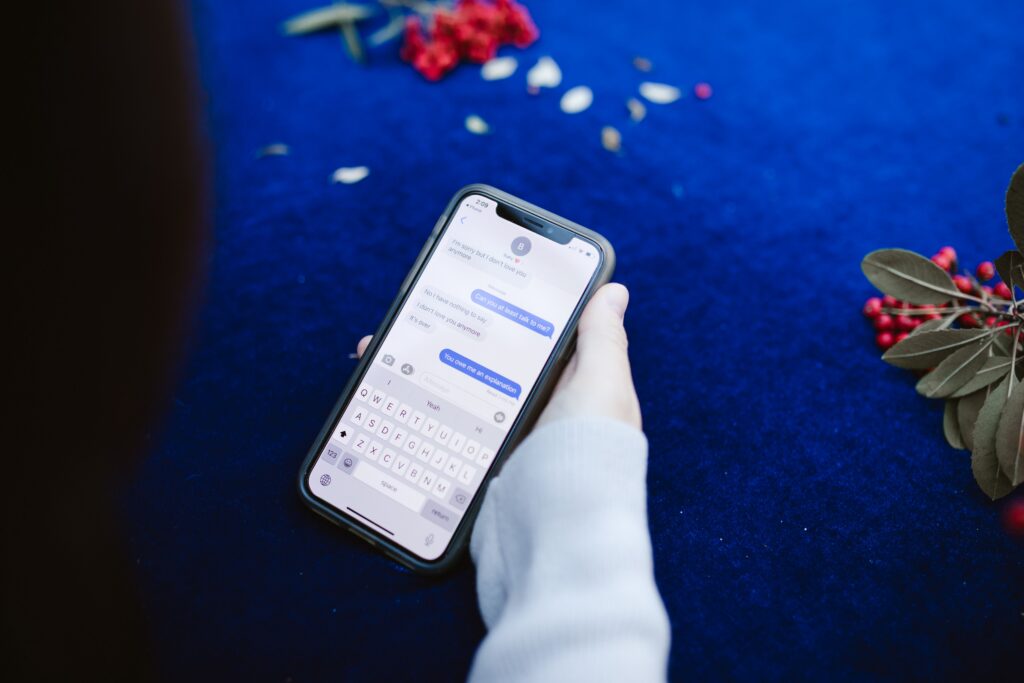
Once you have confirmed a block, here is how to handle it.
Respect the Decision
If someone has blocked your number, they have made a deliberate choice to cut off direct communication. Continuing to find ways to reach them through alternate numbers or platforms can escalate the situation and, depending on the context, may cross into harassment. Take the confirmation as a clear signal and give it the space it deserves.
Check Your Other Platforms
If they have blocked you on iMessage, check whether they have also blocked you on Instagram, WhatsApp, Snapchat, and other platforms you share. A block across all channels at once tells you something different than a single platform block. It usually indicates a deliberate and considered decision rather than an accidental tap.
Verify Who You Were Actually Talking To
If the person who blocked you is someone you met online, and the sudden silence has raised questions about who they actually were, this is where a Social Catfish search becomes genuinely useful. Run their phone number, name, photo, or email address through Social Catfish, and one search returns:
- Every social media profile and online account connected to that phone number or identity
- Their real name and identity even if they were using a fake one
- Associated email addresses and accounts linked to the same person
- Whether their profile photos are stolen from someone else’s identity
- Every platform they are active on under the same or different names
- Scam indicators if their phone number or identity has been connected to known fraud
A sudden block after a period of suspicious behavior, requests for personal information, or financial pressure is one of the most consistent patterns in online scams and catfishing. The person builds a connection, extracts what they need, and then disappears. If that pattern sounds familiar, a Social Catfish search gives you documented answers before you decide how to respond.
Run a free search on Social Catfish
FAQ
The most reliable signs in 2026 are calls that ring exactly once before going to voicemail on every attempt, messages that never show Read regardless of how many you send, FaceTime that rings once and drops consistently, and Focus Status that has disappeared from the conversation entirely. On iOS 16.5 and later, you may still see Delivered even if you are blocked. What you will never see if you are blocked is Read.
Check your message delivery patterns first. If messages consistently stop showing Read after always showing it before, and the Delivered status behaves differently than it used to, those are supporting signals. You can also run their phone number through Social Catfish to find every platform they are currently active on, which, combined with your own iMessage results, gives you a complete picture.
The clearest test is consistency over time. A phone that is off produces the same signs as a block temporarily, but resolves itself when the phone turns back on, and messages catch up. A block produces the same pattern permanently with no resolution. Call from a different number that is not saved in their contacts.
The same signs apply to a number block as an iMessage block since blocking on iPhone applies across iMessage, phone calls, and FaceTime simultaneously. Calls ring once, then go to voicemail, messages never show Read, and FaceTime rings once and drops. Call from a different number to confirm.
Yes. You can still send messages, and they will appear to send normally on your end. On older iOS versions, the message may show no Delivered status. On iOS 16.5 and later, you may even see a Delivered notification. However, the messages never actually arrive at the recipient’s device, regardless of what status appears on your screen. The person who blocked you receives nothing and is not notified that you attempted to contact them.








