

 Multiple Faces Detected


 March 24th, 2023
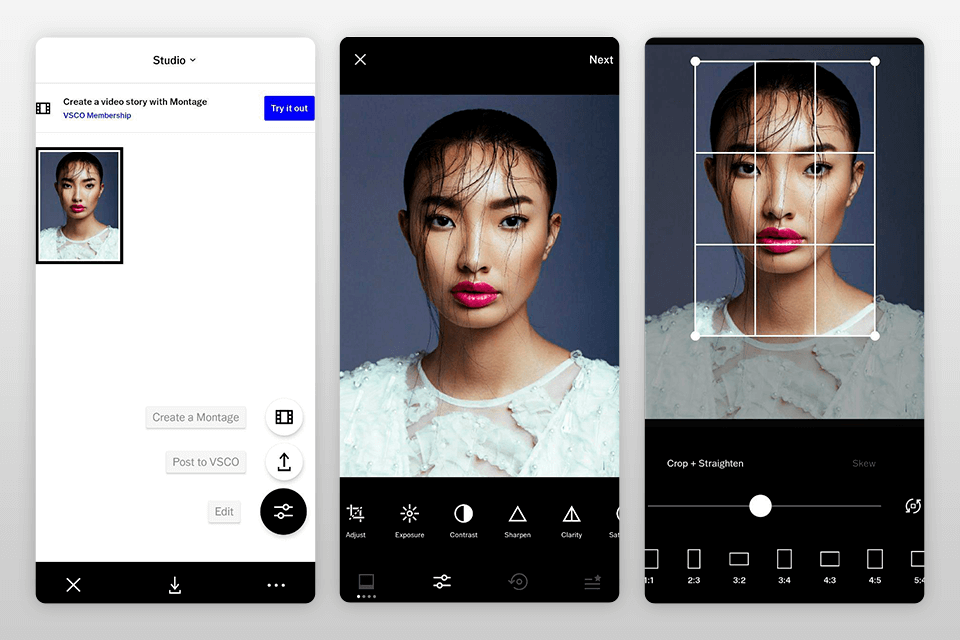
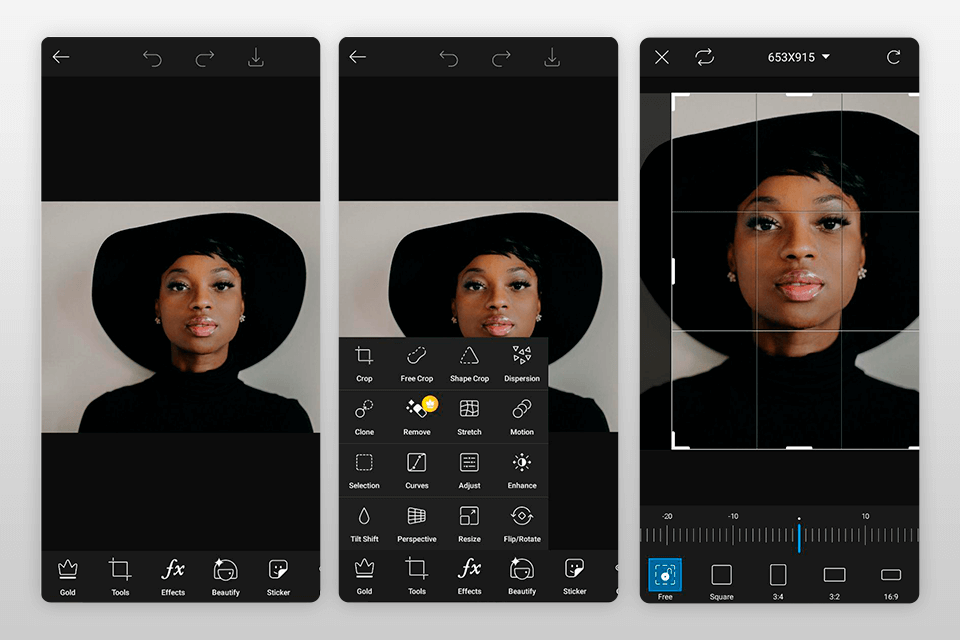
Are you a Pixel smartphone user or a Windows computer user who frequently crops images? If yes, then you may have unknowingly exposed your sensitive data through the default photo-cropping app tools of these devices. Recently, Google released an update for its Pixel smartphones to fix a vulnerability in its default photo-editing tool, Markup, which had been quietly leaving data in a cropped image file that could be used to reconstruct the original image beyond the confines of the crop. However, a similar vulnerability was also discovered in Windows 11 Snipping Tool and Windows 10 Snip & Sketch tool, which left data in cropped image files that could be reconstructed to reveal the original image. In this blog post, we will explore this vulnerability, its implications, and what you can do to protect your sensitive data.
Your Secrets Might Be at Risk Due to a Photo-Cropping App: The Discovery of The “aCropalypse” Vulnerability
Introduction of the “aCropalypse” vulnerability The recently discovered “aCropalypse” vulnerability has made headlines as a major security and privacy issue. It was initially found in the Google Pixel smartphone’s default photo-editing tool, Markup. This vulnerability allowed images’ private or sensitive data to remain within the cropped photo file, making it vulnerable to being reconstructed by third-party individuals. However, the issue has now become much more significant as researchers have identified a similar vulnerability present in Windows 10 and 11 photo-cropping utilities, known as Snip & Sketch and Snipping Tool, respectively.
How the vulnerability was discovered The “aCropalypse” vulnerability was first discovered by a college student, Simon Aarons, who worked alongside fellow reverse engineer David Buchanan. Aarons noticed that a small screenshot of white text on a black background was a 5MB file, which didn’t seem right. After investigating, he discovered that the photo-cropping tool had been leaving data in a cropped image file that could be used to reconstruct some or all of the original image beyond the confines of the crop. This led Aarons to notify Google and Microsoft about the vulnerability.
How the vulnerability works When a user crops a photo with the Markup tool or saves a screenshot using the Windows Snip & Sketch and Snipping Tool utilities, the cropped image file retains too much data, even if the user applied the crop before saving the photo. This extra data could be used to reconstruct some or all of the original image, including private or sensitive information, like credit card numbers, passwords, or any other personal information.
Old discussions on programming forums Now that the “aCropalypse” vulnerability is out in the open, researchers have started uncovering old discussions on programming forums where developers noticed the odd behavior of the cropping tools. However, Aarons appears to be the first person to recognize the potential security and privacy implications or at least the first to bring the findings to Google and Microsoft.
Implications of the vulnerability Although images impacted by the “aCropalypse” vulnerability can’t be completely recovered, they can be substantially reconstructed. Aarons provided examples, including one in which he was able to recover his credit card number after attempting to crop it out of a photo. The vulnerability is a significant problem for users whose affected photos are already out in the world. Existing image files cropped in the years when the tool was still vulnerable remain at risk, even with the release of Google’s patch. However, social media and communication services, like Twitter, Instagram, or Facebook, may automatically strip out the errant data from images uploaded.
Discussions on API design and security practices The “aCropalypse” vulnerability has raised discussions about how to promote better security practices in API development and implementation. Steven Murdoch, a professor of security engineering at University College London, notes that when software is written, it’s tested to make sure that the expected output is there, but what is not checked is whether there is accidentally extra data stored. The vulnerability raises awareness about the need for better API design and implementation practices, teaching people how to avoid this kind of vulnerability in the future.
Your Secrets Might Be at Risk Due to a Photo-Cropping App: The Impact of The Vulnerability on Pixel and Windows Devices
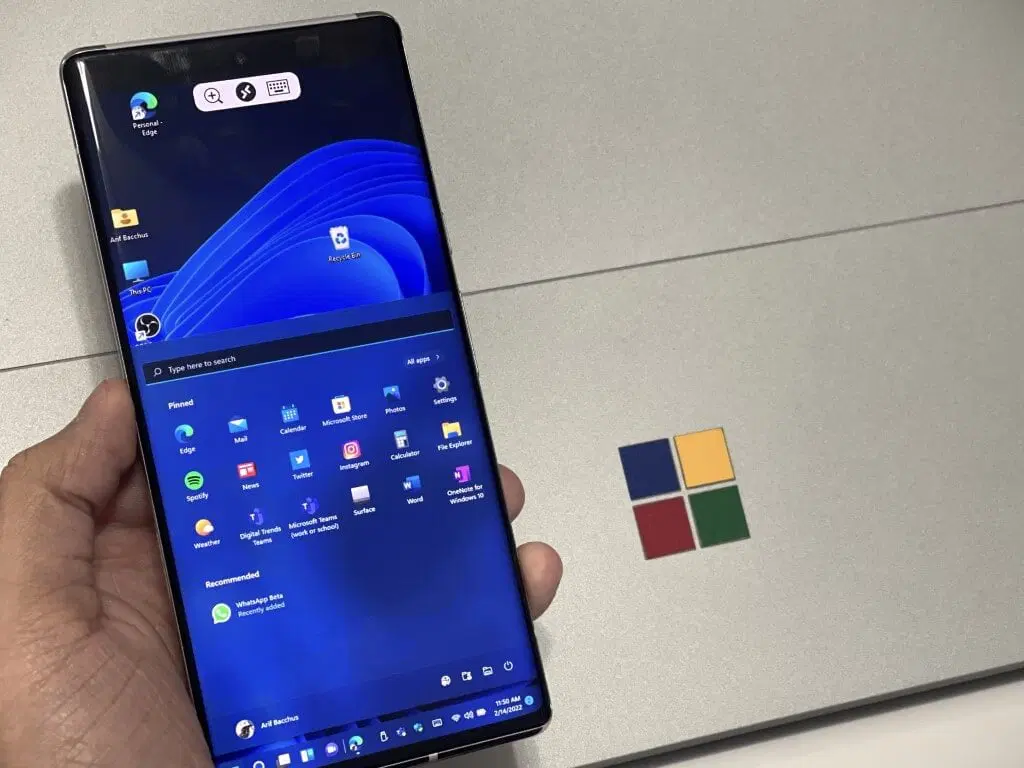
The aCropalypse vulnerability, which affects the way image metadata is handled, has had a significant impact on both Pixel and Windows devices. Pixel users have reported issues with sharing photos on various social media platforms, including Facebook and Instagram. The problem stems from the fact that when images are shared, they are compressed and resized, which can cause the aCropalypse vulnerability to trigger, resulting in unexpected and unintended parts of the image being displayed.
Windows users have also been affected by the aCropalypse vulnerability. The problem here is that when images are viewed in Windows Explorer, they are often displayed as thumbnails. If the image contains the aCropalypse vulnerability, the thumbnail may display an unexpected part of the image, which could be embarrassing or even potentially damaging for the user. In addition, Windows users who share images via email or other means may unwittingly expose themselves to the vulnerability, as the image could be compressed and resized in the process.
One of the biggest impacts of the aCropalypse vulnerability on both Pixel and Windows devices is that it has highlighted the need for better security practices in API development and implementation. As researcher Ben Murdoch points out, many software developers focus on testing whether their software does what it’s supposed to do, but don’t check for unexpected or extra data that may be stored within an image. This is where vulnerabilities like aCropalypse can slip through the cracks, leading to unexpected and potentially serious consequences.
The aCropalypse vulnerability has also led to discussions about the responsibility of companies like Google and Microsoft to protect their users from these kinds of vulnerabilities. While both companies have released patches to fix the issue, some critics argue that they should have caught the vulnerability earlier and implemented better testing and security protocols to prevent it from happening in the first place. Others point out that vulnerabilities like aCropalypse are not unique to these companies and are an unfortunate reality of modern software development.
Despite the challenges posed by the aCropalypse vulnerability, there are steps that users can take to protect themselves. For example, Pixel users can turn off the automatic crop and adjust the crop manually before sharing an image. Windows users can also turn off thumbnail previews in Windows Explorer to avoid inadvertently exposing themselves to the vulnerability. Additionally, all users should be aware of the risks of sharing images containing sensitive information or unexpected content, and take care when sharing images on social media or via email.
The aCropalypse vulnerability has had a significant impact on both Pixel and Windows devices, highlighting the need for better security practices and sparking discussions about the responsibility of companies to protect their users from these kinds of vulnerabilities. While there are steps that users can take to protect themselves, the best solution is for software developers to implement better testing and security protocols to prevent these vulnerabilities from happening in the first place. As technology continues to evolve, it’s important for all of us to stay vigilant and take steps to protect ourselves from the ever-present threats of the digital world.
Your Secrets Might Be at Risk Due to a Photo-Cropping App: The Potential Risks to Users’ Privacy and Security
The “aCropalypse” vulnerability discovered in Pixel and Windows devices has raised concerns about the potential risks to users’ privacy and security. The vulnerability allows an attacker to access data that was not intended to be shared, including sensitive information like location data, usernames, and passwords. The risk is heightened because the vulnerability is present in a widely-used API, which means that it could be exploited by attackers on a large scale. Here’s a list of potential risks:
- One of the main risks to users’ privacy is that the vulnerability allows an attacker to access users’ photos, even if they were not intended to be shared. This could include private photos that were never meant to be seen by anyone else, which could be embarrassing or damaging if they were leaked or shared without the user’s consent. Additionally, the vulnerability could allow an attacker to access metadata associated with photos, such as the date and time they were taken, the device used to take them, and the location where they were taken.
- Another potential risk to users’ privacy is that the vulnerability could allow an attacker to access users’ location data. This information could be used to track a user’s movements over time, which could be especially concerning if the user is being stalked or harassed. Additionally, location data could be used to infer sensitive information about a user, such as their political or religious affiliations, or their health status.
- The vulnerability also poses a risk to users’ security, as an attacker could use it to gain access to usernames and passwords that were stored on affected devices. This could allow the attacker to log into the user’s accounts on various websites and services, potentially giving them access to sensitive information like bank account numbers, credit card details, and personal messages. In some cases, the attacker could use this information to steal money or commit identity theft.
- One of the main concerns with the vulnerability is that it has been present in the software for several years, which means that attackers could have been exploiting it for a long time without anyone realizing it. This could have serious consequences for affected users, as their private data could have been compromised without their knowledge. Additionally, the fact that the vulnerability is present in a widely-used API means that it could be exploited on a large scale, potentially affecting millions of users.
To mitigate the risks posed by the vulnerability, users are advised to update their devices as soon as possible. Developers are also being urged to take steps to improve API design and implementation, in order to prevent similar vulnerabilities from arising in the future. Ultimately, the discovery of the “aCropalypse” vulnerability serves as a reminder of the importance of vigilance when it comes to online security, and the need for continued efforts to protect users’ privacy and data.
Your Secrets Might Be at Risk Due to a Photo-Cropping App: The Role of Social Media and Communication Services in Mitigating the Vulnerability
The discovery of the “aCropalypse” vulnerability has raised concerns about the privacy and security of users’ data. The potential risks of this vulnerability cannot be overstated, and the role of social media and communication services in mitigating it is crucial. Here are six ways in which these services can help:
- Promptly issue software patches: As soon as the vulnerability was discovered, both Google and Microsoft issued software patches to fix it. This quick response is critical in mitigating the potential harm to users. Social media and communication services must also be prompt in issuing patches and updates to fix security vulnerabilities.
- Educate users: Many users may not be aware of the potential risks associated with the “aCropalypse” vulnerability. Social media and communication services can play a crucial role in educating users about the risks and how to protect themselves.
- Encourage two-factor authentication: Two-factor authentication can help protect users’ accounts from unauthorized access. Social media and communication services should encourage users to enable two-factor authentication and make it easy to set up.
- Implement stricter privacy controls: Social media and communication services should implement stricter privacy controls to give users more control over their data. For example, users should be able to choose who can see their photos and other personal information.
- Provide resources for reporting security issues: Users should be able to easily report security issues to social media and communication services. These services should have clear reporting procedures and respond promptly to reported issues.
- Conduct regular security audits: Social media and communication services should conduct regular security audits to identify and fix potential vulnerabilities. This can help prevent future security breaches and protect users’ data.
Your Secrets Might Be at Risk Due to a Photo-Cropping App: The Need for Better Security Practices in API Development and Implementation
The discovery of the “aCropalypse” vulnerability has raised concerns about the security of application programming interfaces (APIs). As discussed earlier, the vulnerability allowed attackers to access users’ photos without their consent. This has triggered conversations about the need for better security practices in API development and implementation.
One way to promote better security practices in API development is through education and training. Developers need to be trained on how to write secure APIs that protect users’ data from unauthorized access. Additionally, developers should be encouraged to adopt best practices for API security, such as using encryption and authentication protocols to protect data.
Another way to improve API security is through independent security audits. Independent security experts can review APIs to identify potential vulnerabilities and provide recommendations on how to mitigate them. This can help prevent vulnerabilities like the “aCropalypse” from being exploited by attackers.
Moreover, API providers should also consider implementing security measures like rate limiting and access control. Rate limiting can prevent attackers from overwhelming an API with requests, while access control can limit access to sensitive data to only authorized users.
API providers should also prioritize transparency and communication with users. They should clearly communicate their data collection and sharing practices and allow users to control their data. This can help build trust with users and reduce the risk of data breaches and vulnerabilities.
Providers should collaborate with security researchers and bug bounty programs to identify and fix vulnerabilities. Security researchers can provide valuable insights into the security of APIs, while bug bounty programs can incentivize researchers to report vulnerabilities and help fix them before they are exploited by attackers.
Your Secrets Might Be at Risk Due to a Photo-Cropping App: How Users can Protect Themselves and Their Sensitive Information
In light of the “aCropalypse” vulnerability, users may be wondering what steps they can take to protect themselves and their sensitive information. Here are six tips to consider:
- Be careful what you share: The more you share online, the more vulnerable you become. Consider limiting the amount of personal information you share online, especially on social media platforms. If you must share sensitive information, make sure it is encrypted and secure.
- Update your software: One of the easiest ways to protect yourself from vulnerabilities is to keep your software updated. Make sure you regularly check for updates and install them as soon as they become available.
- Use strong passwords: Passwords are the first line of defense against cyber threats, so it is crucial to use strong and unique passwords. Avoid using the same password across multiple accounts and consider using a password manager to generate and store complex passwords.
- Enable two-factor authentication: Two-factor authentication (2FA) provides an extra layer of security by requiring users to provide two forms of identification to access their accounts. This can help prevent unauthorized access to your accounts, even if your password is compromised.
- Use encryption: Encryption is the process of converting sensitive data into a code that can only be deciphered with the right decryption key. Use encryption whenever possible, especially when transmitting sensitive data such as financial information or personal data.
- Be cautious when downloading apps: Be careful when downloading apps, especially from third-party sources. Stick to trusted app stores and read reviews before downloading anything. Avoid apps that request unnecessary permissions or access to your personal data.









