

 Multiple Faces Detected



 November 15th, 2023
Social media is a very public place that people use to interact with one another. Most users don’t believe that there are many social media security risks associated with posting whatever they want on their social media platforms. However, if we aren’t careful, scammers and hackers can steal our most valuable information and use it against us. This could include photographs that are used to create fake profiles or other personal information used for identity theft. Here are the ways you can protect your photos and personal information from scammers and what you can do to make your social media accounts more secure.
How to Protect Your Personal Information and Photos on Your Social Media Accounts
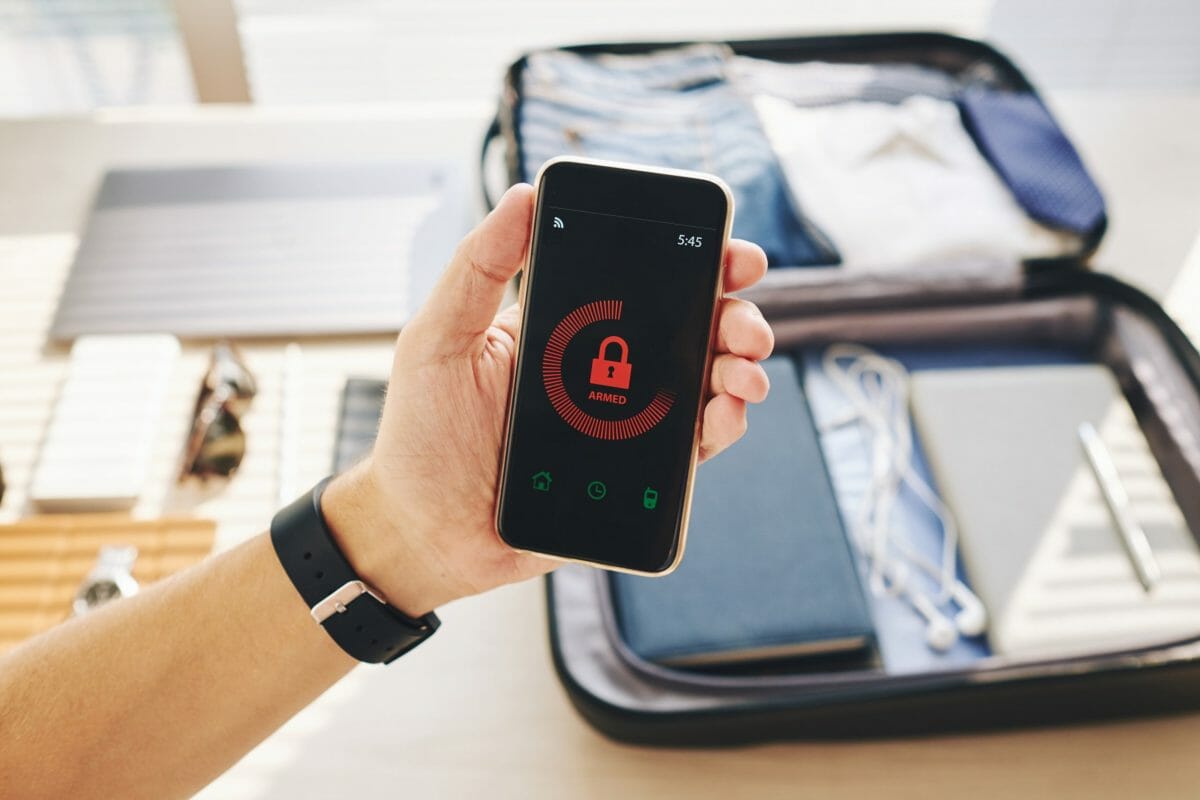
- Make your account private. This will prevent scammers from being able to see your content unless they follow you on your social media accounts. With Facebook, you can go to your settings and then go to the privacy section. Under this section, you can edit who sees what on your Facebook if they aren’t your Facebook Friend. On Instagram and Twitter, you can make your accounts private so that people will have to request to follow you if they want to see your content.
- Use Two-Factor Authentication on all your accounts. If someone tries to log-in to your account on a new device and knows your password, two-factor authentication adds an additional layer of security. Basically, in order to access the account, you would have to enter a code that got sent to your phone. Unless scammers find a way to scam you out of the code, they won’t be able to access it from your mobile device.
- Make sure third-party apps aren’t stealing your data. There are many third-party apps that request your social media data, such as games, content schedulers, photo editing apps, dating apps, etc. The more apps that have your data from social media sites, the more likely it is that hackers can access your information through a data breach. To change these settings, go to your privacy/security sections under settings for each social media platform to see who has access to your information.
What to Do If Your Personal Information Has Already Been Stolen?

- Report it on the social media platform you are using. This way, the scammer using your information can get blocked off the platform. However, if multiple scammers have your information it might make it a bit more difficult to get every single fake profile blocked from the social media platform.
- Report it to the FTC and law enforcement. Depending on the situation, you may want back up help if the identity theft has progressed off of the social media platform.
And Lastly…

- Run a reverse search with Social Catfish!
We have all the tools and resources to let you know who was behind stealing your images and information. If you have the slightest bit of information from the scammer, such as a name, email, social media username, phone number, or image you might be able to see who was behind stealing your photos and information.









