

 Multiple Faces Detected


 January 24th, 2023
Poshmark is a popular platform for buying and selling clothing and accessories, but like any online marketplace, it’s not immune to scams. In this blog post, we’ll discuss some common scam tactics used by fraudulent sellers on Poshmark and provide tips on how to protect yourself as a buyer or seller. We’ll also provide some best practices for conducting safe transactions on the platform, so you can buy and sell with confidence. Whether you’re a seasoned Poshmark veteran or new to the platform, this guide will help you navigate the marketplace safely and securely.
Common Poshmark Scams and How To Spot Them
One of the most common scams on Poshmark is the counterfeit item scam. This is when a seller lists an item as a high-end designer product, but it turns out to be a fake or knock-off. To avoid this scam, be sure to check the seller’s feedback and reviews, and look for signs that the item may be fake, such as misspelled brand names or poor quality images.
Another common scam on Poshmark is the non-delivery scam. This is when a seller takes your money but never sends the item. To avoid this scam, only buy from reputable sellers with good feedback and reviews. Be sure to pay through the Poshmark app, which provides some protection for buyers.
The third scam is the overcharging scam, which is when a seller lists an item at a low price but then adds on hidden fees or overcharges for shipping. To avoid this scam, be sure to read the item listing carefully and ask the seller any questions you may have before making a purchase.
The fourth scam is the switch and bait scam, where a seller will change the item’s picture or description after the purchase, sometimes send you a different item or a damaged item. To avoid this scam be sure to take screenshots of the listing before buying, and make sure to report this kind of behavior to Poshmark.
Lastly, the fifth scam is the refund scam, where a seller will ask for a refund or exchange after you have received the item and will try to scam you with a fake tracking number. To avoid this scam, be sure to communicate with the seller and ask for a tracking number to confirm the item has been shipped.
How To Avoid Poshmark Scams As a Buyer
When purchasing items on Poshmark, it’s important to take steps to protect yourself as a buyer. In this list, we’ll explore different strategies for staying safe when making purchases on Poshmark. We’ll cover everything you need to know to shop confidently and securely on the platform.
- Check the seller’s feedback and reviews before making a purchase
- Pay through the Poshmark app to ensure some protection
- Read the item listing carefully and ask any questions before buying
- Take screenshots of the listing before buying
- Communicate with the seller and ask for a tracking number to confirm the item has been shipped
- Be cautious of deals that seem too good to be true
- Be wary of sellers who are unwilling to provide additional information or pictures of the item
- Don’t give out personal information such as your address or phone number to the seller
- Use a credit card or a service like PayPal for added protection
- Report any suspicious or fraudulent activity to Poshmark
Best Practices For Safe Transactions on Poshmark
Research The Seller
Before making a purchase on Poshmark, take the time to research the seller. Look at their profile and read their reviews to get a sense of their reputation. If a seller has a lot of positive feedback and a high rating, they are likely a trustworthy seller. However, if a seller has a lot of negative reviews or a low rating, it may be best to look for a different seller.
Check The Listing Carefully
When you find an item you’re interested in, take the time to read the listing carefully. Make sure you understand the condition of the item, the shipping options, and any additional details the seller has provided. If there are any questions, don’t hesitate to reach out to the seller and ask for more information.
Use The Poshmark Messaging System
Poshmark has a built-in messaging system that allows you to communicate directly with the seller. Use this system to ask any questions you have about the item or the transaction. This will also provide a record of your communication in case any issues arise.
Pay With a Secure Payment Method
Poshmark offers several secure payment options, including credit card and PayPal. Avoid using cash or money transfer services as they are not traceable.
Keep Records of Your Transaction
After making a purchase, make sure to keep records of the transaction. This includes taking screenshots of the listing, messaging with the seller, and saving any receipts or emails related to the transaction. These records will be helpful if any issues arise.
Know Your Rights As a Buyer
Poshmark offers a buyer protection program. This includes a refund or exchange policy for items that are not as described or are damaged in transit. Be familiar with these policies, so you can take action if something goes wrong with your purchase.
How To Report Poshmark Scams or Suspicious Activity
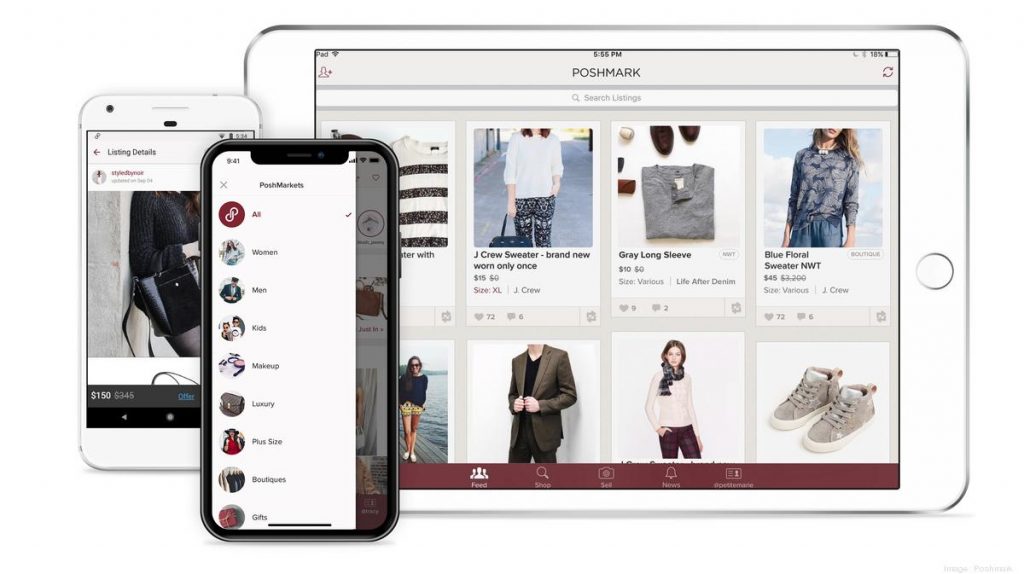
If you suspect a scam or suspicious activity on Poshmark, you should report it to the Poshmark team immediately. Here are the steps to report a scam or suspicious activity on Poshmark.
First, collect any evidence you have of the scam or suspicious activity, such as screenshots of the listing or messaging with the seller.
Second, contact Poshmark Support through the app or website by going to “Help & Support” and selecting “Contact Us.” You can also email them at support@poshmark.com.
Third, in your message to Poshmark Support, provide as much detail as possible about the scam or suspicious activity. This should include the seller’s username, the item in question, and any evidence you have collected.
Fourth, the Poshmark team will investigate the report and will get back to you with their findings. Be patient as this process may take some time.
Finally, based on Poshmark’s response, take the appropriate action. If the seller is found to be fraudulent, Poshmark will take necessary action such as removing the listing and account and offer a refund if necessary.
Selling on Poshmark Safely
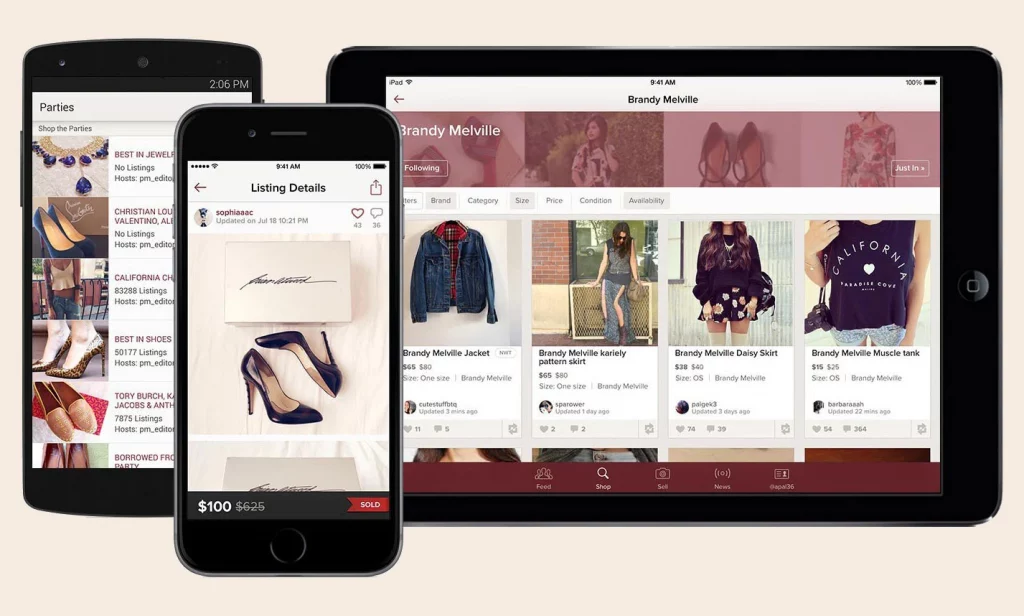
When listing items for sale on Poshmark, it’s important to be honest about the condition of the item. Include detailed descriptions and clear photos of any flaws or damages. Misrepresenting the condition of an item can lead to negative feedback and may damage your reputation as a seller.
Poshmark has a built-in messaging system that allows buyers to communicate directly with sellers. Use this system to answer any questions buyers have about the item or the transaction. This will also provide a record of your communication in case any issues arise.
Once a sale is made, ship the item as soon as possible. This will help to ensure that the buyer receives their purchase in a timely manner and will increase the chances of receiving positive feedback.
When shipping items, use a shipping service that provides tracking information. This will allow you to track the package and provide the buyer with the tracking number. This will also help to protect you in case of any disputes.
After making a sale, keep records of the transaction. This includes taking screenshots of the listing, messaging with the buyer, and saving any receipts or emails related to the transaction. These records will be helpful if any issues arise.
Be familiar with Poshmark’s policies, including the refund and return policy. Familiarize yourself with the rules and regulations of the platform, so you can navigate any issues that may arise during a transaction.
Following these best practices will help you sell on Poshmark safely. By being honest in your listings, using the Poshmark messaging system, shipping items promptly, using a shipping service with tracking, keeping records of your transactions and being familiar with Poshmark’s policies, you can conduct transactions securely and maintain a good reputation as a seller.
Protecting Your Personal Information From Poshmark Scams
- When signing up for Poshmark, use a separate email address that is not linked to your personal or financial information. This will help to protect your personal information from being compromised.
- Poshmark allows you to control the privacy of your profile. Keep your profile private to prevent unwanted access to your personal information.
- Always use a strong password that is difficult to guess. Avoid using easily guessable information like your name or date of birth.
- Be wary of suspicious messages or emails that ask for personal information. Poshmark will never ask for your personal information through email or text message.
- Avoid sharing personal information, such as your full name, address, or phone number, with other users on Poshmark.
- When making a purchase or sale on Poshmark, use a secure payment method such as credit card or PayPal. Avoid using cash or money transfer services as they are not traceable.
- Regularly check your account for any suspicious activity, and report any suspicious activity to Poshmark support.
By following these steps, you can protect your personal information on Poshmark and keep your account secure. Remember, being vigilant and monitoring your account regularly is key to protecting your personal information.









