Multiple Faces Detected


 September 18th, 2021
In this digital world, shopping, paying bills, and doing business have never been easier. By creating online accounts, you can perform various transactions with just a few clicks. However, given that your information is stored online, it’s vulnerable to data breaches and hacking incidents. Want to learn how hackers hack into your online account, how to protect your online accounts from hackers, and what to do if someone hacked your online account? Check out our article to protect yourself and your wealth from hackers!
How Hackers Easily Hack Into an Online Account

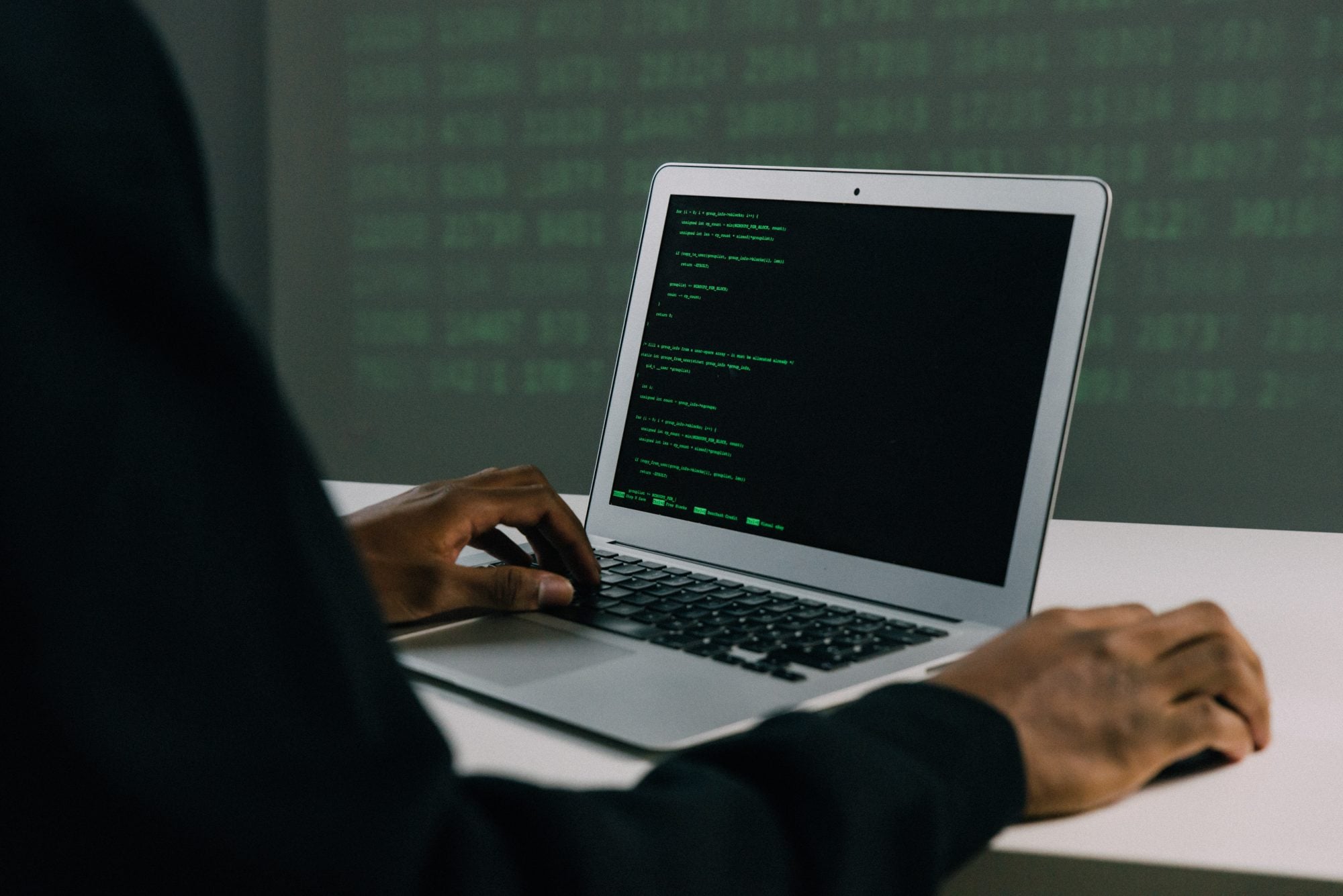
As technology continues to evolve, hackers have also become smarter. Wondering how easy it is for them to hack into your online account? They apply different tools and tactics. One is through keylogging. Hackers will install a program on your computer or mobile device to record everything you type, including your phone calls and text messages. So, if you logged in to your online account, they will have access to your passwords.
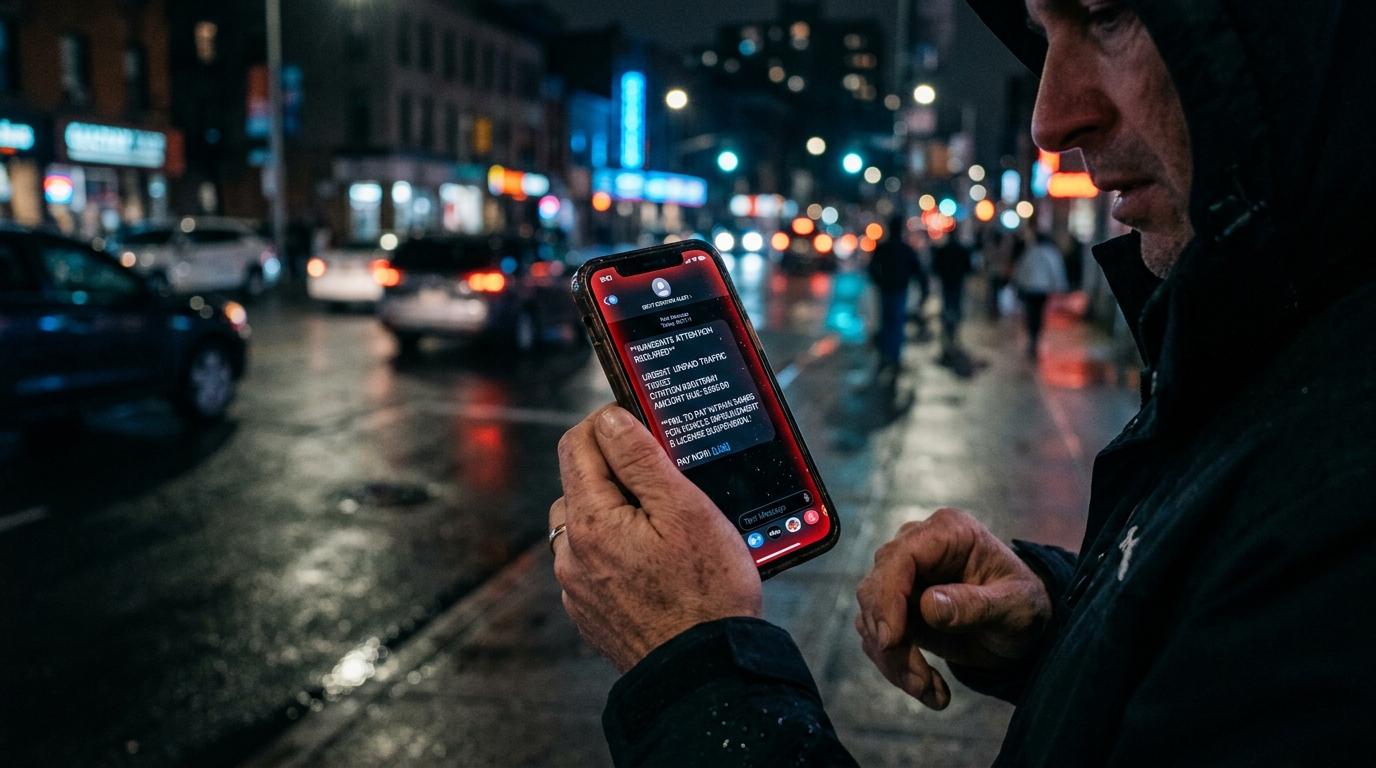
Another common hacking technique is phishing. Scammers will send you an email, imitating those of legitimate companies. Then, they will send you links that will take you to a fake site where you need to enter your login details and personal information. Others will tell you to update your account information or change your password because of some “issues.” However, they will use such information to steal your identity.
Hackers can also reset passwords by answering security questions. With questions regarding your mother’s maiden name, your place of birth, or the high school you attended, hackers can find the answers through your social media accounts or other sites that the public can access. Sometimes, they make educated guesses, and the next thing you know, your account got hacked.
How To Protect Your Online Account From Hackers
As hackers continue to innovate as technology does, you should know how to protect your online accounts from hackers. Below are some of the most critical steps to take:
- Use multi-factor authentication: While a hacker may have determined your password, the multi-factor authentication function will require them to send a verification code before finally gaining access to your account. So, use this feature for added protection.
- Install only reliable apps: Also, keep them updated. Otherwise, hackers will maximize the vulnerabilities of outdated applications.
- Set different passwords for every online account: While you might prefer to use a single password for all your accounts, this makes you an easy target among hackers. So, create a unique password for each device. Do not rely on your birthday or pet’s name. Make it too complex that even your closest family members or friends can’t guess the password.
- Utilize a password manager: This helps you generate unique passwords while storing them safely. Also, you won’t have a hard time remembering all your passwords.
- Avoid using public Wi-Fi: Hackers can quickly access your personal data. They can also create fake Wi-Fi networks that look legitimate. So, if possible, do not perform online banking and other transactions with public Wi-Fi.
- Update your security software: Set automatic updates for your antivirus software and operating system to keep your device protected.
- Do not entertain suspicious emails: Hackers usually introduce themselves as people working for your bank or even a government agency. If you open the links embedded in their emails, your computer will just be infected. Double-check URLs too, as hackers may include extra symbols when trying to copy legitimate sites.
- Check your financial accounts and bank statements regularly: This way, you can immediately spot any unauthorized charges or transfer on your bank account. You can report the incident to your bank as soon as possible too.
- Be mindful of what you share on social media: While you’re free to post whatever you want on social media, it’s best to keep sensitive information private. Doing so will prevent hackers from collating such information to steal your identity.
- Never provide your personal details: While hackers may force you to decide immediately and even blackmail you, stay calm and do not disclose any information. Rather, end the call, or simply ignore text messages and emails.
What To Do if Someone Hacked Your Online Account

If you happen to be a victim of online hacking, make sure to do the following:
- Send a report to your bank or financial institution so that they can stop any fraudulent transactions. Consider freezing your bank account online too.
- Change your passwords immediately. Make sure they’re strong and lengthy enough to avoid further hacking incidents.
- Forward your identity theft report to the Federal Trade Commission. They can also help you devise your own recovery plan, depending on your experience.
Secure Your Online Accounts With Social Catfish
Setting up online accounts might save a lot of your time and resources. However, hackers keep finding new tactics to gain access to these accounts and make thousands of bucks. So, remember how to protect your online accounts from hackers following the steps provided above. Need to figure out someone’s true identity? Operate a reverse search at Social Catfish!