Multiple Faces Detected



 January 15th, 2021
If you’re an Amazon Prime member, you’ve probably heard of a day filled with Amazon-exclusive discounts called Amazon Prime Day. This is a day where Amazon Prime Members can log-in to their Amazon accounts and fill their carts guilt-free, knowing they are getting the best deals on the items they want. However, scammers know about this day and try to lure Amazon shoppers into their traps, stealing as much money as they can from innocent victims. They come up with a variety of ways to steal your information, such as fake phishing emails, fake websites, and even a fake customer support team. Here are a few Amazon Prime Day scams that you need to watch out for in 2020.
Amazon Prime Day Scams

Amazon Customer Support Scam
Scammers will pretend to be the Amazon customer support team and call their victims, claiming that there is a problem with their account. These problems usually range from claiming that your credit card on file is inaccurate, to claiming that your package was lost in the mail and they need to deliver you a new one.
No matter what the excuse, it’s always a ploy to get your personal information such as your credit card number and Amazon account details. They might also ask to have remote access to your computer, which gives them complete control of your device to search for whatever personal information or financial information they want to steal your identity and drain your bank account.
Fake Amazon Phishing Texts and Emails
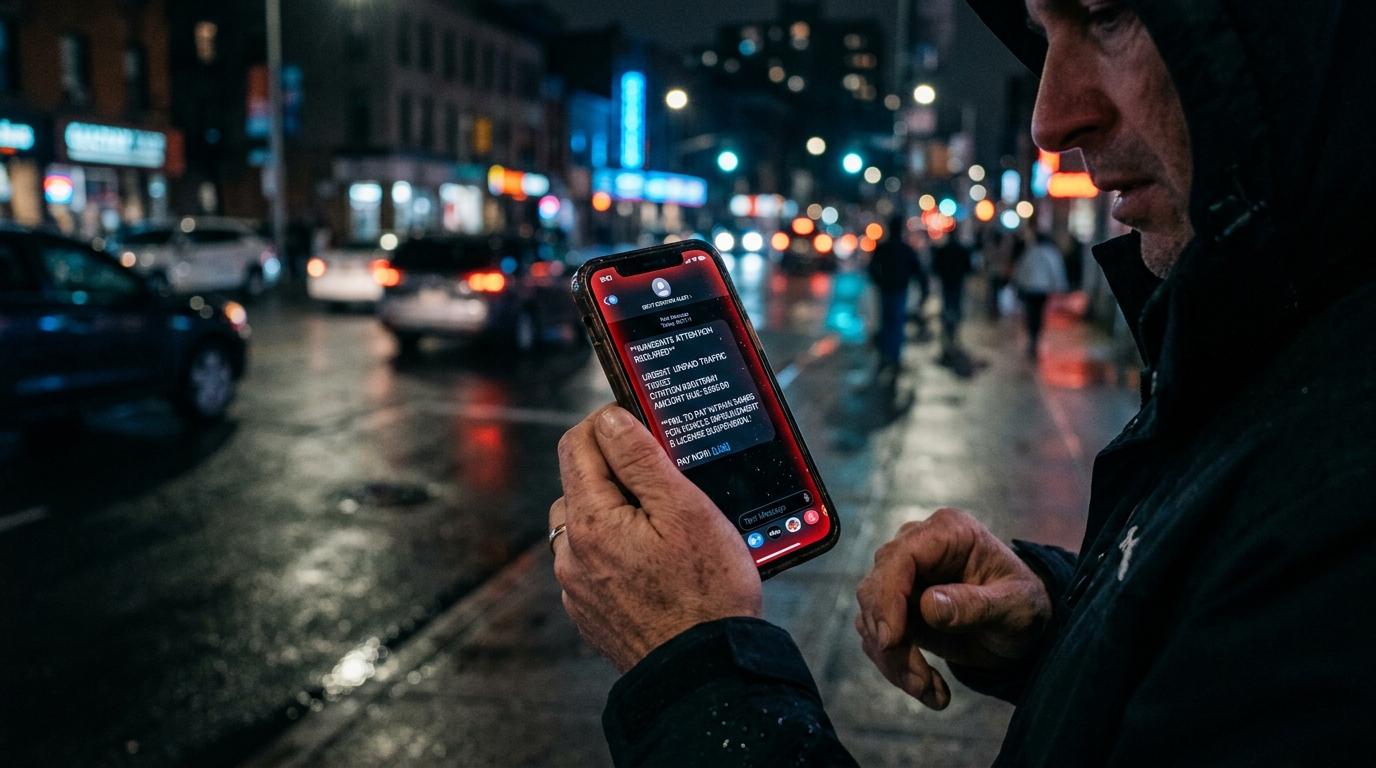
Scammers send out phishing text messages and emails that look like it’s coming from the official Amazon store. These text messages and emails contain links to what looks like the actual Amazon website, but in reality, it isn’t. It’s a fake website that the scammer created that looks like the actual Amazon website.
Attached to these messages are fake order numbers to packages you never ordered, which will ask you to update payment information. Once you enter your card number, the scammer then uses it to make purchases of their own and steals all your money. In some cases, these emails and text messages also include fake coupons that you can “supposedly” use for your purchases, but in reality, it gives you malware instead of discounts.
Fake Amazon Websites
As mentioned in the previous scam, there are scammers that will direct you to fake websites that look exactly like the real Amazon website. There are some websites that target people that want to return or exchange something, but then ask them for their credit card information to do so.
There are also fake Amazon websites that claim that once you take a survey, you can win a free iPhone 11. Once you take the survey, it claims you have won and asks for your credit card information to pay the $1 shipping fee to your house. Well, that “shipping fee” is actually more than $1 as scammers use your credit card to make purchases they want to make.
How to Avoid Amazon Prime Day Scams

- Don’t click on any random links that are sent via email or text message to you. These websites are usually malicious as they try to steal your personal information, and most of the time are not the official Amazon website.
- Make sure that the URL you are on says that it is “Amazon.com“. If it’s another weird URL like “amazoncustomersupport.net” or “fr-suivre.vip”, then chances are it is a fraudulent site. The only URL the official Amazon website should have is “Amazon.com,” nothing else.
- If there are any broken links on the website, it’s most likely not the official Amazon website. Victims have reported that the fake Amazon websites will have broken links when trying to click on the Amazon Prime Logo and “Get Started” button. If you can’t click on what you could normally click on the official Amazon website, chances are it’s not the real Amazon site.
- Don’t enter your credit card information on any external website. The only place you should be entering your credit card information is on the official Amazon website when you are about to purchase something. If someone is telling you to enter your credit card information elsewhere for a “return/exchange,” “invalid credit card information,” or a “free iPhone”, chances are you are talking to a scammer.
- Don’t enter your personal information on any external website, or tell anyone over the phone your personal information. When someone asks for your personal information, they are trying to get enough information out of you to commit identity theft. This means that they want to pretend to be you as they call your financial institutions, get your banking information, and steal your life-savings. Amazon has stated that they would never ask for personal information from their customers, so if someone is trying to pry it out of you then they are most likely a scammer.
- If the package or order number doesn’t match the ones in your account, then the message isn’t from Amazon. Make sure to compare the order number to the packages you ordered to verify if the confirmation is fake or not. If you never ordered a package, ignore the text messages and emails with a package number. You can also report the number and email to Amazon or the FTC.
Social Catfish is Here to Help You with Amazon Prime Day Scams!
If you feel like you’re a victim of Amazon Prime Day scams, Social Catfish is here to help you! You can use our reverse search toolbar to look-up any name, email address, phone number, social media username, or image to see who it is you’ve really been talking to.