Multiple Faces Detected



 February 1st, 2023
When you go onto an unfamiliar website or download something onto your computer, you’re risking possibly downloading malware onto your device. Scammers want to take advantage of their victims in any way they can, so they create fake websites that contain malware. This malware can steal victims’ personal information that could lead to them draining their victims’ bank account. This is why it’s important to know what is malware and how you can detect it to get rid of it.
What is Malware?

Malware is a type of virus, worm, trojan, or a harmful computer program that scammers create to steal their victims’ information. This information could include access to your finances, access to your most confidential information such as your SSN, and access to your usernames/passwords. It could also cause damage to your computer, locking you out of it without warning. Sometimes, a scammer can even control your computer through the malware that was downloaded!
How Can Malware Spread to Your Device?

Malware can spread to your device through multiple sources including:
- Email attachments.
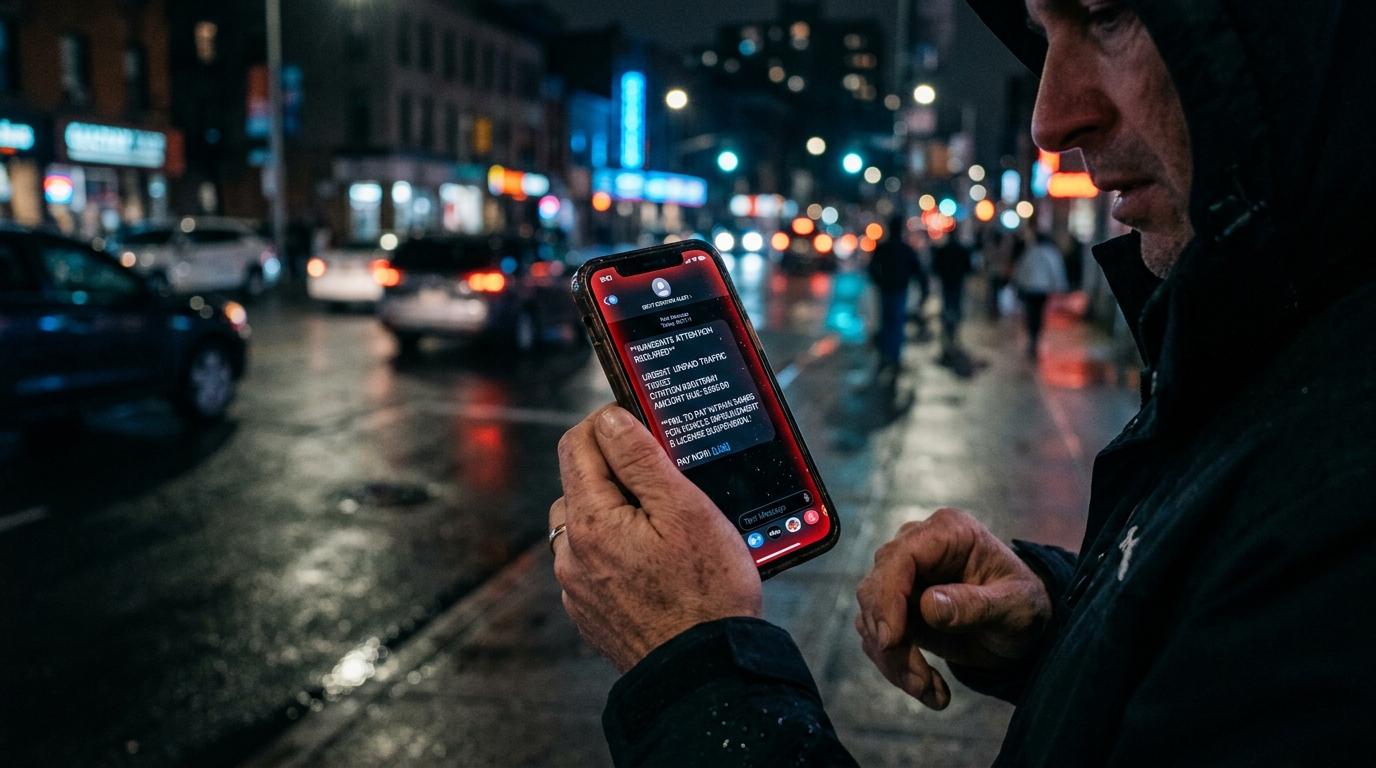
- Phishing links emailed or texted to you that direct you to fake websites.
- Advertisements posted on popular websites, which is known as malvertising.
- Legit-looking software installations that are actually fake.
- USB drives that have been infected.
- Mobile apps created by scammers to look legit.
What Are Some Types of Malware?

- A worm can duplicate itself and spread it to different computers.
- A virus is a piece of computer code that blends into the code of a program then spreads itself throughout your device.
- A trojan can not duplicate itself, but it still causes massive damage. It disguises itself as a program the victim wants then once the victim unknowingly activates it, the trojan spreads throughout the device and causes damage.
- Spyware is used to secretly steal information from a victim without them knowing it. It spies on the victim as they use their computer, in hopes to get the information that they want.
- A rootkit helps the scammer gain access to a victim’s computer. Part of the name is “root” because of the fact that scammers are gaining root access to the victim’s device. They can then control it through their mouse as if they are actually using the victim’s computer.
- Adware forces your browser to go onto web advertisements that can download more vicious malware to your device. The adware usually gets downloaded through free games or browser extensions.
- Ransomware can encrypt files on your hard drive and demands payment in order to release this information. Usually, this virus will ask for Bitcoin in order to retrieve your information.
- Cryptojacking also supplies scammers with bitcoin without you even knowing about it. This type of malware uses the victim’s CPU cycles to mine Bitcoin for the scammer.
- Malvertising is when a scammer pays a website to advertise something on a legit website. The victim thinks this ad is legit and clicks on it, only to be redirected to a fake website or a malware download. The malware automatically downloads onto the victim’s device without any further action.
How Do You Know Your Device Has Been Infected with Malware?

- Your device runs slower than usual.
- The browser continuously redirects you to pages you don’t want to go on.
- Your device keeps warning you it’s infected and has pop-ups claiming that you need to fix it.
- There are problems when you turn off or start your computer.
- Pop-up ads are constantly invading your computer.
How Can You Avoid Malware?

- Don’t open suspicious links that come from email or text messages.
- Avoid going on websites that you are unfamiliar with without doing proper research.
- Avoid clicking on links a random person from the Internet sends you.
- Do your research and download trusted anti-virus software, such as Norton or McAfee.
- Make sure to backup your device on a hard drive as often as you can in case something happens.
Social Catfish is Here to Help You!
At Social Catfish, we want to help you verify the identities of those who might seem suspicious to you. If you have their name, email address, phone number, social media username, or image, you can reverse search and see who the suspected person was that you’ve been in contact with if you are wondering what is malware and whether or not it is on your device.