Multiple Faces Detected


 January 21st, 2026
Scammers have come up with every tactic they can to get their hands on their victims’ money. They have learned the art of designing their emails to seem legit, and now have the power to pretend to be any bank they want. This means that when we see an email in our inbox, we can often wonder whether or not this email is legit. If we click a link within a scam email, it will lead us to a fake website that could download malware on our device and steal our information. This is why it’s important to learn how to avoid phishing emails and fake bank websites.
How Do Scammers Lure You Onto Fake Bank Websites?

Scammers send you an email and usually give you a variety of excuses as to why you should open the link attached. Sometimes it’s to sign an important document in order to continue banking with your bank. Other times, they will let you know that someone hacked into your account and that you need to change your account information right away. Whatever the excuse is, it’s always fake and should not be taken seriously.
Once people click on the link attached, they are taken to a fake bank website. The website can then download malware onto your device without you even realizing it. The virus downloaded onto your computer can then steal your personal information off of your device so that the scammer can commit identity fraud right under your nose.
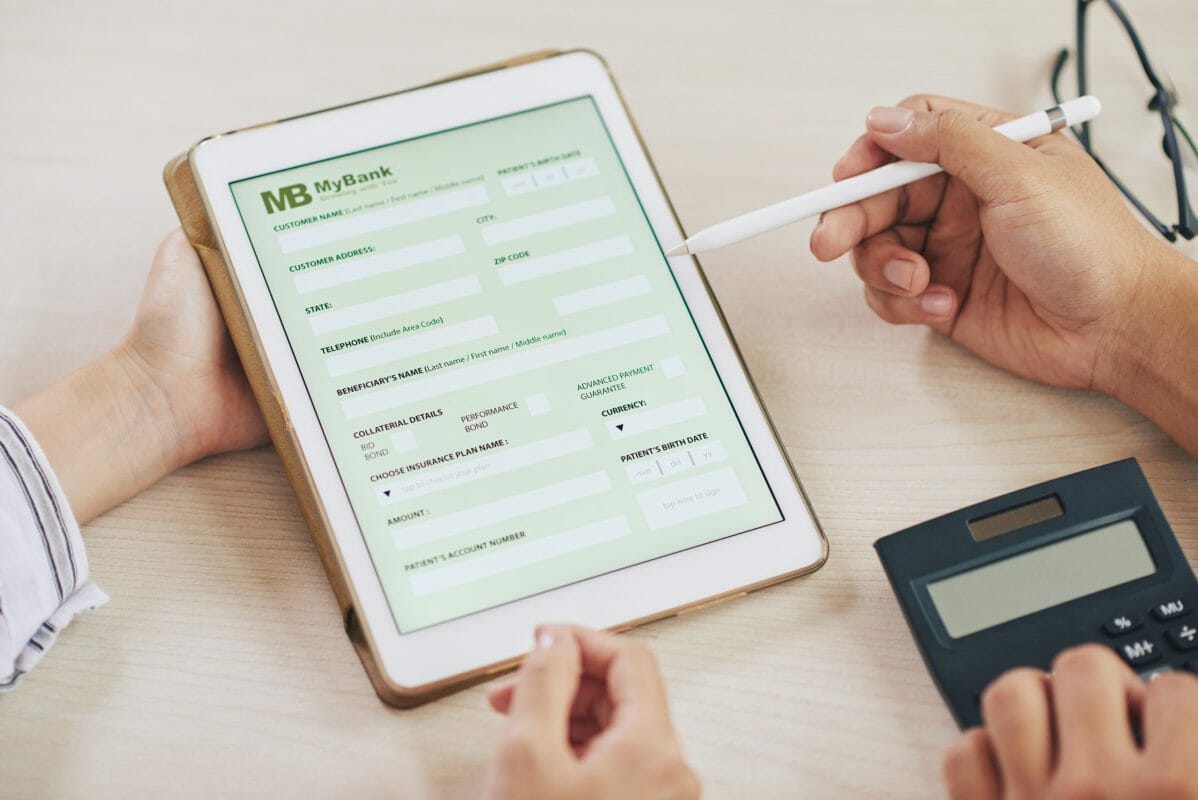
Along with this, the website usually includes a fake online form for you to fill out additional information. If you’re “signing a document,” it will ask you to provide a plethora of information that a scammer can use to steal your identity, as well as your bank account information. With your bank account information, they can also gain access to your finances and steal your hard-earned money.
If you’re “trying to recover your bank account,” it will usually ask you to provide your account information as well as some “additional security questions to verify that it’s you.” These “security questions” are usually additional questions scammers can use to commit identity fraud under your name. Also, they can steal your funds as long as they can gain access to your bank account.
How to Avoid Going on Fake Bank Websites

- Don’t click links on any banking email you receive. Instead, enter your bank’s URL yourself and change your information on the official website to avoid giving the scammer your information.
- Check the email address of the person that emailed you to see if it’s legit. If the email sender states that it’s from “yahoo.com” or “gmail.com” instead of “chase.com” or “unionbank.com,” then chances are it’s fake.
- Report the suspicious email to the FTC or through your bank. When you report the scam, there is a greater chance that the scammer will get caught for scamming innocent victims.
- Don’t email anyone back any information. If the sender asks for you to email them back a plethora of information, then chances are that it’s a scam.
- Don’t fill out any suspicious-looking online forms. If you don’t feel safe filling out an online form, then trust your gut. Also, if a form is asking for too much information from you, this is a sign that you might be dealing with a scam website.
Social Catfish is Here to Help You!
In today’s digital age, online security is more important than ever. With the rise of phishing emails and malware attacks, it’s crucial to protect your personal information, especially when it comes to your banking information. That’s where Social Catfish Privacy Lock comes in.
Our innovative privacy lock feature helps prevent phishing emails and malware from stealing your banking information. By using advanced algorithms and real-time monitoring, Social Catfish Privacy Lock detects and blocks suspicious activity on your device.
But how does it work? When you enable the privacy lock feature, it creates a secure barrier between your device and any potential threats. This means that even if you accidentally click on a phishing email or visit a malicious website, your banking information will remain safe and secure.
Not only does Social Catfish Privacy Lock protect against phishing emails and malware, but it also offers additional security measures. This includes real-time alerts for any suspicious activity, as well as the ability to remotely lock or wipe your device in case it is lost or stolen.
So why is this important for adults? As we become more reliant on technology for our daily tasks, it’s crucial to protect our personal information. Adults are often targeted by phishing emails and malware attacks, as they may have more valuable information and assets. With Social Catfish Privacy Lock, you can have peace of mind knowing that your banking information is safe and secure.
In addition to its security features, Social Catfish Privacy Lock is also user-friendly and easy to use. It can be easily installed on any device and requires minimal setup. Plus, our customer support team is always available to assist with any questions or concerns.
Don’t wait until it’s too late. Protect your personal information and banking details with Social Catfish Privacy Lock. With our advanced security measures, you can browse the internet with confidence and peace of mind. Try it out today and see the difference it can make in your online security.