

 Multiple Faces Detected



 January 7th, 2025
Why Tracking Your Images Online Is Important
It is important to track your online image as an individual or a business because other people might do it and what they find might immensely affect their perspective of you.
People and potential employers to track your online reputation to determine if the online identity you present is similar to that of real life.
As a result, tracking your image online is crucial for the following reasons:
Protecting Your Intellectual Property

Tracking your image online helps you protect your intellectual property.
When you trace how you appear online, you identify where your images are, how they are used, and if there is any misuse or unauthorized copying.
It allows you to take the relevant steps to prevent any misuse and ensure you receive compensation for it.
Preventing Identity Theft and Misuse
Tracing your online image also helps you to prevent the theft and misuse of your identity.
Usually, identity thieves use a person’s information to commit a wide range of crimes, including opening credit and bank accounts and making unauthorized purchases.
When you can protect your online identity, you avoid scammers being able to take over your accounts and damage your financial credibility.
How Images End Up on the Internet Without Your Knowledge

Most of the time, images end up online when you post on your social media profiles or any platform that uses images for identity.
When they get on the internet, anyone can access them to view, download, or even upload them elsewhere. Scammers can use such an opportunity to develop strategies to get funds more easily.
For instance, they can use your pictures to create fake online identities and manipulate people into sending them money or personal information.
Organizations can also use your images for business purposes, such as selling them to third parties in exchange for money or to falsify their records.
Top Tools to Find Where Your Images Appear Online
1. Google Reverse Image Search
Google image search tool can help you find where your images appear online. It works by uploading your image to generate similar ones located on different platforms.
Google reverse image search can manage your online reputation by protecting your content. As a result, it is a good tool to protect you against any copyright infringement.
2. Social Catfish
Social Catfish is another essential tool for finding where your images appear online. It uses advanced technology and image metadata to access millions of resources online.
Among the platforms it scans are social media accounts like Instagram, Twitter, and Facebook, dating sites, networking sites, and Google images.
Looking through these sites ensures you get publicly available and accurate results.
3. TinEye
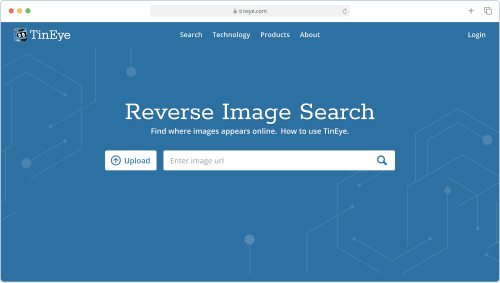
TinEye, another excellent tool to help you find where your image appears online, can trace the location of an image.
It can show you how the image is in use and if there are any modified or higher-resolution versions.
To use this resource, you need to search using an image, and it will generate the location of other similar copies on the web.
4. Yandex Image Search
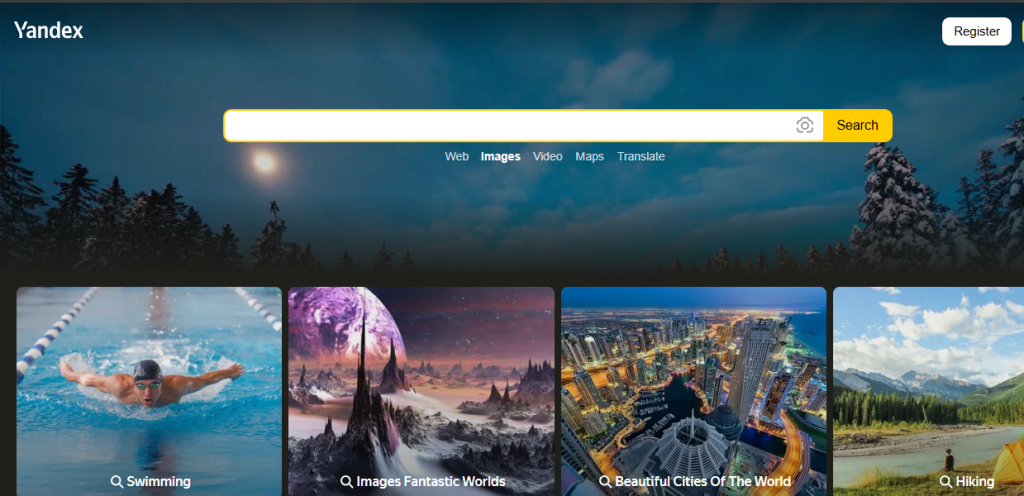
Yandex image search is another important tool for finding your images online. It uses reverse image technology to find related content when you upload your picture.
With a simple click, Yandex can perform an extensive search.
Its comprehensive image database and advanced algorithms make it a reliable tool for online image lookup.
Steps to Take When You Find Unauthorized Use of Your Photos
Large companies and people can use your images for personal gain.
When this happens, you should take the following steps to report and get compensation:
i). Contact the Website Owner or Host
The first step you should take when you find illegal use of your image is to contact the owner or host of the website through a phone call or an email.
Ask them to take down your picture and mention that they are using an image whose copyright belongs to you, which is illegal.
Do not forget to provide a link to the page where the picture is showcased.
ii). File a DMCA Takedown Request
If the organization or individual does not comply to delete your picture from their page, you can file a DMCA takedown notice.
A DMCA notice works when you, as the picture owner, order an organization or individual to remove your content from their website or page.
Every service provider and website owner has specific DMCA guidelines.
It is your right to process a takedown notice if you find that a website or person uses your image without your consent.
iii). Seek Legal Assistance if Necessary
When you have tried the above steps and the organization makes no effort to comply, you can seek legal assistance by reporting a copyright infringement to the US Copyright Office.
In addition, you can also report an individual who uses your picture illegally to the platform where the unauthorized use is taking place.
Tips to Protect Your Images Online
You can use the following tips to protect your images from being stolen or copied online.
a). Do a copyright registration of your work
When it comes to images, you can get a copyright and decide how it can be distributed or used through a watermark.
In this day and time, content sharing has gone viral and is a common practice globally.
Watermarking your picture will ensure that you protect it from unauthorized use and that anyone who uses it is subjected to legal implications.
b). Apply a digital signature
You can create a digital signature using the software. Unlike watermarks, a digital signature edits an image without tampering with its visual aspect.
This practice can help you hold the copyrights of every image you upload online.
c). Use a hidden foreground layer
Advanced technology has enabled the protection of images using a transparent foreground layer. This addition prevents anyone from downloading and using your image without your consent.
Only the blank layer can be accessed when someone tries to download it, not the actual image.
Therefore, this tip can be useful for any images you upload online when you have a social media page or company website.
One advantage of the hidden foreground layer is that it can be easily integrated into Photoshop.
d). Upload only low-resolution images
Another strategy to keep your images from being used illegally online is uploading them in low resolution.
If they are downloaded, the quality will be poorly pixelated for use on any platform.
Most scammers depend on high-quality images to provide a reliable stolen identity, as they are less likely to be identified in this state.
The image might even stop downloading in low resolution because of poor quality.xc
e). Use a plug-in to prevent screenshot
This strategy can also be an essential way to prevent your images from being used online. There are available plugins that can help you prevent anyone from taking a screenshot of your image.
cddehsqsxPopular publishing platforms like WordPress have such tools, helping you keep your online identity safe.
Final Thoughts
Tracking where your images appear online is essential for protecting your privacy and controlling your digital presence.
Social Catfish stands out as a comprehensive and user-friendly solution among the many available tools.
With its advanced reverse image search capabilities, you can easily uncover where your photos are being used and verify their authenticity.
Take the guesswork out of image tracking—explore how Social Catfish can help you stay in control of your online images today.









