Multiple Faces Detected



 April 17th, 2021
What is pharming? Any internet user isn’t a stranger to scams and frauds online. The smarter law enforcement and internet regulations get, the more they evolve, and sometimes the only way to protect ourselves from these attackers is to take every precaution possible and to be careful.
Online criminals don’t make it easy for us, though. Most of them operate in ways that seem completely legitimate to the untainted eye, and you wouldn’t be able to tell you’re being scammed even if you tried!
Still, there are always steps you can take to protect yourself and signs you can look out for.
What is Pharming?

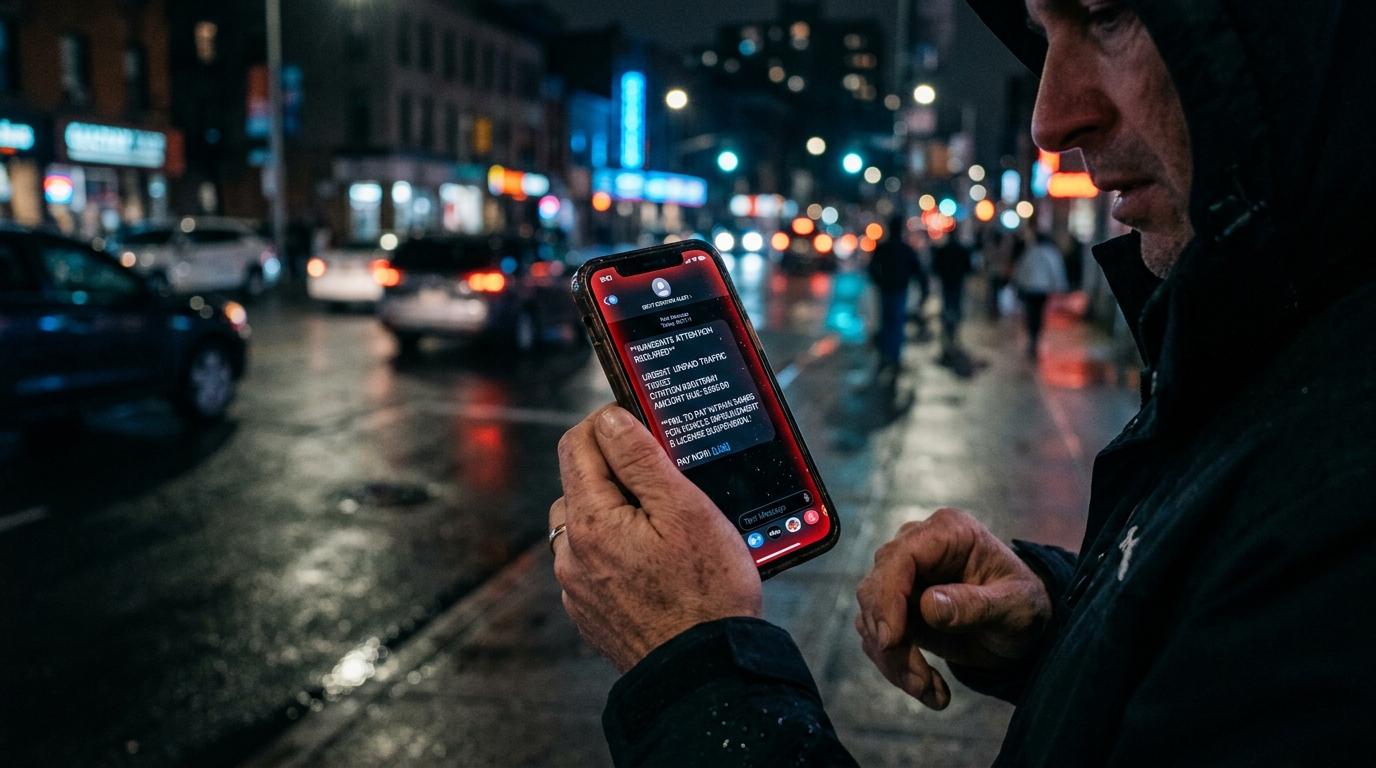
Pharming is a two-step attack on your computers, where a phishing link from a website takes you to its fake version instead. There, the attackers have your information as soon as you enter it into the website to “sign in.” Sometimes the criminals install malicious codes into your device that automatically take you to the fake website from your browser.
As you’d expect, this kind of attack is most common for fake websites.
Signs of Pharming

Pharming is sneaky, malicious, and hard to detect. There is no sure way to determine if you’re a victim until it’s too late, but when things start feeling wrong, exit the website immediately. Look at the domain name of the website you’re at. If the address contains the letters “https” at the beginning, it’s a secure connection. However, the letters “http” should be taken as a red flag.
These hackers want to take you to a seemingly legitimate website, but they can’t copy a website exactly. There are certain subtle differences; for example, there is the size of the website text or just a poor visual quality that gives it away.
How to Stay Safe From Pharming?

1. Install Antivirus Software
Installing and running a reputable antivirus on your devices would give you ample protection against attacks. Your security software should be able to inform you if any attempts at installing malicious code in your devices are made, or if a link you’re clicking on is suspicious.
The antivirus should be able to monitor your browser as well since this would allow it to make sure the websites you’re visiting are secure.
2. Use a Secure Web Connection
Using public web connections or the internet from places where everyone has access to it could open your devices up to attacks. Ensure that you have your own data connections or internet wherever you go, and avoid connecting your device to free WiFi in cafes and malls.
3. Don’t Open Links From Suspicious Senders
If you get an email from a banking company or anything of a similar nature that you didn’t expect, you should avoid opening it.

4. Enable Two-Factor Authentication
If any of the websites and apps you use — especially financial apps — offer two-factor authentication, you need to turn it on. It protects your accounts from attacks and ensures that only you are able to access them.
5. Change Router Default Settings
When you subscribe to an internet provider’s services, they provide you with a wireless router that you can use to set up a local area network in your home or office. This network allows you to connect your computer devices with the internet and use it.
What you probably didn’t know, however, is that every router has a username and a password. The problem is that most of the default usernames and passwords are pretty generic, and outside attackers can take advantage of it. If they end up gaining access to the LAN, they can attack your computers and install the malware in them.
To keep this from happening, change your router settings as soon as possible. You can do this by accessing the internet settings via your laptop.
Social Catfish is Here to Help You!
To protect yourself from pharming attacks, make sure your computers aren’t connected to an unsecured network. If you ever get an email from an unknown financial company or source, look into them very closely before clicking on any links. You can find out if the company name has been associated with any scams in the past by running a Social Catfish search.
At Social Catfish, we want to help you verify the identities of those who might seem suspicious to you. If you have their name, email address, phone number, social media username, or image, you can reverse search and see who the suspected person was that you’ve been in contact with after reading about pharming scams. If you were involved in a scam, make sure to report it to the FTC as well.