

 Multiple Faces Detected


 September 23rd, 2023
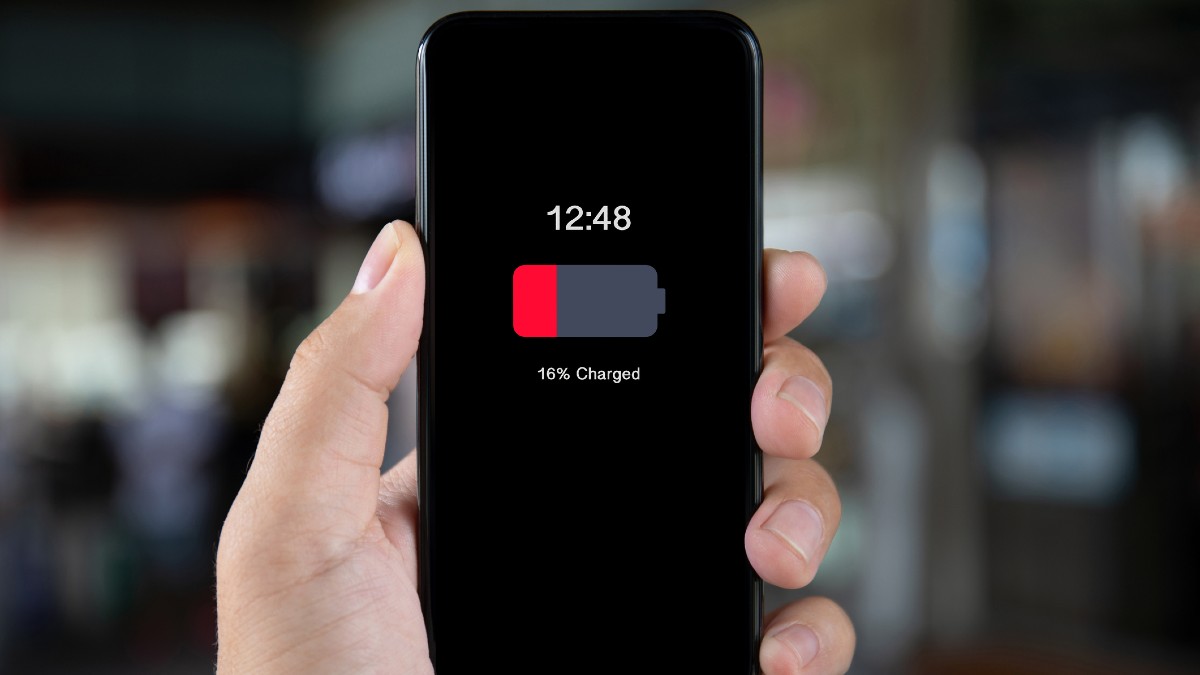
Our smartphones have become indispensable companions, powering our daily lives with convenience and connectivity. However, this very reliance on our devices makes them lucrative targets for hackers and cybercriminals. Welcome to our blog post, “Identifying Battery Drain: Signs of a Hacked Phone.” In this guide, we’ll delve into one of the most telltale signs of a hacked smartphone—unusual battery drain. As we explore this critical indicator, you’ll gain valuable insights into recognizing the subtle and not-so-subtle signs of a compromised device. Whether it’s unexpected power depletion, strange behavior, or unfamiliar apps, understanding these signs will empower you to take swift action to secure your digital world and protect your personal information.
Sudden and Drastic Battery Drain
It’s a scenario many smartphone users dread: your phone’s battery is draining at an alarming rate, leaving you constantly tethered to a charger. While occasional fluctuations in battery life are normal, a sudden and drastic depletion of your phone’s power can be a glaring indicator that something is amiss. In this section, we’ll delve into the nuances of what constitutes unusual battery drain and how to distinguish it from typical usage. By understanding the signs of excessive power consumption, you’ll be better equipped to identify potential hacking attempts on your smartphone.
Unexplained Background Activity
Your smartphone is a powerhouse of functionality, running various processes and apps in the background to provide you with a seamless experience. However, when these background activities become unexplained and resource-intensive, it’s a cause for concern. In this section, we’ll explore how to identify suspicious apps or processes that may be silently draining your phone’s battery. By gaining insights into monitoring and managing background activities effectively, you’ll be better prepared to spot potential hacking attempts and regain control of your device’s energy consumption.
- Monitoring Battery Usage:One of the first steps in identifying unusual background activity is to monitor your phone’s battery usage. Most smartphones provide detailed battery usage statistics that break down which apps and processes consume the most power. Keep an eye on apps that are using a disproportionate amount of energy, especially if you haven’t been using them extensively.
- Check for Rogue Apps:Review the list of installed apps on your device and scrutinize them for any that seem unfamiliar or out of place. Rogue apps may disguise themselves as legitimate ones but behave maliciously in the background. Pay attention to app names, icons, and permissions. If anything raises suspicion, it’s wise to investigate further or remove the app.
- App Permissions:Dive deeper into the permissions granted to your apps. Some legitimate apps require extensive permissions to function correctly, but others may overreach. If an app is asking for access to features or data that don’t align with its intended purpose, it’s a potential red flag. You can adjust app permissions in your phone’s settings to restrict access to sensitive information.
- Background Data Usage:Another indicator of suspicious activity is excessive background data usage. Malicious apps or processes may be sending or receiving data without your knowledge. Monitor your data usage to identify any unusual spikes or patterns, and cross-reference this with the apps responsible for the data consumption.
- Task Manager and Battery Optimization:Use your phone’s task manager or battery optimization settings to gain more control over background activities. You can force-stop misbehaving apps or limit their background processes. Additionally, enable battery-saving modes to restrict background activity when your phone’s battery is low.
- Security Apps and Scans:Consider using reputable security apps that offer real-time protection against malware and suspicious activities. These apps can detect and alert you to potential threats, including background processes that drain your battery. Regularly scan your device for malware to ensure its integrity.
Overheating and Performance Issues
A hacked phone often exhibits more than just battery drain; it can also manifest in overheating and performance issues. If your smartphone feels unusually warm to the touch or experiences sluggishness and performance degradation, these signs may be interconnected. In this section, we’ll explore how overheating and performance problems can be linked to battery drain and what steps you can take to address these multifaceted issues.
Understanding Overheating
Overheating occurs when a smartphone’s hardware components, such as the CPU, are working excessively. When a hacked phone runs malicious processes in the background, it can lead to increased CPU usage, resulting in elevated temperatures. Overheating not only compromises user experience but also contributes to rapid battery depletion.
Performance Lag and Freezes
Alongside overheating, a hacked phone may suffer from performance lag, freezes, or unresponsiveness. Malicious software can consume system resources, leaving little processing power for legitimate apps and functions. As a result, your phone’s overall performance suffers, and tasks become sluggish.
Battery Drain and Its Connection
The link between battery drain, overheating, and performance issues lies in the underlying malicious activities. Background processes that drain your battery also strain your phone’s CPU and memory. These activities can include mining cryptocurrencies, sending spam emails, or running other unauthorized tasks. As a consequence, your phone becomes hot to the touch and less responsive.
Immediate Action and Remedies
If you notice your phone overheating, experiencing performance degradation, and suffering from battery drain simultaneously, it’s essential to take immediate action. Start by identifying and removing any suspicious apps or processes as discussed earlier. Additionally, close unnecessary background apps and clear cache data to alleviate strain on your phone’s resources.
Regular Cooling and Rest
To prevent overheating, give your phone regular breaks. Avoid intensive tasks like gaming or video streaming for extended periods. If your phone does overheat, let it cool down naturally before resuming use. In severe cases, consider using cooling accessories or placing your phone in a cool, well-ventilated area.
Remedies and Preventive Measures
When you suspect that your phone is hacked and experiencing battery drain, it’s essential to take immediate action to secure your device and prevent further compromise. In this section, we’ll discuss remedies to address a hacked phone and preventive measures to safeguard your smartphone from future hacking attempts.
- Disconnect from Untrusted Networks:If you suspect your phone is hacked, disconnect from public Wi-Fi networks and avoid using unsecured hotspots. Hackers often exploit these networks to gain access to devices. Stick to trusted and secure connections to minimize the risk of further intrusion.
- Change Passwords and PINs:Change the passwords and PINs associated with your phone, email accounts, and online services. Use strong, unique passwords for each account, and consider enabling two-factor authentication (2FA) wherever possible. This step helps protect your digital identity.
- Update and Patch:Ensure your phone’s operating system and apps are up to date with the latest security patches. Manufacturers release updates to address vulnerabilities, so keeping your device current is crucial in preventing future hacking attempts.
- Install Security Software:Consider installing reputable security software or mobile antivirus apps. These tools can provide real-time protection against malware, phishing attempts, and suspicious activities. Regularly scan your device for threats and follow the app’s recommendations.
- Factory Reset as a Last Resort:In extreme cases where your phone is severely compromised, a factory reset may be necessary. This will erase all data on your device, so ensure you have a backup of important information before proceeding. After the reset, reinstall apps only from trusted sources.
- Practice Vigilance and Awareness:Stay vigilant in monitoring your phone’s behavior and practice cybersecurity awareness. Avoid clicking on suspicious links, downloading attachments from unknown sources, or granting unnecessary app permissions. Educate yourself and your peers about the latest hacking techniques and common pitfalls.
- Regular Backups:Maintain regular backups of your phone’s data to ensure you can recover essential information in case of a security incident. Cloud backups and external storage solutions offer convenient options for safeguarding your data.









