Multiple Faces Detected


 March 28th, 2026
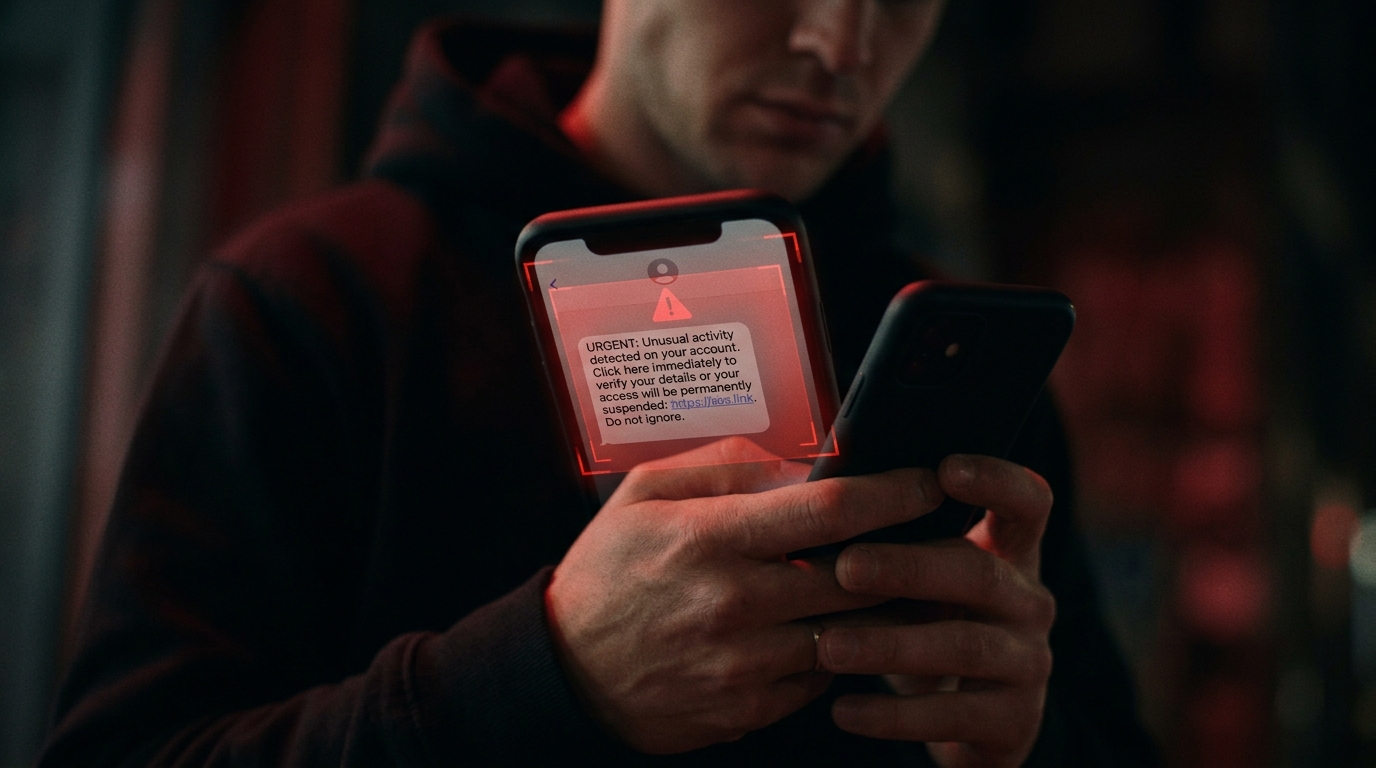
You got a message from someone interested in buying your item on Facebook Marketplace. Or someone claims they found your lost pet. Or a new match on a dating app wants to verify you are real before meeting up. They seem genuine, friendly, and harmless until they ask for one thing: a Google Voice verification code.
That is where it starts. And by the time most people realise what has happened, their phone number has been hijacked, their identity compromised, and the scammer has moved on to the next victim.
This article explains what a Google Voice phone number is, how to get one legitimately, and most importantly, how to spot the scam that is catching thousands of people off guard every year. If someone has already sent you a verification code request, run their details through Social Catfish before you do anything else.
What Is a Google Voice Phone Number?
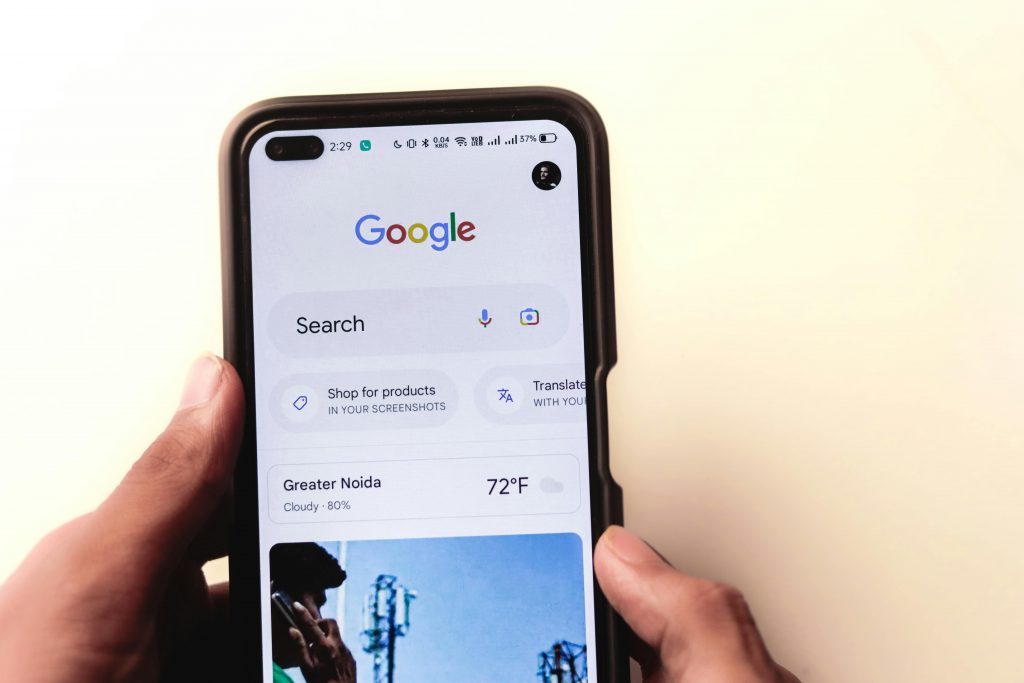
Google Voice is a free voice-over-IP service that allows you to set up a virtual phone number linked to your Google account, letting you make calls, send text messages, and manage voicemail from any device over the internet.
Key features of a Google Voice phone number include:
- Free domestic calls and texts within the US and Canada
- Voicemail transcription sent directly to your inbox
- Call forwarding to any linked device
- Spam filtering and custom greetings
- Access from any browser, smartphone, or tablet
It is a legitimate, widely used tool, which is exactly why scammers have built an entire fraud operation around it.
How to Get a Google Voice Phone Number
For Personal Use
Go to voice.google.com and sign in to your Google account. You can search for available numbers by city or area code, select the one you want, and follow the on-screen instructions to complete setup.
The steps are straightforward:
- Go to voice.google.com and select “For Personal Use”
- Sign in with your existing Google account
- Search for an available number by city or area code
- Select your preferred number
- Link it to an existing US phone number for verification
- Enter the six-digit verification code Google sends you
- Set up voicemail and call forwarding to complete the process
Your first Google Voice number is free, but any additional numbers will require payment, and you can change your number once a year.
For Business Use
Due to new FCC regulations around business texting, Google now requires businesses to sign up for a paid plan to send text messages to customers, with paid plans starting at $10 per user per month as an add-on to a Google Workspace account.
How the Google Voice Scam Actually Works
Google Voice schemes accounted for no less than 60 percent of all scams reported to the Identity Theft Resource Center in the US last year. Understanding exactly how the scam operates is the most effective way to protect yourself.
Step One: They Make Contact
The scammers contact you and say they want to buy the item you are selling or that they have found your lost pet. Before they commit, they feign hesitation and claim they need to verify that you are a real person.
The setup varies but follows the same pattern:
- A buyer on Facebook Marketplace or Craigslist wants to verify your identity before purchasing
- Someone claims to have found your lost pet and wants to confirm you are the real owner
- A new online connection wants to prove they are genuine before meeting
- A supposed employer wants to verify you before an interview
Step Two: They Send a Verification Code
The scammer initiates a Google Voice setup process using your phone number, requests a verification code from Google, which is sent to your phone, and then asks you to forward that code to them.
The code comes from Google, so it looks completely legitimate. That is the trap.
Step Three: They Take Over
Once you forward the code, the fraudster is able to link a Google Voice account to your number, and then they may sell your Google Voice number to other scammers, or use it to place fraudulent calls designed to scam other victims while concealing their own identity.
It gets worse. A scammer who successfully creates a fraudulent Google Voice number linked to your phone could use it to deceive your family and friends into sending money, create fraudulent financial accounts in your name, or break into existing accounts by taking advantage of two-factor authentication codes linked to your number.
The Most Common Google Voice Scam Scenarios
Facebook Marketplace and Craigslist Scams
This is the most widespread version. A prospective buyer contacts you about your Facebook Marketplace or Craigslist listing and requests to verify your identity through Google Voice. Then, after going through the setup process, it asks for your Google verification code.
Lost Pet Scams
Some fraudsters begin the scam by replying to online posts about missing pets, which may contain the phone number of an anxious owner, posing as a good Samaritan who found the animal before requesting a verification code to confirm they have the right person.
Romance and Dating App Scams
Someone you met online claims they want to verify you are real before meeting in person. They send a Google Voice code and ask you to share it. By the time you realise what happened, they have your number and a list of other targets to work through.
This is where Social Catfish becomes essential. Before you share anything with someone you met online, a code, a number, a piece of personal information, run their profile photo, username, phone number, or email through Social Catfish first. The tools that matter most in this situation:
- Reverse Image Search — check whether their profile photo belongs to a real, consistent identity or is a fabricated or stolen image
- Phone Number Lookup — verify whether the number they gave you matches the name and details they have claimed
- Username Search — see whether their online handle exists consistently across platforms or appears to have no real digital footprint
- Email Search — confirm whether their email is tied to a real, verifiable person or has no history attached to it at all
If the identity check does not add up, you have your answer before any damage is done.
Employment Scams
A fake employer contacts you about a job opportunity and asks to verify your identity through Google Voice before proceeding with the hiring process. The verification code request follows immediately.
Red Flags to Spot a Google Voice Scam
Stop the conversation immediately if you notice any of the following:
- Someone you have never met is asking you to share a verification code you did not request
- The request comes immediately after you post something for sale online
- They frame the code request as a way to verify your identity or prove you are not a scammer
- The conversation moves quickly and creates a sense of urgency
- The person is using high-pressure tactics and making urgent demands for personal information
- They discourage you from taking time to think it over or verify independently
- The request comes from someone you met on a dating app who has not yet agreed to a video call
What to Do If You Already Gave Someone Your Code
If you have already shared your Google Voice verification code with someone, act immediately:
- Follow Google’s official support steps to reclaim your number. Search “reclaim Google Voice number” in Google’s help centre
- Change your Google account password straight away
- Monitor your call logs and bank account statements closely for any fraudulent activity
- Report the scam to the platform where the contact was made
- File a complaint with the FTC at reportfraud.ftc.gov
- Contact your bank if you believe any financial accounts may have been accessed
Top 5 FAQs About Google Voice Number Scams
A Google Voice phone number is a free virtual phone number linked to your Google account that lets you make calls, send texts, and manage voicemail from any device over the internet. It is available at voice.google.com for personal use at no cost.
Go to voice.google.com, sign in with your Google account, select “For Personal Use,” search for an available number by city or area code, and link it to an existing US phone number for verification. The process takes a few minutes and is free for personal use.
If you give a scammer your verification code, they can use it to create a Google Voice number linked to your phone number, which they then use to rip off other people while concealing their own identity.
No legitimate transaction or interaction requires you to share a verification code sent to your phone by Google, and if someone asks for this code, it is a significant red flag.
Do not share the code. End the conversation. Run the person’s profile photo, phone number, username, or email through Social Catfish to verify whether the identity they have presented is real. Then report the contact to the platform where you encountered them and file a complaint with the FTC.
Conclusion
A Google Voice phone number is a genuinely useful tool, free, flexible, and easy to set up for anyone with a Google account. But the same verification process that makes it easy to use legitimately is exactly what scammers have learned to exploit.
The scam is not complicated. What makes it effective is timing, urgency, and the fact that the code appears to come from Google itself. Most people hand it over before they have time to question it.
The simplest rule is this: never share a verification code with someone who asked you to receive it. Google will never ask for your code through a third party, and neither will any legitimate buyer, employer, or person you met online.
If you have received an unexpected contact and something about it does not feel right, trust that instinct. Run their photo, number, or email through Social Catfish before you respond. The check takes minutes. Recovering from identity theft does not.