

 Multiple Faces Detected



 May 24th, 2026
You want to send someone money on Zelle but are not sure if they are enrolled. Or you received a Zelle payment request from a number you do not recognize and want to verify who it is before paying. Either way, Zelle does not have a public directory. You cannot browse or search for users the way you can on social media platforms.
This guide covers every method that actually works for finding someone on Zelle, starting with what is free. If you have a phone number you need to verify before sending money, Social Catfish’s reverse phone lookup confirms the full identity behind any number in minutes.
How to Find Someone on Zelle by Phone Number
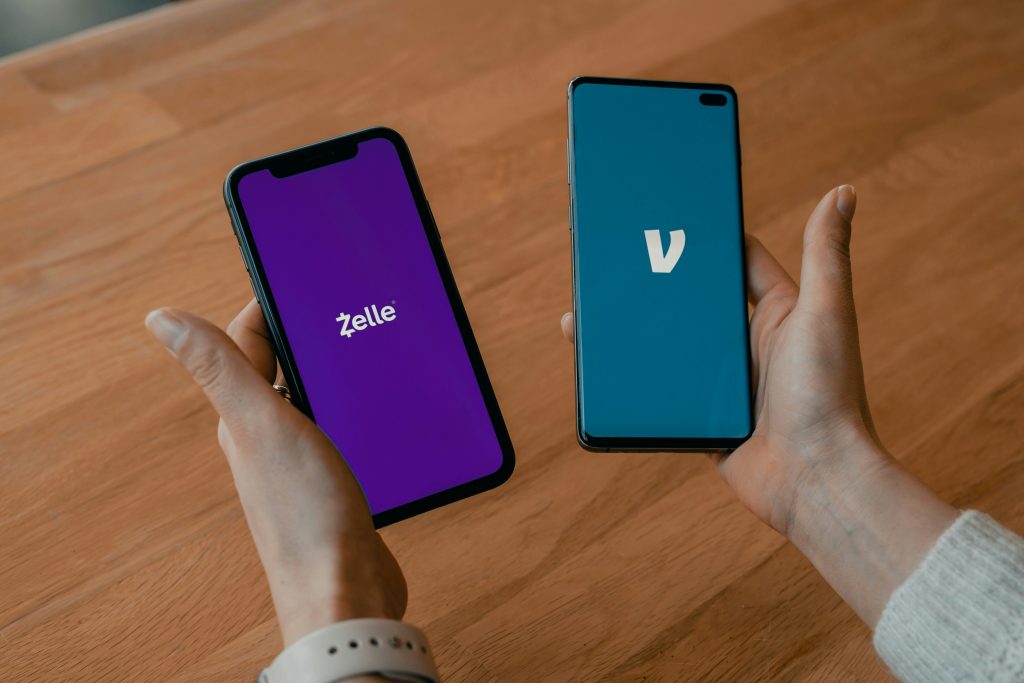
This is the most direct method and the one most people do not know about fully.
The native Zelle autofill method: Open your bank’s app and navigate to the Zelle send money or transfer section. In the Add Recipient field, type the person’s phone number. If the person is already enrolled in Zelle through their bank, the app often autofills their registered name automatically. Several banks also display a purple Z icon next to contacts who are already active Zelle users, which makes the check even faster.
This autofill behavior is the fastest free confirmation that someone is on Zelle and that you have the right number before sending money.
The viral TikTok method: A widely shared method involves entering someone’s phone number into Zelle’s send field specifically to surface their full registered name through the autofill. This is useful for verifying the identity of someone who gave you only a phone number, and you want to confirm it belongs to who they claim to be before any transaction happens.
The key limitation: Both methods only work if the person’s bank is enrolled with Zelle and they have activated Zelle through their account. If the autofill does not populate, it means either their bank is not a Zelle partner, they have not activated Zelle, or the number you have is not the one linked to their Zelle account. It does not confirm that the person does not have Zelle at all.
Social Catfish reverse phone lookup: If the autofill method returns nothing and you still need to verify who a number belongs to, enter it into Social Catfish’s reverse phone lookup. The search returns the full name, address, and linked social accounts registered to that number from public records and identity databases, giving you a verified identity to cross-reference before sending money.
How to Find Someone on Zelle by Name
Zelle has no name-based search function. The platform identifies users by either a registered US phone number or email address only. There is no way to search for someone by their full name within the Zelle app or any Zelle interface.
If you only have a person’s name and need to find their Zelle, your options are as follows.
Ask them directly: The most straightforward approach is to ask the person to share their Zelle phone number or email address with you. Most people who actively use Zelle will send their details without hesitation.
Find their contact details through social media: Search their name on LinkedIn, Facebook, or Instagram. Many people list their phone number or email address in their bio or contact section, particularly for business-related payments. Once you have a phone number or email, use the autofill method above to confirm they are on Zelle.
Social Catfish name search: Enter the person’s full name and any location details you have into Social Catfish’s name search. The search returns linked phone numbers, email addresses, and social profiles associated with that name, giving you the contact details you need to check their Zelle enrollment through the autofill method.
How to Find Someone on Zelle by Email
The email method works identically to the phone number method within the Zelle interface.
Open your bank’s Zelle section and navigate to Add Recipient. Enter the person’s email address. If they are enrolled in Zelle using that email, their registered name autofills and confirms the account is active.
And if the email does not autofill, the person either is not enrolled, used a different email to set up their Zelle account, or their bank is not a Zelle partner.
If autofill does not work with the email you have, try any other email addresses you have for the person. Many people have multiple email addresses and may have registered Zelle with a different one than their primary contact email. If you are unsure which email they use, Social Catfish’s reverse email search returns every platform account and registration linked to an email address, which can confirm whether a particular email is connected to financial services or other accounts.
How to Check If Someone Has a Zelle Account
Check whether their bank is a Zelle partner: Zelle works with over 1,000 financial institutions in the United States. If someone banks with a major US bank or credit union, there is a strong chance Zelle is already integrated into their banking app, even if they have never actively set it up. Check the full list of participating banks at zellepay.com. If their bank is on the list, they likely already have Zelle access through their existing account.
Try adding them as a recipient: The most direct check is to enter their phone number or email into your bank’s Zelle recipient field. If the name autofills, they are enrolled. If nothing happens, they either have not activated Zelle or their bank is not a partner.
Look for the purple Z indicator: Several banks display a purple Z icon next to contact names in their Zelle interface for people who are already active Zelle users. If you see this indicator next to a contact, it confirms they are enrolled and active.
How to Find Out Who Sent You a Zelle Request
Receiving an unexpected Zelle payment request from an unknown number is the highest-priority verification scenario in this guide, and for good reason. Unexpected Zelle requests from unknown numbers are a documented fraud pattern. Scammers send requests impersonating banks, utility companies, or people in your contact list, counting on the recipient to pay without verifying who is actually making the request.
Free methods to identify an unknown Zelle sender:
Autofill check: Enter the number into your Zelle send field and see if a name autofills. This is the fastest free check and sometimes immediately surfaces the name the number is registered to.
Google the number: Search the phone number in quotes in Google. If the number has been associated with scam activity, it often appears on fraud reporting forums, consumer warning sites, and community scam trackers. A number that appears on multiple scam reporting pages is a clear signal not to pay the request.
Social Catfish reverse phone lookup: Enter the number into Social Catfish’s reverse phone lookup. The search returns the full name, address history, and linked social accounts registered to that number from public records and identity databases. This is the most comprehensive free-to-start method for verifying who is behind an unknown Zelle request before you pay anything.
If the reverse lookup returns a name that does not match who you expected the request from, or if the number is flagged as a VoIP line with no clear registered identity, treat the request as suspicious and do not pay until you have confirmed the sender’s identity through a separate channel you control, such as calling them directly on a number you already have for them.
How to Find Someone on Zelle Online Without the App
Zelle does not have a web-based people directory or user search function. There is no way to browse for Zelle users or search for someone by name, phone, or email through a standalone website outside of your bank’s platform.
The only way to find someone on Zelle online without the app is to identify their contact details through an external search tool and then use those details within the app or your bank’s Zelle interface. Social Catfish’s reverse name, phone, and email search tools give you the contact details you need to complete the Zelle search within the platform itself.
FAQ
No. Zelle does not support name-based search. The platform identifies users by phone number or email address only. If you have a name but no contact details, use Social Catfish’s name search to find linked phone numbers and email addresses, then use those to check Zelle enrollment through the autofill method.
Enter the phone number into the Add Recipient field in your bank’s Zelle section. If the person is enrolled, their registered name autofills. If nothing populates, they may not be enrolled or may use a different number for Zelle. Use Social Catfish’s reverse phone lookup for a comprehensive identity check when autofill does not work.
Enter their phone number or email into your bank’s Zelle recipient field. If their name autofills or a purple Z icon appears next to their contact, they are enrolled. Check zellepay.com to confirm their bank is a Zelle partner as a first step.
Yes. The Add Recipient or send field in your bank’s Zelle section lets you enter a phone number or email and check whether a name autofills without initiating any actual payment. No money is sent until you complete the full transaction.
Do not pay until you have verified who sent it. Enter the number into your Zelle send field to check whether a name autofills. Search the number in Google in quotes to check for scam reports. Run the number through Social Catfish’s reverse phone lookup to confirm the full identity behind it.
Conclusion
Zelle is designed for sending money to people you already know, which is why it has no public search function. When you have a phone number or email address, the autofill method in your bank’s Zelle section is the fastest free check for confirming someone is enrolled and verifying the name on their account.
When you only have a name, or you received a request from a number you do not recognize, Social Catfish’s reverse phone and name search fills the gap, returning the full identity behind any contact detail before any money changes hands.









