

 Multiple Faces Detected


 May 28th, 2024
Father’s Day is a special occasion to celebrate and honor the fathers in our lives. It’s a time to show our appreciation and love for all that they do. However, amidst the joy and excitement, there are also those who seek to take advantage of this holiday for their own gain. Phishing scams targeting unsuspecting individuals have become increasingly common, and Father’s Day is no exception. In this blog post, we will discuss what phishing scams are, how they can affect you, and most importantly, how you can protect yourself from falling victim to these fraudulent emails.
What is Phishing?
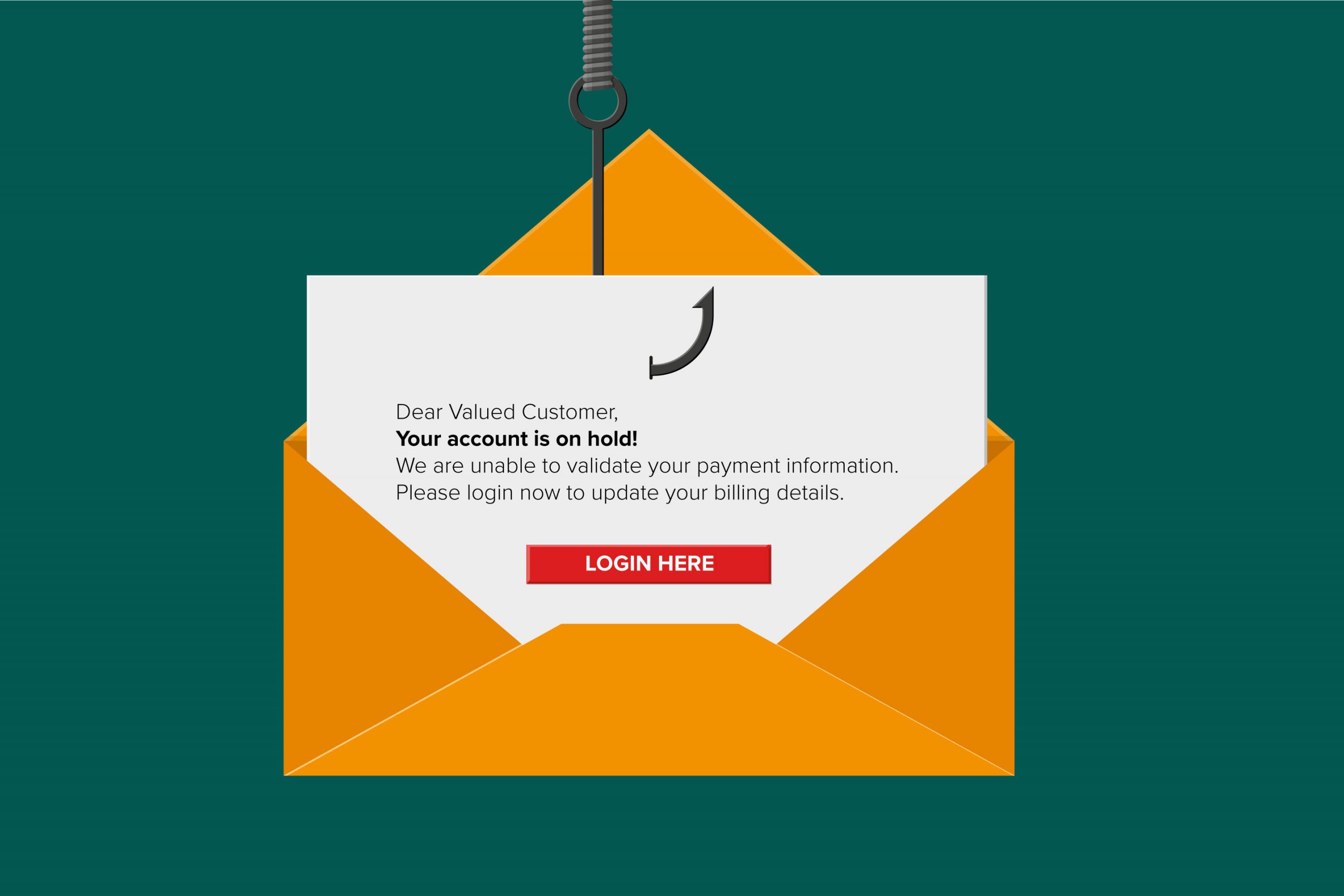
Phishing is a type of cyber attack where scammers use fraudulent emails, text messages, or websites to trick individuals into giving away sensitive information such as passwords, credit card numbers, or personal data. These emails often appear to be from a legitimate source, such as a bank or a well-known company, and they use social engineering tactics to manipulate the recipient into taking action.
Phishing scams have been around for a long time, but they have become more sophisticated and prevalent in recent years. According to the FBI’s Internet Crime Complaint Center, phishing scams were the most reported cybercrime in 2020, with losses totaling over $54 million.
Father’s Day Phishing Scams
As with any major holiday, scammers see Father’s Day as an opportunity to target unsuspecting individuals. They often use emotional appeals, such as offering special deals or discounts on gifts for fathers, to lure people into clicking on malicious links or attachments. These emails may also claim to be from a well-known retailer or a popular brand, making them seem more legitimate.
One common tactic used in Father’s Day phishing scams is to send emails with subject lines like “Last Minute Father’s Day Gift Ideas” or “Limited Time Offer: Father’s Day Special.” These subject lines are designed to create a sense of urgency and entice the recipient to act quickly without thinking twice.
Another tactic is to send emails that appear to be from a family member or friend, asking for help in purchasing a gift for their father. These emails may include a link to a fake website where the recipient is asked to enter their credit card information to make the purchase. In reality, the scammers are collecting this sensitive information to use for their own gain.
Recognizing Common Phishing Red Flags
One of the most effective ways to protect yourself from phishing scams is to be able to recognize common red flags in suspicious emails. These often include poor grammar and spelling mistakes, generic greetings such as “Dear Customer,” and urgent or threatening language that pressures you to act immediately. Phishing emails often ask for personal information or request that you click on a link or download an attachment. By being vigilant and looking out for these signs, you can avoid falling prey to these scams.
Phishing emails frequently include attachments or links that are disguised as legitimate. Before clicking on any link, hover your mouse over it to see the URL. If the URL looks suspicious or doesn’t match the company’s official website, do not click on it. Similarly, be wary of email attachments, especially if you weren’t expecting to receive them. Attachments can contain malware that can infect your computer and steal your personal information. Always verify the source before downloading any files.
How to Protect Yourself from Father’s Day Phishing Scams
Now that you know what Father’s Day phishing scams are and how they work, it’s important to take steps to protect yourself from falling victim to these fraudulent emails. Here are some tips to keep in mind:
1. Be cautious of emails from unknown senders
If you receive an email from an unknown sender, especially one that claims to offer special deals or discounts for Father’s Day, be cautious. Do not click on any links or open any attachments in the email. Instead, verify the legitimacy of the email by contacting the company directly or doing a quick online search.
2. Check the sender’s email address
Scammers often use email addresses that are similar to legitimate ones, but with slight variations. For example, instead of “support@amazon.com,” they may use “support@amaz0n.com.” Always check the sender’s email address carefully to ensure it is legitimate before taking any action.
3. Do not enter personal information on unfamiliar websites
If you receive an email asking you to enter personal information, such as credit card details, on a website you are not familiar with, do not do so. Legitimate companies will never ask for sensitive information via email. Always go directly to the company’s official website to make any purchases or transactions.
4. Keep your anti-virus software up to date
Make sure your computer and other devices have up-to-date anti-virus software installed. This will help detect and prevent any malicious software from being downloaded onto your device through phishing emails.
5. Educate yourself and others
The best defense against phishing scams is knowledge. Educate yourself and others about the dangers of phishing and how to spot fraudulent emails. Share this information with your friends and family, especially those who may be more vulnerable to these types of scams.
Reporting Phishing Attempts
If you receive a phishing email, it’s important to report it to the appropriate authorities. Many email providers have mechanisms in place for reporting phishing attempts. For example, Gmail has a “Report Phishing” option that you can select from the drop-down menu on the email itself. Reporting these emails helps email providers improve their filters and protect other users from similar scams.
In addition to reporting phishing emails to your email provider, you should also consider reporting them to government agencies. In the United States, you can report phishing to the Federal Trade Commission (FTC) at ftc.gov/complaint and to the Anti-Phishing Working Group at reportphishing@apwg.org. If the phishing attempt involves financial fraud, you should also report it to your bank or financial institution. By reporting these incidents, you can help authorities track down the scammers and prevent others from becoming victims.
Conclusion
Father’s Day phishing scams are a real threat that can result in financial loss and identity theft. By being cautious and following the tips mentioned in this blog post, you can protect yourself and your loved ones from falling victim to these fraudulent emails. Remember, if an email seems too good to be true, it probably is. Stay vigilant and have a happy and safe Father’s Day!









