

 Multiple Faces Detected



 April 3rd, 2026
Someone is posting under a username you do not recognise. Whatever the situation, finding out who is behind a Twitter account now officially called X is one of the most common identity verification questions people search for.
Twitter does not make this easy. The platform does not publicly display the real name, email address, or phone number behind an account. Anyone can sign up with a throwaway email and a made-up username and participate in the platform without any identifying information visible on their profile. But most people are not as careful as they think and the footprint they leave across Twitter and the wider internet is usually enough to identify them if you know where to look.
If someone has already given you a username and something does not add up, run it through Social Catfish before going any further. A private username search, reverse image search, or email lookup can surface the identity behind an account without the person ever knowing you looked.
Method 1: Read the Profile Carefully Before Doing Anything Else
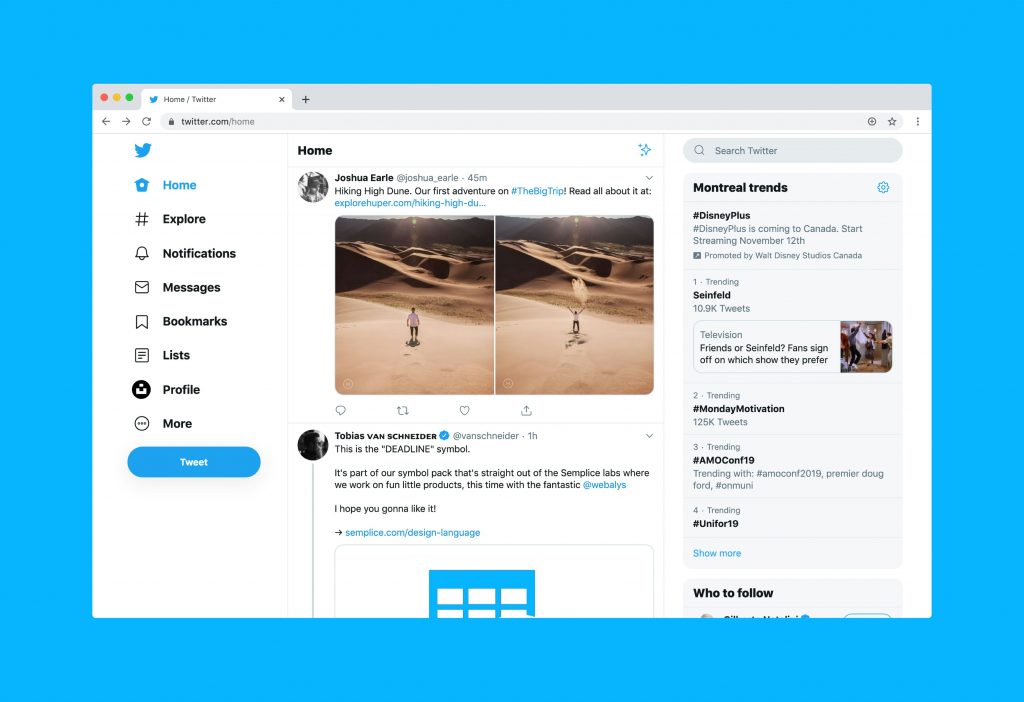
The most overlooked starting point is also the most direct one. Before running any external search, read the account’s profile thoroughly, because a significant number of people include identifying details they do not realise they are sharing.
Specifically look at:
- The bio — does it mention a profession, location, employer, or link to a personal website? Even vague biographical details narrow the search significantly
- The display name — some accounts use a pseudonym as their username but their real name as the display name, or vice versa
- The pinned tweet — pinned content is often the most deliberate and revealing post on the account
- Linked websites — a personal website, portfolio, or blog linked in the bio almost always leads directly to a real identity
- Post content — consistent references to a location, employer, sports team, or local events are identifying details even when the account appears anonymous
- Account creation date — third-party tools like tweeterid.com can surface the original creation date and numerical user ID, which never changes even if the username does
Take note of any detail that can be cross-referenced elsewhere before moving to other methods.
Method 2: Search the Username Across Other Platforms
Most people default to a consistent username across multiple platforms, it is easier to remember and maintain. If you have a Twitter username, searching it across the wider internet is one of the fastest free methods available.
Here is how to do it effectively:
- Enter the username in quotation marks in Google — for example
"@username"or just"username"— and check all results, including images - Search the same username on Instagram, TikTok, Reddit, Facebook, LinkedIn, and any other platform relevant to the person’s apparent interests
- If the username appears on another platform attached to a real name or additional contact details, you have your identification
- Check whether the same profile photo has been used elsewhere — a reverse image search of the profile picture can surface other accounts using the same image under different names
People who maintain anonymous Twitter accounts frequently forget that they used the same username on a forum they joined years ago, a Reddit account where they posted personal details, or a gaming platform linked to their real identity. A cross-platform username search catches these connections quickly.
Method 3: Use Twitter’s Advanced Search
Twitter’s Advanced Search is a built-in tool that allows you to filter posts by account, keyword, location, date range, and engagement. It is accessible at twitter.com/search-advanced and gives you significantly more targeted results than the standard search bar.
Useful ways to use Advanced Search to identify an account:
- Search for posts from the account mentioning their location, workplace, or other personal details
- Search for replies to the account from other users people who interact with them regularly may address them by name or tag their other accounts
- Search for the username across a specific date range to find early posts that may contain more identifying information than recent ones
- Look for interactions with accounts that are clearly real and identifiable the network of an anonymous account often includes real people who can be cross-referenced
Twitter’s Advanced Search is free, requires no account for basic use, and surfaces content that a standard profile view does not show.
Method 4: Use the Password Reset Method to Surface Partial Email Information
This method surfaces a partially obscured email address associated with an account without triggering any notification to the account holder, as long as you stop before clicking the confirmation step.
Here is how to do it:
- Go to x.com and click “Forgot password” on the login page
- Enter the username of the account you are investigating
- Twitter will display a partially hidden email address — for example,
j***@gmail.comconfirming the format and partial content of the registered email - Do not click Next or proceed further stopping here means no notification is sent to the account owner
The partial email information this surfaces can confirm domain, approximate name format, or email provider, and combined with other information you have gathered, can narrow down the identity significantly. This method works without logging in and triggers no alerts as long as the confirmation step is not completed.
Method 5: Reverse Image Search Their Profile Photo
If the account uses a profile photo, run a reverse image search before drawing any conclusions about the identity behind it. This surfaces two critically different scenarios.
The first is that the photo is the account holder’s own image in which case the reverse image search may find other platforms where they use it, often under their real name.
The second is that the photo is stolen from someone else, which is both a confirmation that the account is operating under a false identity and a way to identify who the photo actually belongs to.
To run a free reverse image search:
- Save or screenshot the profile photo
- Upload it to Google Images by clicking the camera icon in the search bar, or upload to TinEye directly
- Review results for other platforms where the same image appears, and check whether it surfaces under a different name
Social Catfish’s reverse image search goes further than Google Images, cross-referencing the photo against dating platforms, social networks, and public records databases rather than just indexed web pages. This is particularly useful when the photo has been used on platforms that do not surface in standard web searches.
Method 6: Run a Reverse Lookup Through Social Catfish
When the free methods above produce partial results or nothing at all, a dedicated reverse identity search gives the most thorough cross-platform cross-referencing available.
Social Catfish allows you to search using a username, email address, phone number, or photo, or a combination of all of them, and cross-references the input against public records, social profiles, dating platforms, and identity databases simultaneously.
Reverse username search: Enter the Twitter username and Social Catfish searches it across dozens of platforms simultaneously, surfacing anywhere the same handle appears attached to a real identity , including platforms where the account has privacy settings that prevent direct search.
Email lookup: If you have identified a partial email address through the password reset method, or if the account holder gave you an email address as part of communication, running it through Social Catfish surfaces the name, social accounts, and identity data registered to that address.
Reverse phone number lookup: If a phone number appears anywhere associated with the account, in the bio, in communication, or in a linked profile, a phone number lookup cross-references it against public records and platform data to surface every identity and account registered to that number.
Every Social Catfish search is completely private. The account holder will never know a search was run.
How to Find Out Who Is Behind a Fake Twitter Account

Fake and anonymous Twitter accounts present a specific challenge because they are deliberately constructed to avoid identification. The profile photo is either nonexistent, AI-generated, or stolen from a real person. The username has no connection to a real identity. The bio contains no verifiable details. And the posting history is either very short or carefully managed to avoid personal information.
Despite this, most fake accounts leave traces:
- The profile photo — run a reverse image search immediately. Fake accounts frequently use stolen photos from real people on other platforms, and the reverse image search will surface the original source.
- The writing style — consistent vocabulary, spelling patterns, and phrasing are identifying even when no personal details are shared. If you have enough post history, these patterns can be cross-referenced against other accounts.
- The network — who does the account follow? Who follows it? Who does it interact with most frequently? Anonymous accounts often maintain real-world relationships on the same platform under a different account, and those connections are visible.
- The posting times — consistent posting hours suggest a time zone, and combined with location references in posts, can narrow geography significantly.
- The username pattern — many people use slight variations of a consistent username across platforms. Search the Twitter username and close variations across other platforms to find connected accounts.
If the fake account is being used to harass, defame, or scam, document everything before taking action. Screenshot posts, record the username and account creation date, and note any identifying details you have found before reporting to Twitter or escalating to law enforcement.
Twitter Account Email Lookup and Phone Lookup
Two of the most direct routes to identifying a Twitter account are an email lookup and a phone number lookup, and both are accessible through Social Catfish even when Twitter itself does not surface the information.
Email lookup: Twitter requires an email address to register every account. If you have any email address connected to the person through the password reset method, through direct communication, or through another search running it through Social Catfish’s email lookup cross-references it against social profiles, dating platforms, and public records to surface the real identity behind the address.
Phone number lookup: Twitter also accepts phone numbers for account verification. If a phone number appears anywhere in connection with the account in the bio, in a linked profile, or in any communication Social Catfish’s phone number lookup cross-references it against public records and platform data to surface every account and identity registered to that number.
Both searches are private. The account holder will never know they were run.
FAQ
Read the profile for identifying details, search the username across Google and other platforms, and run a reverse image search on the profile photo. These free methods work in most cases where the account holder has not been careful about their digital footprint.
Yes, in most cases. Twitter does not disclose ownership publicly, but the footprint an account leaves across the platform and wider internet is frequently enough to identify the person behind it. Social Catfish’s reverse username, email, and phone lookups provide the most thorough option when free methods fall short.
Search their full name in Twitter’s search bar and filter by People. If the name is common, combine it with a location or employer. You can also Google their name combined with “Twitter” or “X” to surface indexed profile pages.
Run a reverse image search on the profile photo immediately, fake accounts frequently use stolen photos. Search the username across other platforms for connected accounts. If the account is causing harm, document everything before reporting to Twitter or law enforcement.
Use the password reset method, enter the email on Twitter’s login page and the platform will show a partially obscured version of the registered address without sending a notification. For a full reverse email lookup, Social Catfish cross-references the address against public records and platform data privately.
Conclusion
Most Twitter accounts are not as anonymous as their owners believe. The profile details, the posting patterns, the network of interactions, the username consistency across platforms, and the photo, each of these leaves traces that can be found through a combination of free searches and dedicated identity tools.
Start with what is visible on the profile. Search the username across platforms. Run a reverse image search on the photo. If those methods surface partial information, Social Catfish’s reverse username, email, and phone lookups cross-reference everything against a significantly broader dataset privately, and without the account holder ever knowing you looked.
If you need to find out who owns or is behind a Twitter account, the information is almost always accessible. It just requires knowing where to look.









