

 Multiple Faces Detected


 February 27th, 2026
Someone slides into your DMs. They seem friendly, maybe even romantic. Their Twitter profile looks real enough: a few hundred followers, some tweets, a profile photo. But something feels off. Maybe they’re asking for money. Maybe they’re pushing a crypto investment. Maybe you just can’t shake the feeling that the person behind this account isn’t who they claim to be.
You search “Twitter profile viewer,” hoping to find a tool that reveals who’s really there. What you find instead are dozens of apps promising to unlock secret information, show you who’s been viewing your profile, and expose private accounts. Most of them are scams. But finding out who’s actually behind a Twitter account when it matters is possible. You just need to know where to look and what actually works.
Trying to verify someone you met on Twitter? Search their photo, username, or phone number on Social Catfish to find out who they really are.
What a Twitter Profile Viewer Actually Is (And What It Isn’t)
The term “Twitter profile viewer” means two very different things depending on what you’re searching for.
The first type is a legitimate tool that lets you browse public Twitter profiles and tweets anonymously without logging into an account. These tools access only what’s already publicly visible on Twitter and serve real purposes: researching someone before engaging, viewing content without a Twitter account, or browsing without leaving a trace. They don’t unlock anything hidden. They don’t show you private accounts. They simply present public data without requiring a login.
The second type, the ones that promise to show you who’s been secretly viewing your profile, reveal private account content, or “expose” anonymous users, are almost universally scams. Twitter’s API explicitly blocks access to individual profile visitor data. No third-party tool can tell you who viewed your profile because Twitter itself doesn’t make that information available to anyone. Tools claiming otherwise are either lying, harvesting your login credentials, or installing malware on your device.
The real question most people want answered isn’t “who viewed my profile,” it’s “who is this person actually?” And that’s a different problem with real solutions.
What You Can Actually See on a Twitter Profile
Before trying to learn more about someone, it helps to know what Twitter makes publicly available by default. For any public account, anyone can see:
Basic Profile Information
- Display name and username (@handle)
- Profile photo and header image
- Bio and any links included in it
- Location, if the user chose to add one
- Account creation date (join date)
- Verification status
Activity and Engagement
- All public tweets, replies, and retweets
- Media posts including photos and videos
- Likes (if not hidden)
- Follower and following counts
- Tweet engagement likes, retweets, replies, and view counts per tweet
What You Can’t See
- Who viewed the profile (Twitter doesn’t provide this to anyone)
- Direct messages
- Content from protected (private) accounts
- The email address or phone number used to create the account
- IP address or device information
As of late 2025, X has been testing additional transparency features, including displaying account creation country and username change history to help users identify potential bots or inauthentic accounts. These features, if rolled out broadly, add a new layer of public accountability to profiles.
The Myths About Twitter Profile Viewers
Myth: A Profile Viewer Tool Can Show You Who’s Been Watching You
This is the most searched and most misunderstood belief about Twitter. Twitter tracks “profile visits” as an aggregate number of how many times your profile was opened in the past 28 days, but those visits are never tied to specific users. Not for regular accounts. Not for X Premium subscribers. Not for anyone.
Any app or website claiming to show you a named list of people who viewed your profile is fabricating that data. In 2025, cybersecurity researchers documented hundreds of fake viewer tools specifically designed to steal Twitter credentials by mimicking Twitter’s login page.
Myth: You Can View Private Twitter Accounts With the Right Tool
Private accounts on Twitter protect their tweets so that they are only visible to approved followers. No legitimate tool bypasses this. Tools that claim to “unlock” private profiles are either scams collecting your information or, in some cases, violate Twitter’s terms of service in ways that can result in account bans and legal exposure.
Myth: Twitter Profile Viewer Tools Reveal Hidden Information
Legitimate Twitter viewer tools only show what’s already publicly accessible, the same information you’d see if you visited the profile while logged out. They don’t reveal additional data, private messages, or account details. The value they provide is anonymous access and convenience, not hidden intelligence.
What Actually Works: How to Find Out Who’s Behind a Twitter Account
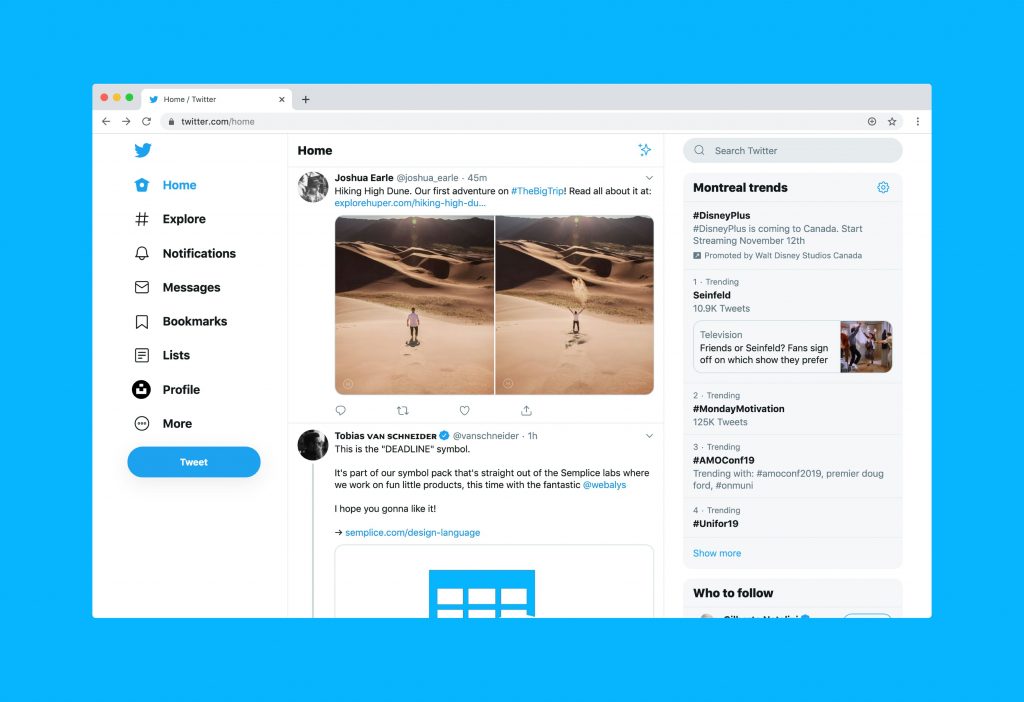
A Twitter username tells you very little on its own. But most people leave a trail across the internet, and cross-referencing that trail is how you find out who someone really is.
Step 1: Look at What the Profile Itself Reveals
Start with the public information available on the profile itself:
- Profile photo: Is it a real person, a stock image, or something that looks AI-generated?
- Account age: When was the account created? Brand-new accounts that immediately engage with you are a red flag.
- Tweet history: Does the account have a consistent history, or does it jump from topic to topic with no clear identity?
- Bio links: Does the profile link to a website, Instagram, or LinkedIn? Do those accounts match the identity being presented?
- Follower-to-following ratio: Accounts with thousands of following and very few followers often indicate fake or bot-driven profiles.
- Engagement quality: Are the tweets getting real replies from real accounts, or just likes from obvious bots?
Step 2: Reverse Search the Profile Photo
The profile photo is often the fastest way to expose a fake identity. Scammers frequently steal photos from real people, models, military personnel, and professionals to build convincing profiles.
Run the profile photo through a reverse image search to see where else it appears online. If the same photo shows up attached to a completely different name or identity, you’re likely dealing with a stolen image and a fabricated account.
Social Catfish’s reverse image search is specifically designed to find where a photo appears across social media platforms, dating sites, and the broader web, making it one of the most thorough tools available for identifying whether a Twitter profile photo is genuine.
Step 3: Search the Username Across Platforms
Most people use the same username, or a close variation of it, across multiple platforms. Searching a Twitter handle on Social Catfish can reveal whether that same username is connected to other social media accounts, forums, or profiles, and what name or identity is attached to them elsewhere.
This is particularly useful when a Twitter account is anonymous or using a pseudonym. Even cautious people make mistakes; they’ll use the same handle on a forum where they posted with their real name years ago.
Step 4: Search Any Phone Number or Email Address They’ve Shared
If someone has asked you to move a conversation off Twitter to WhatsApp, Telegram, or email, you now have additional information to work with. Running a reverse phone lookup or reverse email search on Social Catfish can reveal the name, location, and other accounts associated with that contact.
This is one of the clearest ways to verify whether the identity someone is presenting on Twitter matches who they actually are in the real world.
Step 5: Look for Consistency Across Everything
Real people are consistent. Their Twitter bio matches their LinkedIn. Their name matches their phone number. Their profile photo is the same across multiple platforms and hasn’t been reverse-searched to show up as someone else entirely.
When things don’t add up when the photo is stolen, the username leads nowhere, the phone number is attached to a different name, that inconsistency is your answer.
How Social Catfish Helps You Verify a Twitter Identity
Twitter profile viewer tools show you what’s on the surface. Social Catfish helps you go deeper — cross-referencing the information someone has shared with you against public records, social media profiles, and digital footprints across the web.
Reverse Image Search
Upload a Twitter profile photo and search it across social media, dating sites, and other platforms to confirm whether it belongs to the person claiming to use it.
Username Search
Search a Twitter handle across multiple platforms to find where else that username appears and what real identity, if any, is attached to it.
Reverse Phone Lookup
If someone has given you a phone number after connecting on Twitter, a reverse phone search can confirm whether the name and location they’ve provided match the actual registered information for that number.
Reverse Email Search
If someone has shared an email address, searching it can reveal other accounts and identities linked to that address, helping confirm or contradict the identity being presented on Twitter.
Red Flags That a Twitter Account May Not Be Who They Claim
The Account Was Created Recently
Most genuine people have had their Twitter accounts for years. An account created in the past few weeks that immediately reaches out, forms a connection, or promotes an investment is a major warning sign.
The Profile Photo Doesn’t Match Across Platforms
If the same photo produces different names in a reverse image search, or if the person’s LinkedIn and Twitter profile photos don’t match, you’re likely looking at a fabricated identity.
They’re Quick to Move Off Twitter
Scammers often push to move conversations to WhatsApp, Telegram, or email quickly. This removes the accountability of the platform and makes it harder to report them later.
The Story Has Convenient Gaps
Real people have detailed jobs, family, specific locations, and mutual connections. Scammers build just enough of a backstory to seem plausible, but it falls apart under direct questions. Inconsistencies about where they work, where they live, or how they found you are worth noting.
They’re Asking for Money or Pushing an Investment
No matter how long you’ve been talking, no matter how real the connection feels, if someone you met on Twitter is asking you to send money or invest in something, stop and verify who you’re actually talking to before doing anything.
Frequently Asked Questions About Twitter Profile Viewers
No. Twitter does not make profile visitor data available to any third party or even to account owners beyond an anonymous total count. Any tool claiming to show you named individuals who viewed your profile is either fabricating the data or attempting to steal your login credentials.
Tools that access and display publicly available Twitter content are generally legal. They show only what’s already visible to anyone who visits a public profile. Tools that claim to access private accounts or bypass Twitter’s login wall operate in a legally and ethically gray area and often violate Twitter’s terms of service.
Sometimes. Anonymous accounts often leave traces across other platforms, reused usernames, linked accounts, and shared photos. Tools like Social Catfish can help cross-reference what information is available. For serious cases involving harassment or threats, law enforcement can subpoena Twitter directly for account registration data.
Every public profile shows the display name, username, bio, profile photo, account creation date, follower and following counts, and all public tweets and media. Twitter has also been testing features to show account creation country and username change history as additional transparency signals.
Run the photo through a reverse image search. Social Catfish’s reverse image search is designed specifically to find where a photo appears across social media, dating sites, and other web sources, making it easy to confirm whether a profile photo belongs to the person presenting it.
Conclusion
A Twitter profile viewer shows you what’s already public. Knowing who’s actually behind the account requires going further cross-referencing photos, usernames, phone numbers, and email addresses against real-world data. Most scammers, catfishers, and fake accounts can’t maintain consistency across all of those touchpoints. That’s where the truth shows up. Search on Social Catfish to verify who you’re really talking to before the conversation goes any further.









