Multiple Faces Detected


 May 15th, 2021
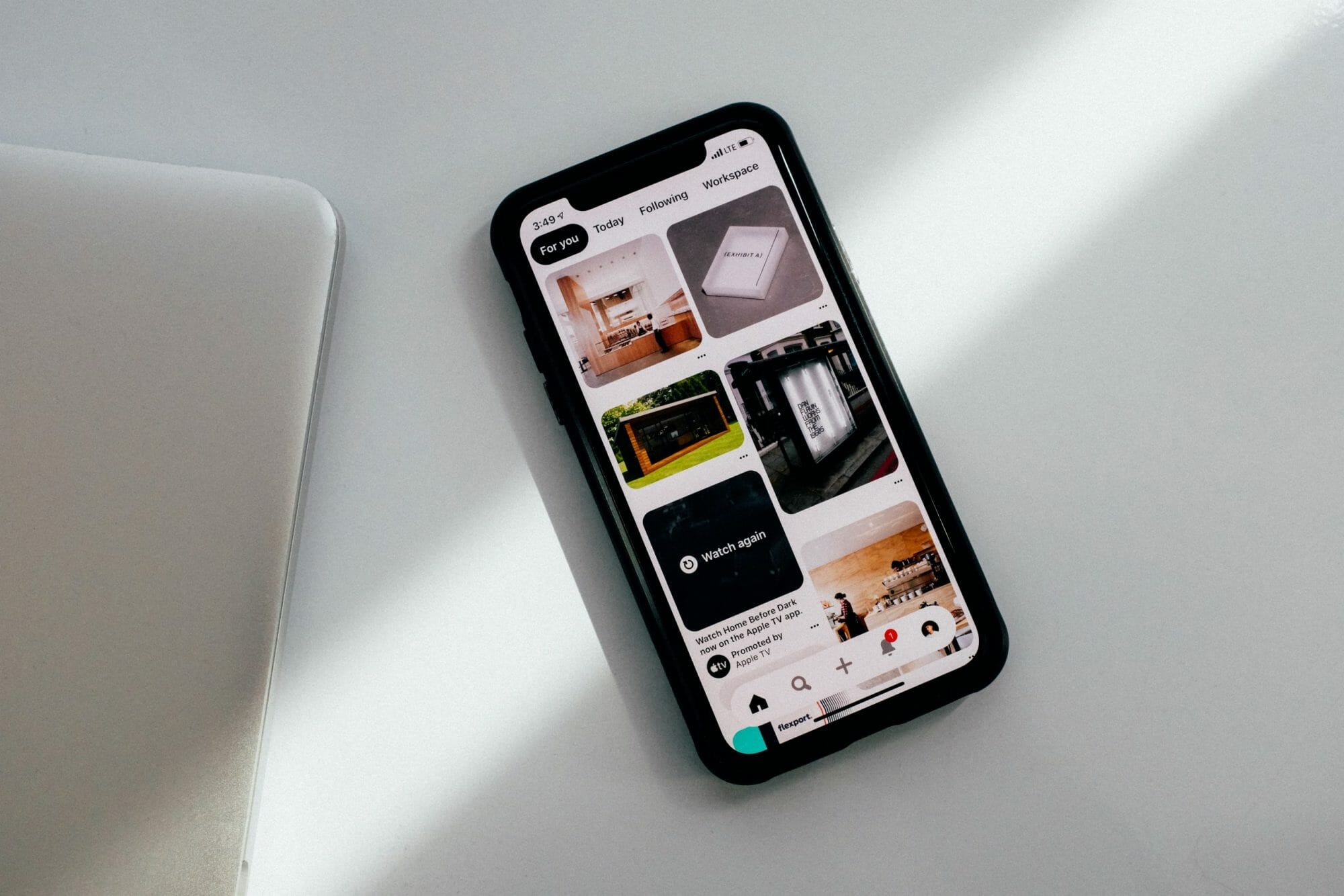
Working as an online scrapbook, Pinterest continues to be one of the most popular social networks. You get to pin a variety of different things, like recipes, artwork, clothing, and other items that catch your interest. However, with its simple and intuitive interface, the platform has become an easy target for scammers. In fact, the Better Business Bureau (BBB) has reminded users to watch out for unusual activity on the site. To help you stay cautious, we’re here to present the common Pinterest scams and how you can avoid them. If you want to stay safe while using the platform, keep reading!
Common Pinterest Scams

Given that you can explore other people’s photos and post your own, Pinterest is an enjoyable and healthy image-sharing platform for most people. However, like any other site, it can’t escape scam artists. Below are the most common Pinterest scams that you should watch out for:
Catfish Pinterest Accounts
Through automated software, some scam artists create hundreds or even thousands of catfish Pinterest accounts. Then, they follow you, hoping that you’ll do the same and see the photos of what they’re promoting. Others hack your Pinterest account by figuring out your password, especially if you use the same password on different sites. Then, they post their photos on your page.
Phishing Emails
One of the most common Pinterest scams is phishing emails. You receive an email saying that your friend has just shared a pin from a recognized site. The email and the link look legitimate, so you might end up clicking on it. However, once you do, you will be taken to a fake page that puts your personal information at stake.

Fake Surveys
Most scammers on Pinterest use fake surveys to get your personal information. They usually use free gifts or gift cards to trick you into clicking a photo. Before you can proceed, you need to first re-pin the offer on your page.
When you share it on your page, your followers will probably re-pin it as they trust you. So, in just a few minutes, the image spreads. Once you’re done with the survey, you will be requested to enter your personal information, including your bank details where you can receive the gift. In reality, you’re only giving your personal information as a gift. So, do not complete these surveys when asked.
Mobile Device Pinterest Scams
Pinterest scams also involve different mobile device tactics. For example, when you click an image, you may be directed to a download link for a Pinterest site viewer app or a different program for your Android device. This app may contain malware that can infect your device.
Another example is when you use the platform on your mobile phone and you click on an adult image. This opens a phone dialer and then connects you to a recurring service or a premium charge. And, you’ll be surprised to find it on your monthly phone bill.
How To Avoid Pinterest Scams

To stop scammers from taking advantage of your interests and stealing your money, follow the tips below:
- Do not click on any image with an offer that’s too good to be true. It may look legitimate and seem to come from a well-known company, but if it sounds too grand, then it might just be a scam.
- Always check before you pin. Hover on the photo to see the destination link. Note that these scam artists are experts in replacing the links of popular pins with sites that contain malware.
- Do not share your personal information. Scammers usually create fake surveys that ask you to provide your personal details. Never give them the opportunity to steal your personal information and take your money.
- Stay cautious when linking your Pinterest account to your other social media accounts. These scammers can easily share spam pins on your Facebook or Twitter feeds.
- When you’re not using your Pinterest account, make sure to log out.
- Only log in on Pinterest’s official mobile application and Pinterest.com. Scammers may use fake sites that resemble the original.
- Avoid links with appealing titles, such as “you won’t believe it,” “free gift,” or “shocking video.”
- Beware of fake accounts. Some celebrities may have real Pinterest accounts, but others pretend to be celebrities using fake accounts. Check the number of pins to see if they’re new. If the types of pins do not seem to match the person they’re claiming to be, then be very suspicious.
- If you’ve found a spam pin, report it to Pinterest. Click the flag icon located at the bottom of the photo.
Social Catfish is Here to Help You!
At Social Catfish, we want to help you verify the identities of those who might seem suspicious to you. If you have their name, email address, phone number, social media username, or image, you can reverse search and see who the suspected person was that you’ve been in contact with after reading about Pinterest Scams