Multiple Faces Detected




 June 25th, 2022
When it comes to finding someone online by phone number, there are a couple of ways of doing it. Many social media platforms have a feature that allows you to search for people you have in your contacts within the platform. But there are also ways of finding someone on all social media platforms at once with their phone number or even without it. In this blog post, we will cover all this and more. So let’s get into it!
Reverse Phone Number Search to Access Social Media
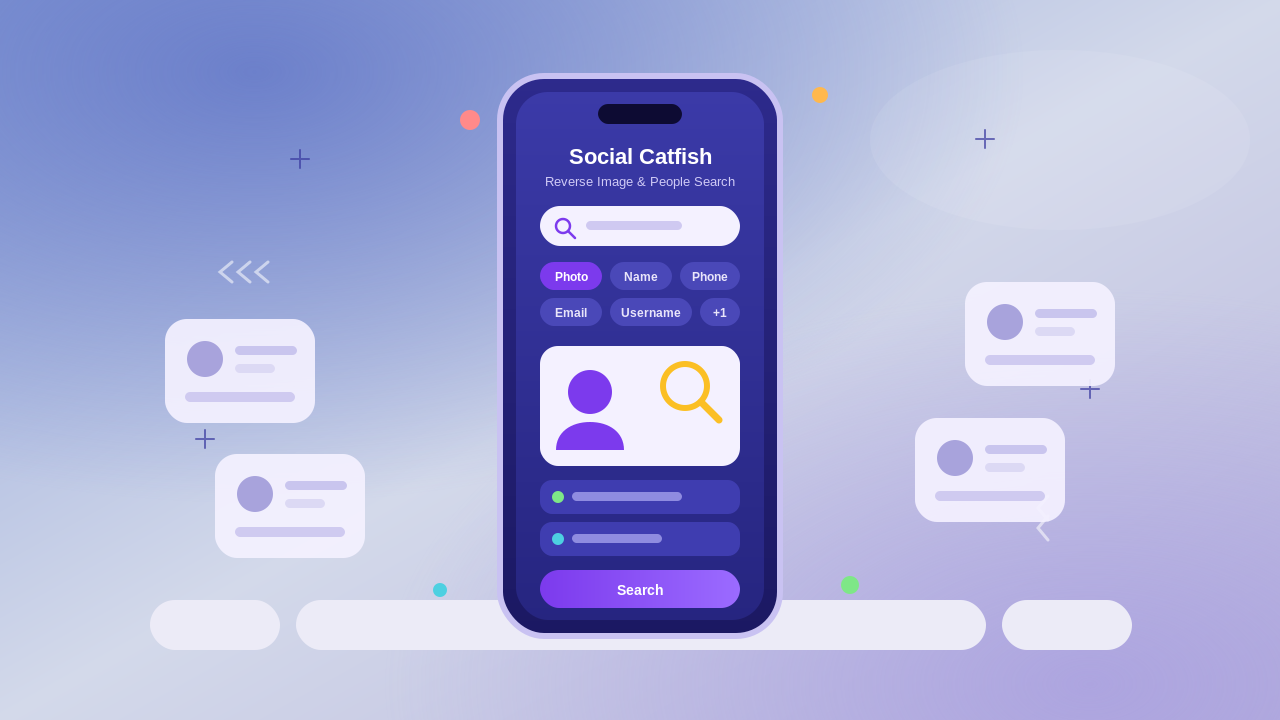
A reverse phone search is one of the fastest ways in existence to find someone on social media. This is because many social media sites require a phone number to verify your identity and help for faster sign-in. Another one of the reasons phone numbers are an important part of social media is because connecting with people that you know in real life can greatly enhance your experience on the platform. Because of this, a reverse phone search can be a powerful tool for finding someone on social media. Use the search bar below to run a reverse phone search today!
Name Search Examples
To get more accurate results, enter the full name including at least First name, Middle name and Last name.
Email Search Examples
Phone Search Examples
Username Search Examples
Address Search Examples
Start typing the initial part of the address and select from the addresses given dropdown afterward.
We Respect Your Privacy.

Other Ways Of Finding People On Social Media
There are other ways of finding people on social media other than a reverse phone search. in the rest of this post, The other search methods.
Reverse Email Search
One of the most important pieces of information on the internet is email addresses. A reverse image search can give you all of the information you’re looking for. A reverse email search is as simple as running a reverse phone search, all you need to do is enter the email address of the person into the search bar below.
Conclusion
We’ve shown how the reverse phone search works in combining the aim of the interconnectivity of social media with a simple engine that cross-references the web data. We’ve also made clear the other available methods for you to explore in order to better connect to a user, and we’ve shown how these tools work to allow for an expedient search that won’t have you combing through sites individually just to find the connections you’re after.
Now you have what you need to search the web for social media accounts. Using any combination of reverse phone search, email search, image search, or name search is guaranteed to connect you with the desired social media account. The only thing left is to simply put that work into practice.
Name Search Examples
To get more accurate results, enter the full name including at least First name, Middle name and Last name.
Email Search Examples
Phone Search Examples
Username Search Examples
Address Search Examples
Start typing the initial part of the address and select from the addresses given dropdown afterward.
We Respect Your Privacy.