Multiple Faces Detected



 January 23rd, 2026
You receive an email from what seems to be from your favorite store, claiming that there’s a sale. The discounts are too good to resist, so you decide to click the link on the email to check it out. The link directs you to a website that looks like your favorite store. You choose some items you want to purchase, and it asks you to fill out a form to ship your items. The form asks for personal and financial information to purchase your items. Then once you checkout, you don’t get a confirmation email. Once you look at the URL, you realize it looks funny and doesn’t look how it usually does. This is a classic phishing scam, which is why it is important to know how to avoid phishing scams.
What are Phishing Scams?

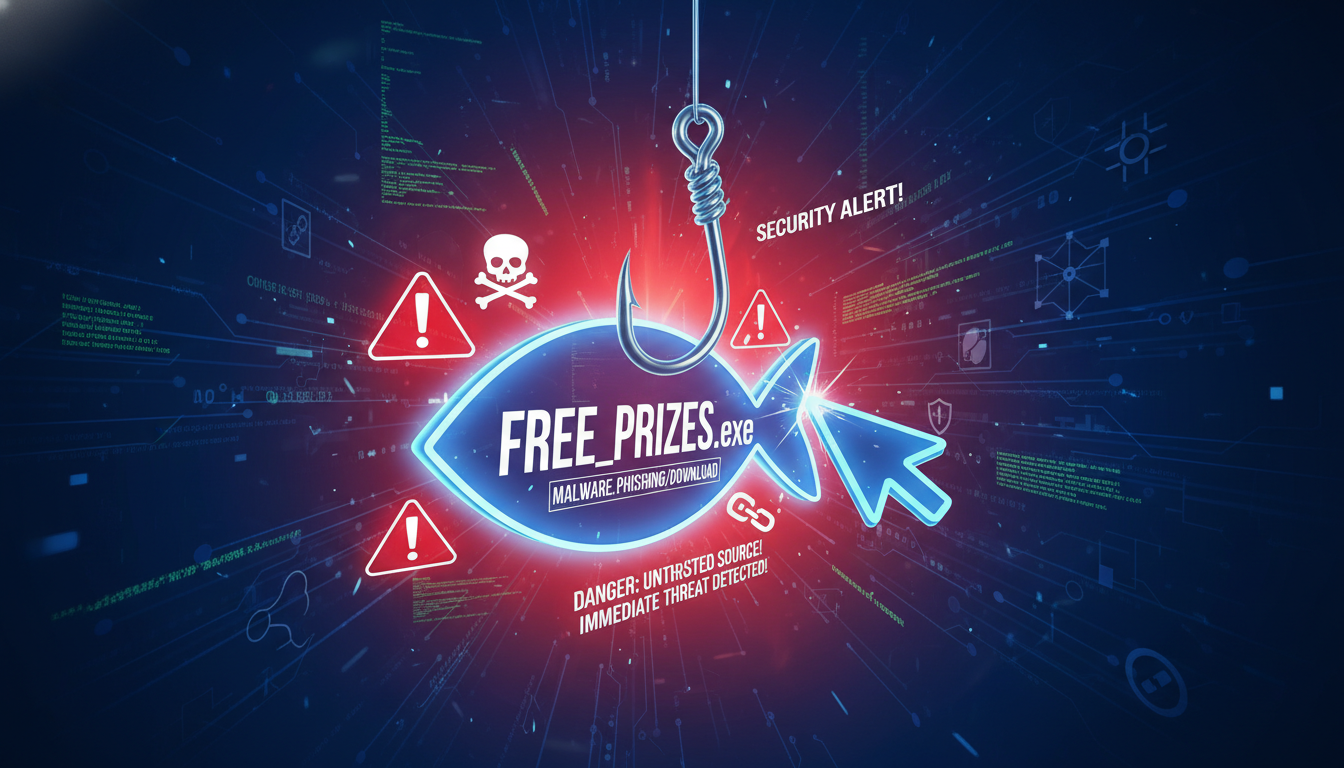
Phishing scams occur when a scammer tricks you into opening a link to their fake websites. These links can be sent in the form of an email, text message, or instant message. When you click on the link, it redirects you to a fake website that looks like the legit website of what the scammer is advertising. For example, if the scammer wants to pretend to be someone from Amazon, then the website will look like Amazon’s official website when it really isn’t
Scammers can put malware on these fake websites, which then installs malware on their victims’ devices to steal information from them. They can also ask for personal, financial, and account information from their victims by simply creating fake forms on their websites that seem legit. For example, if they want to steal account information from someone, the form could state that the customer is locked out of their account and they need to log in to their account with this form. Then once they enter their information, it gets sent to the scammer and they steal that account.
Top 5 Ways to Avoid Phishing Scams

#1 Don’t Click on Any Links Within Suspicious Emails
The email may look like it’s from a legit source, but how can you really tell that it’s from someone you know? If the email address has the company’s name at the end of the email address, such as “amazon.com” or “bestbuy.com” then it is most likely from that source. However, if it reads that it’s from “amazon@gmail.com” or “do-not-reply@amazn.com” then that’s when the email becomes a red flag. Scammers will pretend to have an email address that comes from that company, so make sure the email address is spelled correctly before proceeding.
If there’s a link within that suspicious email, clicking on it could mean trouble. By clicking on it, malware could get downloaded onto your device and could steal vital information from you. Also, the website can trick you into entering information on the website so that they can steal your finances. This is why it is best to keep this information to yourself if you aren’t sure that the website is legit.
#2 Check the URL Before Accessing the Website
If you still aren’t sure whether or not a website is legit, check the URL on the website. If you think you are on Amazon and the URL reads that you are on “https://www.amazon.com,” then that is the legit website and you are fine. However, if you think you are on Amazon and the website reads you are on “https://www.amazn.com” or “https://www.amazon12m3.com” or anything that looks like that, chances are you are on a fake website that was made to look like Amazon.
This could work for any store website that you can think of. Instead of “https://www.bestbuy.com,” you could be on “https://www.bestby.com” or “https://www.bstbuy.com” without even realizing it. That is why it is important to check the URL of the website you are on before proceeding. You could be on a fake website without even knowing it.

#3 Don’t Enter Any Personal Information on the Website That Doesn’t Make Sense
If you are purchasing something on a website and it is asking for your social security number, chances are you are on a website that doesn’t have the best intentions. A website that is run by a scammer will ask for any personal information they can in order to steal your identity and your money.
Make sure to get off a website that is asking for your birthday and your social security number when it doesn’t make sense. The only information a website should be asking you for is your address, your name, and secure credit card information.
#4 Don’t Send Any Information or Money to Anyone Via Email
A scammer will pretend to be whoever and whatever they want via email to get their hands on your finances. While usually, they fool you with a link to their fake website, they will also ask you to email them back directly with any information. If a company or someone asks you to email them back any information for any reason, don’t do it.
There is a huge chance that someone is a scammer if they are randomly asking you to email them information without knowing you. Even if they claim they are from Amazon or Best Buy, don’t send them back any information.
#5 Do Your Research Before Proceeding on a Website You Don’t Know
If you are unsure about whether a website is fake or not, do your research. You might have googled an item and found it on a website that you have never even heard of. While that website may be legit, it is still best to research the website before proceeding.
To do this, Google the site name and click on a third-party review site to see what people have to say about it. If there are no reviews or bad reviews, then it is best to not proceed with your purchase. However, if a site has good reviews, then chances are you are on a legit website.
An Additional Step to Avoid Phishing Scams…
Perform a Reverse Image Search with Social Catfish to See if a Product is Real
If you are still unsure as to whether or not an online shopping site is legit or not, you can always perform a reverse image search with Social Catfish on the product in question. To do this, upload the image of the product you are trying to purchase into Social Catfish’s reverse search bar. Then, wait a few minutes for your results! It is that easy. You can also report any phishing scam you have been a part of to the FTC.