Multiple Faces Detected



 October 29th, 2022
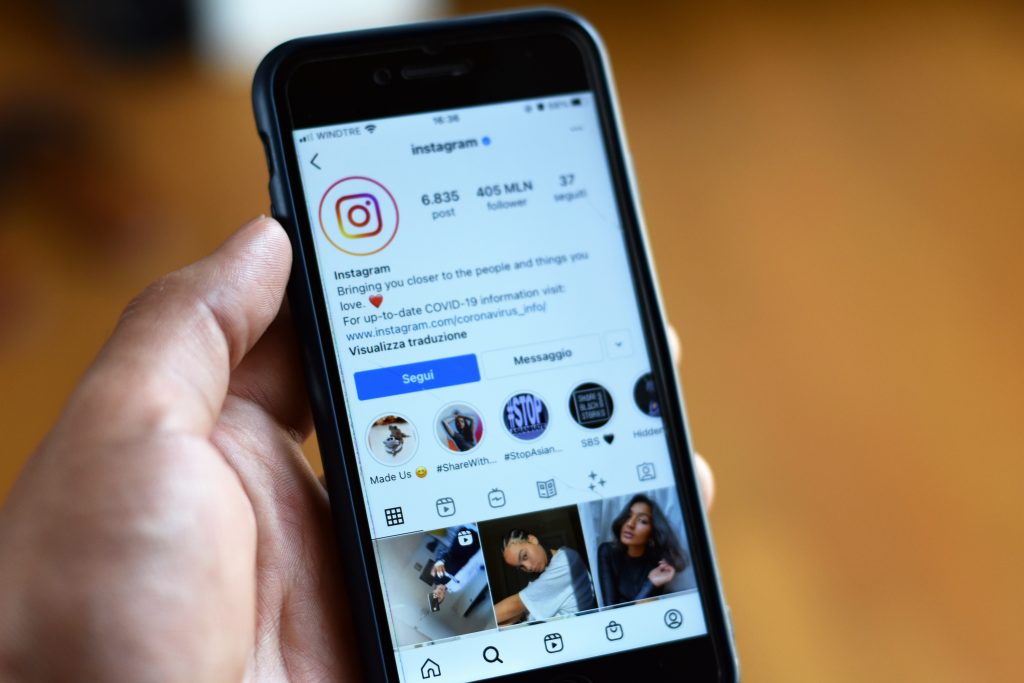
Reaching two billion active users back in 2021, the social media platform Instagram is now on its way to breaking through the 2.5 billion user count by 2023. This means: Instagram only keeps growing.
With all these new users per day, this begs the question: how can you track a single person with a single picture— and why opt to find someone in the first place?
Let’s find out.
Why find someone on Instagram?
There are many reasons why people opt to look for people on Instagram and on other social media websites.
For one thing, social media accounts are often seen as “proof of life”. Seeing someone’s online feed means they exist and are alive. Their interactions with other people help you know that they also know other people in real life, and that they aren’t lying about their identities online.
Knowing these few fast facts are extremely helpful in verifying if the person you’re talking to online isn’t scamming you or isn’t hiding something they shouldn’t be.
Cross-checking identities is also a main way to keep yourself safe online, especially if you talk to a lot of strangers every day, be it for personal reasons or for work.
Of course, having to sift through millions and millions of accounts just to find a single one isn’t practical. And if you only have a single photograph to go by, the task is made even more difficult, even with a few clues given to you.
With such a huge task at hand, you will definitely have to use the right tools to actually get you to find that person you’re looking for.
So, how do you find someone on Instagram with just a picture?
Crossing out the possibility of sifting through millions of accounts, we’re left with more viable methods, like reverse image search.
Reverse image search is seamless and easy— all you have to do is upload the photo you have and the algorithm will do the rest!
Socialcatfish.com is a prime example of a reverse image search tool that can help you get the information you need.
With just a quick upload, plus a lot of optional details that you can add to help speed up the search, Social Catfish will be able to search through Instagram— and other reaches of the internet— within a short amount of time!

How do you prime your photo for a reverse image search?
Not all images are “primed” for a reverse image search. An example would be a screenshot of your whole screen. There might be too many elements in the screenshot that the searching algorithm will get confused with as to what it’s looking for, eventually coming up with nothing.
With that being said, a good tip to priming your photo for a reverse image search so that it increases the chances of coming up with the results you seek is to crop your image to show only what you want to search.
If you’re on Windows, you can use the snipping tool, while on macOS, you can press Shift+Command+5 on your keyboard. On Apple and Android phones, simply go to your built-in photo editors to crop.
Have clues other than a photo?
If you happen to have other clues or details such as a name, an email address, a phone number, a username, or even a physical address, you can also input them onto Social Catfish’s prompt for a more thorough search!
It’s as easy as sifting through the tabs, typing them, and pushing the Search button!
Need more information from your search?
Running a reverse image search with socialcatfish.com can help you connect with someone on Instagram in seconds. All you need to do is upload a photo into the search bar below to find someone’s Instagram account in seconds. Run your first search today!