

 Multiple Faces Detected


 September 11th, 2024
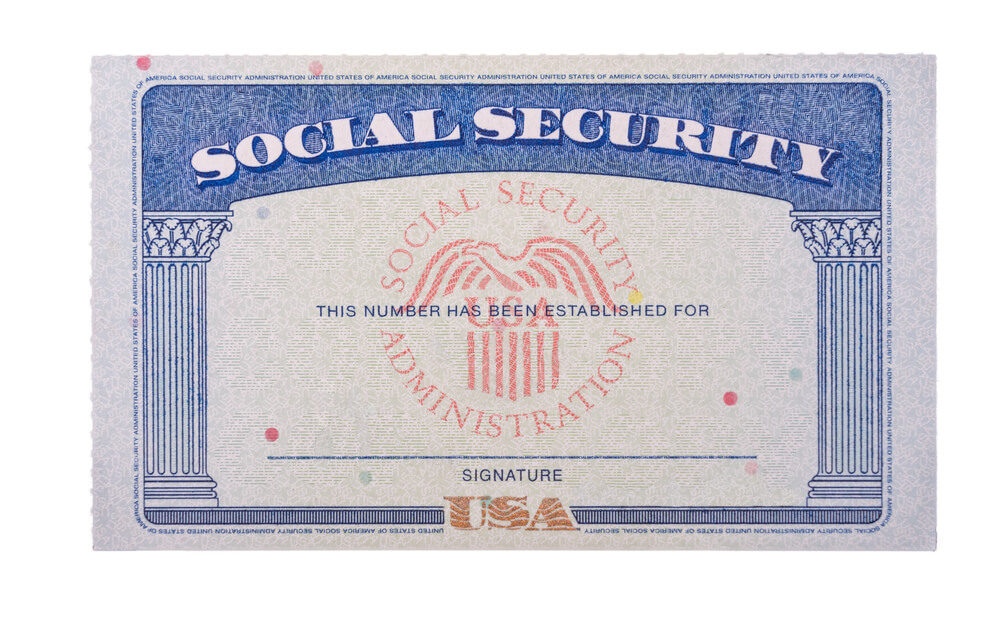
Losing your social security card can be a stressful and frustrating experience. Not only is it an important form of identification, but it also contains sensitive personal information. If you find yourself in this situation, don’t panic. The process of replacing your social security card is relatively simple and can be done quickly. In this blog post, we will guide you through the steps of replacing your social security card.
Step 1: Gather Necessary Documents
The first step in replacing your social security card is to gather all the necessary documents. You will need to provide proof of your identity, age, and citizenship. This can be done by providing a valid driver’s license, state-issued ID, or passport. If you do not have any of these documents, you can also use a school ID, employee ID, or health insurance card.
In addition to proof of identity, you will also need to provide proof of your age. This can be done by providing a birth certificate, hospital record, or religious record established before the age of five. If you do not have any of these documents, you can also use a passport or driver’s license.
Lastly, you will need to provide proof of your citizenship. This can be done by providing a U.S. birth certificate, U.S. passport, or Certificate of Naturalization or Citizenship. If you are not a U.S. citizen, you will need to provide proof of your immigration status.
Step 2: Fill Out the Application
Once you have gathered all the necessary documents, you will need to fill out the application for a replacement social security card. This can be done online or in person at your local Social Security Administration (SSA) office. The application will ask for personal information such as your name, date of birth, and social security number.
If you choose to fill out the application online, you will need to create a my Social Security account. This account will allow you to track the status of your application and receive updates. If you choose to fill out the application in person, you can find your nearest SSA office by using the office locator on the SSA website.
Step 3: Submit Your Application
After filling out the application, you will need to submit it along with your supporting documents. If you filled out the application online, you can submit your documents electronically. If you filled out the application in person, you will need to bring your documents to the SSA office. Your documents will be returned to you after they have been reviewed.
It is important to note that the SSA does not accept photocopies or notarized copies of documents. All documents must be original or certified copies from the issuing agency.
Step 4: Wait for Your New Card
After submitting your application, you will need to wait for your new social security card to arrive. The processing time can vary, but you can expect to receive your new card within 10-14 business days. If you need your card sooner, you can request expedited service for an additional fee.
Once you receive your new card, make sure to keep it in a safe place. It is recommended to only carry your social security card with you when necessary and to keep it in a secure location at all times.
How Social Catfish Can Help
If you have lost your Social Security card and are worried about potential identity theft, Social Catfish can help. Social Catfish is an online search engine that specializes in finding information about people. By using our services, you can quickly and easily find out if someone has been using your Social Security number without your knowledge.
Our advanced search algorithms scour the internet and social media platforms to gather information about individuals. This includes any instances where your Social Security number may have been used. If we find any suspicious activity, we will provide you with a detailed report so you can take the necessary steps to protect yourself.
Our search specialist works with people that have experienced theft and scams of all varieties. They’ll be able to track down who’s been using your ID and provide the necessary help that you need. Click here to get started.
Conclusion
Losing your social security card can be a hassle, but it is important to take the necessary steps to replace it as soon as possible. By following the steps outlined in this blog post, you can easily replace your social security card and have peace of mind knowing that your personal information is secure. Remember to always keep your social security card in a safe place and only provide it when necessary.
We hope this blog post has been informative and helpful. If you have any further questions or concerns, please visit the SSA website or contact your local SSA office for assistance. Thank you for reading!









