

 Multiple Faces Detected



 June 24th, 2026
Snapchat intentionally gives you no clear signal when someone blocks you. Disappearing chats, missing profiles, and messages stuck on pending are all ambiguous on their own. The app never sends a notification, never explains what happened, and leaves you second-guessing what changed and why. This guide walks through every reliable method to confirm whether you have been blocked, how to tell the difference between being blocked, unadded, and dealing with a deleted account, and what to do once you have your answer.
How to Know If Someone Blocked You on Snapchat
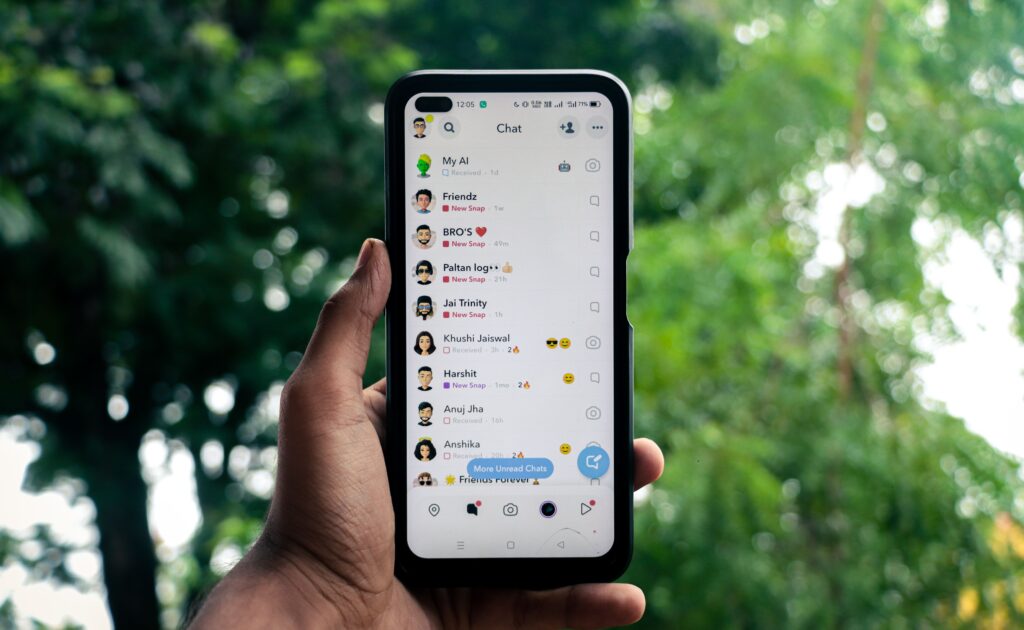
No single signal on Snapchat definitively confirms a block on its own. The confirmation comes from combining multiple signals together. Here are the five most reliable methods ranked from easiest to most definitive.
Check the Search Bar
Open Snapchat and search for the person’s exact username. If their profile does not appear in results at all, one of three things has happened: they blocked you, they deleted their account, or they changed their username. A missing profile in search is the first signal but not confirmation on its own. It needs to be combined with at least one other check.
Check Your Chat History
When someone blocks you on Snapchat, your existing chat thread with them disappears entirely from your Chat feed. If you had an active conversation that has now vanished alongside the missing search result, that combination points strongly to a block. If the chat thread is still visible but messages are showing as Pending rather than delivered, they may have only unadded you rather than blocked you.
Check Message Status
Try sending a message. If it shows a grey arrow labeled Pending and never progresses to delivered, you have been removed or blocked. This signal alone does not confirm a block because the same Pending status appears when someone unadds you. Combine it with the search result and chat history check to narrow it down.
Check Their Snap Score
If you can find their profile in search but cannot see their Snap Score, they have unadded you as a friend rather than blocked you. Snap Score is only visible to mutual friends. If their profile does not appear in search at all, a block is more likely than an unadd. This distinction helps you understand which situation you are in before going further.
Use the Mutual Friend Test
This is the most definitive free confirmation method available. Ask a mutual friend to search for the person’s exact username on their own Snapchat account. If the mutual friend can find the profile, but you cannot find it on your account, you have been blocked. If neither of you can find the profile, the account has likely been deleted. This test removes the ambiguity that the other methods leave open and gives you a clear answer.
How to Tell If Someone Blocked You vs Unadded vs Deleted
These three scenarios produce similar signals but have important differences. Here is how to read each one.
Blocked:
- Profile completely disappears from your search results
- Chat thread disappears from your Chat feed entirely
- Cannot send messages, snaps, or friend requests
- Mutual friend can find their profile but you cannot find it on your account
- Cannot view their stories under any circumstances
Unadded (Removed as a Friend):
- Profile still appears when you search their username
- Chat thread remains visible but messages show as Pending
- Can still send a new friend request
- Cannot see their Snap Score
- Cannot see any stories set to Friends Only
Deleted Account:
- Profile does not appear in search on any account including mutual friends
- Mutual friend also cannot find the profile under any search
- All chat history is gone from your feed
- No trace of the account exists anywhere on the platform
Changed Username:
If someone changed their username, you will not find them under the old one, which can look identical to being blocked from your perspective. Ask a mutual friend to check whether the account exists under a different handle before concluding you have been blocked.
If you are trying to track down a specific person who you believe has blocked you and want to confirm they are still active on other platforms, Social Catfish is a legitimate alternative. Enter their username, name, email, or photo, and get a verified report of every account connected to that identity. No fake app downloads, no credential risks, no guesswork.
How Can You Tell If Someone Blocked You Using Another Account
The second account method is the most direct confirmation available without involving a mutual friend. Log out of your Snapchat account and either use a friend’s account or create a new one. Search for the person’s username from the second account.
If they appear on the second account but do not appear when you search from your own account, you are definitively blocked. The asymmetry between what different accounts can find is the clearest possible confirmation.
A brief note on approach: Creating a secondary account specifically to monitor someone who has blocked you may violate Snapchat’s community guidelines. Use this method to confirm the situation, not to continue contact with someone who has clearly indicated they do not want it.
If you are trying to locate someone who has blocked you across multiple platforms, Social Catfish is a cleaner and more thorough option than creating secondary accounts. Enter their username or photo and get a full picture of every platform they are active on without the risk of violating platform guidelines.
How to Block Someone on Snapchat
For readers who arrived looking for how to block rather than how to detect a block, here is the step-by-step process.
- Open Snapchat and navigate to your Chat feed or Friends list
- Find the person you want to block
- Press and hold their name or open their profile page
- Tap the three dots or the More options menu
- Select Manage Friendship
- Tap Block
- Confirm the block when prompted
Blocking removes the person from your friends list, prevents them from seeing your profile or stories, prevents them from messaging you, and removes your account from their search results. Blocking is reversible at any time through Settings, then Blocked, where you can unblock anyone you have previously blocked.
How to See Who Has You Blocked on Snapchat
Snapchat does not provide any feature that shows you a list of people who have blocked you. There is no built-in way to see your block status from another person’s perspective, and Snapchat has not indicated this will change.
The only way to confirm a specific person has blocked you is through the methods covered above: the search test, the mutual friend test, and the chat status check used together.
Third-party apps that claim to show who has blocked you on Snapchat are not legitimate. Snapchat’s API does not expose block data to third-party developers. Apps making this claim are typically data harvesting tools or malware. Do not download them or grant them access to your Snapchat account under any circumstances.
A block after suspicious behavior is one of the most common patterns in catfishing and online scams. Someone builds a connection, asks for personal information or money, then disappears and blocks you before you can ask questions. If that pattern sounds familiar, a Social Catfish search helps you confirm what you were actually dealing with and gives you documented evidence if you need to report it.
Run a free search on Social Catfish
What to Do After Confirming You Are Blocked on Snapchat
This is the section most articles on this topic skip entirely. Confirming the block is one step. Knowing what to do with that information is the more useful part.
Respect the decision:
If someone has blocked you, finding ways to continue contact around the block escalates the situation rather than resolving it. Continued attempts to reach someone through secondary accounts, mutual friends used as intermediaries, or other platforms when you have been clearly blocked can cross into harassment regardless of intent.
Check whether you have been blocked on other platforms:
If someone blocks you on Snapchat, check Instagram, TikTok, and Twitter/X to see whether the block extends across platforms. A multi-platform block communicates something more deliberate than a single-platform one.
If you met this person online and need to verify who they actually are:
This is the scenario where Social Catfish becomes genuinely useful. If the person who blocked you was someone you met through a dating app, a social media connection, or any online context where their real identity was never fully established, a reverse search through Social Catfish returns every social profile, email address, and online account connected to their username, phone number, or photo.
This matters specifically when:
- The person exhibited suspicious behavior before blocking you
- You are concerned the account may have been fake or using stolen photos
- You want to confirm whether the identity they presented was consistent with who they actually are
- You need to find them on another platform for a legitimate reason such as a financial dispute or safety concern
Enter their Snapchat username, any phone number or email they shared, or a profile photo into Social Catfish. The search cross-references that information across hundreds of platforms simultaneously, returning the real identity and linked accounts behind the profile. A genuine person with nothing to hide has a consistent cross-platform presence. A fake account reveals inconsistencies that the Snapchat profile alone would never have shown you.
FAQ
Search their exact username. If their profile does not appear and your chat thread has disappeared, those two signals together point to a block. Confirm definitively by asking a mutual friend to search for the same username. If they can find it and you cannot, you have been blocked.
Log out of your account and search for the person from a second account or a friend’s account. If they appear from the second account but not from yours, you are blocked. Alternatively, try sending a message if it shows as Pending permanently, and their profile does not appear in search; a block is the most likely explanation.
Ask a mutual friend to search for the person’s username. If the mutual friend can find the profile but you cannot, you have been blocked. If neither of you can find the profile under any search, the account has been deleted. This mutual friend test is the only reliable way to distinguish between the two scenarios.
The experience is identical across both platforms. Snapchat’s block behavior, the disappearance of the profile from search, the missing chat thread, and the Pending message status work the same way on iOS and Android. There is no platform-specific difference in how a block appears.
Your chat thread disappears entirely from your Chat feed. Any snaps you sent that were unopened at the time of the block are deleted. Previously opened chat content does not return even if the person later unblocks you. You will not receive any notification that a block occurred.
Conclusion
Snapchat’s deliberate ambiguity around blocking makes a simple yes or no answer harder to reach than it should be. The mutual friend test combined with the search check and chat status gives you a definitive answer without needing to contact the person or create secondary accounts.
Once you have confirmed a block, what you do with that information matters as much as the confirmation itself. Respecting the decision is the baseline. If the person was someone you met online whose real identity you were never certain about, Social Catfish’s reverse search is the tool that surfaces who they actually are across platforms, whether their photos and identity were genuine, and whether the account was part of a pattern of behavior worth understanding before you move on.








