Multiple Faces Detected



 March 17th, 2026
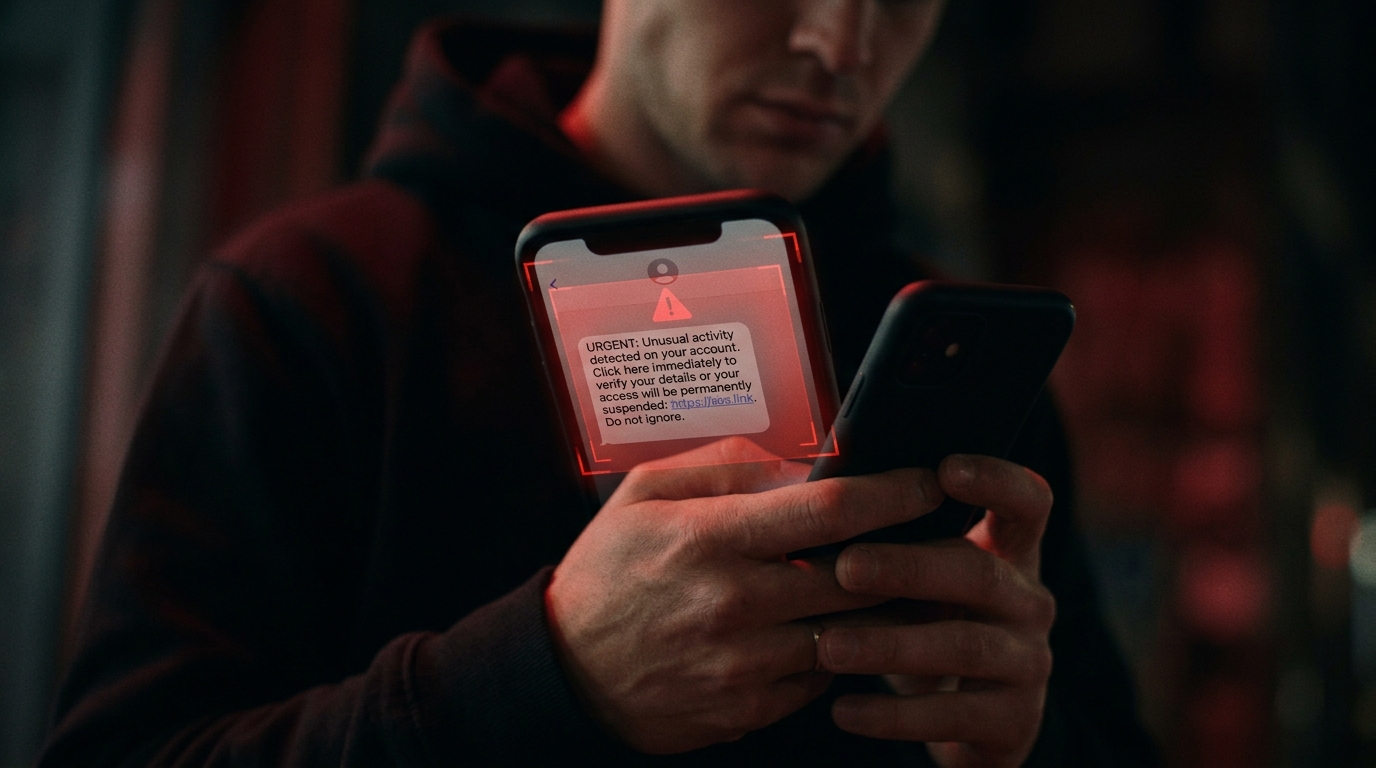
Your phone rings from a number you don’t recognize. Or you get a text message that feels off, urgent language, an unexpected link, a claim you owe money, or won something. Your instinct says don’t call back. But you want to know who it is.
That instinct is worth trusting. Americans lost an average of $3,690 to phone scams in the first half of 2025 alone, and robocall volume hit a six-year high the same year, with 31% of American adults receiving at least one scam call per day. The problem isn’t getting better.
A free scammer phone number lookup takes less than two minutes and can tell you whether a number has been reported for fraud before you ever engage with it. This guide covers which tools actually work, what they can and can’t tell you, and what steps to take once you know what you’re dealing with.
If a number is connected to someone who’s been texting or messaging you online, not just calling, Social Catfish can go further than a basic lookup by cross-referencing the number against social profiles, public records, and identity data to identify who’s actually behind it.
What a Free Scammer Phone Number Lookup Can Tell You

Before running a lookup, it helps to know what you’re actually getting. Most free tools pull from one or more of the following sources:
- Community-reported databases — numbers flagged by other users as spam, scam, or fraud
- Carrier reputation data — information from phone companies about known robocall campaigns
- Public records — name and address associated with a registered number
- FTC and FCC complaint data — numbers that have been formally reported to federal agencies
What you’ll typically see: whether the number has been flagged, how many times, what type of scam it’s associated with (IRS impersonation, tech support, prize scam, etc.), and sometimes the carrier the number is registered on.
What free lookups often can’t tell you:
- Spoofed numbers scammers frequently use Voice over IP (VoIP) technology to make calls appear to come from local area codes or legitimate organizations. A spoofed number may have no complaint history because it’s a real number being impersonated.
- The actual identity of who is calling, most free tools confirm whether a number is suspicious, not who specifically is behind it
- Numbers used in targeted personal scams, romance scammers, catfish, and online fraud often use numbers that haven’t been widely reported yet
The Best Free Scammer Phone Number Lookup Tools
Google Search
The fastest starting point. Type the phone number, including area code, directly into Google’s search bar, in quotes: "555-867-5309". If the number has been widely reported, results will include complaint forums, scam-reporting sites, and user discussions identifying exactly what type of scam it’s associated with.
This works best for numbers used in mass robocall campaigns. It’s less useful for personal scam numbers that haven’t been widely circulated.
FTC’s DoNotCall.gov and ReportFraud.ftc.gov
The FTC maintains the most authoritative database of reported scam numbers in the United States. While the FTC doesn’t offer a direct public lookup by phone number, you can cross-reference complaints at reportfraud.ftc.gov and check whether a specific number or scam type has been documented. The FTC received over 2.6 million Do Not Call complaints in FY 2025 alone. The data behind these reports is what powers most third-party lookup services.
Social Catfish Reverse Phone Search
If the suspicious number belongs to someone you’ve been in contact with online, a dating app match, a social media connection, someone who messaged you out of nowhere, a basic scam flag lookup isn’t always enough. Social Catfish runs a reverse phone search that goes beyond reputation data, cross-referencing the number against social profiles, public records, and linked accounts to identify who the number actually belongs to. This is the tool that answers not just “is this a scam number?” but “who is the person behind this number?”
How to Do a Free Scammer Phone Number Lookup With Social Catfish
Step 1: Screenshot the number before you do anything else. Note the full number with area code exactly as it appeared on your caller ID or in the text message. Don’t call back or respond first.
Step 2: Go to Social Catfish and select the phone search. Head to Social Catfish and choose the phone number search option from the search bar.
Step 3: Enter the number and run the search. Type in the full phone number and hit search. Social Catfish scans public records, social media profiles, and linked accounts associated with that number.
Step 4: Review what comes back. The results will show you what name, accounts, and identity information are tied to the number. If the number belongs to a real, verifiable person, you’ll see consistent identity data. If it comes back linked to no real identity or a name that doesn’t match who contacted you, that’s a significant red flag.
Step 5: Cross-reference on Google. Paste the number in quotes into Google "555-867-5309," as a secondary check. If it’s been used in a mass scam campaign, complaint forums and scam-reporting sites will surface on the first page.
Step 6: Report it. If the number is confirmed as a scam, report it to the FTC at reportfraud.ftc.gov and to your carrier. This feeds the databases that protect others from the same number.
What to Do After You Identify a Scam Number
Knowing a number is a scam is only half the equation. Here’s what to do with that information:
Don’t Call Back
This is the most important step. Calling back a flagged number confirms to scammers that your number is active, which typically results in more calls. If the call was a robocall, pressing any button during the message has the same effect.
Block the Number
On iPhone: go to your recent calls list, tap the “i” next to the number, scroll down, and tap “Block this Caller.” On Android: tap and hold the number in your call log and select “Block.” For repeated spam from rotating numbers, a call-blocking app like RoboKiller, YouMail, or Hiya provides broader protection than blocking one number at a time.
Report It
Reporting scam numbers helps protect others and feeds the databases that power future lookups:
- FTC: reportfraud.ftc.gov — the primary federal reporting channel for phone scams
- FCC: consumercomplaints.fcc.gov for robocall and spoofing complaints
- DoNotCall.gov: to add your number to the registry and report violations
- Your carrier: most carriers have spam reporting features built into their apps
If You Already Shared Information
If you picked up the call and gave a scammer personal or financial details, act immediately:
- Bank or credit card information: contact your financial institution right away to freeze the account or flag it for monitoring
- Social Security number: place a fraud alert with the three major credit bureaus (Experian, Equifax, TransUnion) and consider a credit freeze
- Passwords or account access: change passwords on any affected accounts and enable two-factor authentication
- Remote access to your device: disconnect from the internet, run a malware scan, and contact your device manufacturer’s official support line
Red Flags That Indicate a Scam Call Before You Look Anything Up

Some calls don’t need a lookup to flag these patterns are consistent across nearly every documented phone scam:
- Urgency and threats: “Your account has been suspended,” “You owe back taxes,” “There’s a warrant for your arrest.” Scammers create pressure to prevent you from thinking clearly.
- Requests for gift cards or wire transfers: no legitimate government agency, bank, or company will ever ask you to pay with gift cards or wire money to an unfamiliar account
- Caller ID that matches a trusted organization: spoofing allows scammers to display the IRS, Social Security Administration, or your own bank’s number as the caller ID; the display can’t be trusted on its own
- Requests for remote device access: tech support scams often ask victims to install software that gives the scammer control of their device. Real tech companies don’t do this unsolicited.
- Too-good-to-be-true offers: prize winnings, loan approvals, or investment opportunities that require you to act immediately
FAQ
Yes. Google, YouMail, RoboKiller, and Bitdefender all offer free lookups with no sign-up required. They work best for mass scam campaign numbers. For identifying who personally owns a number, Social Catfish provides deeper results.
Not reliably. Spoofing makes calls appear to come from a different number than the one actually used. If a scammer spoofed your bank’s number, a lookup returns your bank’s info, not the scammer’s. Caller ID alone is never a reliable safety signal.
The most reported categories are loan and debt relief offers, imposter scams (callers pretending to be government agencies or businesses), and health insurance offers. Impersonation scams targeting older adults saw a fourfold increase in reports since 2020.
No. Answering confirms your number is active, which typically increases scam call volume. If the call is legitimate, they’ll leave a voicemail. Run the number first, then decide whether to call back.
A reputation lookup flags the number but won’t identify the person. Run it through Social Catfish to see what name, accounts, and public records are linked to it and whether their identity checks out.
The Bottom Line
A free scammer phone number lookup is one of the fastest safety checks available, and most of them take under a minute. Google, YouMail, RoboKiller, and Bitdefender all provide free tools that surface whether a number has been reported for fraud before you engage with it at all.
For numbers connected to people you’ve been communicating with online, reputation data alone isn’t always enough. Social Catfish takes the reverse phone lookup further, identifying who actually owns a number, what accounts it’s linked to, and whether the identity checks out, so you’re not just blocking a scam, you’re understanding who was behind it.