Multiple Faces Detected


 February 13th, 2026
You receive a text message claiming your bank account has been compromised. There’s a link to “verify your account immediately.” You click it, enter your username and password on what looks like your bank’s website, and breathe a sigh of relief. But your bank account wasn’t compromised until you clicked that link. You just gave scammers complete access to your banking credentials through a phishing link.
According to the FBI’s 2024 Internet Crime Report, phishing was the most reported cybercrime with over 298,000 complaints, causing hundreds of millions in losses. Phishing links are the primary tool scammers use to steal credentials, install malware, drain bank accounts, and compromise identities—all through a single click.
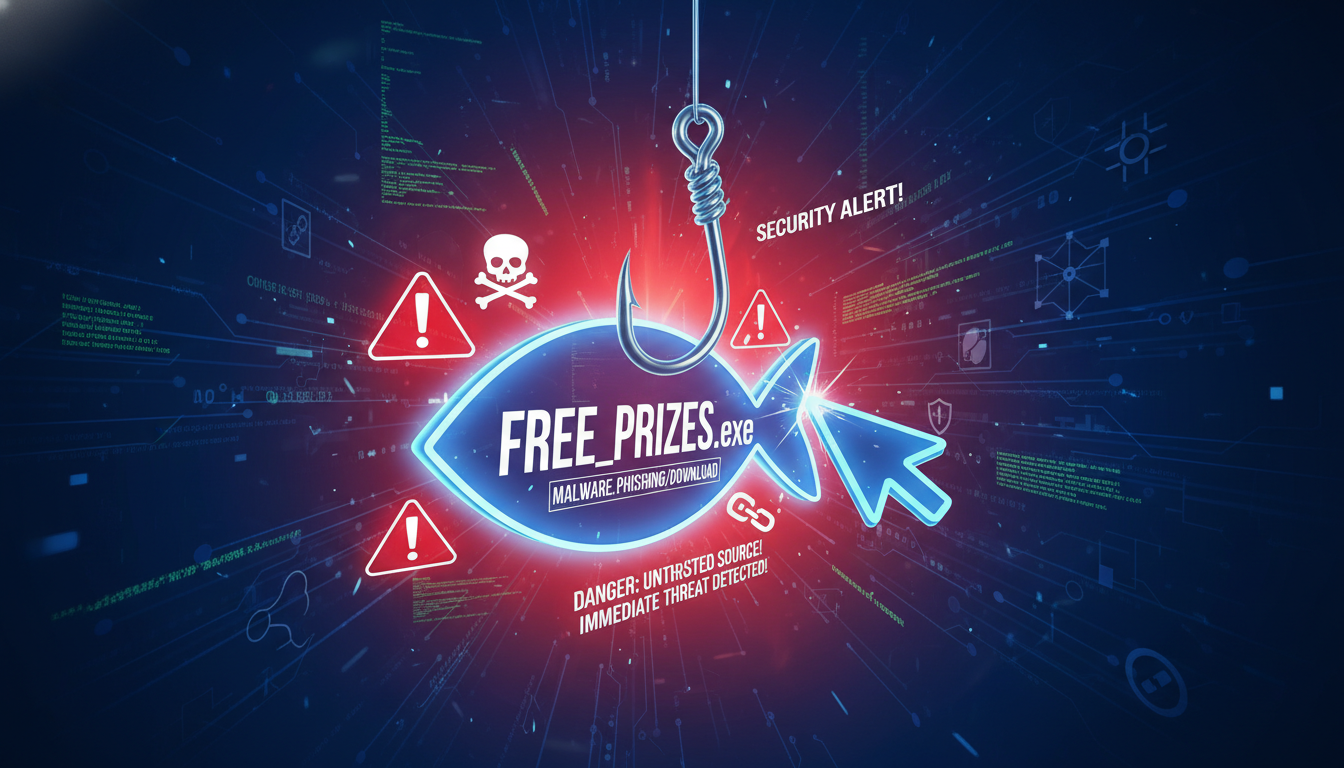
A phishing link is a fraudulent URL designed to trick you into visiting a fake website that looks legitimate. These links appear in emails, text messages, social media, and even fake customer service interactions.
Social Catfish helps you verify suspicious links and websites before you click, protecting you from phishing attacks that could compromise your accounts, steal your identity, or drain your finances.
In this guide, we’ll explain what phishing links are, how they work, what happens if you click them, and how to protect yourself.
What Is a Phishing Link?
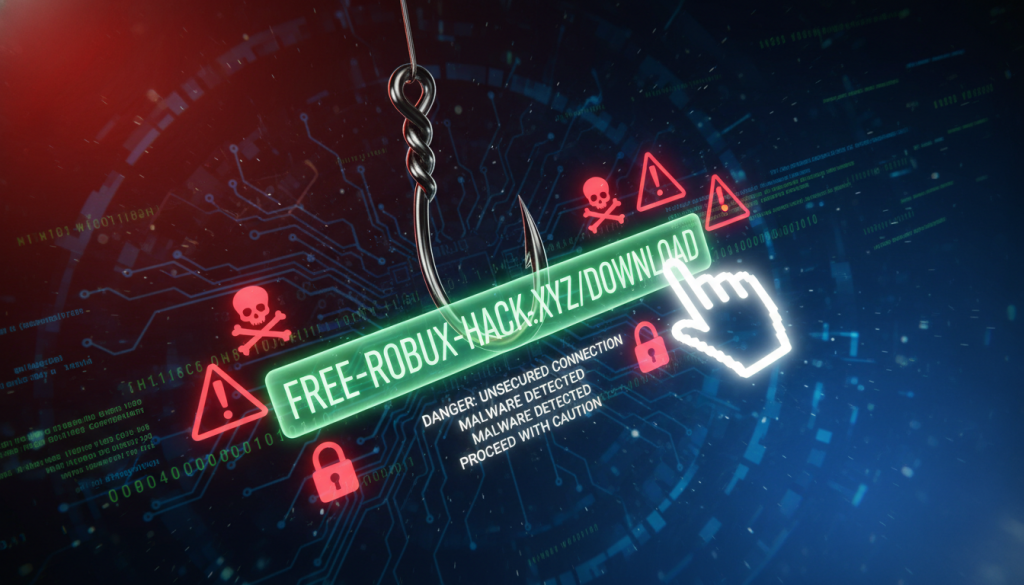
A phishing link is a malicious URL that directs you to a fake website designed to steal your information or install malware on your device.
How Phishing Links Work
Create Fake Websites: Scammers replicate legitimate sites, design pages that look identical to real sites, create URLs that appear similar to legitimate domains, and set up infrastructure to capture entered information.
Distribute Links: Distribution happens through email phishing campaigns, SMS text messages (smishing), social media messages and posts, fake customer service interactions, and compromised accounts messaging contacts.
Social Engineering: Messages create urgency: “Your account will be locked,” “Suspicious activity detected,” “Verify your information immediately,” “Claim your refund,” or “You’ve won a prize.”
Capture Information” Once clicked, scammers steal credentials when you log in, harvest personal information from forms, install malware or spyware, and gain access to accounts.
Types of Phishing Links
Email Phishing: Links sent via email pretending to be from banks, retailers, or services you use.
SMS Phishing (Smishing): Text messages with links claiming account issues, delivery problems, or prize notifications.
Social Media Phishing: Links shared on Facebook, Instagram, LinkedIn, or Twitter leading to fake sites.
Spear Phishing: Targeted attacks using personalized information to appear more legitimate.
What Happens If You Click a Phishing Link
Consequences depend on what you do after clicking and the type of attack.
Immediate Consequences
You’re redirected to a fake website designed to steal information. Malware, spyware, or viruses may download automatically. Scammers know you clicked, confirming your contact information is active. Your device information, location, and browser details are captured.
If You Enter Information
Usernames, passwords, and security questions are captured immediately. Scammers access your real accounts using stolen credentials. Personal information (SSN, address, DOB) is harvested for identity fraud. Banking credentials lead to unauthorized transactions. Email account access allows scammers to reset passwords for other accounts.
If Malware Is Installed
Keyloggers record everything you type including passwords. Spyware monitors your activity and captures screenshots. Ransomware locks your files and demands payment. Banking trojans target financial information. Your device may become part of a botnet used for attacks on others.
Delayed Consequences
Legitimate services lock accounts due to suspicious activity. Credit cards and bank accounts show unauthorized transactions days or weeks later. Stolen SSNs lead to fraudulent tax returns. Scammers open credit cards, loans, or accounts in your name. Your contacts receive phishing messages from your compromised account.
How to Recognize Phishing Links
Suspicious URLs
Misspellings: amaz0n.com instead of amazon.com, paypa1.com instead of paypal.com.
Extra Characters: amazon-security-verify.com, paypal-account-verify.net.
Unusual Domain Extensions: .xyz, .top, .club instead of .com, unfamiliar country codes.
Suspicious Subdomains: paypal.secure-login-verify.com (the real domain is secure-login-verify.com, not paypal.com).
Message Red Flags
Creates Urgency: “Immediate action required,” “Account will be closed in 24 hours,” “Act now or lose access.”
Unexpected Messages: You didn’t request password reset, don’t have account with sender, weren’t expecting package or refund.
Generic Greetings: “Dear customer” instead of your name, no personalization.
Grammar Errors: Poor English, awkward phrasing, misspellings in official communications.
Requests for Sensitive Information: Asking for passwords, PINs, SSN, or full account numbers.
Visual Deception
Shortened URLs (bit.ly, tinyurl.com) hide real destination. Embedded links display text that says one thing but link goes somewhere else. Email appears from “Amazon” but actual email address is suspicious.
What to Do If You Clicked a Phishing Link
Immediate Actions
Disconnect From Internet: Turn off WiFi to prevent malware from transmitting data and stop communication with scammer’s server.
Don’t Enter Information: If you haven’t entered credentials yet, don’t. Close the browser immediately.
Change Passwords: If you entered credentials, change passwords on a different device. Start with email, banking, and financial accounts.
Enable Two-Factor Authentication: Add 2FA to all accounts immediately using authenticator apps rather than SMS.
Run Security Scans: Use reputable antivirus software to scan your device for malware and spyware.
Financial Protection
Contact your bank and credit card companies immediately. Report potential compromise and monitor accounts for unauthorized transactions. Request new cards if credentials were entered.
Place Fraud Alerts: Contact credit bureaus (Equifax, Experian, TransUnion), place fraud alerts on credit reports, and consider credit freezes.
Monitor Accounts: Check bank and credit card statements daily and report any unauthorized activity immediately.
Notify the Phishing Attack
Report to Impersonated Organizations: Forward phishing emails to the real company’s abuse team.
Report to Authorities: FBI IC3 at ic3.gov, FTC at ReportFraud.ftc.gov, Anti-Phishing Working Group at reportphishing@apwg.org.
Warn Contacts: If your account was compromised, warn contacts they may receive phishing from your account.
Document Everything
Save screenshots of phishing messages, URLs, and fake websites. Record dates and times of clicks. Keep copies of all communications with banks and authorities. Document any financial losses.
How to Protect Yourself From Phishing Links
Before Clicking Any Link
Verify the Source: Independently confirm sender legitimacy, contact companies using official numbers from their website, don’t use contact information from suspicious messages.
Check URLs Carefully: Hover over links to see actual destination, look for misspellings and unusual domains, verify it matches the company’s real website.
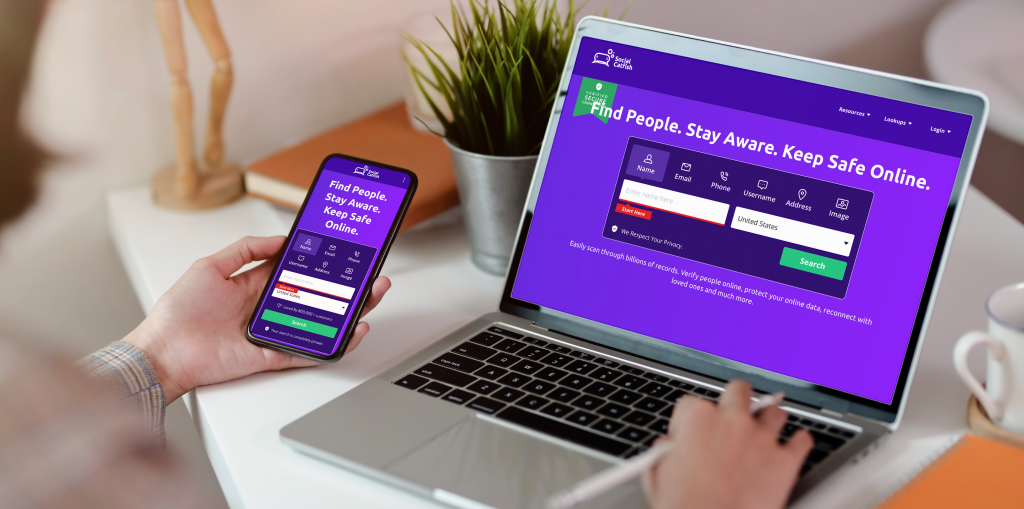
Use Social Catfish: Research suspicious websites through Social Catfish, verify domain age and registration, check for scam reports.
Think Before Clicking: Question urgency and pressure tactics, consider if request makes logical sense, ask if you were expecting this message.
Security Best Practices
Keep Software Updated: Update operating systems and browsers, install security patches promptly, use reputable antivirus software.
Use Password Managers: Generate strong unique passwords, avoid password reuse across sites, auto-fill only on legitimate sites.
Enable Email Filters: Use spam and phishing filters, be cautious with emails that bypass filters.
Educate Family: Teach elderly relatives about phishing, discuss common tactics and red flags, establish verification protocols.
Frequently Asked Questions
Yes, some phishing links automatically download malware when clicked. However, most require you to enter information or approve downloads. Disconnect immediately if you accidentally click a suspicious link.
Hover over links to check the actual URL, verify it matches the legitimate company’s website, check for misspellings or unusual domains, and use Social Catfish to research suspicious websites.
Change your password immediately on a different device, enable two-factor authentication, monitor your account for suspicious activity, and contact the legitimate service to report the compromise.
Yes, SMS phishing (smishing) is increasingly common. Apply the same caution to text messages with links as you would to emails. Verify through official channels before clicking.
Check the URL carefully for misspellings, look for HTTPS and padlock icon (but know these can be faked), research the domain through Social Catfish, and contact the company through official channels to verify.
Conclusion
Phishing links are one of the most common and dangerous cyberthreats you face online. A single click can lead to stolen credentials, compromised accounts, financial theft, malware infection, and identity fraud. With phishing being the most reported cybercrime, understanding how these attacks work and knowing what to do if you click a malicious link is essential protection.
Social Catfish helps you verify suspicious websites and links before you click, research domains for scam reports, and confirm legitimacy when something feels off. Combined with careful URL checking, healthy skepticism about urgent messages, and immediate action if you accidentally click, you can protect yourself from phishing attacks.
Never trust links in unexpected messages. Verify independently before clicking, use Social Catfish to research suspicious sites, and remember: legitimate companies don’t create urgency to bypass your security instincts.