

 Multiple Faces Detected


 October 12th, 2023
In the ever-connected digital age, our smartphones are like loyal companions, always ready to keep us informed, entertained, and connected. Yet, there come moments when we crave a little peace, a pocket-sized sanctuary from the incessant pings, calls, and notifications. Enter the “Do Not Disturb” mode – a digital retreat that grants us respite from the clamor of the virtual world while allowing us to stay in control. In this blog post, we embark on a journey to unlock the serene realm of “Do Not Disturb” mode, unraveling its secrets and discovering how it can be harnessed to curate moments of uninterrupted tranquility in our busy lives. Whether you seek a restful night’s sleep or a focused work session, join us as we explore the art of setting up and using “Do Not Disturb” mode on your smartphone.
What Is Do Not Disturb Mode?
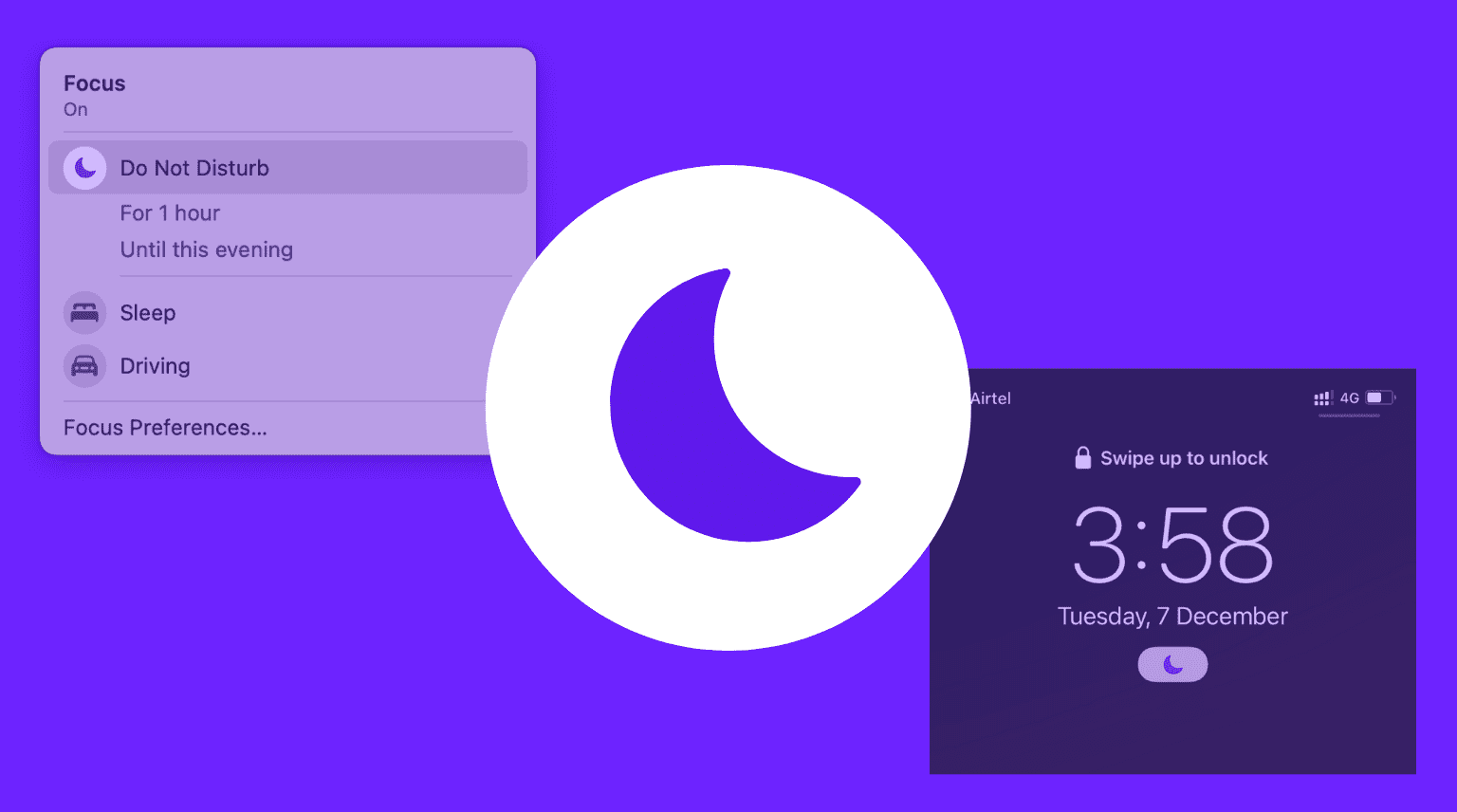
“Do Not Disturb” mode, often abbreviated as DND mode, is a feature found on smartphones, tablets, and other digital devices that allows users to temporarily silence incoming notifications, calls, and alerts. Think of it as a digital version of the “Quiet Please” sign, creating a tranquil oasis in the midst of the bustling digital world.
When you activate DND mode, your device will suppress notifications from apps, mute incoming calls, and, in some cases, dim the screen or limit vibrations. This feature can be immensely valuable when you need uninterrupted focus during work or study sessions, desire a peaceful night’s sleep without disturbances, or simply want to disconnect from the constant stream of notifications for a while.
While DND mode varies slightly across different devices and operating systems, its primary goal remains the same: to empower users with the ability to control when and how they receive digital interruptions, allowing them to reclaim moments of peace and concentration in our hyper-connected lives.
Setting Up Do Not Disturb Mode
Once you’ve grasped the concept of “Do Not Disturb” (DND) mode, the next step is to learn how to set it up effectively on your device. Fortunately, configuring DND mode is a straightforward process that can vary slightly depending on your operating system, but generally follows these fundamental steps:
Step 1: Access Your Settings
- To get started, open the settings menu on your device. This is usually represented by a gear icon and can typically be found on your home screen or in your app drawer.
Step 2: Locate “Do Not Disturb” or “Sound” Settings
- Within your device’s settings menu, you’ll want to look for the section related to sound or notifications. This is where you’ll find the “Do Not Disturb” option. In some devices, it may be listed as “DND.”
Step 3: Enable DND Mode
- Once you’ve entered the “Do Not Disturb” settings, you can activate DND mode. Some devices offer a simple toggle switch, while others may provide more advanced options for customization.
Step 4: Customize Your DND Preferences
- DND mode typically allows for customization. You can specify which types of notifications are muted, set specific schedules (e.g., during work hours or at night), and even allow certain contacts or apps to bypass DND restrictions in case of emergencies.
Step 5: Test and Adjust
- It’s a good practice to test your DND settings to ensure they work as intended. Try sending yourself test notifications or having someone call you while DND mode is active. If adjustments are needed, revisit the DND settings and fine-tune them to match your preferences.
Maximizing Productivity and Focus
“Do Not Disturb” (DND) mode isn’t just a feature for silencing your device; it’s a powerful tool for enhancing productivity and maintaining focused work or study sessions. Here’s how you can leverage DND mode to boost your efficiency:
1. Work Mode: Using DND to Boost Concentration
- When you need uninterrupted focus, activate DND mode to silence notifications and incoming calls. This is especially beneficial during important tasks, meetings, or while working on projects that demand your full attention. With distractions minimized, you can immerse yourself in your work and accomplish more in less time.
2. Study Sessions: How DND Mode Can Enhance Learning
- DND mode is a valuable ally for students and learners. When preparing for exams, reading, or studying, turning on DND mode helps eliminate distractions. This fosters a conducive environment for deep learning and retention. Pair it with productivity apps or techniques like the Pomodoro method for optimal results.
3. Limiting Social Media and App Distractions
- Social media and app notifications can be major productivity killers. With DND mode, you can set specific time blocks during which these distractions are silenced. This encourages you to stay focused on your tasks and avoid the temptation of mindless scrolling.
4. Enhancing Relaxation
- DND mode isn’t just for work and study; it’s equally valuable for your downtime. During leisure activities, such as reading, watching a movie, or spending quality time with family and friends, activating DND mode ensures that you can fully engage without interruptions.
5. Customized Schedules for Productivity
- DND mode often allows you to schedule when it activates. Consider creating a daily routine where DND mode turns on during work hours, study sessions, or bedtime. This consistency helps train your mind to associate specific times with focused productivity or relaxation.
6. Emergency Allowance
- While DND mode is excellent for reducing distractions, it’s crucial to enable exceptions for critical contacts or apps. Most DND settings allow you to create an “allow list” so that important calls or messages can still reach you in case of emergencies.
Conclusion
In a world where our smartphones are constant companions, the “Do Not Disturb” (DND) mode emerges as a beacon of digital tranquility. It empowers us to reclaim moments of peace, enhance productivity, and enjoy uninterrupted relaxation. Understanding how to set up and use DND mode on your device is akin to wielding a digital superpower that puts you in control of your digital life.
From silencing notifications during crucial work moments to creating focused study sessions, DND mode is a versatile tool for achieving peak productivity. It allows you to filter out the noise, giving your undivided attention to tasks that matter most.
Moreover, DND mode has the remarkable ability to transform your nights into restful havens, free from the disturbances of late-night messages and notifications. By customizing schedules and allowing exceptions for emergencies, you can enjoy deep, uninterrupted sleep and wake up refreshed.
As you embark on your journey of digital self-mastery, remember that DND mode is your trusted ally. Embrace it, customize it, and let it serve as a guardian of your time, focus, and well-being in our hyper-connected world. By harnessing the power of DND mode, you can navigate the digital landscape with greater ease, striking a harmonious balance between productivity and serenity in your daily life.









