Multiple Faces Detected


 September 28th, 2023
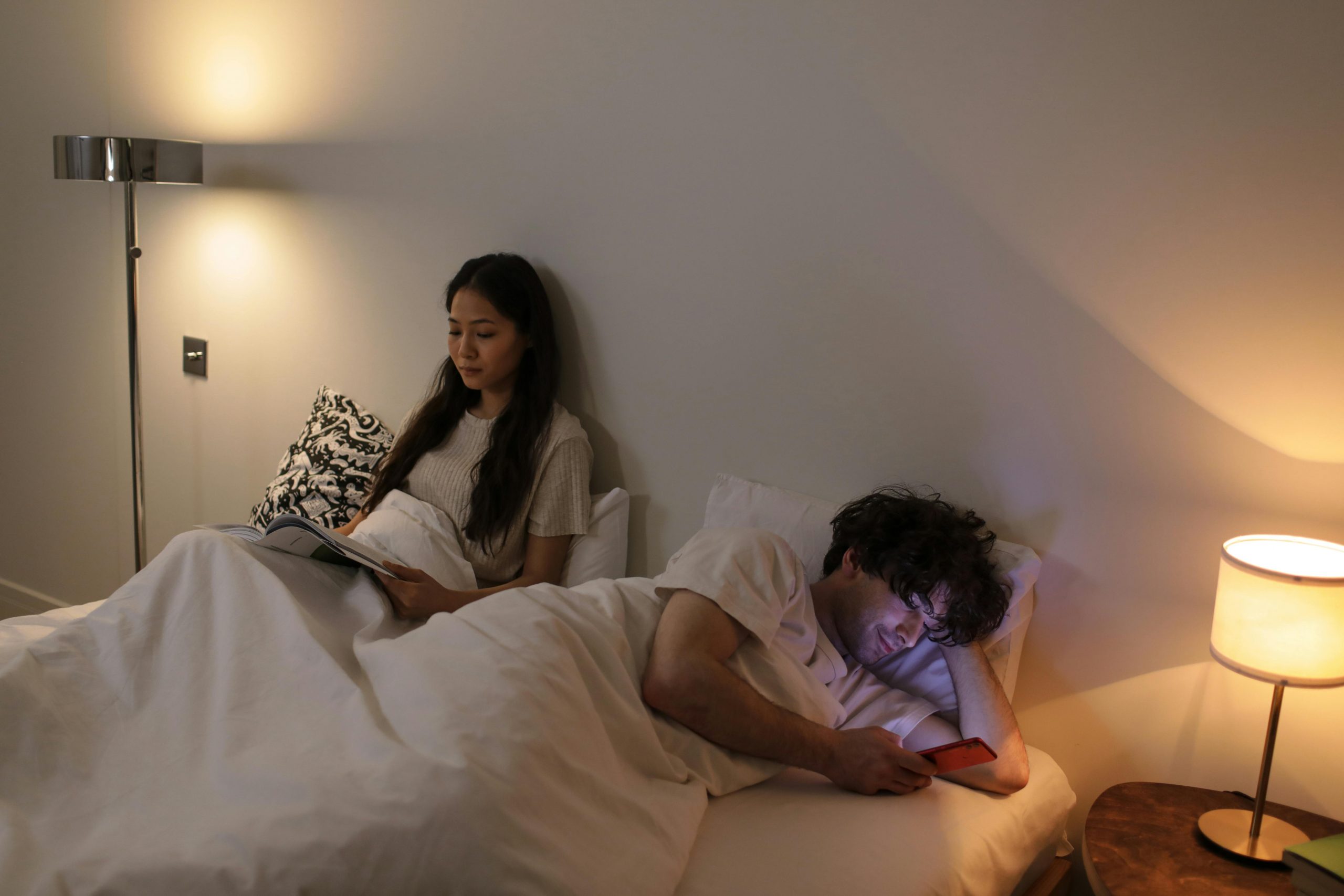
Your iPhone may be one of the most valuable things you own — it’s where you store photos, important contacts, and other sensitive information. So, just the idea that someone tried to snoop on your iPhone while you were taking a nap or otherwise occupied is scary. You wouldn’t want to wake up finding out that someone was reading your private messages or trying to drain your bank account. In this article, we will tackle why someone would want to snoop through your iPhone, how to tell if someone is snooping on your iPhone, and how to protect your iPhone. Read on to help secure your device, money, and identity!
Why Would Someone Want To Go Snooping On Your iPhone?

While most, if not all, are aware that snooping through other people’s phones is unethical, others still choose to do so for different reasons. First, your partner or spouse may want to read your private messages out of jealousy or suspicion. Other spouses may use the information for a divorce. In some cases, employers may conduct unauthorized monitoring through your phone. Or, your workmates may want to gather the information that can be used against you and jeopardize your position in the company.
People may even want to snoop on your iPhone to steal your identity. For instance, they would apply for loans using your name and open new bank accounts without your knowledge. They may bear a grudge against you and want to damage your reputation.
Another apparent reason that someone would want to snoop through your iPhone is to steal your money. Once they have access to your personal and financial information, it will be easy for them to empty your bank account, ask for money from your friends or colleagues, and even shop online using your credit card information.
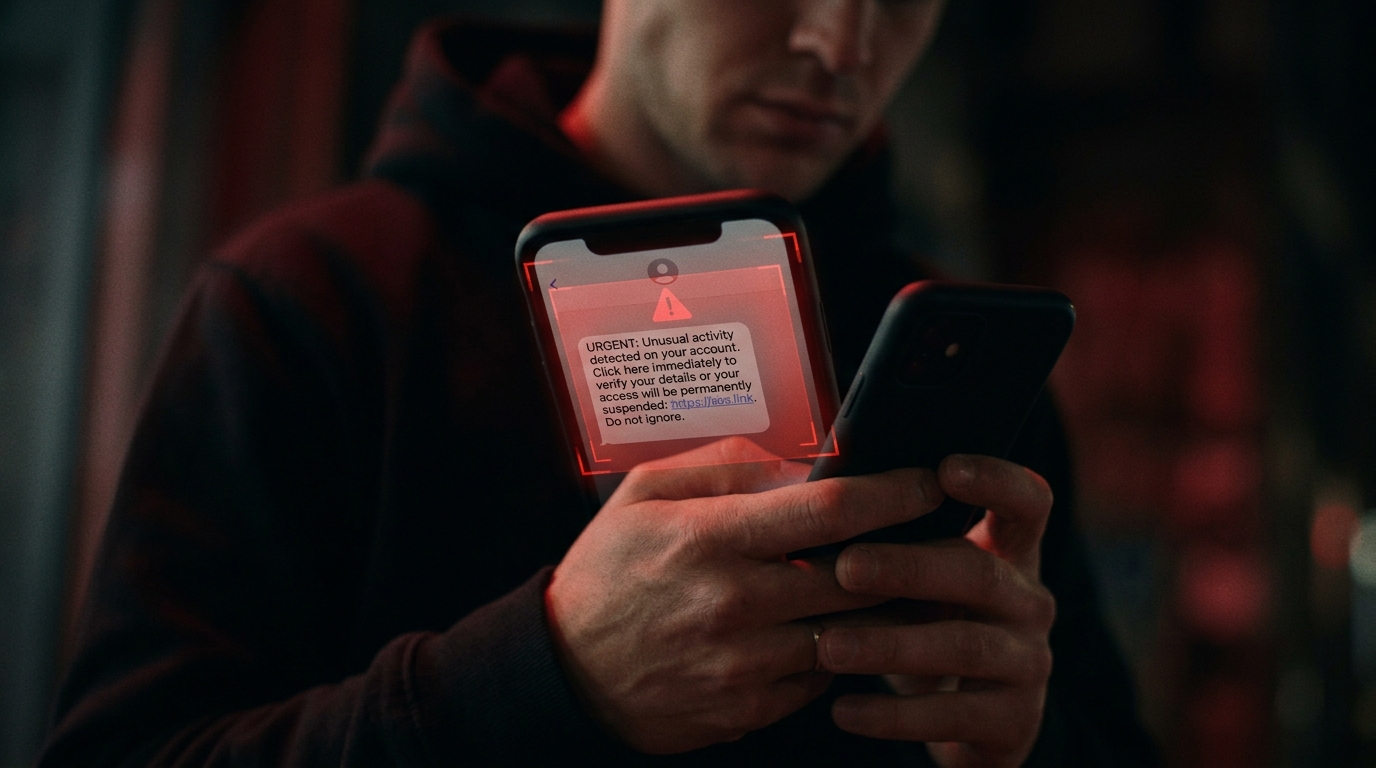
Other scammers will send you threats, saying that they will expose your images and videos to the public if you don’t give them the amount they request.
How To Tell If Someone Is Snooping On Your iPhone

While some family members may mean no harm while checking your iPhone, others snoop through it to gain money or even ruin your life. So, learn how to tell if someone has been snooping on your iPhone through the following:
Changed Sequence of Recently Used Applications
To find out whether someone has used your iPhone without your permission, simply swipe up from the screen’s bottom. Then, for a second or two, hold your finger in the middle of your phone screen. You’ll see the list of apps that you used based on the sequence you opened them.
If you know that the last app you used was Netflix, but your Instagram is showing as the most recently used app, then someone must have been snooping through your iPhone. Note that for older versions, you need to double-click the home button to see the recently used apps.
Abnormally High Data Usage
If you know your average data usage, and you start noticing a higher consumption than usual, then someone might be snooping through your iPhone. To monitor your data consumption, follow these steps:
- Go to Settings.
- Choose Cellular from the options.
- Under Cellular, tap Usage from the menu.
- Once you’re on the Usage tab, you can determine your data consumption for the month.

Newly Installed Apps
Part of knowing whether someone has snooped through your mobile device is checking whether there are new apps that you don’t recall installing. With a quick scroll through your home screen, you can see whether there are strange apps. Open the App Store, and review all the apps that have been downloaded by tapping Purchased.
No Message Notifications
How to tell if someone has been snooping on your iPhone? One easy way is to check whether there are messages that you have not read, but you no longer see the red notification alerts. This means someone has already opened your message. Also, check Trash in your email as they might have deleted other messages.
Strange Screen Time Reports
To check for weird screen time records, check Settings on your iPhone, followed by Screen Time and See All Activity. If the records show that you were using Facebook Messenger in the middle of the night when you were already dreaming at that time, then someone might have been reading your messages.
How To Protect Your iPhone From Snooping

To protect your iPhone and all the crucial information on it, carry out the following:
- Use a strong passcode, and change it regularly.
- Remove strange apps. Simply press and hold the app’s icon. Then, tap the Delete App option.
- To prevent tracking, turn off location data.
- Keep your software updated. Doing so will help get rid of ransomware from your device.
- Delete private messages, especially when you’ve typed in your bank account details and other sensitive information.
- When you’re not using your iPhone, keep it in a secure place.
Keep Your iPhone Protected With Social Catfish
Whether it’s a family member, colleague, employer, or a stranger, someone might snoop on your iPhone to gather private information that they can use to their advantage. So, remember how to tell if someone has been snooping on your iPhone. At Social Catfish, we aim to help you catch those people trying to steal your identity. Simply complete a reverse search by entering their name, username, or email address!