Multiple Faces Detected


 July 9th, 2026
Trying to find someone’s Pinterest account but only have their email, phone number, or a first name to go on? Pinterest’s built-in search only goes so far; it cannot search by phone number at all, and private profiles will not appear, no matter how specific your search is. Below is every real method for finding a Pinterest account in 2026, organized by what information you are starting with, including what Pinterest cannot do natively and how a Pinterest account finder like Social Catfish fills the gap.
Name Search Examples
To get more accurate results, enter the full name including at least First name, Middle name and Last name.
Email Search Examples
Phone Search Examples
Username Search Examples
Address Search Examples
Start typing the initial part of the address and select from the addresses given dropdown afterward.
We Respect Your Privacy.
How to Search for People on Pinterest

Pinterest’s native search is the obvious starting point and works well when you have a name or username close enough to what the person actually uses on the platform.
Using Pinterest’s Search Bar
On desktop:
- Go to pinterest.com and make sure you are logged in
- Click the search bar at the top of the page and type the person’s name or username
- Press Enter to run the search
- Click the Profiles filter that appears at the top of the search results page
- Browse the results for the correct account
On mobile:
- Open the Pinterest app and tap the search icon at the bottom of the screen
- Type the name or username into the search bar
- Tap People from the filter options that appear below the search bar
- Scroll through results to find the correct account
What Pinterest’s Search Actually Shows You
Pinterest’s search is useful but has real limits worth understanding before you spend time on it.
- Results are filtered by name and username only — there is no way to search by email or phone number natively within Pinterest’s search bar
- Private profiles and accounts set to search-hidden do not appear in results regardless of how precise your search is
- Common names return large numbers of results with no additional filtering options to narrow them down
- The search works best with exact or near-exact username matches rather than display names
- Pinterest does not rank profiles by mutual connections or location, so there is no way to filter results to people near you or people you might know
Pinterest Account Finder
When Pinterest’s own search does not return the person you are looking for, the gap is usually one of three things: you do not have their exact username, their profile is private or search-hidden, or you are starting from a phone number or email rather than a name.
When Pinterest’s Search Is Not Enough
These are the specific scenarios where native search consistently fails:
- The person uses a username that has no obvious connection to their real name
- Their account is set to private or search-hidden
- You only have their email address and no associated name or username
- You have a phone number but no other identifying information
- The name you are searching is common enough to return hundreds of results with no way to identify the right one
- You want to verify that a Pinterest account actually belongs to the specific person you think it does rather than someone with the same name
Social Catfish is the Pinterest account finder tool that addresses all of these scenarios. Enter a name, email address, phone number, username, or photo into Social Catfish, and the search cross-references that information against Pinterest profiles and hundreds of other platforms simultaneously. It returns the real identity behind any contact detail and finds connected accounts across platforms that Pinterest’s own search cannot surface, including private profiles that have any publicly visible presence elsewhere online under the same identity.
Pinterest Username Search
Username search is the most precise method available within Pinterest’s native interface because usernames are unique identifiers rather than display names, which can be shared by multiple accounts.
On Desktop
- Go to pinterest.com/username directly in your browser, replacing username with the actual handle
- If the account exists and is public, the profile loads immediately without any search required
- Alternatively, type the username into Pinterest’s search bar, press Enter, and select the Profiles filter
On Mobile
- Open the Pinterest app and tap the search icon
- Type the username directly into the search bar
- Select People from the filter options
- The correct account should appear at or near the top of results for an exact username match
The direct URL method is faster than the search bar when you have the exact username. Going to pinterest.com/username bypasses Pinterest’s search entirely and loads the profile directly. If the URL returns a profile not found message, the account either does not exist under that username or the account has been deactivated.
If you have a username from another platform and want to check whether the same person has a Pinterest account under the same handle, Social Catfish’s username search cross-references the handle across hundreds of platforms simultaneously and returns every account where that username appears. This is particularly useful when someone uses a consistent handle across Instagram, Twitter, and TikTok; the same handle almost always carries over to their Pinterest.
Find Pinterest Account by Email
Pinterest does not have a public email-based search in its standard interface. However, there is a native method that works in specific circumstances and a more comprehensive approach for when that method falls short.
How to Search Pinterest by Email
Pinterest allows users to find contacts from their email address book through its contacts sync feature. If you have the person’s email address saved in your phone or email contacts:
- On mobile, go to your Pinterest profile and tap the menu icon
- Navigate to Settings then Privacy
- Select Contacts and enable contact syncing
- Pinterest checks your contacts against registered Pinterest accounts and suggests people you may know who have that email linked to their Pinterest account
This method only works if the person has linked that specific email address to their Pinterest account and has not disabled the find me by email setting in their privacy options. Many users turn this setting off, which means the email returns no result even if an account exists.
If the Email Does Not Match Anything
When the contacts sync method returns nothing, Social Catfish’s reverse email search is the most reliable next step. Enter the email address into Social Catfish and the search cross-references it against Pinterest account registrations, social media platforms, public records, and identity databases simultaneously. If the email is linked to a Pinterest account or any other online presence, Social Catfish surfaces the connection along with the real name and linked accounts associated with that address. This works independently of Pinterest’s privacy settings because it searches sources outside Pinterest’s internal matching system.
How to Find Someone on Pinterest by Phone Number
This is the most searched Pinterest finder query that currently gets zero clicks, and the reason is that most articles do not address it honestly. Here is the complete picture.
What Pinterest Can and Cannot Do With a Phone Number
Pinterest cannot search for a user by phone number through its standard search interface. There is no phone number search field anywhere in Pinterest’s native search. The only phone-based discovery Pinterest offers is through contacts sync, which works similarly to the email method above.
How to Sync Contacts to Search Pinterest
- Save the phone number to your device’s contacts app
- Open Pinterest on mobile and go to Settings then Privacy then Contacts
- Enable contact syncing
- Pinterest checks your saved contacts against registered accounts where users have linked that phone number and enabled phone-based discovery
The same limitation applies here as with email sync. If the person has not linked that phone number to their Pinterest account, or if they have disabled the find me by phone number setting in their privacy options, the sync returns nothing regardless of whether an account exists.
Searching a Number You Do Not Have Saved
When the contacts sync method does not work, which is the majority of cases for numbers you do not already have saved, Social Catfish’s reverse phone lookup is the tool that actually answers the question. Enter the phone number and the search cross-references it against public records, carrier databases, social media registrations, and identity databases. It returns the real name registered to that number, their linked social media accounts, including any Pinterest presence, and associated contact details connected to the same identity. This search works independently of Pinterest’s privacy settings because it sources information from outside Pinterest’s own systems.
Name Search Examples
To get more accurate results, enter the full name including at least First name, Middle name and Last name.
Email Search Examples
Phone Search Examples
Username Search Examples
Address Search Examples
Start typing the initial part of the address and select from the addresses given dropdown afterward.
We Respect Your Privacy.
How to Find Someone’s Pinterest Account
When you are starting from a person rather than a specific identifier, these methods find Pinterest accounts through context rather than direct search.
Through Facebook
Pinterest previously offered direct Facebook friend import. While deep integration has changed over the years, many Pinterest users link their Facebook account to their Pinterest profile. If you know the person on Facebook, try searching their exact Facebook display name in Pinterest’s People search. Linked accounts often carry the same display name across both platforms.
Through Shared Categories and Boards
If you know the person’s interests, searching those topics in Pinterest and filtering by Pins rather than Profiles sometimes surfaces their boards in results. From a board, you can navigate to the profile. This is a slower method but useful when you know enough about someone’s interests to recognize their content when you see it.
Through Similar Pins
If you have seen a specific pin from the person on another platform, in a screenshot, or through a shared link, searching the pin’s content or image in Pinterest’s visual search sometimes leads back to the original profile that created or saved it.
Pinterest Profile Finder
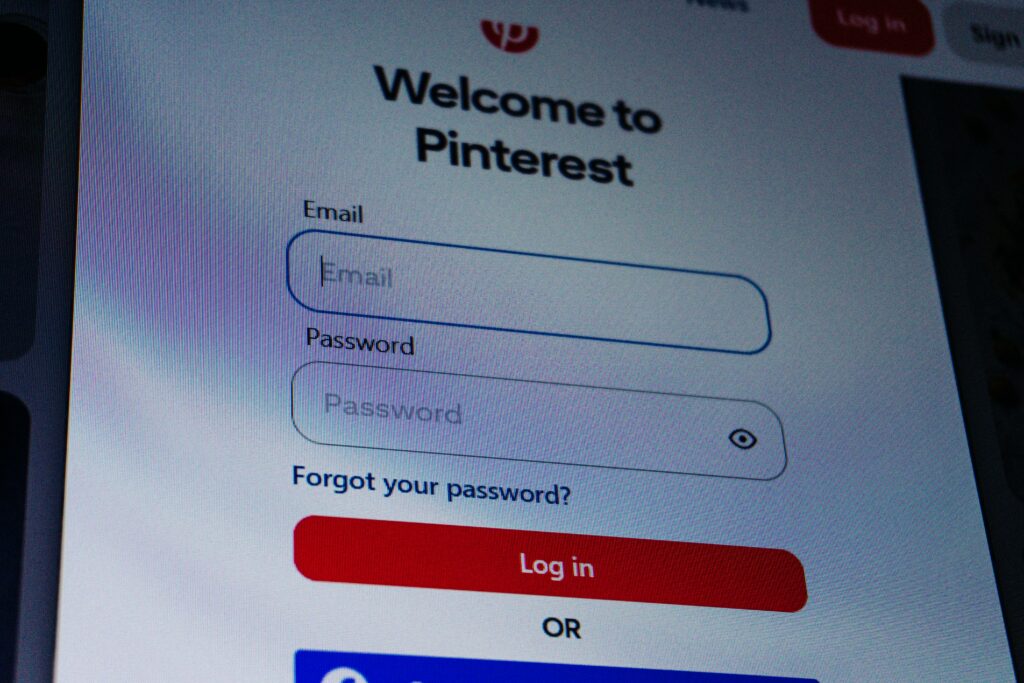
For anyone who needs to go beyond what Pinterest’s native tools provide, whether that is finding a private profile, verifying that an account actually belongs to who you think it does, or starting from a phone number or email rather than a username, Social Catfish functions as the most comprehensive Pinterest profile finder available.
What a Social Catfish search returns for Pinterest specifically:
- Pinterest profiles connected to a phone number, email address, or username that Pinterest’s own search cannot surface
- Confirmation that a Pinterest account and the person you believe runs it are genuinely the same identity — useful when you have found an account but want to verify it before trusting it
- Cross-platform identity picture showing every social media account connected to the same person, with Pinterest as one component of the full profile
- Whether a profile photo used on Pinterest appears under a different name on other platforms — the most common signal of a fake or impersonated account
- Real name and address history associated with any contact detail, which connects a Pinterest username to a verified real-world identity
The search is completely confidential. The person being searched receives no notification that a search was run.
FAQ
Not through Pinterest’s native search, which has no phone number field. The only phone-based option is contacts sync, which requires the person to have linked that number and enabled phone discovery. Social Catfish’s reverse phone lookup finds Pinterest profiles from a number by searching outside Pinterest’s own systems.
Pinterest’s contacts sync checks your address book against registered accounts, but it only works if the person has enabled email discovery. Social Catfish’s reverse email search is more reliable, as it cross-references the email against Pinterest and hundreds of other platforms simultaneously, regardless of the person’s privacy settings.
The most common reasons are that their account is set to private or search-hidden, or they use a username unrelated to their real name. Private and search-hidden accounts do not appear in Pinterest’s search results no matter how precise the query is.
No. Pinterest does not notify users when someone views their profile, browses their boards, or searches for their name. Pinterest itself warns that any third-party app claiming to show who viewed your profile is a scam designed to steal login credentials.
Search their real name in Pinterest’s search bar and filter by Profiles. Check their Instagram, TikTok, or Twitter bio for a Pinterest link. Social Catfish cross-references a name, email, phone number, or photo against Pinterest and hundreds of other platforms simultaneously for a more comprehensive result.
Conclusion
Pinterest’s native search covers the basics well when you have an exact or near-exact username, and the account is public. For everything beyond that phone number searches, email-based lookup, private profiles, and verifying that an account actually belongs to the person you think it does, Pinterest’s own tools consistently fall short.
Social Catfish fills every one of those gaps. Whether you are starting from a phone number, an email address, a username, or a photo, a single Social Catfish search returns the Pinterest profile and the full identity picture behind it. With 631 million monthly active users on Pinterest as of Q1 2026, the platform is too large for any single search method to be comprehensive on its own. Knowing which tool to use for which starting point is what gets you to the right account reliably.
Name Search Examples
To get more accurate results, enter the full name including at least First name, Middle name and Last name.
Email Search Examples
Phone Search Examples
Username Search Examples
Address Search Examples
Start typing the initial part of the address and select from the addresses given dropdown afterward.
We Respect Your Privacy.