Multiple Faces Detected




 November 4th, 2026
iCloud email lookup does not work the way most people expect, because Apple has no public directory that shows who owns an iCloud address. An address alone does not reveal a person’s identity. This guide covers what an iCloud address does and does not show, how to tell whether one is a Hide My Email address, and safe ways to research who might be behind one.
If you have an iCloud address and want to see where it appears online, Social Catfish’s reverse email search can help. If you also have a photo or username, those can be searched too. All searches are completely confidential.
Name Search Examples
To get more accurate results, enter the full name including at least First name, Middle name and Last name.
Email Search Examples
Phone Search Examples
Username Search Examples
Address Search Examples
Start typing the initial part of the address and select from the addresses given dropdown afterward.
We Respect Your Privacy.
iCloud Email Lookup: What You Can and Can’t Find
What is visible in an iCloud address:
- The name part before the @ symbol, which is whatever the owner chose when creating the account
- The domain. Apple addresses end in icloud.com, and older ones use me.com or mac.com
What is not visible:
- The owner’s real name
- Their phone number or recovery email
- When the account was created
- Whether the account is still in use
Social Catfish · Read the Address
What does an email address show?
Pick a made-up address, then tap each part to see what it can and can’t tell you.
Sample address
@
@
Tap a part to read it
Parts read: 0 of 4
Every address has two parts: what comes before the @ and the domain after it. Tap one to see what it can show.
The part before the @ is chosen by the owner. It may hint at a first name or a nickname, but it can’t confirm who someone is.
The domain shows which provider hosts the mailbox. It doesn’t show a name, a location or when the account was created.
A random-looking string may be a forwarding address. Some providers offer these so people can protect their real inbox. That’s a privacy feature, not a sign someone is hiding something, but the address alone can’t lead you to a name.
Forwarding services often use their own domain. Messages are passed on to a real inbox that the address doesn’t reveal.
All four parts read. An address is a lead, not an identity.
An address alone doesn’t show
A real name · a phone number · a recovery email · when the account was made
An address is a lead, not an identity.
Search an Email Address →The addresses shown are made-up placeholders. A search can show where an email address appears online. It may find nothing and can’t confirm who is behind an address. Private and confidential — only you see the results.
Is It a Hide My Email Address?
This is the iCloud quirk that surprises most people. Apple’s Hide My Email feature creates unique, random addresses that forward to a person’s real inbox. According to Apple, it is built into Sign in with Apple and iCloud+.
How to recognize one:
- A long, random-looking string of letters and numbers before the @
- A domain of @private.icloud.com or @privaterelay.appleid.com. [Confirm the exact domains on Apple Support before publishing.]
Why it cannot be traced:
The address is generated by Apple and contains no information about the person behind it. It is not that a lookup tool is failing. There is simply no name or identity in the address to find.
Using one is not suspicious. Apple built Hide My Email for privacy, and most people who use it are keeping marketing emails and data brokers away from their real inbox. A random-looking Apple address is a reason to look at other details, such as what the sender asked for, not a sign of bad intent.
How to Research an iCloud Address Safely
For a standard address, such as a name at icloud.com, these steps use public information only:
- Search the address in quotes. A Google search of the full address can show where it appears publicly, such as forums, business pages or profiles.
- Search the name part. If the part before the @ looks like a name or username, try it on social and professional sites.
- Run a reverse email search. Social Catfish’s search checks an address against public records and social registrations and can show linked profiles and usernames.
- Check breach records. Have I Been Pwned can show whether an address appears in known breaches. It confirms the address has been used, not who owns it.
For more depth, see our guides on who owns an email address, finding someone’s email address, and Yahoo email lookup.
Looking for Your Own iCloud Email?
Many people searching this term forgot their own address. Apple’s own steps are the safest route:
- On your iPhone: open Settings, tap your name, then tap Sign-In & Security
- In your inbox: search for Apple receipts or messages. A masked address such as j*****@icloud.com may appear
Apple also has an official “forgot your Apple Account email” page. [Link Apple’s page here.]
Use only Apple’s own tools for this. Never enter your Apple Account password on a third-party site or give it to anyone who contacts you.
Name Search Examples
To get more accurate results, enter the full name including at least First name, Middle name and Last name.
Email Search Examples
Phone Search Examples
Username Search Examples
Address Search Examples
Start typing the initial part of the address and select from the addresses given dropdown afterward.
We Respect Your Privacy.
Are Free iCloud Email Lookup Sites Safe?
Some free tools are harmless and some are not. Warning signs of a problem site:
- It asks for your Apple Account login to run a search
- It claims to access Apple’s records, which no outside tool can
- It makes you complete surveys or download software before showing results
- It shows identical results for any address you enter
Free options that do not need your login include a quoted Google search and a check at Have I Been Pwned. Social Catfish also offers a free preview before payment. A good rule is that any tool whose claims go beyond what is technically possible deserves distrust.
Is This iCloud Email a Scam?
Many people look up an iCloud address because of a message they received. A message from an Apple-looking address may be a scam if it:
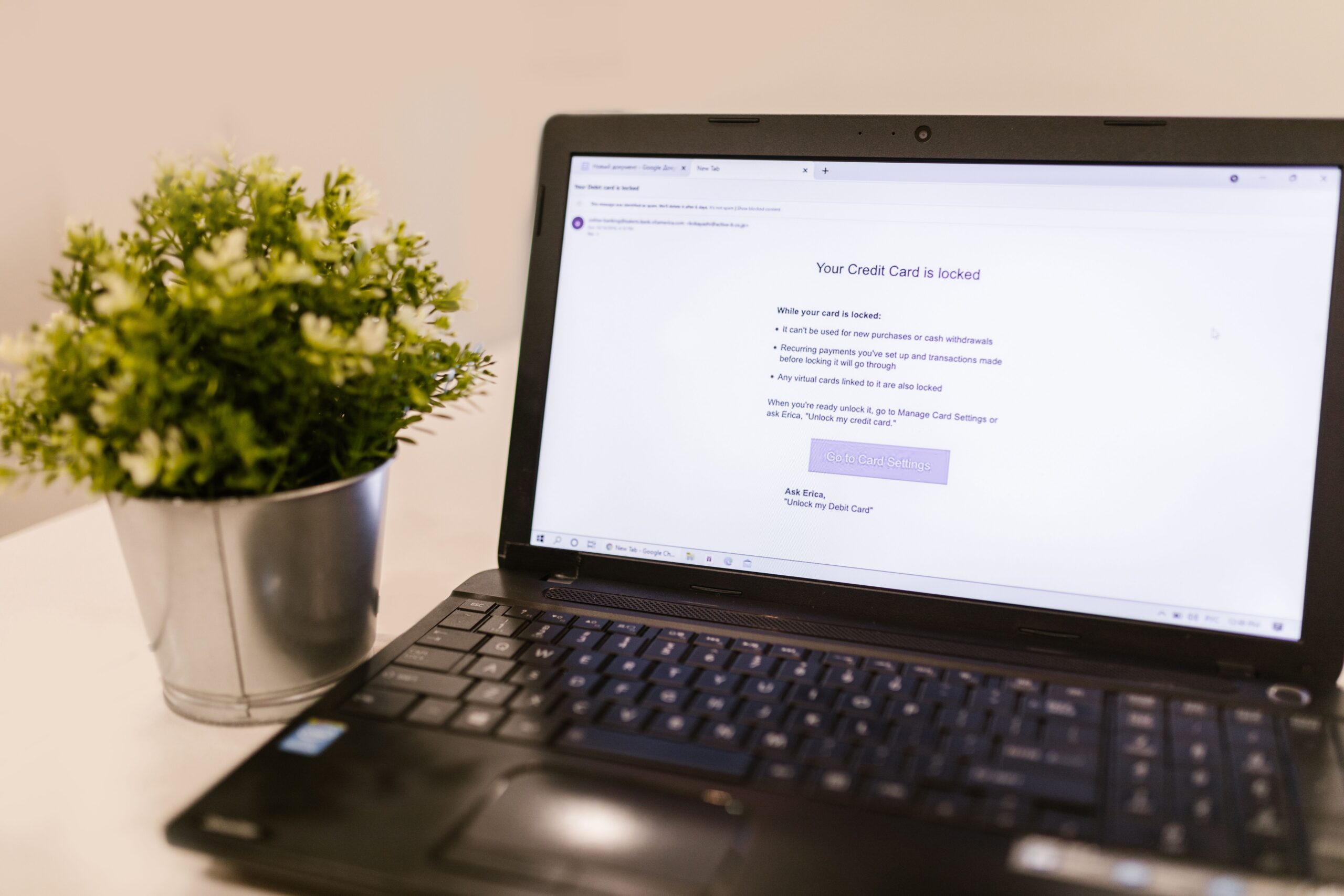
- Says your iCloud storage is full or your account is locked
- Creates urgency, such as “act now or lose your photos”
- Asks for gift cards, crypto or payment
- Tells you to call a phone number or click a link
Apple warns about these patterns, and a message can look official while being fake. Do not use any link or number in the message. Go to Apple through its own app or website instead.
How a Search Can Help
A reverse email search can show where an address appears online, including social profiles and other accounts it is linked to. Social Catfish’s search also covers photos and usernames, so you can check anything else a sender shared.
What a search can do:
- Show whether an address appears on other platforms
- Help check whether a photo or username a sender shared appears elsewhere under a different name
What it cannot do:
- Find the owner of a Hide My Email address, because the address contains no identity to find
- Confirm who is behind an address or whether a message is honest
- Guarantee a result. A search may find nothing
Do not try to get into the account or guess its password. Unauthorized access can be illegal, and it is never necessary for this.
Name Search Examples
To get more accurate results, enter the full name including at least First name, Middle name and Last name.
Email Search Examples
Phone Search Examples
Username Search Examples
Address Search Examples
Start typing the initial part of the address and select from the addresses given dropdown afterward.
We Respect Your Privacy.
FAQ
Not through Apple. Apple has no public directory. You can research an address through a quoted search, social profiles and a reverse email search, but results depend on whether the address has been used publicly, and a search may find nothing.
No. Apple does not offer a public tool that shows who owns an iCloud address. Be wary of any site claiming to access Apple’s records.
It is an Apple feature that creates unique, random addresses that forward to a person’s real inbox. Apple says it's built into Sign in with Apple and iCloud+. Such addresses cannot be traced back to a name, and most people use them for privacy.
Not reliably. There is no directory of iCloud users by name. Searching a name on social and professional sites sometimes surfaces a publicly listed address, but a name alone rarely produces one.
Some are, some are not. Avoid any that ask for your Apple Account login, claim to access Apple’s records, or require surveys or downloads. A quoted Google search and a breach check are safe free starting points.
Conclusion
An iCloud address does not show who owns it, and Apple offers no lookup to find out. What you can research depends on whether the address has been used publicly, and addresses created with Hide My Email cannot be traced at all by design. For a standard address, a quoted search, a look at related profiles and a reverse email search are the safest places to start. For a suspicious message, go to Apple directly, never through a link in the message.