Multiple Faces Detected


 August 26th, 2026
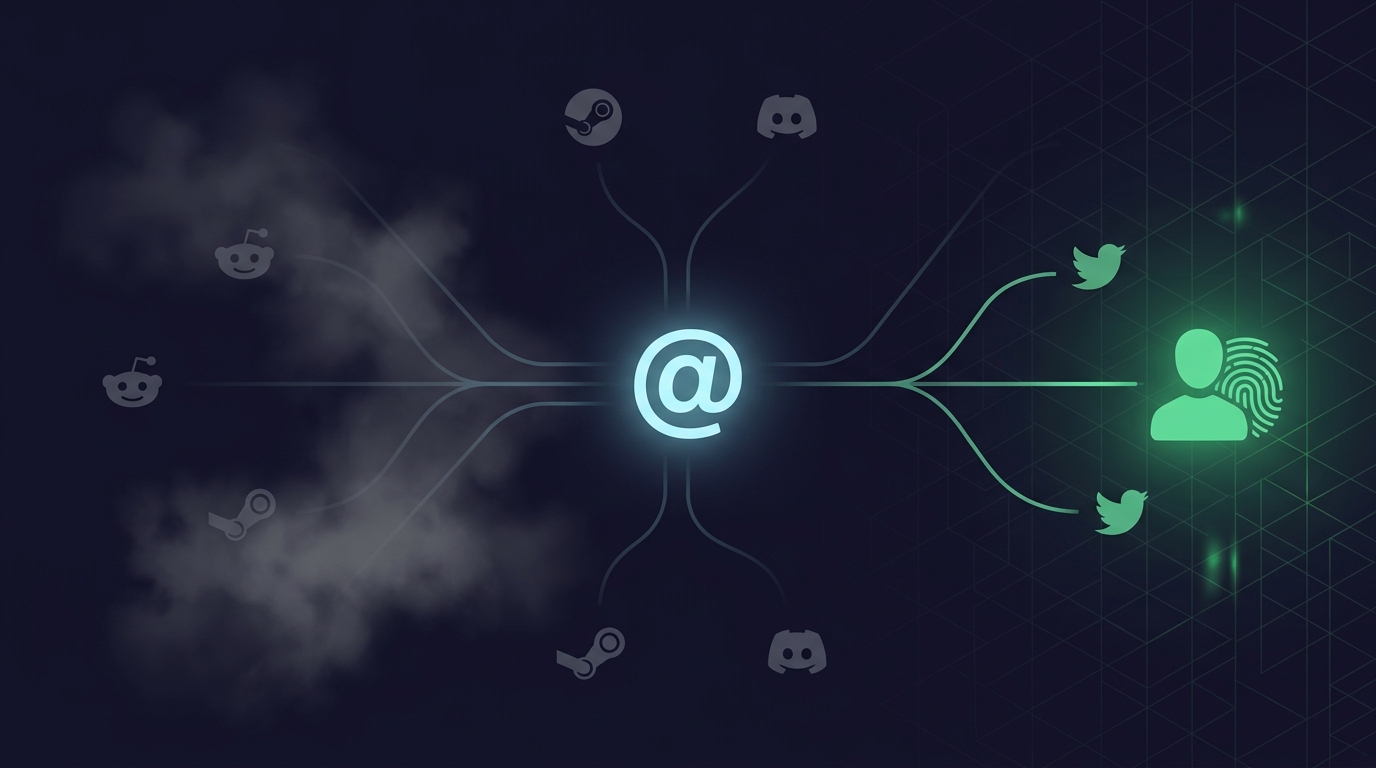
Most people reuse the same username or a close variation of it across multiple platforms. That behavioral pattern is one of the most useful facts in online identity research, because a username that appears on Reddit also often appears on Twitter, Steam, Discord, and a dozen other sites under the same person. Username search tools exploit that consistency to find every platform where a handle is active, often revealing a much fuller picture of someone’s online presence than a name search alone would return. Here is how the best tools compare in 2026, starting with what is free.
Name Search Examples
To get more accurate results, enter the full name including at least First name, Middle name and Last name.
Email Search Examples
Phone Search Examples
Username Search Examples
Address Search Examples
Start typing the initial part of the address and select from the addresses given dropdown afterward.
We Respect Your Privacy.
Free Username Search Tools
Sherlock
Sherlock is an open-source command-line tool designed for OSINT researchers and developers. It checks a single username against hundreds of social media platforms and websites simultaneously, returning a list of every site where that handle is registered.
What Sherlock does well:
- Checks a very large number of platforms in a single run, more than most consumer-facing tools
- Open-source and regularly updated by the community, so new platforms are added as they become relevant
- Returns direct links to the found accounts rather than just confirming existence
What Sherlock requires:
- Installation via Python and command-line execution, which limits it to users comfortable with a terminal environment
- No graphical interface, no saved results, and no identity cross-referencing
Best for: Developers, security researchers, and technically comfortable users who want maximum platform coverage and are comfortable working in a command-line environment.
Namechk
Namechk at namechk.com is a consumer-friendly username availability checker that searches a username across major social media platforms, domain registrars, and other sites. It is primarily marketed as a tool for creators and businesses checking whether a handle is available before registering it, but it functions equally well as a username existence check.
What Namechk does well:
- Clean, graphical interface with no installation required
- Results display which platforms have the username registered versus available at a glance
- Covers major consumer platforms including Instagram, Twitter, YouTube, TikTok, and others
What Namechk does not do:
- Does not link to found accounts directly in all cases
- Covers fewer platforms than Sherlock or WhatsMyName
- No identity information beyond confirmation of account existence
Best for: Quick checks on major platforms without any technical setup, particularly useful for a fast first pass before deeper investigation.
WhatsMyName
WhatsMyName at whatsmyname.app is an OSINT-focused username search tool that checks usernames across a broad list of websites and returns found accounts with direct links. It is maintained by the OSINT community and covers a wider range of platforms than Namechk, including less mainstream sites that are relevant to specific research contexts.
What WhatsMyName does well:
- Broader platform coverage than Namechk, particularly for gaming, forums, and niche communities
- Results include direct links to found accounts
- Free with no account required
- Regularly updated with new sites added by the OSINT community
What WhatsMyName does not do:
- No identity cross-referencing or real-name lookup
- Confirms account existence but not who is behind the account
- Some false positives on platforms that return generic error pages that look like registered accounts
Best for: OSINT researchers and anyone who wants broader platform coverage than Namechk without the technical requirements of Sherlock.
Name Search Examples
To get more accurate results, enter the full name including at least First name, Middle name and Last name.
Email Search Examples
Phone Search Examples
Username Search Examples
Address Search Examples
Start typing the initial part of the address and select from the addresses given dropdown afterward.
We Respect Your Privacy.
What Free Tools Cannot Do
All three free tools above share a fundamental limitation that is worth stating directly: they confirm that a username is registered on a platform, not who registered it.
What free username search tools return:
- A list of platforms where the handle exists
- Direct links to those accounts in most cases
- Confirmation that a handle is active or registered
What free username search tools do not return:
- The real name of the person behind the handle
- Any associated contact information such as email or phone number
- Whether the accounts found are actually the same person or different people who coincidentally chose the same handle
- Any connection between the username and a verifiable real-world identity
- Cross-platform identity confirmation that the same handle across five platforms belongs to one person
The last point is more significant than it appears. A username appearing on Reddit, Steam, Instagram, and Twitter under the same handle is strong circumstantial evidence that those accounts belong to the same person. It is not confirmation. Different people sometimes use the same handle. A scammer who wants to appear consistent can create coordinated fake accounts under the same username across multiple platforms. Free tools show you where the handle exists. They do not verify who is actually behind it.
This gap is particularly significant when username search is being used for verification purposes rather than discovery, when the goal is confirming that a specific person you are in contact with is who they claim to be rather than simply finding where a handle appears.
Social Catfish: When You Need the Real Identity Behind a Username
Social Catfish’s username search goes beyond confirming account existence to cross-referencing the handle against public records, linked identity information, and associated contact details.
What Social Catfish’s username search returns that free tools do not:
- The real name and identity associated with the username, drawn from public records and identity databases
- Associated contact details including email addresses and phone numbers linked to the same identity
- Profile photos connected to accounts using that username, which can be run through facial recognition to confirm the person looks consistent across platforms
- Whether the username connects to a verifiable real-world identity or shows patterns consistent with a fake or coordinated account
The specific use cases where this matters:
- Verifying the identity of someone you met online before meeting in person or sharing personal information
- Confirming that a business or individual who has given you a username is who they claim to be before a financial transaction
- Investigating whether a suspicious contact’s username connects to known scam activity or fraud-flagged contact details
- Finding the real person behind a username when all you have is the handle and you need to confirm identity rather than just find accounts
How it works in practice:
Enter the username into Social Catfish’s search. The tool cross-references the handle against its databases and returns identity information associated with that username across platforms and public records. This is the difference between knowing the handle exists on five platforms and knowing the handle belongs to a real person named John Smith at a specific location with a verifiable online history.
The combined approach:
Running a free tool like WhatsMyName first gives you the list of platforms where the handle appears. Running Social Catfish on the same handle gives you the identity behind those accounts. Used together, free tools handle discovery, and Social Catfish handles verification, which is the most efficient use of both.
All Social Catfish searches are completely confidential. The person being searched receives no notification.
FAQ
Sherlock and WhatsMyName both check hundreds of platforms for free and are the most comprehensive free options available. Sherlock requires command-line comfort and Python installation. WhatsMyName is browser-based with no setup required. Namechk is the easiest to use quickly but covers fewer platforms than the other two.
Free tools generally cannot. They confirm where a handle exists but do not cross-reference against identity databases. Social Catfish’s username search cross-references the handle against public records and linked account information to return the real name and contact details associated with the username.
Yes. Checking publicly available account existence across platforms is legal. All major username search tools work by querying public-facing platform data rather than accessing private account information. Social Catfish searches use publicly available information and are conducted in compliance with applicable laws.
Very commonly. Most people settle on one or two consistent handles they use across gaming platforms, social media, forums, and other sites. This consistency is the behavioral pattern that makes username search effective for finding linked accounts and building a cross-platform identity picture.
Username search starts from a handle and finds accounts using that handle across platforms. People search starts from a name, phone number, or address and finds associated contact information and accounts. Both are useful but they address different starting points. Social Catfish supports both approaches, allowing you to start from a username and arrive at identity information or start from identity information and arrive at linked usernames.
Conclusion
Free username search tools are the right starting point for any username investigation. Sherlock covers the most platforms and is the most technically capable. WhatsMyName is the most accessible for non-technical users with broad coverage. Namechk is the fastest for a quick major-platform check. All three confirm where a handle exists. None of them confirm who is behind it.
Social Catfish fills that gap by cross-referencing the username against real identity information rather than just confirming account existence. Free tools answer where. Social Catfish answers who. For discovery, the free tools are sufficient. For verification, the identity layer Social Catfish adds is the step that makes a username search meaningfully actionable.
Name Search Examples
To get more accurate results, enter the full name including at least First name, Middle name and Last name.
Email Search Examples
Phone Search Examples
Username Search Examples
Address Search Examples
Start typing the initial part of the address and select from the addresses given dropdown afterward.
We Respect Your Privacy.