Multiple Faces Detected


 September 15th, 2026
You have a public Snapchat profile and you want to know who has been looking at it. Or someone’s username came up and you want to view their Snapchat profile without them knowing. Or you matched with someone online, they gave you a Snapchat handle, and you want to know if that person is real before you take things any further.
All three situations involve the same platform, but they are asking completely different questions, and they have different answers. This guide covers all of them: what Snapchat shows you about profile viewers, what it hides, and how to look up any Snapchat account or verify who is behind one.
If you want to identify who someone actually is from their Snapchat username or profile photo, Social Catfish’s reverse username and image search cross-references Snapchat accounts against public records and social profiles across 200-plus platforms privately, with no notification to the person you are searching.
Name Search Examples
To get more accurate results, enter the full name including at least First name, Middle name and Last name.
Email Search Examples
Phone Search Examples
Username Search Examples
Address Search Examples
Start typing the initial part of the address and select from the addresses given dropdown afterward.
We Respect Your Privacy.
How to View a Snapchat Profile
Searching by Username
The most direct way to view a Snapchat profile is by searching the username in the app.
How to do it:
- Open Snapchat and tap the search icon at the top of the screen
- Type the username into the search bar
- Tap the result to open their profile
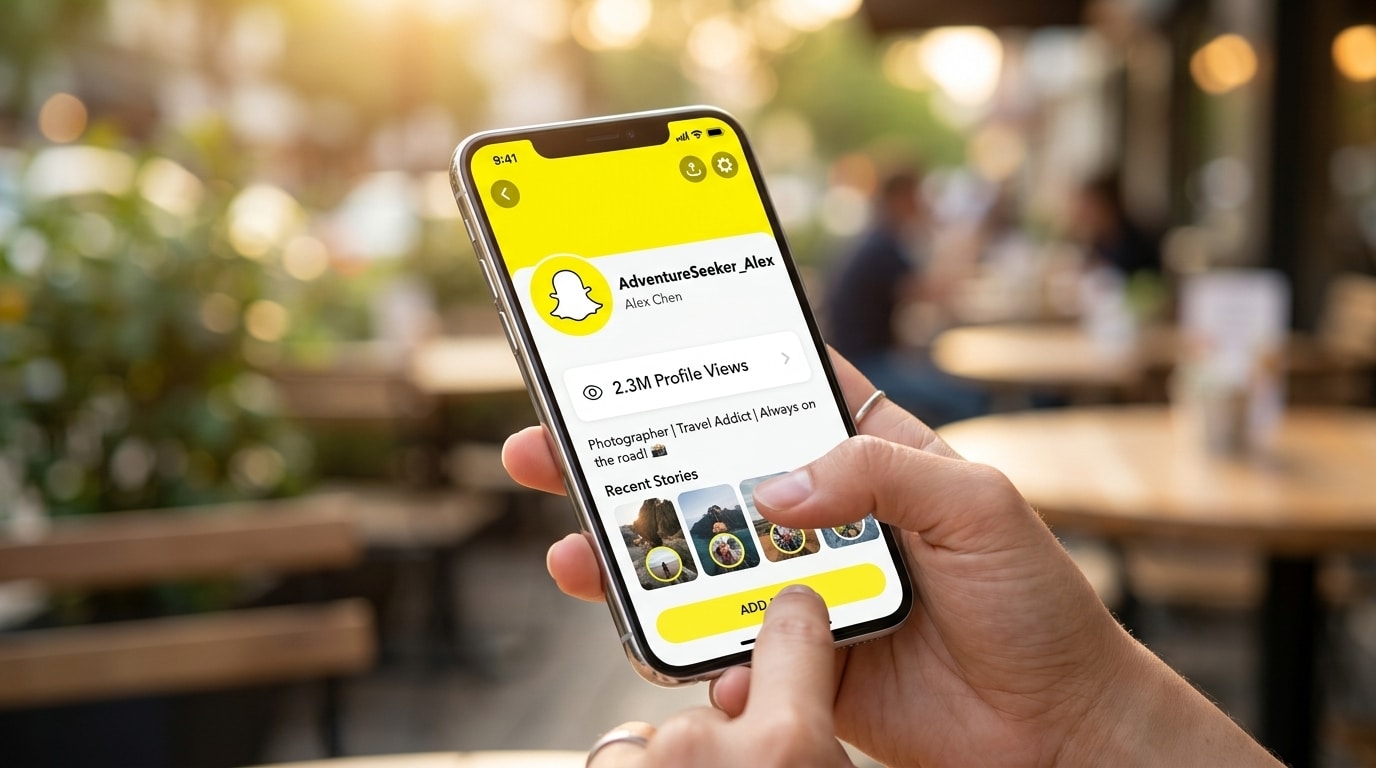
If their account is public, you will see their display name, Bitmoji, subscriber count, and any public Stories or Spotlight content they have posted. If their account is private, you will see limited information unless they have accepted you as a friend.
Direct URL Without the App
You can view a Snapchat public profile through a browser without the app installed. Navigate to snapchat.com/add/username and replace username with the actual handle. This loads a web version of their public profile showing their display name, Bitmoji, and a link to add them.
Add by Snapcode
If you have someone’s Snapcode, the unique QR code tied to their account, open Snapchat, point the camera at it, and hold down on the screen to scan. This takes you directly to their profile.
What Snapchat Shows on a Profile
Snapchat gives public profiles three real signals: Story viewers, subscriber counts, and Spotlight view counts, and it’s easy to assume one of them doubles as a profile-visit log. None of them do, whether the account is public or private.
No, you cannot see who views your Snapchat profile, whether public or private. You may see visit counts, Story viewers, and subscriber numbers on a public profile, but profile visits themselves stay private and anonymous, even for creator or business profiles.
There are three things public profiles do show, and it helps to know exactly what each one does and doesn’t tell you:
Story viewers. When you post a Story, you can see the usernames of everyone who watched it, in order. This is the closest Snapchat gets to showing you who’s paying attention to your account, but it only reflects people who watched a specific Story, not everyone who visited your profile page.
Subscribers. If you have a public profile, people can subscribe to you without being your friend. You can see the total number of subscribers following your public content, but not who visited your profile.
Spotlight views. If you post videos to Snapchat Spotlight, you can see how many views your video received again, a count only. No individual usernames are tied to those numbers.
Does Snapchat Tell You When Someone Views Your Profile?
Snapchat does notify you in one specific case: screenshots, which is exactly why this question trips people up. The notification exists; it’s just narrower than most people assume.
No, Snapchat does not notify you if someone views your profile. Screenshot alerts only apply to Stories and chats, not profile visits. Snapchat does not show profile-visit counts from specific users, and you cannot see how many times one person opened your profile; even business or creator accounts only get general analytics, never visitor names.
This means someone can visit your Snapchat profile multiple times a day, every day, and you will never receive any notification. The same applies in reverse: if you visit someone else’s profile, they won’t know either.
How to Find Someone on Snapchat Without Their Username
Snapchat does not have a real-name search that returns public results the way Facebook or LinkedIn do. Searching a real name rather than a username typically returns no results.
The most effective free workarounds:
- Search their name alongside Snapchat in Google. Many users share their Snapchat handle in their Instagram or Twitter bio, in forum posts, or on other platforms where they want to be found
- Use contact sync. Save the person’s phone number to your contacts, open Snapchat, and go to Add Friends then sync your address book. Snapchat returns any accounts connected to numbers in your saved contacts, provided the person has linked that number and enabled discovery
Social Catfish’s name search cross-references a name against linked social profiles, usernames, and public records across platforms simultaneously. If the person uses a consistent username across Snapchat and other platforms, this search surfaces the handle without requiring you to check each platform individually.
How to Find Out Who Is Behind a Snapchat Account
Viewing a Snapchat profile and verifying the real identity behind it are two different things. Snapchat shows you a username, a display name, and whatever content the person has posted publicly. It does not tell you who the real person is, their real name, location, other social accounts, or whether the identity they are presenting is genuine.
Reverse Username Search
Social Catfish’s reverse username search takes a Snapchat handle and searches for the same username across other platforms. Most people reuse usernames across Instagram, TikTok, Twitter, dating apps, and gaming platforms. If the same handle appears elsewhere under a real name, the search surfaces that connection.
Enter the Snapchat handle into Social Catfish’s username search and review the results. Linked accounts, associated real names, and connected social profiles are returned in the report.
Reverse Image Search the Profile Photo
If you have their profile photo or a screenshot of their Snapchat content, save it and upload it to Social Catfish’s reverse image search. Social Catfish uses facial recognition rather than file matching, which finds the same face across different photos on different platforms rather than only matching the exact image file.
If the same photos appear elsewhere under a different name, which is common with stolen-identity accounts, the search finds those matches and flags the discrepancy. A genuine person’s photo appears consistently under their own name across their real social media accounts.
Reverse Phone Search
Many Snapchat accounts are registered using a phone number. If someone has shared their number through Snapchat or other channels, Social Catfish’s reverse phone search returns the real name and identity registered to that number alongside any linked social accounts.
All Social Catfish searches run privately. The person whose Snapchat account you are searching will not receive any notification.
Snapchat Public Profile Viewer: What Third-Party Apps Actually Do
You have probably seen apps, websites, or social media posts claiming to show you exactly who has visited your Snapchat profile. These deserve a direct answer.
Many users search for a Snapchat viewer because they want to know who is checking their profile or watching their content without being noticed. This confusion usually comes from online claims, social media posts, and third-party apps that promise hidden viewer details.
No legitimate third-party app can show you who viewed your Snapchat profile. Snapchat’s API does not expose this data. Any app or website claiming to show you a list of Snapchat profile viewers is either fabricating results, harvesting your login credentials, or both.
The risks of using these tools are significant:
- Account compromise — tools that ask for your Snapchat login credentials can access your account, read your messages, and lock you out
- Malware — many viewer apps are designed to install tracking software on your device
- Fake results — some tools simply generate a plausible-looking list of usernames with no connection to your actual account data
- Violation of Snapchat’s terms — using unauthorised third-party tools can result in your account being permanently banned
The honest answer is that no tool can show you who viewed your Snapchat profile because Snapchat does not collect or store that data in a way that is accessible to anyone, including Snapchat itself.
Does Snapchat Show Who Viewed Your Profile — Platform Comparison
Understanding how Snapchat compares to other platforms clarifies what is and is not possible.
Snapchat — No profile view data. Story views are visible with usernames. Profile visits are completely invisible.
LinkedIn — Shows who viewed your profile including name, title, and company. The most transparent platform for profile view data.
TikTok — Has a profile view notification feature. Viewers can see when you viewed their profile, too, if the feature is enabled.
Instagram — Does not show who viewed your profile. Story views are visible. Reel views are counts only.
Facebook — Does not show who viewed your profile. Story views are visible.
Snapchat sits firmly in the privacy-first camp. Story views count as direct engagement; profile views do not. Because of this difference, Snapchat displays Story viewers but never shows profile viewers. These two features are not connected.
Conclusion
Snapchat does not show who views your profile, not for private accounts, not for public ones, and not through any third-party tool. Profile visits are invisible by design, and any app claiming otherwise is not giving you real data.
What Snapchat does show is Story viewers, subscriber counts, and basic engagement analytics for public profiles. These give you a signal of who is paying attention without revealing every visitor.
If your goal is to find out who is behind a Snapchat account, not just view the profile, but verify the real identity, Social Catfish’s reverse username and image search is the most reliable method available. Enter a username, a photo, or a phone number and get a complete picture of who that person actually is across the web.
Name Search Examples
To get more accurate results, enter the full name including at least First name, Middle name and Last name.
Email Search Examples
Phone Search Examples
Username Search Examples
Address Search Examples
Start typing the initial part of the address and select from the addresses given dropdown afterward.
We Respect Your Privacy.
Frequently Asked Questions
No. Snapchat does not show the names of people who visit your profile, on public or private accounts alike. You can see Story viewers and subscriber counts on a public profile, but profile visits are completely private and anonymous.
No. Snapchat has no feature that reveals an individual’s profile to visitors. The data is not collected or accessible, which means no third-party app can access it either.
No, not from a profile visit. If you watch their public Story, however, your username will appear in their viewer list. Browsing their profile page is invisible, watching their Story is not.
A Snapchat profile viewer is a tool claiming to show who has visited a Snapchat profile. No legitimate version of this tool exists. Snapchat does not expose this data through its API, so any app claiming to provide a viewer list is fabricating results or attempting to steal your login credentials.
Browse their public profile page directly, either by searching their username in the app or going to snapchat.com/add/username in a browser. This is invisible to them. Do not watch their Stories if you want to remain anonymous, as Story views are visible.
Search the username through Social Catfish’s reverse username search, which finds the same handle across other platforms where the person may have used their real name. A reverse image search on their profile photo is also effective, particularly for identifying accounts using stolen photos.