Multiple Faces Detected



 October 20th, 2026
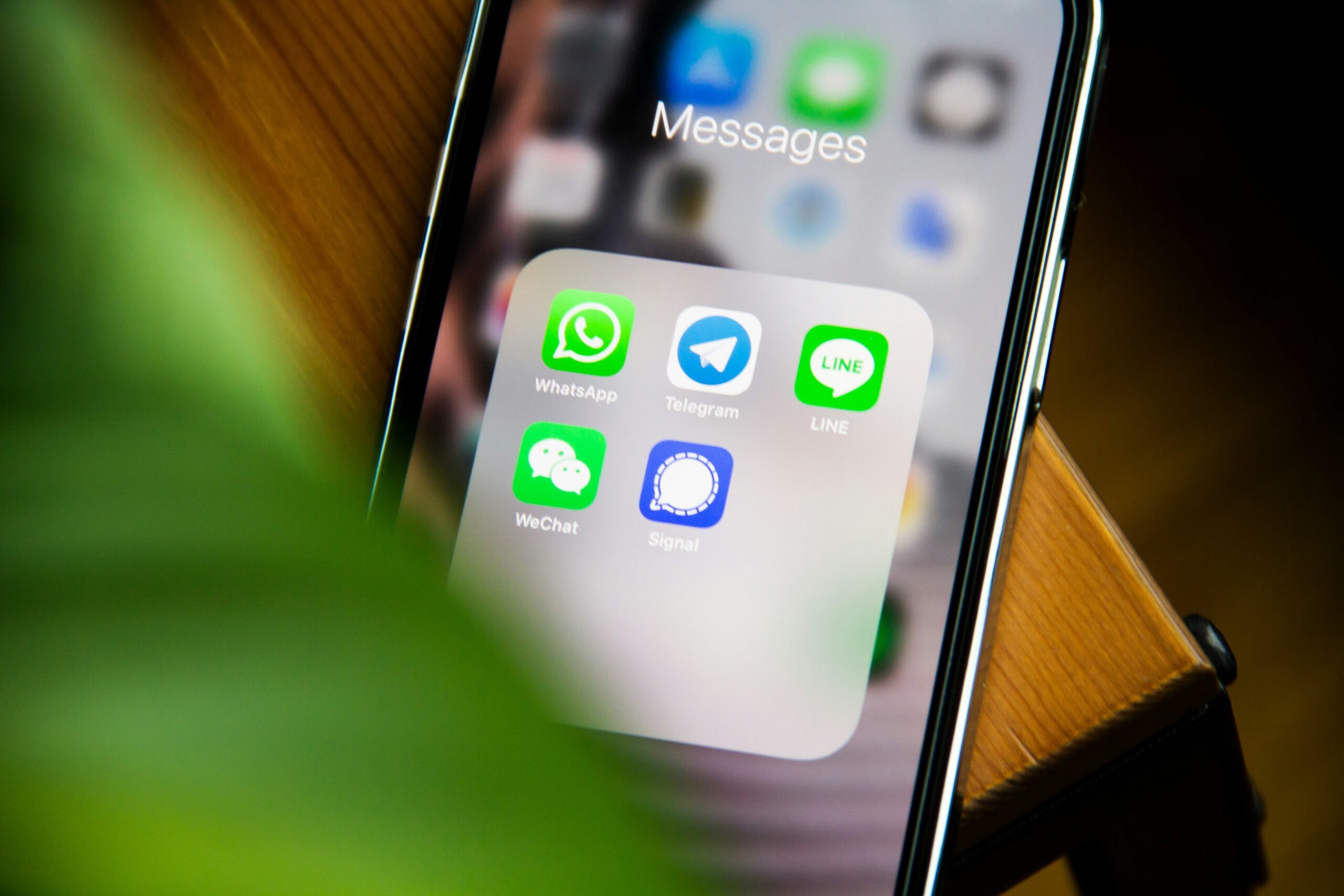
The LINE app is a mainstream messaging platform used by hundreds of millions of people worldwide, and using it is not unsafe in itself. The risks come from who contacts you and what they ask for, not from the app itself. This guide covers what LINE is, its privacy and security features, the scams that commonly use it, and what to check when someone you do not know well asks you to move a conversation there.
If someone has asked you to move a conversation to LINE and something feels off, Social Catfish’s reverse image search and cross-platform search can show whether their profile photo or contact details appear elsewhere online under a different name. All searches are completely confidential.
Name Search Examples
To get more accurate results, enter the full name including at least First name, Middle name and Last name.
Email Search Examples
Phone Search Examples
Username Search Examples
Address Search Examples
Start typing the initial part of the address and select from the addresses given dropdown afterward.
We Respect Your Privacy.
What Is the LINE App and What Is It Used For?
LINE is a messaging and calling app launched in 2011 by what is now LY Corporation, a Japanese technology company. It started as an internal communication tool after the 2011 Tōhoku earthquake disrupted standard phone networks in Japan and grew into one of Asia’s most widely used platforms.
Beyond messaging and calls, LINE includes stickers and emojis, a timeline feed similar to social media, LINE Pay for mobile payments, a shopping service, and a content platform. It functions as a full digital ecosystem in the countries where it is dominant rather than a single-purpose messaging app.
Social Catfish · Profile Check
Asked to move the chat?
Tap anything you’ve noticed about someone who wants to continue a conversation in a chat app. This can’t tell you whether a profile is real or who is behind it. It only shows whether what you’re seeing is worth slowing down for.
No checklist or search result proves a profile is fake or shows who is behind it, and you should never send money to someone you haven’t verified. Private and confidential — only you see the results.
Is the LINE App Safe?
LINE uses end-to-end encryption for one-on-one chats through its Letter Sealing feature, which means messages are encrypted between the sender and recipient. Group chats and some other features use server-side encryption rather than end-to-end encryption. Verify the current coverage of Letter Sealing on LINE’s official help pages, since the scope of encryption features can change.
Where the limits are:
End-to-end encryption protects the content of your messages from third-party interception. It does not protect you from the person you are talking to. A scammer sending you a phishing link or a request for money through an encrypted chat is still a scammer; the encryption covers the channel, not the intent behind what is sent through it.
LINE also collects data on app usage, device information, and purchase activity as described in its privacy policy. As with most messaging apps, this data is used for service improvement and, in some cases, advertising. For users in Japan and other countries where LINE is operated under local regulatory frameworks, different data handling rules may apply.
LINE Search: How to Find Someone on LINE
LINE’s search function allows users to find other accounts by LINE ID, phone number, or QR code, depending on the privacy settings the other person has configured.
How to search for someone:
Open LINE, tap the Add Friends icon, and enter their LINE ID or phone number. If their privacy settings allow discovery by ID or phone number, their account will appear. If they have restricted these settings, they will not appear in search results even if the information is correct.
Privacy controls that affect findability:
LINE allows users to control whether they can be found by LINE ID, whether they can be found by phone number, and whether they can receive messages from people who are not already contacts. These settings are adjustable in LINE’s Privacy settings menu; confirm the current menu names on LINE’s official help center since interfaces update.
What a LINE search cannot tell you:
Finding someone’s LINE account confirms the account exists. It does not confirm who is actually operating it, whether the profile details are genuine, or whether the account belongs to the person claiming to contact you from another platform. A Social Catfish name, username, phone number, or reverse image search covers the identity verification that LINE’s own search does not.
Name Search Examples
To get more accurate results, enter the full name including at least First name, Middle name and Last name.
Email Search Examples
Phone Search Examples
Username Search Examples
Address Search Examples
Start typing the initial part of the address and select from the addresses given dropdown afterward.
We Respect Your Privacy.
LINE App Privacy Settings to Check
These settings are worth reviewing whether you are a new or existing LINE user.
Who can find you by LINE ID:
In Privacy settings, you can control whether anyone can search for your account using your LINE ID or whether this is restricted to people you have already added.
Who can find you by phone number:
Separately configurable from ID search. Restricting this prevents anyone from finding your account by entering your phone number.
Who can message you:
LINE allows you to restrict incoming messages to contacts only, which prevents messages from people who are not already in your contact list.
Two-step verification:
LINE offers two-step verification as an additional account security layer. Enabling it requires a PIN in addition to your phone number when logging in from a new device. Check LINE’s official security settings for the current setup process.
Common LINE App Scams
These scam types use LINE specifically or move through LINE after originating on another platform.
Gift card requests from a “friend” or coworker:
A compromised account sends a message to that person’s LINE contacts claiming to need gift cards urgently. The message looks like it comes from someone you know because it is coming from their account. Verify any financial request through a separate channel before acting. For more details, see our gift card scams guide.
Phishing links posing as LINE support:
Messages claiming your account has a problem, that you need to verify your details, or that you have won a prize and must click a link to claim it. LINE’s official communications come through the app’s notice system, not through individual chat messages from unknown accounts.
Fake prize or lottery notifications:
Messages announcing you have won a competition you did not enter, requiring you to click a link or pay a fee to claim the prize. No legitimate prize requires an upfront fee.
Easy money or investment offers:
Messages promoting high-return investments, cryptocurrency opportunities, or side-income schemes. These frequently pivot to LINE from other platforms and escalate to financial requests after a period of trust-building. See our online dating scams guide for the full pattern.
Romance scams:
Long-form relationship-building that moves toward financial requests. LINE is often the platform scammers prefer for this because it is less monitored than dating apps and allows communication to continue outside the original platform’s reporting tools.
LINE App Dating: If Someone Asked You to Move to LINE
Being asked to move a conversation from a dating app or social media to LINE is not automatically suspicious in countries where LINE is the primary messaging platform; it is a normal request.
It becomes more relevant when the request comes very early in a conversation, before any genuine connection has been established, and when it is accompanied by other patterns: polished photos, a claimed location far away, communication that feels slightly scripted, and a reluctance to video call.
Moving to LINE removes the conversation from the original platform’s reporting tools and moderation environment. That does not make the person a scammer, but it is a reason to slow down and verify before the conversation develops further.
Before continuing a conversation that has moved to LINE with someone you have not met in person, a Social Catfish reverse image search on their profile photo and a cross-platform search on their name or LINE ID take a few minutes and confirm whether the identity they have presented is consistent with who they actually are online. All searches are completely confidential.
Name Search Examples
To get more accurate results, enter the full name including at least First name, Middle name and Last name.
Email Search Examples
Phone Search Examples
Username Search Examples
Address Search Examples
Start typing the initial part of the address and select from the addresses given dropdown afterward.
We Respect Your Privacy.
FAQ
Both are free messaging apps with end-to-end encryption for private chats, calls, and group messaging. LINE has a broader feature set, including payments, shopping, a timeline feed, and stickers, while WhatsApp is more focused on messaging and calling. LINE dominates in Japan, Taiwan, and Thailand;
LINE’s Letter Sealing feature provides end-to-end encryption for one-on-one chats, meaning messages are encrypted between sender and recipient and cannot be read by LINE or third parties in transit. Group chats use server-side encryption. The person you are messaging can always see the messages you send them; encryption protects against interception, not against the other party in the conversation.
Like any app, LINE accounts can be compromised through phishing fake login pages that capture your credentials or through SIM swapping that redirects your phone number. Two-step verification significantly reduces the risk of account takeover. Never enter your LINE credentials on any page you reached through a link in a message rather than by navigating directly to LINE’s official site.
Yes. LINE messaging and calls between LINE users are free. Some premium sticker packs and in-app content require payment. LINE Pay is a separate payment service for transactions. The app itself has no subscription cost.