Multiple Faces Detected


 September 21st, 2026
The search for OnlyFans archive content has become increasingly common as the platform continues growing, hosting over 4.1 million creators and 305 million fans. Whether you’re trying to reconnect with a favorite creator, verify someone’s online presence, or understand what happens when accounts disappear, the topic of OnlyFans archives raises important questions about digital permanence, privacy, and online safety.
Understanding the reality behind OnlyFans archive searches and the various motivations driving them is crucial for anyone navigating this complex digital landscape. This comprehensive guide explores what’s possible, what isn’t, and how to approach these searches safely and ethically.
Name Search Examples
To get more accurate results, enter the full name including at least First name, Middle name and Last name.
Email Search Examples
Phone Search Examples
Username Search Examples
Address Search Examples
Start typing the initial part of the address and select from the addresses given dropdown afterward.
We Respect Your Privacy.
What Is an OnlyFans Archive?
An OnlyFans archive refers to saved or cached content from OnlyFans accounts that are no longer active on the platform. Unlike social media platforms where deleted posts sometimes persist in caches or third-party archives, OnlyFans content is designed to disappear permanently when an account is deleted.
When a creator deletes their OnlyFans account, several things happen immediately:
- The account and all associated content are permanently removed from OnlyFans servers
- All active subscriptions are cancelled without notice
- Previously purchased content becomes inaccessible to subscribers
- OnlyFans does not offer account recovery for voluntarily deleted accounts
OnlyFans removed over 35,865 creator accounts in February 2025 alone — meaning tens of thousands of accounts disappear from the platform every month, and the content goes with them.
People search for OnlyFans archives for several legitimate reasons: reconnecting with a creator who moved to another platform, verifying whether someone has an OnlyFans account for professional or relationship reasons, or accessing content they previously paid for before an account was deleted. Understanding what’s actually possible and what isn’t saves a lot of wasted effort.
Deleted vs Deactivated OnlyFans Accounts: What Is the Difference?
This is the most important question to answer before you start searching, because the answer determines what is actually possible.
A deactivated account means the creator temporarily disabled their profile. The account still exists on OnlyFans ‘ servers, content and subscriber data are preserved, and the creator can reactivate at any time. If you subscribed before deactivation, your subscription is paused but not lost.
Signs of a deactivated account:
- The profile URL shows as unavailable but the username still appears in OnlyFans search
- The creator’s social media accounts are still active but they have stopped posting
- Their content disappeared suddenly without any announcement
- You can still find their username mentioned in recent forum discussions
What to do: Wait and check periodically. Many creators deactivate temporarily due to burnout, personal circumstances, or platform disputes and return within weeks or months. Check their linked Instagram , Twitter, or Reddit for any announcements.
A permanently deleted account means all content, messages, and subscriber data have been wiped from OnlyFans’ servers. This happens when a creator voluntarily deletes their account or when OnlyFans removes an account for terms of service violations.
Once permanently deleted, the content cannot be recovered through OnlyFans itself. External archives, cached pages, and cross-platform traces are the only remaining paths.
OnlyFans retains user data for up to six months after deletion for legal and regulatory compliance, but this data is not publicly accessible and cannot be retrieved by subscribers.
Method 1: Check the Wayback Machine (Internet Archive) and Google Cached Pages
This is the most reliable free starting point for finding traces of a deleted OnlyFans account .
- Open Google and search the profile URL: site:onlyfans.com/username
- If a result appears, click the three dots next to the URL in the search results
- Select “Cached” to view the last saved version of the page
- Screenshot everything immediately — cached pages expire and disappear within days to weeks
- Note any linked social media accounts, usernames, or contact details visible on the cached page
Google’s cache is often the fastest way to find a creator’s linked social media accounts from a deleted profile, which gives you a path to find them on other platforms.
The Wayback Machine at archive.org is a non-profit internet archive that periodically snapshots public web pages including OnlyFans profiles.
- Go to web.archive.org
- Enter the full OnlyFans profile URL: https://onlyfans.com/username
- The calendar view shows every date the page was archived — click any date to view the snapshot
- Earlier snapshots often show the creator’s bio, linked accounts, and profile photo before deletion
Not every OnlyFans profile has been archived by the Wayback Machine, but popular accounts with significant external traffic are more likely to have multiple snapshots available.
Method 2: Search Reddit and Online Forums
Reddit is one of the most effective free tools for finding deleted OnlyFans content and creator information because fans frequently discuss, share, and archive creator content independently of the platform.
- Search site:reddit.com username in Google to find any Reddit posts mentioning the creator
- Browse these subreddits directly: r/OnlyFans, r/OnlyFansReviews, r/OnlyFansAdvice, and creator-specific subreddits
- Search the creator’s username in Reddit’s own search bar to find discussion threads
- Look for posts where other fans have shared linked social accounts, alternative platforms, or cached content
- If you cannot find anything, post a question in a relevant subreddit other fans may have information or archived content
Reddit threads often contain the creator’s Twitter , Instagram, or Fansly handle even after the OnlyFans account has been deleted, giving you a direct path to finding them on other platforms.
Method 3: Explore Other Social Media Platforms
Most OnlyFans creators promote their accounts across multiple platforms. Their social media often remains active even after their OnlyFans is deleted and provides the clearest path to finding where they have gone.
Where to search:
- Twitter/X — the most common platform for OnlyFans creators to cross-promote. Search their username and look for pinned posts linking to their content
- Instagram — check their bio and story highlights for OnlyFans links or announcements about moving platforms
- Reddit — many creators maintain their own subreddits or post in creator communities
- TikTok — search their username for any account mentioning their OnlyFans or alternative platforms
- Linktree and similar link aggregators — many creators use Linktree in their Instagram bio which lists all their platform links including alternatives to OnlyFans
If the creator changed their username before deleting, search old handles you may remember from previous posts or messages.
Name Search Examples
To get more accurate results, enter the full name including at least First name, Middle name and Last name.
Email Search Examples
Phone Search Examples
Username Search Examples
Address Search Examples
Start typing the initial part of the address and select from the addresses given dropdown afterward.
We Respect Your Privacy.
Method 4: Username Search Across Platforms
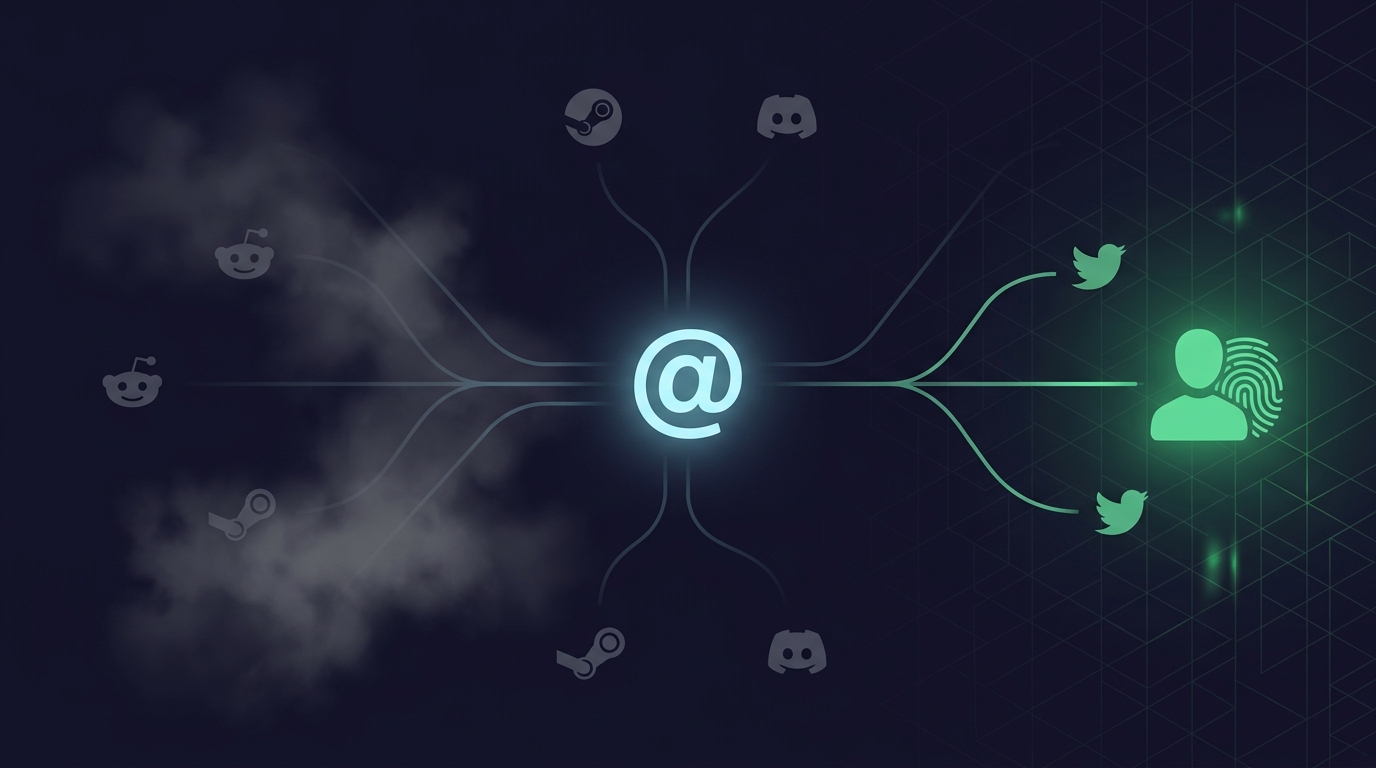
OnlyFans creators frequently use the same username on Fansly, Patreon, ManyVids, and other creator platforms. An account that appears deleted on OnlyFans may simply have moved.
- Take the exact OnlyFans username and search it directly on Fansly at fansly.com
- Check Patreon by searching the username at patreon.com/username
- Try ManyVids, AVN Stars, and similar platforms using the same handle
- Search the username in Google with quotes: “username” to find any public profiles using that handle across the web
- Use Social Catfish’s username search to cross-reference the handle across hundreds of platforms simultaneously rather than checking each one manually
Many creators who leave OnlyFans migrate to Fansly as their primary alternative. If the account was deleted due to a platform policy issue rather than the creator’s choice, Fansly is usually the first place they reappear.
Tell us what you are experiencing – we will identify what happened and what to do next.
Method 5: Reverse Image Search to Find the Creator
If you have a profile photo or screenshot from before the account was deleted, reverse image search is one of the most effective methods for finding where the creator has gone.
- Go to images.google.com
- Click the camera icon and upload the photo or paste the image URL
- Google returns pages where the same image appears including other social media profiles and platform pages
Social Catfish uses AI facial recognition rather than file matching. Upload the creator’s photo, and the search scans across social media platforms, dating apps, and other sources Google does not index, finding where that face appears across different accounts even when the creator uses different usernames or profile photos on each platform.
This is the most effective method for finding a creator who has moved to a new platform under a different name, because it identifies the person rather than just the image file.
Method 6: Social Catfish Full Reverse Lookup
When free methods have returned incomplete information you found cached pages but cannot identify linked accounts, or you have a username but no other details Social Catfish’s full reverse lookup is the most thorough remaining option.
Enter whatever you have a name, username, email address, phone number, or photo, and Social Catfish searches across over 200 billion records simultaneously including social media platforms, public records, dating sites, and identity databases. Rather than checking each platform manually, a single search returns every connected account and identity associated with that information.
What Social Catfish can find from a deleted OnlyFans account:
- Linked social media accounts the creator used to cross-promote
- Alternative platform accounts under the same or different username
- Email addresses and phone numbers associated with the identity
- Any other platform registrations linked to the same identity
- Cross-platform connections that confirm whether the creator has moved rather than retired
Social Catfish searches are fully confidential. The person you search is never notified.
Free methods can be hit or miss especially with permanently deleted accounts. Social Catfish’s reverse lookup searches over 200 billion records to find connected profiles and linked accounts even when the OnlyFans profile itself has been completely removed.
The account is gone. The creator usually isn’t.
One username search checks every platform they might have moved to — at once.
A deleted OnlyFans account doesn’t mean the creator disappeared. Social Catfish’s username search cross-references a handle across hundreds of platforms at once — including the exact ones creators actually migrate to.
Search Their Username NowPrivate and confidential — only you see the results.
FAQ
An OnlyFans archive is saved or cached content from accounts that are no longer active. OnlyFans has no official archive feature; when an account is deleted, the content is gone. Third-party archive sites are usually unreliable, illegal, or scams.
No legitimate public OnlyFans archiver exists. The platform uses login-required access, dynamic content loading, and active DMCA enforcement to prevent archiving. Sites claiming to offer free public archives are almost always scams or illegal repositories of stolen content.
Only public-facing pages — profile landing pages, bio text, and public metadata. It cannot access subscriber-only content, which requires authentication. Useful for confirming a username existed, not for accessing creator content.
Check their social media accounts (Twitter/X, Instagram, TikTok) for migration announcements, then search their username directly on Fansly, Fanvue, and Patreon. If manual searches fail, Social Catfish’s username search cross-references handles across hundreds of platforms simultaneously.
Accessing publicly available profile information is legal. Accessing, downloading, or distributing subscriber-only content without authorization is copyright infringement. Sites offering free archives of paid content are almost always operating illegally — avoid them.
Understanding the Archive Reality
The truth about OnlyFans archive searches is that they’re largely unsuccessful due to the platform’s privacy protections and the permanent nature of account deletions. While people have various legitimate reasons for wanting to find information about OnlyFans accounts, the reality is that OnlyFans archive deleted accounts typically cannot be recovered or accessed through traditional means.
Rather than pursuing potentially problematic archive searches, individuals with legitimate verification needs should focus on professional services, public information sources, and ethical investigation methods. The digital age requires balancing the desire for information with respect for privacy rights and legal boundaries.
For those concerned about their own digital footprint or seeking to verify someone’s online presence for legitimate reasons, working with established digital investigation services offers the best combination of effectiveness and ethical compliance. Remember that everyone deserves privacy and consent in their digital interactions, and any search efforts should respect these fundamental principles.
Name Search Examples
To get more accurate results, enter the full name including at least First name, Middle name and Last name.
Email Search Examples
Phone Search Examples
Username Search Examples
Address Search Examples
Start typing the initial part of the address and select from the addresses given dropdown afterward.
We Respect Your Privacy.