Multiple Faces Detected


 September 22nd, 2023
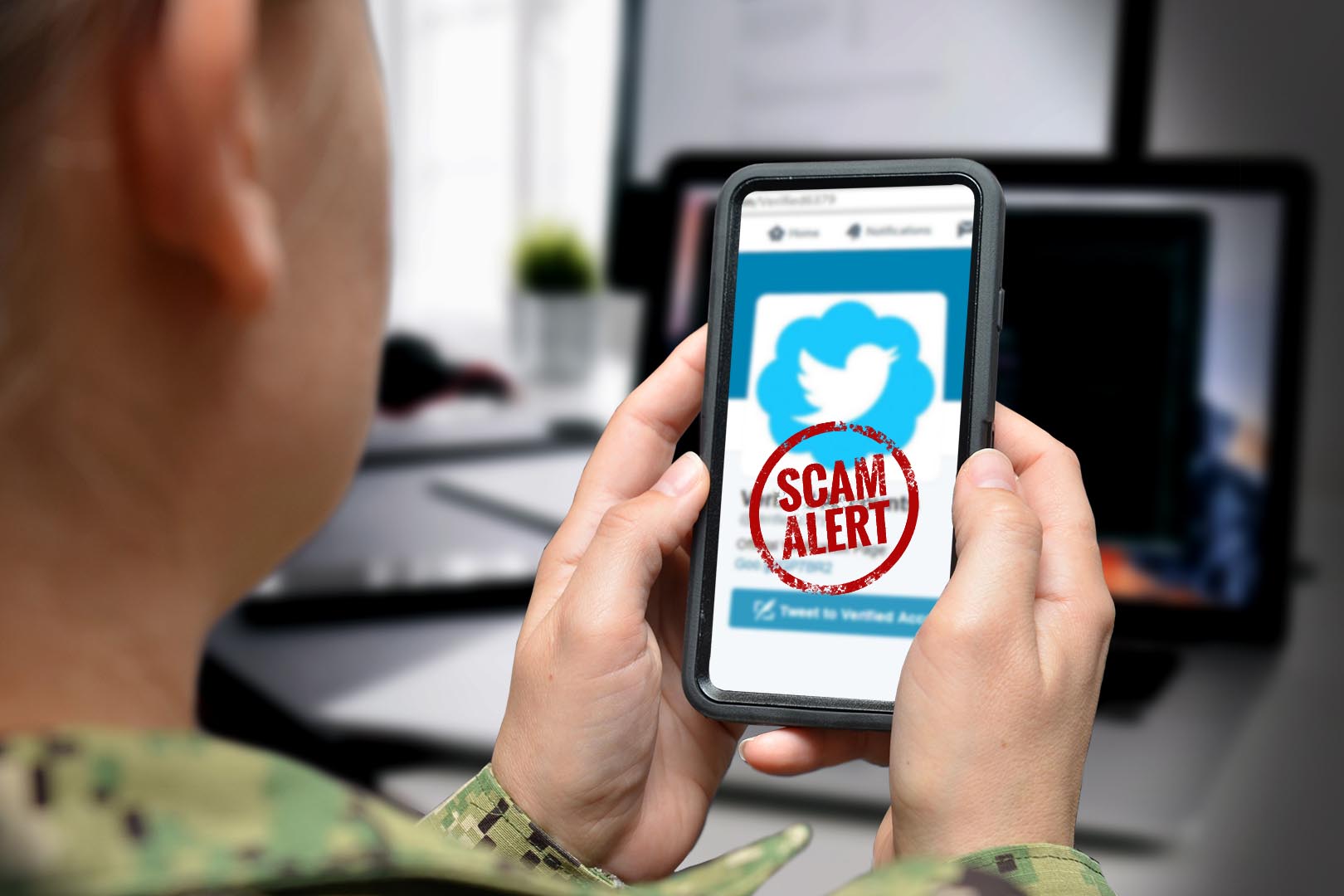
Online scams are extremely prevalent nowadays as fraudsters continually take advantage of people through the use of anonymity and accessibility of the internet. Though the shock of finding out that you’ve been a victim to an online scam can feel awful, you should remember that what you do after is important in prevention of it happening to others online. In this article, we’ll go over how to spot and identify online scams to the right authorities and give tips on how to protect yourself from falling victim to these scams.
Name Search Examples
To get more accurate results, enter the full name including at least First name, Middle name and Last name.
Email Search Examples
Phone Search Examples
Username Search Examples
Address Search Examples
Start typing the initial part of the address and select from the addresses given dropdown afterward.
We Respect Your Privacy.
Identifying Online Scams
There’s different ways these scams can take shape and they can be hard to spot. Luckily, there’s some warning signs to look out for. Here’s some things you might be dealing with in an online scam:
- Unsolicited offers or requests for personal information
- Requests for payment or wire transfers
- Pressure to act quickly or keep the offer confidential
- Poor grammar and spelling errors in emails or websites
- Offers that seem too good to be true
- Emails or messages from unknown senders
- Links to unfamiliar or suspicious websites
- Phishing attempts through email, phone, or text message
- Fake job offers or employment scams
- Lottery or sweepstakes scams
Reporting Online Scams to the Appropriate Authorities

It’s crucial for online scams to be reported to the right authorities to stop scammers from causing more trouble. Take these steps to report online scams:
- Report to the website or platform where the scam occurred, such as the website hosting the fraudulent offer or the social media platform where you received the message.
- Report the scam to law enforcement agencies, such as the FBI’s Internet Crime Complaint Center or the Federal Trade Commission.
- Contact your financial institution if you have provided your banking information or credit card information to a scammer.
- Report the scam to your state’s consumer protection agency or attorney general’s office.
- File a complaint with the Better Business Bureau.
- Warn others about the scam by sharing your experience on social media, review sites, or online forums.
Tips for Avoiding Online Scams
Prevention is key when it comes to avoiding online scams. Here are some tips to help you avoid falling victim to online scams:
- Be cautious of unsolicited emails or messages from unknown senders.
- Never give out your personal or financial information online unless you are sure it is safe to do so.
- Use strong and unique passwords for each of your online accounts.
- Keep your computer’s security software up to date and run regular virus scans.
- Check the website’s URL and look for the padlock icon to ensure that you are on a secure website.
- Avoid clicking on suspicious links or downloading attachments from unknown senders.
- Keep your social media profiles private and be cautious of friend requests or messages from unknown individuals.
- Be skeptical of job offers or opportunities that seem too good to be true.
- Trust your instincts – if an offer or message seems suspicious or too good to be true, it probably is.
Name Search Examples
To get more accurate results, enter the full name including at least First name, Middle name and Last name.
Email Search Examples
Phone Search Examples
Username Search Examples
Address Search Examples
Start typing the initial part of the address and select from the addresses given dropdown afterward.
We Respect Your Privacy.
Importance of Reporting Online Scams

Reporting online scams is crucial in stopping scammers and preventing further damage. By reporting online scams, you can help warn others about the scam and prevent them from falling victim to the same scheme. Many scammers use the same tactics repeatedly, so reporting the scam can help others recognize the warning signs and avoid becoming a victim.
Reporting online scams can help authorities identify and track down scammers, which can lead to their arrest and prosecution. This can help deter future scammers and make the internet a safer place for everyone.
In some cases, reporting online scams can help victims recover their stolen funds. This is especially true if the scammer is caught and prosecuted, as the victim may be able to receive restitution from the scammer.
Reporting online scams can help websites and platforms improve their security measures and prevent similar scams from happening in the future. By reporting scams to the appropriate authorities, you can help identify vulnerabilities in online security and prompt companies to take action to improve their defenses.
Reporting online scams can also help protect your own identity and finances. If you have fallen victim to a scam, reporting it can help you take action to protect yourself from further harm and minimize the damage that has already been done.
Reporting online scams is an important civic duty that helps protect society as a whole. By reporting scams, you are doing your part to help prevent fraud and make the internet a safer place for everyone.
How Do I Get My Money Back from Being Scammed Online?
Recovering money after falling victim to an online scam can be a daunting task, but there are steps you can take to increase your chances of retrieving your funds. Firstly, cease all communication with the scammer immediately to prevent further deception. Collect and document all evidence related to the scam, including messages, emails, receipts, and any relevant documents. This evidence will be crucial when reporting the incident. Next, report the scam to the appropriate authorities, such as your local law enforcement agency, the Federal Trade Commission (FTC), or the Internet Crime Complaint Center (IC3). Contact your financial institution if you made payments through them, explaining the situation and requesting assistance with a chargeback or dispute.