Multiple Faces Detected


 August 5th, 2026
Trustpilot is one of the most widely used consumer review platforms in the world, with over 300 million reviews across more than 900,000 businesses. Most people land on it the same way: they are about to buy something, invest in something, or hire someone, and they want to know if other people have been burned first. Here is how to find a specific company on Trustpilot, what to do when a search returns nothing, and how to tell whether the reviews you are reading are real.
Name Search Examples
To get more accurate results, enter the full name including at least First name, Middle name and Last name.
Email Search Examples
Phone Search Examples
Username Search Examples
Address Search Examples
Start typing the initial part of the address and select from the addresses given dropdown afterward.
We Respect Your Privacy.
How to Search Trustpilot for a Company
Using the Search Bar
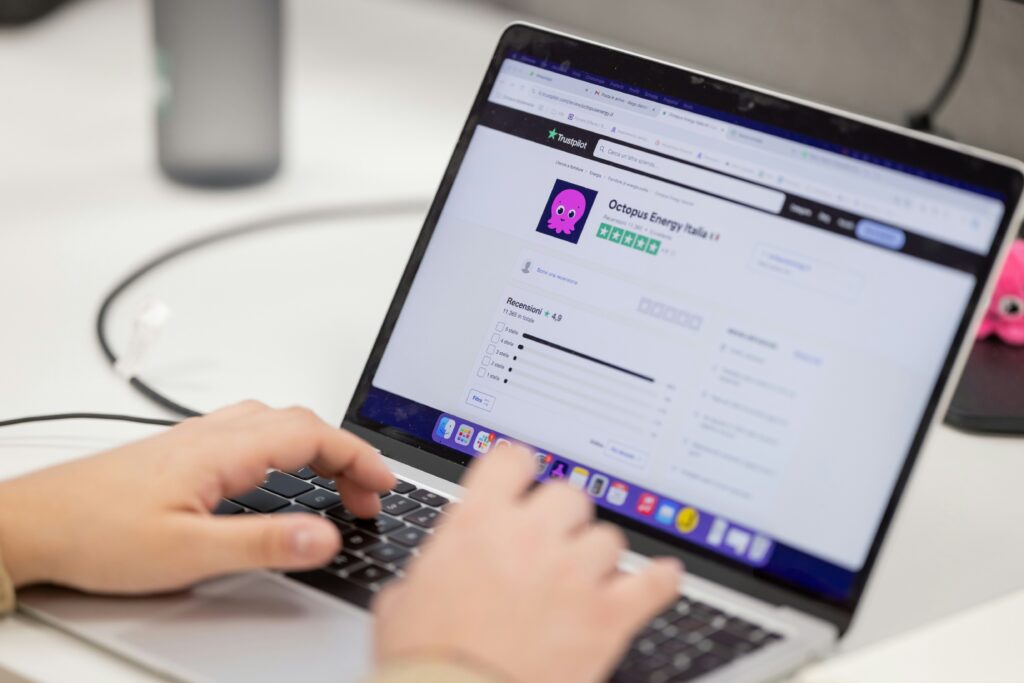
Trustpilot’s search bar is accessible from the homepage at trustpilot.com and from the navigation on most pages.
How to use it:
- Go to trustpilot.com and click the search bar at the top of the page
- Type the business name or the company’s website URL directly into the search bar
- Press Enter to run the search
- Select the correct company from the results list
Using the website URL rather than the business name is often more precise. Searching amazon.com returns the correct profile immediately, whereas searching Amazon returns multiple results, including international variations and third-party sellers. For any business with a generic or common name, the URL approach removes ambiguity.
Category Browsing
If you do not have the exact business name, Trustpilot’s Categories section at trustpilot.com/categories organizes businesses by industry. This is useful for comparing multiple companies in the same sector before deciding which one to research further.
Categories include:
- Banking and financial services
- Insurance
- Travel and holidays
- Shopping and fashion
- Health and wellness
- Construction and manufacturing
Browse to the relevant category and Trustpilot surfaces the highest-reviewed businesses in that space alongside recently reviewed ones.
Filtering Once You Land on a Profile
Once you have found the company’s Trustpilot profile, filters help you read the most relevant reviews rather than the most recent or most promoted ones.
Available filters:
- Star rating — filter to see only one-star or two-star reviews, which often contain the most substantive complaints
- Language — filter by review language if the business operates internationally
- Review date — filter by recency to see how the company has performed lately versus its historical average
Reading the one-star and two-star reviews first is often more informative than reading five-star reviews, since negative reviews tend to contain specific details about what went wrong rather than generic praise.
Name Search Examples
To get more accurate results, enter the full name including at least First name, Middle name and Last name.
Email Search Examples
Phone Search Examples
Username Search Examples
Address Search Examples
Start typing the initial part of the address and select from the addresses given dropdown afterward.
We Respect Your Privacy.
What to Do When a Company Is Not on Trustpilot
No Trustpilot listing means one of two things: the company has not created a profile, or the profile has been removed.
What the absence does and does not mean:
- Most small and newer businesses have never created a Trustpilot profile and their absence is not itself a red flag
- An absence is more significant for large, established companies in sectors where Trustpilot presence is standard, such as financial services, e-commerce, and SaaS
- A removed profile is harder to detect but sometimes surfaces through a Google search for the company name alongside Trustpilot
Where to cross-check when Trustpilot returns nothing:
- Google the company name alongside the word reviews and check what platforms do have coverage
- Check the Better Business Bureau at bbb.org for US businesses, particularly useful for complaint history even when no rating exists
- Search the company’s domain age through a WHOIS lookup tool. A business domain registered within the last year with no review history anywhere is a meaningful signal
- Check whether the company’s own website displays review badges or ratings. If they cite a rating but you cannot find the source, that discrepancy is worth investigating
How to Tell If Trustpilot Reviews Are Fake
Manufactured five-star reputations on Trustpilot are a documented and growing problem in 2026. Review farms, incentivized review schemes, and company-coordinated review campaigns have all been identified in enforcement actions. Knowing the specific signals makes the difference between trusting a profile and recognizing one that has been inflated.
The Clustered Posting Date Pattern
Genuine review profiles accumulate reviews gradually over time, with occasional spikes after promotional events or news coverage. A profile where a large volume of five-star reviews appeared within a short window, particularly if the company is otherwise relatively unknown, is a consistent signal of coordinated review activity.
What to look for:
- Filter reviews by date and check whether the star rating distribution changes significantly over time
- A company with a 4.8-star average built almost entirely on reviews from a three-month window three years ago deserves closer scrutiny than one with steady accumulation
- A sudden spike in five-star reviews following a period of negative coverage is a recognized reputation-management pattern
Generic Phrasing With No Specific Detail
Genuine reviews almost always contain specific details about the product, the service interaction, the delivery timeline, or the problem that arose. Fake reviews tend to be short, positive, and non-specific.
Red flags in review content:
- Reviews that praise the company without mentioning any specific product, service, or interaction
- Multiple reviews that use similar sentence structures or phrasing
- Reviews that read like marketing copy rather than a customer’s personal experience
- Reviewer profiles with only one review ever written, or with a history of reviewing unrelated businesses in rapid succession
Disproportionate Five-Star Ratio
A legitimate business with any meaningful customer volume accumulates a range of ratings. A profile with 97 percent five-star reviews and almost no one-star or two-star reviews across hundreds of reviews is statistically unusual for any real business operating at scale.
The Live Rating Discrepancy Tactic
This is the most specific fake-review tactic worth knowing in 2026. Some businesses display a Trustpilot rating badge on their own website that does not match their actual current Trustpilot profile. They copy a star rating badge from a high point in their rating history and display it as though it is current, or they display a rating from a different review platform using Trustpilot’s visual branding.
How to check:
- Find the company on trustpilot.com directly and compare the current rating to what their website displays
- If the displayed rating is higher than the actual current rating, that discrepancy is a deliberate misrepresentation
Verify the Company Behind a Trustpilot Profile
Trustpilot reviews tell you what customers reported experiencing. They do not tell you who actually owns and operates the business, whether the business address is real, or whether the company identity is consistent across sources.
This verification step matters most when the transaction involves significant money, personal information, or ongoing access to your accounts, such as financial services, investment platforms, subscription software, or any business where a scam would cause significant harm.
Cross-referencing the business through Social Catfish:
Enter the company name, website domain, or any contact details provided into Social Catfish. The search cross-references those identifiers against business registrations, public records, and identity databases, confirming whether the company has a consistent and verifiable real-world presence behind its Trustpilot profile.
When you are dealing with an individual seller rather than a business:
If you are researching a private seller, a freelancer, or an individual whose Trustpilot reviews led you to their personal services, enter their name, phone number, or email address into Social Catfish’s reverse search. The search returns the real identity and linked accounts behind those contact details, confirming whether the person’s identity is consistent across platforms or whether the contact details connect to known fraud-associated activity.
All searches are completely confidential. The person or business being searched receives no notification.
FAQ
No. Trustpilot’s search only accepts business names, website URLs, and category browsing. There is no phone number or email lookup within the platform. If you have a phone number or email address for a business or seller you want to verify, Social Catfish’s reverse phone and email searches cross-reference those details against business registrations and identity databases independently of Trustpilot.
The most common reason is that the company has never created a Trustpilot profile. This is common for small and newer businesses and is not automatically a red flag. For larger, established businesses in sectors where Trustpilot presence is standard, an absence is worth noting. Cross-check through Google reviews, the Better Business Bureau, and a WHOIS domain age lookup to build a fuller picture.
Some are labeled Verified Review, which means the review came through Trustpilot’s invitation system where the business invites customers to leave a review after a transaction. Unverified reviews can be left by anyone without proof of purchase. The verified label indicates the review originated from a real customer interaction but does not guarantee the content is accurate or unbiased.
Not on the Trustpilot platform itself without violating its terms. However, companies can and do misquote their Trustpilot rating on their own websites, displaying an outdated or inflated rating badge that does not match their current actual profile. Always verify a displayed Trustpilot rating by checking the company’s live profile directly at trustpilot.com rather than trusting the badge on their own site.
Yes. Searching for companies, reading reviews, and writing reviews are all free for consumers. Businesses pay for Trustpilot’s premium features, including review invitations, analytics, and profile customization. The consumer-facing search and review reading functions carry no cost.
Conclusion
Trustpilot search works reliably when you use the company’s website URL rather than its name, and the filtering tools make it more useful once you are on a specific profile. The fake review signals above narrow your focus to the reviews that actually reflect customer experience rather than coordinated reputation management. When the reviews look legitimate, but you want to verify the business itself before a significant transaction, Social Catfish’s reverse search on the company name, domain, or contact details confirms whether the identity behind the Trustpilot profile holds up against independent sources.
Name Search Examples
To get more accurate results, enter the full name including at least First name, Middle name and Last name.
Email Search Examples
Phone Search Examples
Username Search Examples
Address Search Examples
Start typing the initial part of the address and select from the addresses given dropdown afterward.
We Respect Your Privacy.