Multiple Faces Detected



 November 19th, 2026
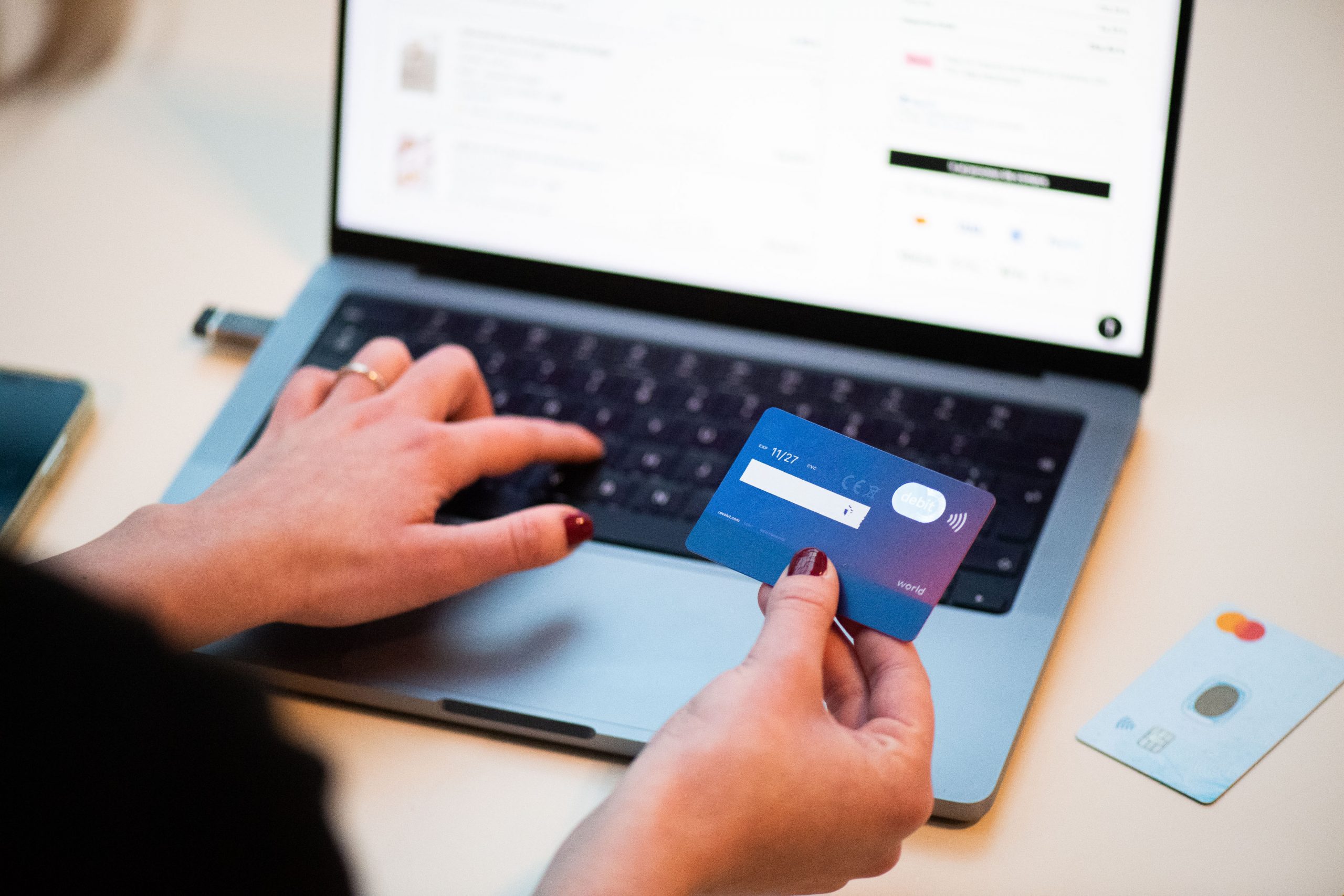
In today’s digital age, online shopping has become a convenient and popular way to purchase goods and services. With just a few clicks, you can have items delivered right to your doorstep without ever leaving the comfort of your own home. However, with the rise of online shopping, there has also been an increase in online scams and frauds. It is important to take precautions to ensure a safe and secure online shopping experience. Here are some tips to help you stay safe while shopping online.
Name Search Examples
To get more accurate results, enter the full name including at least First name, Middle name and Last name.
Email Search Examples
Phone Search Examples
Username Search Examples
Address Search Examples
Start typing the initial part of the address and select from the addresses given dropdown afterward.
We Respect Your Privacy.
1. Shop from reputable websites
When making online purchases, it is important to only shop from reputable and well-known websites. These websites have established security measures in place to protect your personal and financial information. You can also look for trust seals or security badges on the website, which indicate that the site has been verified and is secure to use.
2. Use strong and unique passwords
Creating strong and unique passwords for your online shopping accounts is crucial in protecting your personal information. Avoid using the same password for multiple accounts and make sure to use a combination of letters, numbers, and special characters. It is also recommended to change your passwords regularly to prevent any potential hacking attempts.
3. Be cautious of public Wi-Fi
Public Wi-Fi networks are not secure and can leave your personal information vulnerable to hackers. Avoid making online purchases while connected to public Wi-Fi, as it is easy for hackers to intercept your information. If you must make a purchase while on a public network, consider using a virtual private network (VPN) to encrypt your data.
4. Keep your devices and software up to date
Make sure to regularly update your devices and software, including your web browser, to ensure they have the latest security patches. This will help protect your personal information from potential vulnerabilities that hackers can exploit.
5. Use a credit card or secure payment methods
When making online purchases, it is safer to use a credit card rather than a debit card. Credit cards offer more protection against fraudulent charges and have lower liability limits. You can also consider using secure payment methods such as PayPal, which adds an extra layer of security by not sharing your financial information with the seller.
Name Search Examples
To get more accurate results, enter the full name including at least First name, Middle name and Last name.
Email Search Examples
Phone Search Examples
Username Search Examples
Address Search Examples
Start typing the initial part of the address and select from the addresses given dropdown afterward.
We Respect Your Privacy.
6. Be wary of suspicious emails and links
Phishing scams are a common tactic used by hackers to obtain personal information. Be cautious of emails or links that ask for your personal or financial information, even if they appear to be from a legitimate source. Always double check the URL of the website before entering any sensitive information.
7. Read reviews and do your research
Before making a purchase from a new website, take the time to read reviews and do some research. Look for any red flags such as negative reviews or complaints about the website’s security. If the website has no reviews or seems suspicious, it is best to avoid making a purchase from them.
8. Keep track of your purchases and statements
It is important to keep track of your online purchases and regularly check your credit card or bank statements for any unauthorized charges. If you notice any suspicious activity, report it to your bank or credit card company immediately.
9. Use two-factor authentication
Two-factor authentication adds an extra layer of security to your online shopping accounts. This requires you to enter a code sent to your phone or email in addition to your password, making it harder for hackers to access your account.
10. Trust your instincts
If something seems too good to be true, it probably is. Trust your instincts and be cautious when making online purchases. If a deal seems too good to be true or a website seems suspicious, it is best to avoid it altogether.
By following these tips, you can help ensure a safe and secure online shopping experience. Remember to always prioritize your personal and financial information and take precautions to protect it. Happy shopping!
Name Search Examples
To get more accurate results, enter the full name including at least First name, Middle name and Last name.
Email Search Examples
Phone Search Examples
Username Search Examples
Address Search Examples
Start typing the initial part of the address and select from the addresses given dropdown afterward.
We Respect Your Privacy.