Multiple Faces Detected


 November 30th, 2020
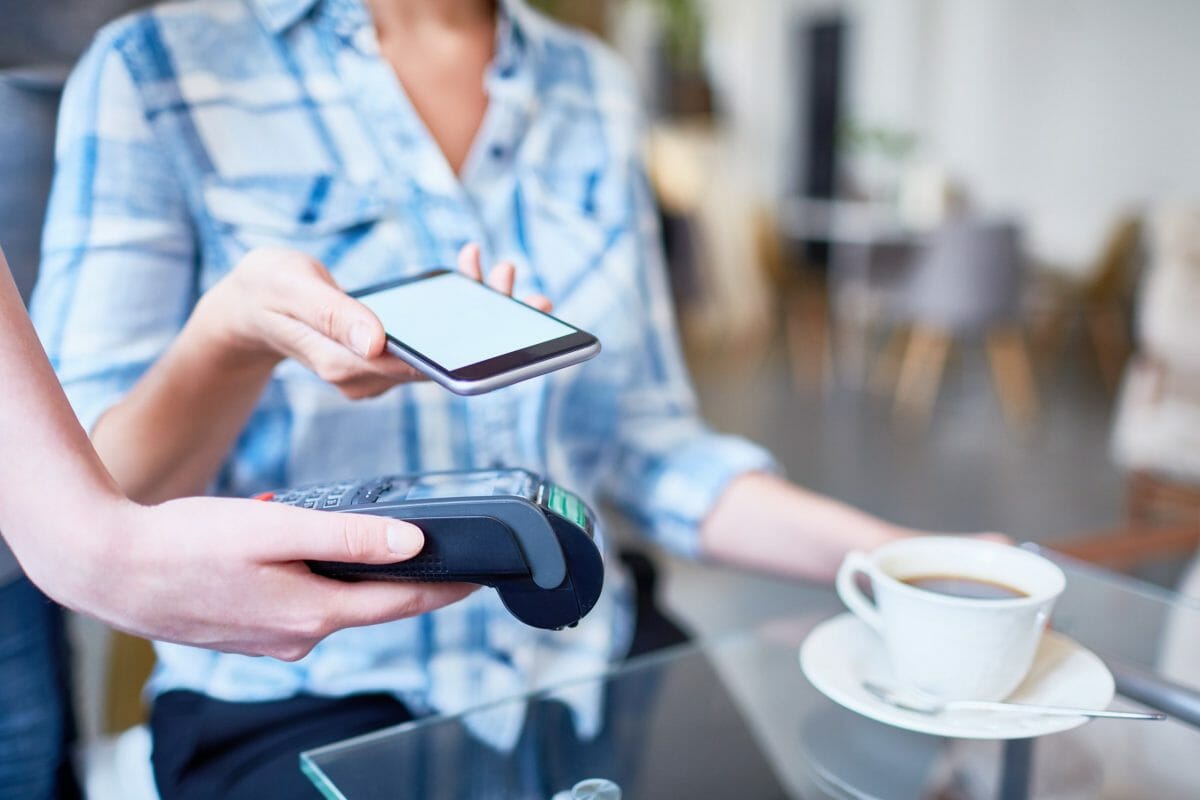
When checking out at a grocery store, fast food place, or convenience shop, we usually struggle to try and dig through our wallets or bags to find the card we need to pay for our items. But what if there was an easier and faster way to pay for our items and rush out of the store? There actually is, since it’s on a device that’s glued to our faces on a daily basis… our iPhones. They are equipped with a setting called Apple Pay, which allows you to input your debit and credit cards on your phone so that you can use your phone to pay. You can tap your phone to the card reader and it reads your phone just like how it would read a physical card, but is Apple Pay safe?
Is Apple Pay Safe or Should We Stick to Our Physical Cards?

Hackers are able to access a physical card easier than your Apple Pay since Apple Pay protects your card’s information even more so than the physical card.
- Apple Pay decrypts your card information when entered onto the device and re-encrypts it with a key that only your financial institution can unlock. Therefore, none of your credit card information is stored on your device, making it difficult for hackers to access your Apple Pay unless they have your passcode or Touch/Face ID.
- Because there’s no card information to skim, Apple Pay can’t be skimmed. If a hacker put a skimming device on the card reader, it can only read the static information from the magnetic stripe of the card. Since Apple Pay doesn’t have static information nor anything to swipe or insert, the skimming device is unable to read your card off of Apple Pay.
- It will never share your card information with any store you shop at. Each time you shop at a store or on an app, it creates a unique code for your card that the stores can read, process, and allow you to pay for your items using that card. It never shares your card information with the store.
- Apple Pay requires extra verification. To use a card, all you need to do is put it into a card reader and most of the time you’re able to use your card without extra protection. Barely any sales clerks check for signatures, ID cards, or PIN numbers anymore. With Apple Pay, you have to use your Face/Touch ID or passcode in order to access your card for purchases.
- You can suspend Apple Pay at any time. If you lose your phone and have another device with iCloud and “Find my iPhone” activated, you can claim that you lost your phone and have the option to suspend Apple Pay.
Is Apple Pay Safe?: How to Make Sure Your Apple Pay is Secure

- If you lose your device, make sure you deactivate Apple Pay immediately. This will give you peace-of-mind that no one else will have access to your cards if you misplace your phone.
- Don’t tell anyone what your passcode is. If you let someone know what your passcode to your phone is, you’re also giving them access to your Apple Pay.
- Don’t let anyone else have their face or fingerprint on your device. If their fingerprint and face can also open up your phone, you’re also giving them access to your Apple Pay.
- Make sure you add your Face/Touch ID on your device. If you only allow YOUR fingerprint and face to access your device, then it acts as an extra layer of protection so that no one else can access your Apple Pay.
- Don’t add your card on your device when on a Public Wi-Fi network. A hacker can use man-in-the-middle attacks to view your device on the public network, steal your credit card information when entering it for Apple Pay, and then they can use it for their own personal purchases.
Social Catfish is Here to Help You!
If you feel like your card information has been compromised by a scammer, Social Catfish is here to help you! We can reverse search any username, email address, phone number, social media username, address, or image to see who it is you’ve really been talking to.