Multiple Faces Detected



 January 21st, 2026
You check your inbox. An email from your bank. Perfect grammar. Looks real. But something feels off.
Maybe it’s the tone. Too polished. Too generic. You hover over the link. The domain doesn’t match.
That’s when it hits you. This email wasn’t written by a person. An AI email generator crafted it. And you almost clicked.
AI-written phishing emails are everywhere now. They’re harder to spot than ever. In 2024, 67.4% of all phishing attacks used some form of AI. That number keeps climbing.
Scammers don’t make spelling mistakes anymore. They don’t use broken English. AI tools like ChatGPT, DeepSeek, and even malicious platforms like WormGPT help them write emails that sound human. Real human.
But here’s the thing. AI-generated emails still leave clues. You just need to know what to look for.
Why AI Makes Phishing Emails Scarier
Old phishing emails were easy to spot. Bad grammar. Weird phrasing. Random capitalizations.
Not anymore.
AI-generated phishing attacks surged by 1,265% after tools like ChatGPT became public. Scammers use an AI email generator to write messages in seconds. They personalize them. They make them sound urgent but not panicked.
And it works. One finance worker at a multinational firm lost $25 million to an AI deepfake scam. The scammers used AI to fake a video call with the CFO. Everything looked real.
Here’s what makes AI phishing dangerous:
Perfect grammar. No typos. No weird sentences.
Personalization at scale. AI scrapes your social media, LinkedIn, and public records to make emails feel personal.
Speed. IBM researchers found it takes just five prompts and five minutes to create a phishing campaign with AI. What took humans 16 hours now takes AI five minutes.
No language barriers. AI translates instantly. A scammer in one country can send flawless emails in any language.
This isn’t your grandmother’s Nigerian prince scam. This is sophisticated. And it’s targeting everyone.
How to Identify AI-Generated Phishing Emails
So, how do you spot an email written by an AI email generator? Look for these red flags.
1. The Tone Is Too Perfect
AI writes clean. Too clean. It doesn’t use contractions much. Sentences flow smoothly, but they lack personality.
Real people write as they talk. We use fragments. Short sentences. We repeat ourselves sometimes. We throw in a “lol” or an emoji.
AI doesn’t do that unless it’s told to. If an email from your “boss” sounds like a corporate press release, be suspicious.
2. Generic Language That Feels Personal
This is the big one. An AI email generator can pull your name, job title, and company from LinkedIn. It’ll use those details to make the email feel personal.
But the rest? Generic.
“I hope this message finds you well.” “I wanted to reach out regarding an urgent matter.” “Please review at your earliest convenience.”
These are AI’s go-to phrases. They sound professional. But they’re vague. If you can swap your name for anyone else’s and the email still works, that’s a clue.
Real people reference specific conversations. They mention details only you would know. AI can’t do that without more data.
3. Fast Emotional Escalation
How to identify AI-generated phishing emails often comes down to emotional manipulation. AI-written scam emails push urgency hard.
“Your account will be suspended in 24 hours.” “Immediate action required.” “Verify your identity now.”
But here’s the trick. The urgency feels scripted. There’s no buildup. No context. Just panic.
Real companies don’t operate like that. They send reminders. They give you time and explain why something’s urgent.
If an email tries to scare you into clicking immediately, pause. Check the sender. Verify the request another way.
4. Mismatched Sender Details
This one’s critical. An AI email generator can write a perfect email. But it can’t always fake the technical details.
Look at the “From” address closely. Does the domain match the company? If it says “PayPal” but the email comes from “paypa1-secure.net,” that’s fake.
Hover over any links. Don’t click. Just hover. Check where they actually lead. Scammers use AI to create fake domains that look almost identical to real ones.
Also, check the reply-to address. Sometimes scammers send from one email but set replies to go somewhere else.
5. Requests for Sensitive Information
Legitimate companies don’t ask for passwords, Social Security numbers, or credit card details over email. Ever.
If an email asks you to “confirm your account” by entering personal info, it’s a scam even if it looks perfect.
AI makes these requests sound reasonable. It adds context. “Due to a recent security update, we need you to verify your credentials.”
Don’t fall for it. When in doubt, go directly to the company’s website. Don’t use links from the email. Type the URL yourself.
6. Scripted Structure
AI follows patterns. It opens with a greeting. States the problem. Offers a solution. Adds urgency. Ends with a call to action.
Every. Single. Time.
Real emails are messier. We forget to say hi. We ramble and add P.S. notes.
If an email feels like it was written by a template, it probably was. And that template was likely generated by AI.
Common AI Phishing Scenarios
Let’s look at real examples. These are the most common ways scammers use an AI email generator to trick you.
Fake Password Reset Emails
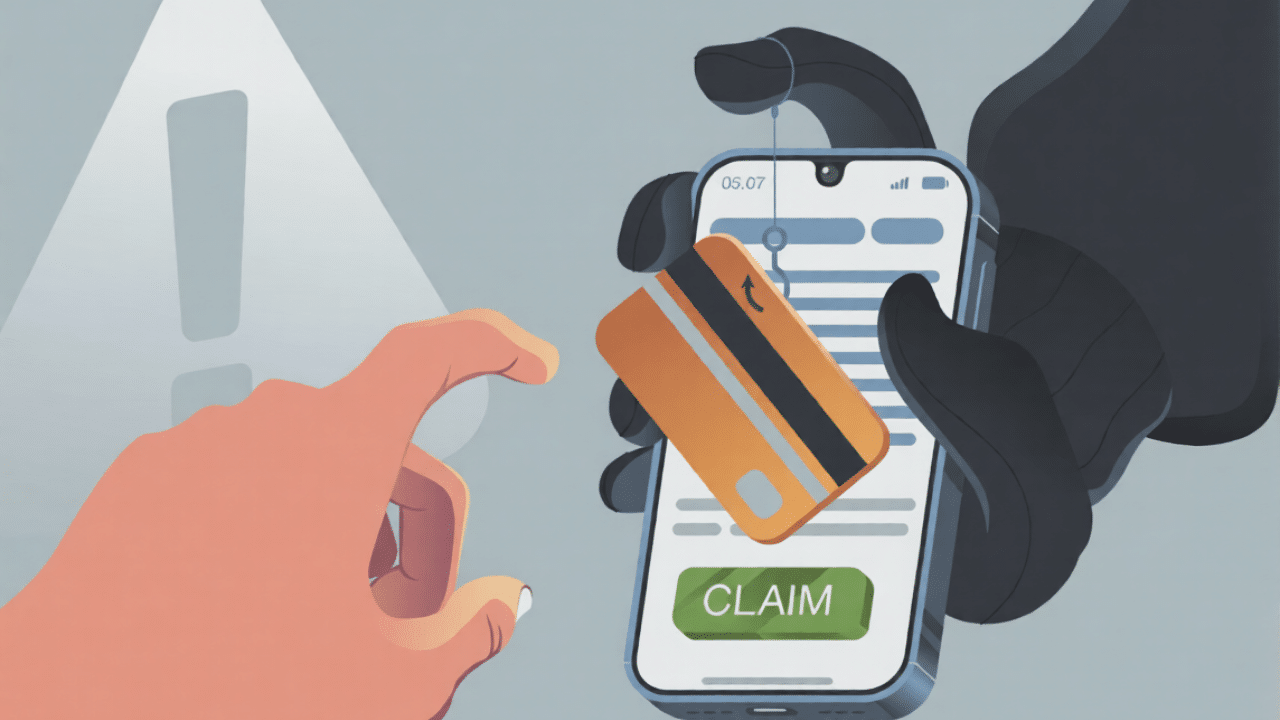
You get an email. “We detected suspicious activity on your account. Click here to reset your password.”
The email looks real. The branding matches. The tone is professional. But when you click, you’re taken to a fake site designed to steal your login.
Fake DeepSeek sites recently harvested credentials this way. Over 200 downloads of malicious packages before they were caught.
Romance Scams
Dating app scams use AI heavily now. Scammers create fake profiles. They use AI to chat with victims in real time.
The messages feel personal. But they’re generated by algorithms. The scammer might be talking to dozens of people at once, with AI handling most conversations.
Business Email Compromise (BEC)
This targets companies. A scammer impersonates an executive using an AI email generator. They tell an employee to transfer money or share sensitive data.
One employee lost $243,000 after receiving a phone call from what sounded like his boss. AI voice cloning made it sound real.
Fake Vendor Invoices
You get an invoice from a “vendor.” It looks legitimate. Perfect formatting. Correct logo. But the payment details are wrong.
AI helps scammers create these invoices quickly. They scrape company information online and generate documents that look real.
What to Do If You Suspect an AI-Generated Email
Don’t panic. But don’t click anything either. Here’s what to do.
Verify independently. If an email claims to be from your bank, call them directly. Don’t use contact info from the email.
Check the sender details. Look at the email address. Hover over links. Make sure everything matches the real company.
Trust your gut. If something feels off, it probably is.
Report it. Forward suspicious emails to your IT department or the company being impersonated. Most organizations have abuse@companyname.com addresses for this.
Use reverse lookup tools. If you’re dealing with romance scams, use tools like reverse image search or reverse email search to check if the person is real.
How Social Catfish Helps You Stay Safe
This is where Social Catfish comes in.
You can’t always tell if someone’s real just by looking at an email. That’s why Social Catfish offers tools to dig deeper.
Reverse email lookup. Enter an email address and see if it’s connected to scams or fake profiles. Perfect for verifying if that “business partner” is legit.
Reverse phone lookup. Got a suspicious call or text? Check the number to see who really owns it.
Reverse image search. Upload a profile photo and find out if it’s been used on dating sites, scam sites, or stolen from someone else.
Background checks. Run a dating background check to verify someone’s identity before you trust them with personal information.
Social Catfish specializes in uncovering catfish and scammers. Whether it’s romance scams, fake video calls, or phishing emails, the platform gives you the tools to verify identities fast.
If you’ve ever wondered how to tell if someone is on dating sites or how to find hidden profiles, Social Catfish makes it easy. You don’t need to be a tech expert. Just enter the information you have, and the platform does the rest.
The Future of AI Phishing
AI phishing isn’t going away. It’s getting worse.
Scammers now use voice cloning and video deepfakes. They create fake LinkedIn profiles. They automate entire campaigns.
The FBI warns that AI-generated phishing is the top enterprise threat of 2025. And it’s not just businesses. Regular people are targets too.
But you’re not helpless. How to identify AI-generated phishing emails comes down to awareness. Know the red flags. Verify before you trust. Use tools like Social Catfish to confirm identities.
AI makes scams easier. But it also makes verification easier. You just have to know where to look.
Stay One Step Ahead
AI email generators are powerful tools. In the wrong hands, they’re dangerous.
But now you know how to spot them. Perfect grammar. Generic personalization. Fast emotional escalation. Mismatched sender details. Scripted structure.
When you see these signs, stop. Don’t click. Verify.
And when you need to dig deeper, Social Catfish has your back. Whether it’s checking an email address, a phone number, or a profile photo, you’ll get answers fast.
AI-generated phishing emails are everywhere. But with the right knowledge and tools, you can spot them before they fool you. Stay sharp. Stay safe.