Multiple Faces Detected


 February 5th, 2026
You check Snap Map. Your friend’s Bitmoji is in Paris. But you just saw them at the grocery store yesterday.
Something’s off.
Snapchat location can be faked. Easily. And scammers know this. They use fake locations to catfish people, build fake personas, and run romance scams that cost victims thousands. In 2023, Americans lost over $1.14 billion to romance scams, many of which started on social media platforms like Snapchat, according to the FTC.
But here’s the thing. You don’t need to be a tech expert to spot a fake Snapchat location. There are clear signs. Patterns. Red flags that give scammers away every time.
In this guide, you’ll learn how to tell if someone’s Snapchat location is real, how scammers fake their locations, and what you can do to protect yourself from location-based scams.
How Snapchat Location Actually Works
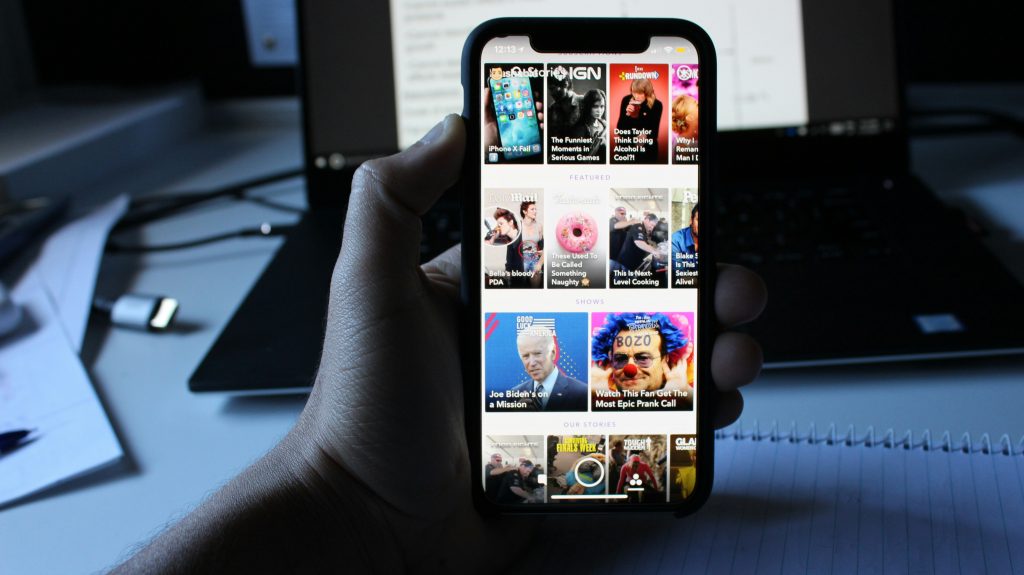
Snapchat uses your phone’s GPS to show your location on Snap Map. When you open the app, it pulls your coordinates and drops your Bitmoji on the map. Your friends can see where you are in real time.
But there’s a catch.
Snapchat location only updates when you open the app. If someone hasn’t opened Snapchat in hours, their location stays frozen at the last place they used it. This creates confusion. You might think someone is at home when they’re actually across town.
There are also different location modes. “Live” location updates constantly while the app is open. “Last active” location shows where someone was the last time they used Snapchat. And Ghost Mode? That hides your location completely.
Understanding these modes is the first step to spotting fake locations.
How People Fake Their Snapchat Location
Faking a Snapchat location isn’t hard. There are multiple ways to do it, and scammers use them all.
GPS Spoofing Apps
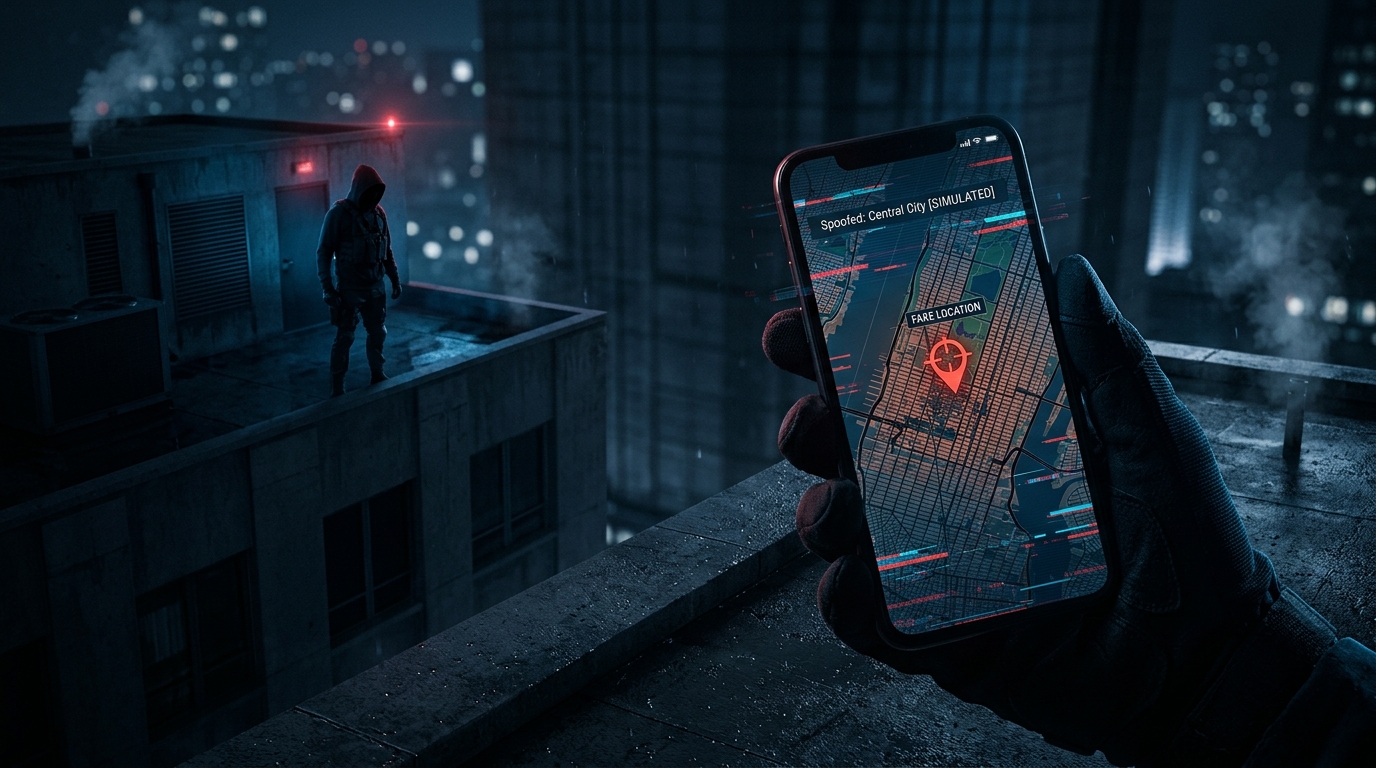
These apps trick your phone into thinking you’re somewhere else. They override your real GPS coordinates and feed fake ones to Snapchat. Android users can download these apps easily. iPhone users need more technical workarounds, but it’s still possible.
VPNs with Location Features
Most VPNs only change your IP address, not your GPS. But some VPNs now include GPS spoofing features. These tools let users appear in different countries without leaving their couch.
Using Multiple Devices
Some people log into Snapchat on an old phone or tablet and leave it at a specific location. Their main phone stays with them. This makes it look like they’re in two places at once.
Ghost Mode and Airplane Mode
Want to freeze your location? Turn on Ghost Mode or Airplane Mode. Your Bitmoji disappears or stays stuck at your last known location. It’s not technically “faking” a location, but it achieves the same result.
Scammers use these tricks to build fake personas. They pretend to be traveling, living abroad, or stationed overseas. It’s all part of the con.
How to Tell If Someone’s Snapchat Location Is Fake
Now for the important part. How do you spot a fake location?
Check for Inconsistencies in Their Snaps
Look at their stories. Do the backgrounds match their supposed location? If someone’s Bitmoji is in New York but their snaps show a California sunset, something’s wrong.
Pay attention to details. Street signs. Landmarks. Weather. These things don’t lie.
Watch for Sudden Location Jumps
Real people don’t teleport. If someone’s location jumps from Los Angeles to Tokyo in five minutes, they’re using a GPS spoofer. Legitimate travel takes time.
Look at Their Activity Patterns
Do their locations update at odd times? Are they “active” in a location but never posting snaps from there? That’s suspicious.
Real users post snaps that match their location. Fake users don’t.
Test Them with Specific Questions
Ask about local details. What’s the weather like? What restaurant did you just pass? If they can’t answer or give vague responses, they’re probably lying.
Use Reverse Image Search
If someone sends you snaps from a specific location, run a reverse image search. Scammers often steal photos from the internet and pass them off as their own.
Social Catfish offers a powerful reverse image search tool that can help you verify whether someone’s photos are real or stolen from another profile.
Common Snapchat Location Scams to Watch Out For
Scammers don’t just fake locations for fun. They use fake Snapchat location data to run specific scams.
Romance Scams
This is the big one. Scammers create fake profiles, pretend to be overseas, and build emotional connections with victims. They use fake locations to explain why they can’t meet in person. Then they ask for money.
If you’re worried someone you’re talking to online might be a scammer, check out our guide on how to know if someone is on dating sites to verify their identity.
Catfishing
Catfishers use fake locations to make their personas more believable. They might claim to be traveling influencers or military personnel stationed abroad. It’s all fake.
Learn more about what catfishing is and how to protect yourself from these deceptive tactics.
Fake Influencer Scams
Some people fake locations to appear more interesting or well-traveled. They’re not necessarily trying to scam you out of money, but they’re still lying. And if they’re lying about their location, what else are they lying about?
Stalking and Harassment
On the flip side, some people use location tracking to stalk or harass others. If someone is monitoring your Snapchat location without your consent, that’s a serious problem.
How to Pause Snapchat Location (Without Turning It Off)
Maybe you’re the one who wants more privacy. You don’t want everyone knowing where you are all the time. Good news. You can pause your Snapchat location without completely turning it off.
Enable Ghost Mode
Ghost Mode hides your location from everyone on Snap Map. Your Bitmoji disappears. You can still see other people’s locations, but they can’t see yours.
To turn it on, open Snap Map, tap the settings icon, and toggle on Ghost Mode. You can set it to last for three hours, 24 hours, or until you turn it off manually.
Disable Precise Location
On iPhone, go to Settings, find Snapchat, tap Location, and turn off Precise Location. This gives Snapchat a general area instead of your exact coordinates.
On Android, go to Settings > Apps > Snapchat > Permissions > Location, and disable “Use precise location.”
Only Share Location While Using the App
Change your location settings so Snapchat only accesses your location when the app is open. This prevents background tracking.
On iPhone: Settings, Snapchat, Location, “While Using the App.”
On Android: Settings, Apps, Snapchat, Permissions, Location, “Allow only while using the app.”
Use Airplane Mode
Turn on Airplane Mode before opening Snapchat. Your location won’t update. This is a quick fix if you need temporary privacy.
For more tips on protecting your privacy online, check out our guide on how to find hidden profiles on social networks.
What to Do If You Suspect a Snapchat Location Scam
You’ve spotted the red flags. Now what?
Don’t Send Money
Never send money to someone you’ve only met online. No matter how convincing their story is. No matter how much you care about them. If they’re asking for money, it’s a scam.
Run a Background Check
Use Social Catfish to run a comprehensive background check. Our tools can verify identities, find hidden profiles, and uncover the truth about who you’re really talking to.
You can also use our reverse phone lookup tool if you have their phone number, or try a reverse username search to find other accounts they might be hiding.
Report the Account
Report suspicious accounts to Snapchat. Go to their profile, tap the three dots, and select “Report.” Snapchat takes these reports seriously.
Block and Move On
Don’t engage with scammers. Block them and move on. The more you interact, the more they’ll try to manipulate you.
Document Everything
Take screenshots of conversations, snaps, and location data. If you need to report the scam to authorities, you’ll have evidence.
For more information on protecting yourself from online scams, visit the FTC’s scam alerts page.
Protecting Yourself from Location-Based Scams
Prevention is always better than damage control.
Be Selective About Who Can See Your Location
Don’t share your location with everyone. Limit it to close friends and family. The fewer people who can see where you are, the safer you’ll be.
Verify People Before Trusting Them
If someone seems too good to be true, they probably are. Use tools like Social Catfish to verify their identity before getting emotionally invested.
Our facial recognition search can help you find out if someone’s photos appear elsewhere online under different names.
Stay Skeptical
Question everything. If someone’s location doesn’t make sense, ask about it. If their story keeps changing, walk away.
Educate Yourself
The more you know about common scams, the harder it is for scammers to fool you. Read up on dating app scams and stay informed about new tactics.
Why Social Catfish Is Your Best Defense
Social Catfish specializes in uncovering the truth. We’ve helped thousands of people verify identities, spot scammers, and protect themselves from online fraud.
Our tools include reverse image search, phone lookup, email search, and comprehensive background checks. We search billions of records to give you accurate, up-to-date information about the people you’re talking to online.
Don’t wait until it’s too late. If something feels off about someone’s Snapchat location, trust your instincts and verify their identity with Social Catfish.
Stay Safe, Stay Smart
Snapchat location can be a fun way to stay connected with friends. But it can also be a tool for scammers.
Now you know how to pause Snapchat location, spot fake locations, and protect yourself from location-based scams. Use this knowledge. Stay skeptical. And always verify before you trust.
Because in the world of online scams, a little caution goes a long way.