Multiple Faces Detected



 January 21st, 2026
Twitter is one of the most popular Social Media Platforms on the planet, with high-profile CEOs politicians, and athletes all going to one place to share their experiences and comment on current events. Twitter is becoming like a time capsule for all things pop culture. But did you know theirs a little-known way of searching through this platform to find whatever you’re looking for? In this article, we’ll tell you exactly how you can search Twitter with an image. So let’s get started!
Can I Reverse Image Search on Twitter?
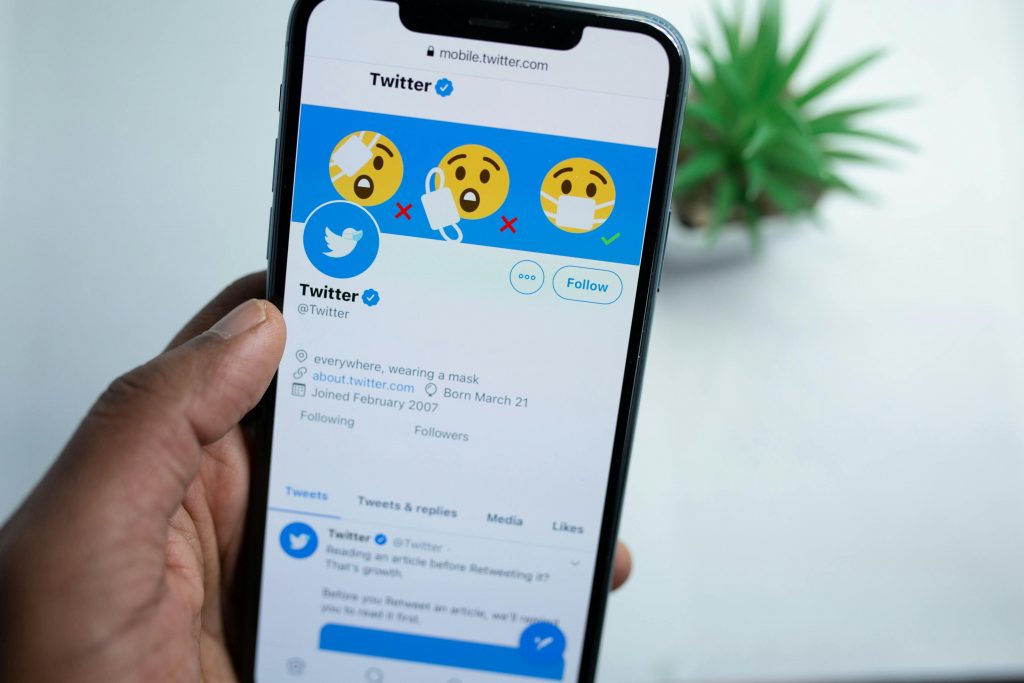
To reverse image search on Twitter, you can use a third-party website or browser extension. These tools allow you to upload an image or enter its URL and search for matches on Twitter. Some popular options include TinEye, Google Images, and RevEye.
Using Twitter Bots for Reverse Image Search
If you want a fast and simple way to check where an image appears online without leaving Twitter, you can use Twitter bots designed for reverse image searching.
One of the most useful bots is @SearchThisImage. This bot automatically scans images and finds their origin using multiple reverse image search engines.
How to Use @SearchThisImage on Twitter
- Find the Tweet containing the image you want to search.
- Reply to the Tweet by tagging
@SearchThisImage. - The bot will reply with links to reverse image search results, showing where the image appears online.
Why Use a Twitter Bot for Reverse Image Search?
- No need to leave Twitter – Just tag the bot, and it does the work for you.
- Quick and automated results – Within seconds, you get image search results.
- Multiple search engines scanned – The bot checks against multiple databases, increasing accuracy.
While Twitter bots are a fast and convenient option, they may not always provide detailed results. For more in-depth searches, Social Catfish’s Reverse Image Search can help find hidden profiles and track down social media accounts linked to the image.
Why you Might Want to Run a Reverse Image Search on Twitter
They say a picture is worth a thousand words. And on the internet, pictures often enhance the experience. Even on Twitter, a platform primarily dedicated to text, images are a crucial part of the experience. Running a reverse image search can help you find people, places, and things that may not easily be uncovered by name. Add a reverse image search to your vocabulary! Use the toolbar below to run your first search today!
How to Prepare for a Reverse Image Search on Twitter
Preparing for a reverse image search on Twitter involves a few key steps to ensure that you get the best results possible. Here are some tips to help you prepare:
- Save the image to your device: Before conducting a reverse image search on Twitter, you need to have a copy of the image saved to your device. This can be done by taking a screenshot of the image, right-clicking and saving the image, or using a browser extension to save the image.
- Crop or resize the image: If the image you want to search is part of a larger image, it may be helpful to crop or resize the image to focus on the relevant part. This can help to improve the accuracy of the search results.
- Make note of any identifying features: If there are any distinguishing features in the image, such as a logo, text, or landmarks, make note of them. These features can be used to refine your search and find more accurate results.
- Consider the context: Think about where you saw the image on Twitter and what the context was. Was it part of a tweet or a larger conversation? This can help you narrow down your search and find relevant results.
- Use a reputable reverse image search engine: There are many reverse image search engines available, but not all are created equal. Choose a reputable search engine, such as Google Images or TinEye, to ensure that you get the best results possible.
What Does A Reverse Image Search Do?
A reverse image search is similar to a search with words. When you type a phrase into a search bar, the search engine takes a copy of what you’ve written and tries to find a match in another portion of the internet. Similarly, when you run a reverse search with social catfish, we take the image and match it to billions of similar images across the internet to help you find the place where those matches originated. So when you want to find something or someone on Twitter, a reverse image search will do a deep dive and deliver what you’re looking for in seconds.
The Fastest Way to Do A Reverse Image Search on Twitter

Although it’s easy to imagine that using such an advanced tool may be complicated, running a reverse image search can be done in just a few simple steps.
- Take a screenshot of the image: No matter what the image is, or where you found it, the first step in running a reverse image search is to take a screenshot.
- Crop The image: Once you have a screenshot of the image, crop it so only the main feature of the image is visible.
- Go To a Reverse Search Bar and click the “image” tab: Locate any of the search bars on this page or on socialcatfish.com
- Hit “Search”
- See All of Your Matches: socialcatfish.com will scan the entire internet to find your image, returning results from everywhere, including Twitter.
Now that you know the ends and outs, you’re practically a reverse image search expert. Use the toolbar below to run your first search today.
Conclusion
Running a reverse image search on Twitter is simple. all you need to do is upload the image you’re looking for into one of the search bars on the page and hit “search”. It’s really that simple. Run your first image search today!