Multiple Faces Detected



 July 19th, 2026
You do not have to do anything wrong for your information to end up on the dark web. A single data breach at any company you have ever had an account with can put your email address, password, or personal details up for sale without your knowledge. The only way to know for sure is to check. Here is how to see if your information has been exposed, what it actually means if it has, and how to stay ahead of it going forward.
Name Search Examples
To get more accurate results, enter the full name including at least First name, Middle name and Last name.
Email Search Examples
Phone Search Examples
Username Search Examples
Address Search Examples
Start typing the initial part of the address and select from the addresses given dropdown afterward.
We Respect Your Privacy.
How to Check If Your Information Is on the Dark Web

There are three practical ways to check, ranging from completely free to continuous automated monitoring. None of them require you to access the dark web yourself.
Free Breach Checkers: Have I Been Pwned
Have I Been Pwned at haveibeenpwned.com is the most widely trusted free breach checker available. It was built by security researcher Troy Hunt and is used by governments and major organizations worldwide as an authoritative source for breach data.
How to use it:
- Go to haveibeenpwned.com
- Type your email address into the search bar and press Enter
- The site tells you immediately whether your email appears in any known data breach in its database
- If breaches are found, it lists each one by name, the date of the breach, and what type of data was exposed: passwords, phone numbers, physical addresses, and so on
Have I Been Pwned also lets you check specific passwords through its Passwords section without sending the actual password to the server; it uses a cryptographic method that checks whether a password has appeared in breaches without ever transmitting the full password text.
Social Catfish Privacy Lock Dark Web Monitoring
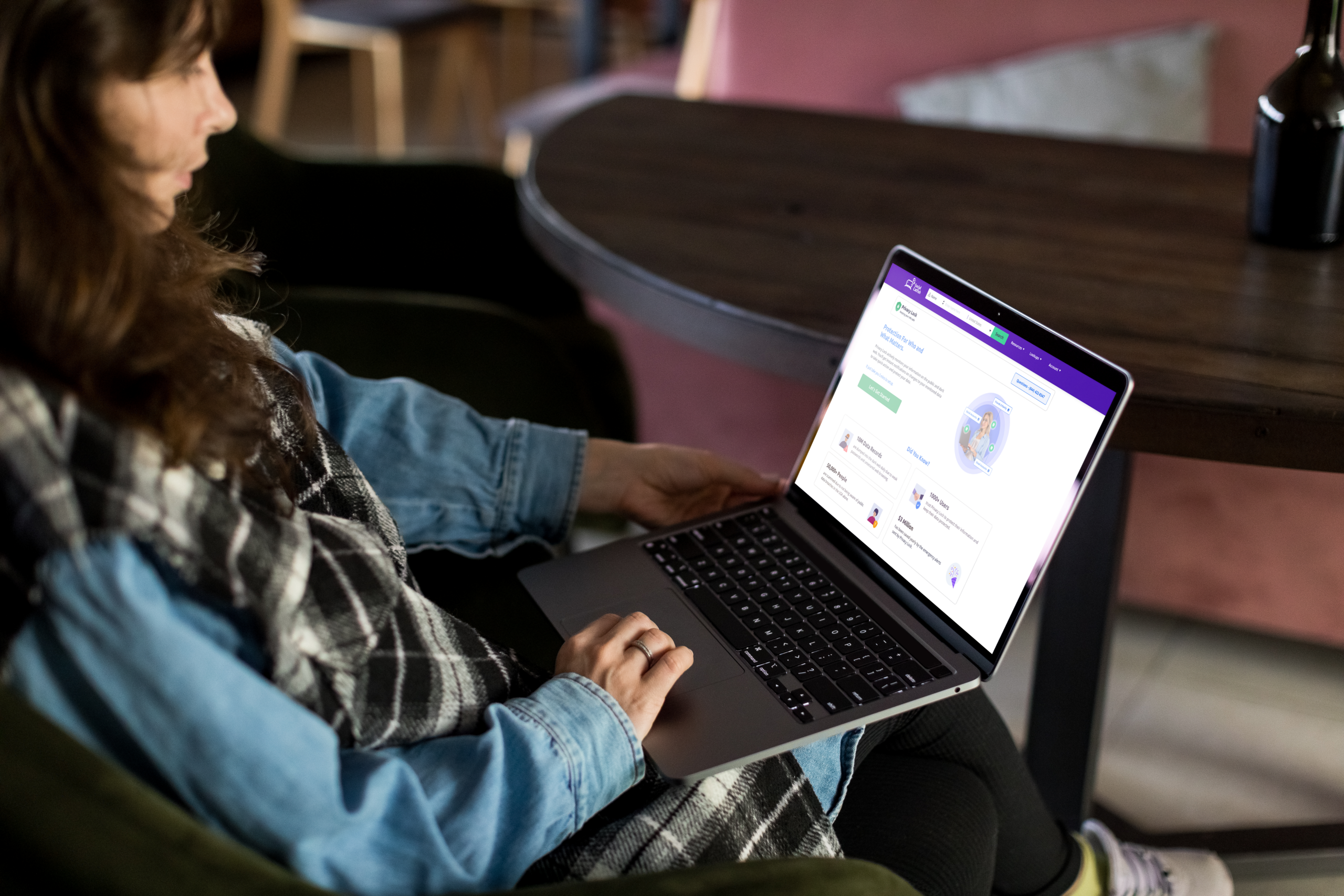
Social Catfish’s Privacy Lock includes dark web monitoring that watches the email addresses you add to your account on an ongoing basis, rather than checking once and stopping.
How it works:
- Log into your Social Catfish account and navigate to Privacy Lock
- Add the email addresses you want monitored
- Privacy Lock continuously scans dark web sources for those addresses appearing in new breach data or suspicious activity
- When a match is found, you receive an alert with context about what was found and suggested next steps
Built-In Checks From Google, Apple, and Password Managers
Several tools you may already use include basic dark web or breach monitoring as part of their feature set.
Google Password Checkup — available in Chrome’s settings and through passwords.google.com. Checks your saved passwords against known breaches and flags any that have been compromised. Limited to the credentials you have saved in Google’s password manager.
Apple iCloud Keychain — on iPhone and Mac, Settings, then Passwords, shows a Security Recommendations section that flags passwords appearing in known data leaks. Limited to credentials saved in iCloud Keychain.
Password managers — most paid password managers, including 1Password and Bitwarden include breach monitoring for saved credentials. Coverage depends on which breach databases the tool integrates with.
These built-in options are useful but narrower in scope than dedicated monitoring. They focus primarily on saved passwords rather than broader personal information, including your name, address, or phone number.
What It Actually Means If Your Info Is Found
Finding your email address in a data breach does not necessarily mean your account was directly hacked or that someone has deliberately targeted you. Understanding what a breach result actually represents prevents unnecessary panic while ensuring you respond appropriately.
A breach result typically means one of the following:
- A company or service you had an account with was attacked and their user database was stolen
- That database was subsequently sold or posted on dark web markets where automated tools scan it
- Your email address and associated data from that service is now in the hands of people who purchased the breach data
The exposure is real and warrants action, but it is a breach of the service’s security rather than your own. You did not make an error. The company that stored your data inadequately did.
What matters most is what type of data was exposed alongside your email address. An exposure of just your email address and a hashed password is lower severity than one that includes your password in plaintext, your physical address, your phone number, or financial details. Have I Been Pwned and Privacy Lock both specify what data types were included in each breach, which tells you how urgently to respond and which specific actions are most relevant.
Name Search Examples
To get more accurate results, enter the full name including at least First name, Middle name and Last name.
Email Search Examples
Phone Search Examples
Username Search Examples
Address Search Examples
Start typing the initial part of the address and select from the addresses given dropdown afterward.
We Respect Your Privacy.
What to Do If Your Information Is Found
Change the Password Immediately — and Everywhere You Reused It
The first and most urgent action after any breach that included a password is to change that password. Change it on the breached platform immediately, and then identify every other account where you have used the same password and change those too.
Password reuse is the primary mechanism through which a single breach turns into multiple compromised accounts. If the password exposed in the breach matches the password you use for your email account, your banking login, or any other sensitive service, those accounts are now at risk even though only the original service was breached.
Use a password manager to generate unique, random passwords for each account going forward. The goal is that a breach at any one service exposes only that service’s password rather than giving access to everything else.
Enable Two-Factor Authentication
After changing passwords, enable two-factor authentication on every account that supports it, starting with email, banking, and any account containing financial or personal information. Two-factor authentication means that even if someone obtains your password from a breach, they cannot access the account without also having your phone or authentication app.
How to Reduce What Gets Exposed Going Forward

Every account you create with your real email address is another potential exposure point. If a service is breached, your real email goes with it, and that email can then be used to connect your activity across platforms, target you with phishing attempts, or build a more complete picture of your identity than you intended to share.
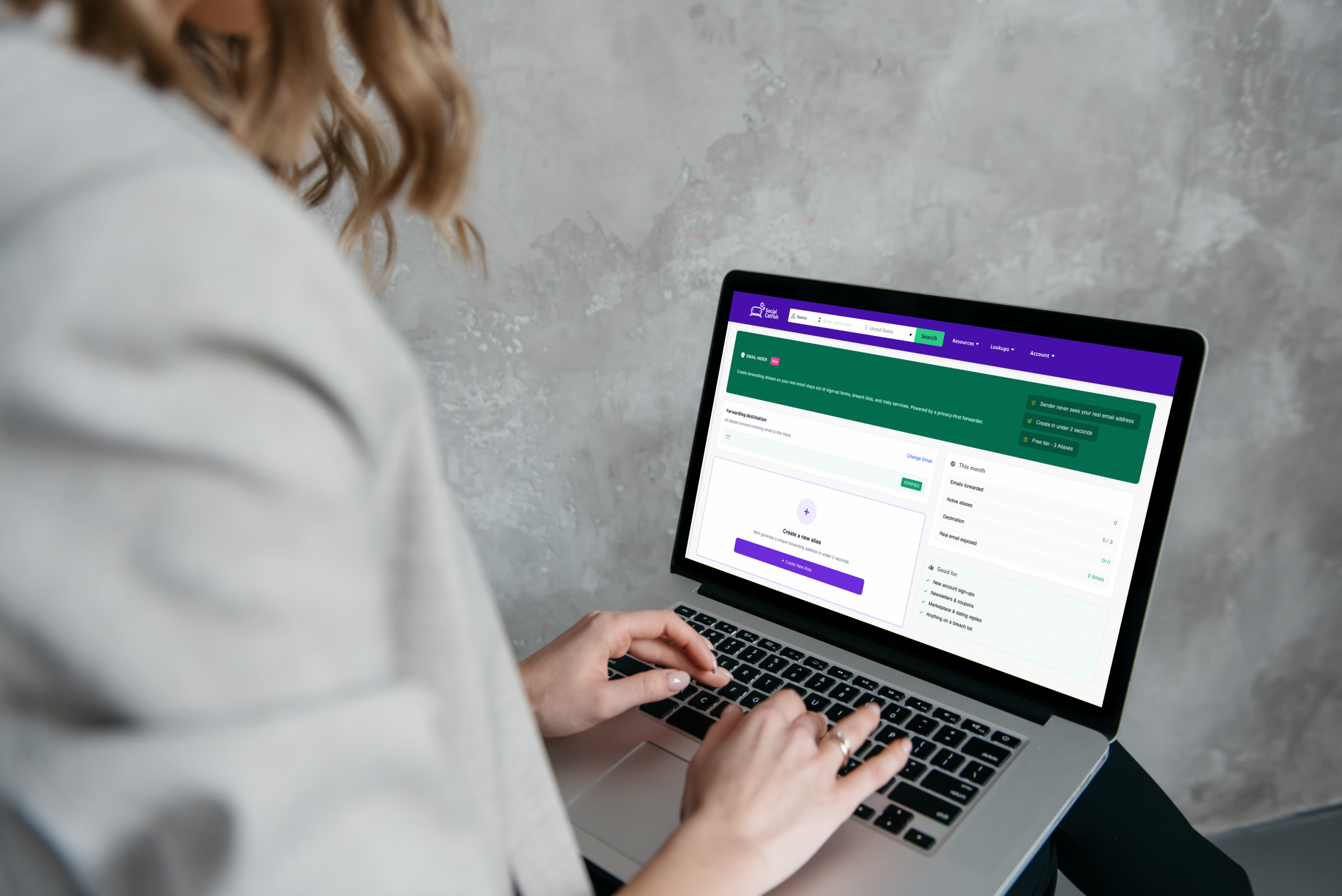
Social Catfish’s Email Hider feature reduces this exposure by giving you private alias addresses to use for sign-ups, shopping, dating apps, and anywhere else you do not want your real email involved. Aliases forward to your real inbox so you receive everything normally, but the platform storing your registration only has the alias address. If that platform is breached, the alias is what gets exposed rather than your real email, and you can simply delete the alias if it starts attracting spam or phishing attempts.
For anyone who has just found their real email address in multiple breach results, switching to aliases for new sign-ups going forward significantly limits future exposure, even if past damage cannot be undone. See our Email Hider guide for the full setup walkthrough.
FAQ
Check your email address at haveibeenpwned.com for a free one-time snapshot of known breaches. For continuous monitoring that alerts you when new exposure happens, Social Catfish’s Privacy Lock watches the email addresses you add on an ongoing basis and notifies you with suggested next steps when a match is found.
Not necessarily in the sense of someone directly targeting your account. It typically means a service you had an account with was breached, and the database containing your information was stolen. The exposure is real and warrants action, but it reflects the service’s security failure rather than anything you did wrong.
Yes, through legitimate breach checking tools. Have I Been Pwned and Social Catfish’s Privacy Lock search breach data without requiring you to access the dark web directly. You do not need to visit any dark web site to find out if your information has appeared there.
A one-time check tells you about past exposure but misses anything that happens after you check. Since new breaches are disclosed continuously throughout the year, continuous monitoring beats periodic manual checks. Social Catfish’s Privacy Lock monitors automatically so you are alerted when new exposure happens rather than having to remember to check.
Free checkers like Have I Been Pwned give you a one-time snapshot of your email address against their current breach database. Privacy Lock monitors continuously, alerts you automatically when new matches appear, and suggests specific next steps based on what was found. The free checker tells you where you stand today. Privacy Lock tells you when things change.
Conclusion
Your information ending up on the dark web is a consequence of data breaches at companies that stored it, not something that requires any mistake on your part. Checking is the only way to know whether exposure has already happened, and continuous monitoring is the only way to know when it happens in the future.
Have I Been Pwned is the right free starting point for a one-time check. Social Catfish’s Privacy Lock is the right tool for ongoing monitoring that alerts you when new exposure happens rather than requiring you to remember to check again later. And reducing the number of places your real email address lives through Email Hider aliases for new sign-ups going forward limits how much future exposure is possible, even when you cannot undo what has already happened.
Name Search Examples
To get more accurate results, enter the full name including at least First name, Middle name and Last name.
Email Search Examples
Phone Search Examples
Username Search Examples
Address Search Examples
Start typing the initial part of the address and select from the addresses given dropdown afterward.
We Respect Your Privacy.