Multiple Faces Detected


 September 18th, 2026
There are two reasons people search for this. The first is a straightforward question about how Instagram works: what order is the following list in and can you sort it by date. The second is the more common reason: you want to know if someone followed someone new recently, and you want to know who. Both questions have direct answers. Here is how Instagram’s following list actually works, how to see recent follows on any public account, and what to do when the account is private or when what you find raises a question worth investigating further.
Name Search Examples
To get more accurate results, enter the full name including at least First name, Middle name and Last name.
Email Search Examples
Phone Search Examples
Username Search Examples
Address Search Examples
Start typing the initial part of the address and select from the addresses given dropdown afterward.
We Respect Your Privacy.
How Instagram’s Following List Is Ordered
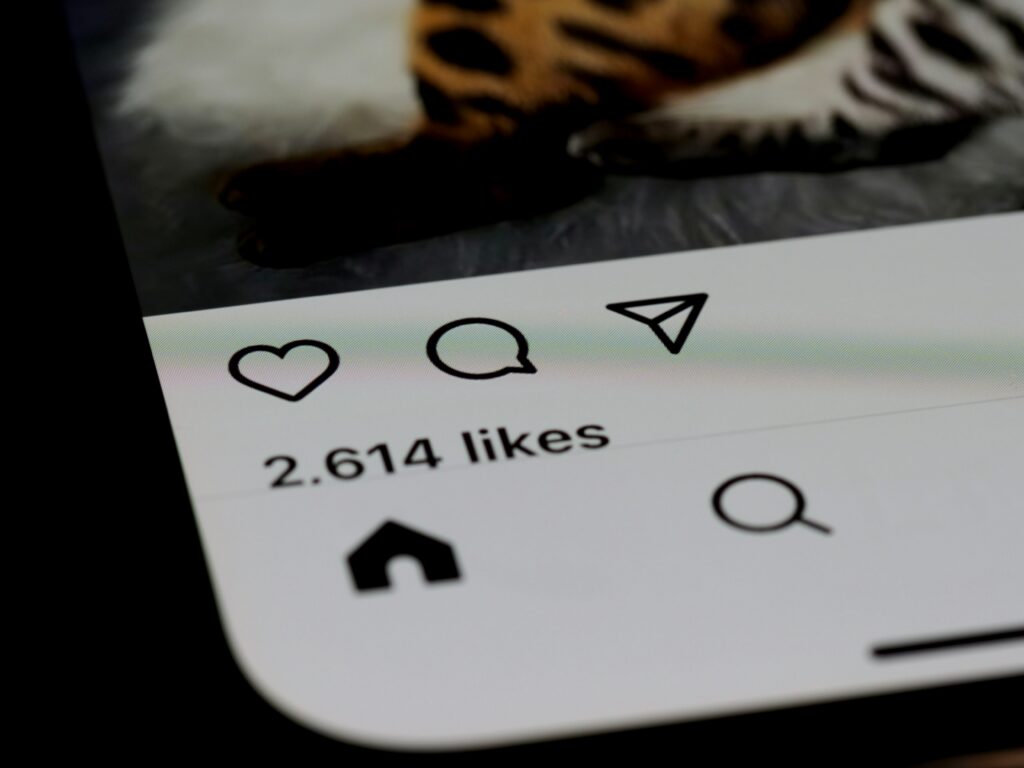
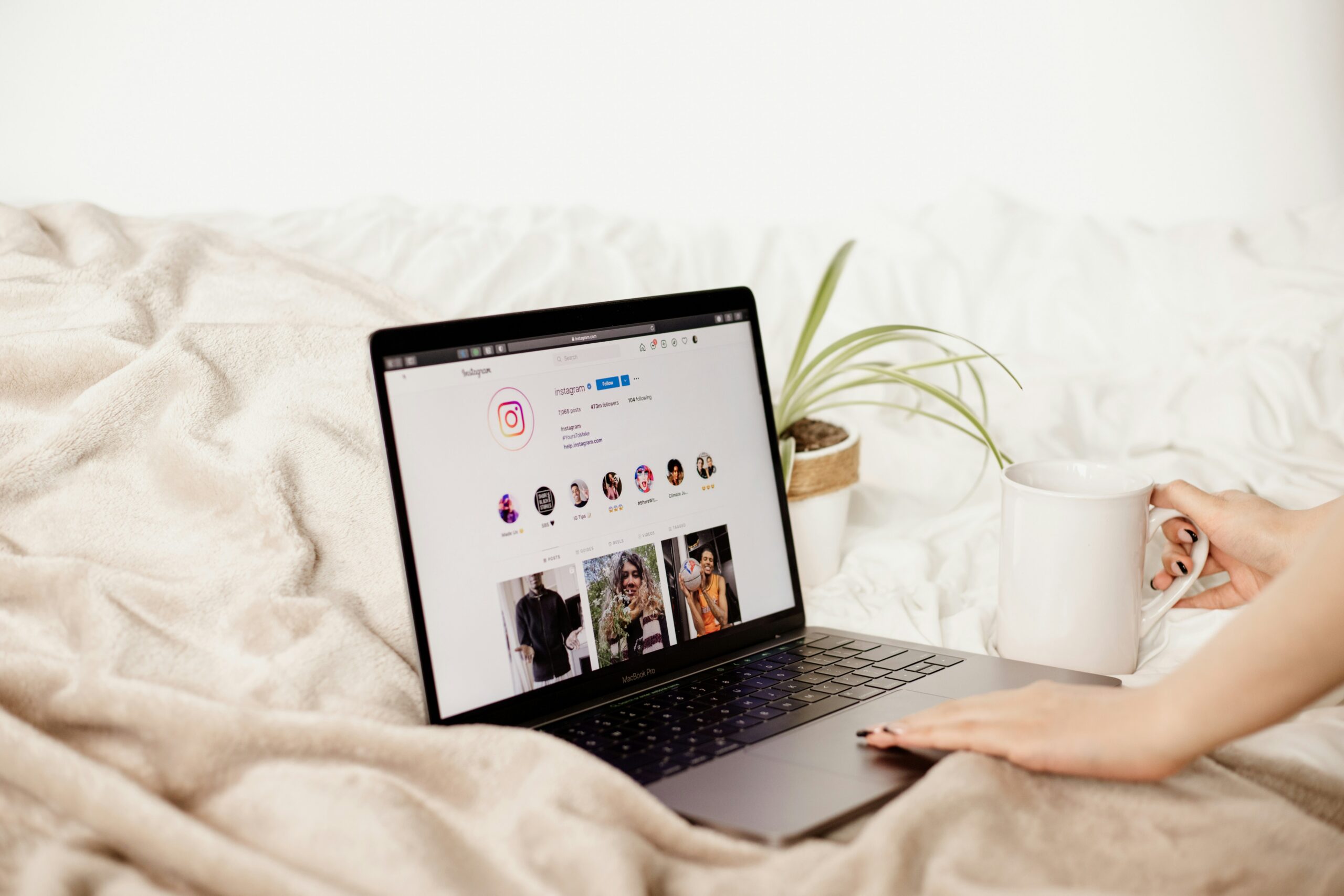
Instagram’s following list is sorted by most recent follow first by default. The account at the top of someone’s following list is the account they followed most recently. This is true for your own following list and for the following lists of any public account you can view.
This order is not alphabetical and it is not based on interaction frequency or Instagram’s algorithm. It is chronological in reverse — most recent at the top, oldest at the bottom.
A few things worth knowing about this sort:
- Instagram has changed this behavior at various points, and there have been periods where the sort order was less consistent or defaulted to a different arrangement. As of 2026 the default on most accounts is most-recent-first.
- The sort applies to the following list as displayed in the app. Third-party tools that claim to show following activity in real time are not connected to Instagram’s data and should not be trusted.
- Your own following list and someone else’s following list both display in the same order. There is no special view or insider access needed.
How to See Who Someone Recently Followed on Instagram
For any public Instagram account, the steps are the same.
How to view their following list:
- Open the Instagram app and navigate to their profile
- Tap the Following count at the top of their profile — not Followers, Following
- The list that opens shows every account they follow, with the most recently followed at the top
- Scroll down to see older follows in reverse chronological order
The person at the top of the list is the most recent follow. If you are checking this because something felt off and you want to know if they recently followed someone new, the top of the list is where to look first.
Sorting and filtering:
Instagram does not currently offer a built-in date filter or a way to see exactly when a specific follow happened. You can see the order, which reveals relative recency who was followed most recently versus who was followed a long time ago- but you cannot see the exact date of each follow through the native app interface.
What to Do If Their Account Is Private
A private Instagram account hides the following list entirely from anyone who does not follow it. If you tap Following on a private account and you do not already follow them, you see nothing. The list is completely inaccessible.
The mutual-follower workaround:
If you share mutual followers with the private account, those mutual followers may have public accounts whose follower lists you can check. If the person you are researching recently followed a mutual friend, that mutual friend’s follower list sometimes surfaces the follow, but this is indirect and inconsistent at best.
Already following them?
Accounts that are private but have accepted your follow request show you their full following list, ordered the same way as a public account. If you follow them, the steps above work identically.
They have unfollowed or blocked you:
If the account was previously accessible and is no longer accessible, or if they have blocked you, the profile and its following list become inaccessible. In this case, the available options shift to looking for additional accounts rather than the primary one.
Looking for a Secondary Account
Some people maintain a secondary or finsta account alongside their main account. If activity on the main account seems unusual new followers that do not match their known social circle- or if the main account has been locked down recently, a secondary account is sometimes the explanation.
Searching for a secondary account:
Enter their username into Social Catfish’s username search. The search cross-references the handle across hundreds of platforms simultaneously and sometimes surfaces secondary accounts under the same or a closely related username. Searching their name and profile photo through Social Catfish’s cross-platform search returns any other Instagram accounts or profiles on other platforms connected to the same identity.
For a full guide on finding secondary and finsta accounts, see our existing guide on how to find someone’s multiple Instagram accounts.
What a New Follow Actually Tells You — and Does Not
Finding that someone recently followed a new account is a data point, not a conclusion. What it means depends almost entirely on context.
When a new follow is probably not meaningful:
- The account they followed is a public figure, celebrity, brand, or content creator with a large following this is normal discovery behavior
- The account is clearly a friend, classmate, or colleague someone in their existing social circle
- They follow hundreds or thousands of accounts and a new one appeared the follow is proportionally less significant when they follow broadly
When a new follow is worth paying attention to:
- The account they followed is a private account with no public content and few followers someone specific rather than a content creator
- The account is followed immediately after a period of unusual behavior or communication changes
- The account is unfamiliar but clearly a real person rather than a brand or public figure
- They have followed and then unfollowed the account quickly, which sometimes happens when someone realizes the follow is visible to others
The honest framing:
A single new follow is a weak signal. A pattern of new follows combined with other behavioral changes is more meaningful. The follow tells you who they recently added to their feed. It does not tell you why, how they know the person, or what the relationship is.
Name Search Examples
To get more accurate results, enter the full name including at least First name, Middle name and Last name.
Email Search Examples
Phone Search Examples
Username Search Examples
Address Search Examples
Start typing the initial part of the address and select from the addresses given dropdown afterward.
We Respect Your Privacy.
Verify Who Is Behind a Suspicious New Follow
If a new follow catches your attention and you want to know who is actually behind that account before drawing any conclusions, a reverse identity check on the account itself is the most direct path.
Reverse Image Search the Profile Photo
Save or screenshot the profile photo of the account they recently followed and upload it to Social Catfish’s reverse image search.
What this tells you:
- Whether the profile photo belongs to a real person with a consistent online identity or has been taken from someone else’s social media
- Whether the same face appears under a different name on other platforms common with fake accounts or people who use different names across different platforms
- Whether the photo is a stock image or model photo being used to build a fake persona
Username Search on the Account
Enter the username of the account they recently followed into Social Catfish’s username search. The search returns every platform where that username is active, along with the identity associated with it.
Why this matters:
An account that appears to be a casual Instagram presence but is also active on dating apps under the same username tells you something different than an account that appears only on Instagram with no other platform presence. A username that surfaces on Tinder, Bumble, or Hinge under the same handle or the same face connects the Instagram account to a dating presence the person following may not know you have found.
Cross-Reference Their Name or Contact Details
If the account they followed has a real name visible in their bio or has shared contact details publicly, enter those into Social Catfish’s cross-platform search. This confirms whether the person is who they appear to be and surfaces any other platforms or identities connected to the same name and contact information.
All Social Catfish searches are completely confidential. Neither the person who did the following nor the account they followed receives any notification that a search was run.
A New Follow Doesn’t Come With Answers. A Search Does.
Instagram shows you the order. It won’t tell you who’s actually behind the account.
A name you don’t recognize shows up
Unfamiliar profile, few followers, no obvious connection to their social circle. Not a creator, not a brand.
NoticedA profile photo and a username. That’s it.
No way to confirm if the photo is real, if the account is who it claims to be, or where else it exists online.
UnverifiedReverse image + username search
See if that photo is reused elsewhere, and every other platform the same handle or face is active on — dating apps included.
ConfirmedA new follow is a weak signal on its own — it tells you someone was added to a feed, not why. When the account itself raises a real question, a reverse image search on the profile photo and a username search across platforms gives you an actual answer instead of a guess.
Check Who They Really ArePrivate and confidential — only you see the results.
FAQ
Yes. By default, Instagram’s following list shows the most recently followed accounts at the top and the oldest follows at the bottom. This applies to your own following list and to any public account’s following list you can view. The order is chronological, in reverse, most recent first.
No, not unless you already follow them. Private accounts hide their following list entirely from anyone who has not been accepted as a follower. If you follow them, the list is visible to you in the same most-recent-first order as a public account.
No. Viewing a public following list on Instagram is completely private. Instagram does not send any notification to account holders when someone views their following or follower list. This is different from watching their Story, which does create a visible notification.
Run a reverse image search on the account’s profile photo through Social Catfish to confirm whether the photo belongs to a consistent real identity or has been borrowed from elsewhere. Enter the username into Social Catfish’s username search to find every platform where that handle is active.
A single new follow has too many innocent explanations: an algorithm recommendation, a shared friend, a content creator they discovered to be meaningful without context. A new follow becomes more significant when it appears alongside other behavioral changes, when the followed account is clearly a specific private person rather than a creator or public figure, or when the timing connects to something else you have noticed.
Conclusion
The sort order question has a simple answer: most recent first, at the top of the list. The real question most people are asking when they search this is more specific, and the following list is where you start rather than where you end. What a new follow confirms is that someone was added to their feed. What it does not confirm is anything about why or what the relationship is. When the account they followed raises a genuine question, Social Catfish’s reverse image search and username cross-reference on that account gives you a real answer rather than a follow-up spiral through Instagram’s own interface.
Name Search Examples
To get more accurate results, enter the full name including at least First name, Middle name and Last name.
Email Search Examples
Phone Search Examples
Username Search Examples
Address Search Examples
Start typing the initial part of the address and select from the addresses given dropdown afterward.
We Respect Your Privacy.