Multiple Faces Detected



 November 19th, 2026
Are you tired of seeing the same images over and over again on the internet? Do you want to find the original source of an image or see if it has been used without your permission? Look no further, because in this blog post, we will be discussing free reverse image lookup tools and tips for adults.
Name Search Examples
To get more accurate results, enter the full name including at least First name, Middle name and Last name.
Email Search Examples
Phone Search Examples
Username Search Examples
Address Search Examples
Start typing the initial part of the address and select from the addresses given dropdown afterward.
We Respect Your Privacy.
What is Reverse Image Lookup?
Reverse image lookup is a technique used to find information about an image by using the image itself. This can be done by uploading the image or entering its URL into a reverse image search engine. The search engine then scans the internet for similar images and provides results that include the original source, other websites where the image has been used, and related images.
Why Use Reverse Image Lookup?
There are many reasons why you may want to use reverse image lookup. Some of the most common reasons include:
- Verifying the authenticity of an image
- Finding the original source of an image
- Checking if an image has been used without permission
- Discovering similar images
Free Reverse Image Lookup Tools
There are several free reverse image lookup tools available online. Some of the most popular ones include:
Each of these tools has its own unique features and capabilities, so it’s worth trying out a few to see which one works best for your needs.
Tips for Using Reverse Image Lookup
Here are some tips to keep in mind when using reverse image lookup:
- Use high-quality images for better results
- Try cropping the image to focus on a specific part
- Use keywords in your search to narrow down results
- Try different search engines for more comprehensive results
Protecting Your Images
If you are a content creator or photographer, you may be concerned about your images being used without your permission. Here are some tips to help protect your images:
- Add a watermark to your images
- Use a copyright notice on your website
- Consider using a Creative Commons license
- Regularly check for unauthorized use of your images using reverse image lookup
Using Social Catfish for Reverse Image Lookup
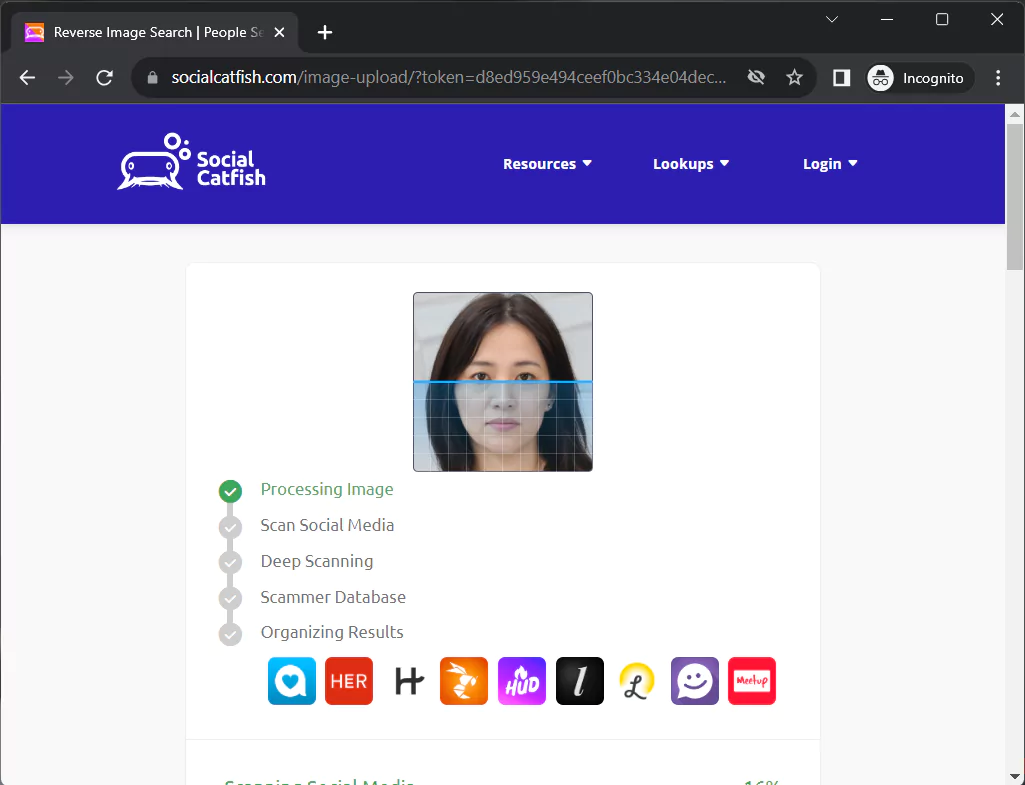
Social Catfish is a powerful tool that takes reverse image lookup a step further by helping users verify online identities, track down scammers, and locate the original source of images. It specializes in searching for images across social media platforms, dating websites, and other online communities. Unlike traditional reverse image tools, Social Catfish can provide detailed information about the person or account associated with an image, making it a valuable resource for those looking to uncover catfishers, protect their intellectual property, or ensure that images are not being misused. By simply uploading a photo, Social Catfish scans the internet to find matching images and connected profiles, helping you stay informed and in control of your online presence.
Use the search bar below to use Social Catfish’s reverse image search.
Name Search Examples
To get more accurate results, enter the full name including at least First name, Middle name and Last name.
Email Search Examples
Phone Search Examples
Username Search Examples
Address Search Examples
Start typing the initial part of the address and select from the addresses given dropdown afterward.
We Respect Your Privacy.
Conclusion
Reverse image lookup is a useful tool for adults who want to find information about an image or protect their own images. With the availability of free tools and these helpful tips, you can easily find the original source of an image or discover if it has been used without your permission. So next time you come across an interesting or suspicious image, remember to give reverse image lookup a try!