Multiple Faces Detected



 November 10th, 2026
You have a name, a number, or a photo, and you want to know where it appears online from your phone. A people search app can help, and the right one depends on what you start with. Social Catfish’s photo search fits a photo, and the public-record apps on this list are built around names, phone numbers, and addresses. All seven are free to download, but full reports may cost extra, so check each listing.
Our iPhone app runs six searches from your phone. Free to download.
Download on the App Store →On Android or a computer? Search on the website
How We Compared the Apps
For each app we looked at what you can search with, what the listing says about payment, and how the listing describes the app. We describe each listing and stop there. We have not tested these apps, so this article makes no claims about how well any of them work.
Social Catfish is our app. The apps appear in no ranked order.
The 7 People Finder Apps
Social Catfish Official (Social Catfish LLC)
Social Catfish Official runs six searches: photo, name, phone, email, username, and address. Per its listing, it is free to download, and full reports require a subscription billed through Apple. The price is shown in the app before you subscribe. A search may find nothing, and it cannot confirm who is behind a profile. It is iPhone-only and rated 18+. See our guide to the Social Catfish app.
BeenVerified: People Search (BeenVerified, Inc.)
BeenVerified’s listing describes phone, email, and address lookup, and opens with “Discover public records.” The app is free to download and offers in-app purchases. The listing points to the company’s Terms and its “Do’s & Don’ts” for permitted and prohibited uses, which are worth reading before you search. For a side-by-side comparison with our service, see our Social Catfish and BeenVerified comparison.
Whitepages: People Search (Whitepages.com)
Whitepages describes itself as a phone, address, and email finder. Its listing mentions finding people you have lost contact with, identifying unknown callers, blocking spam numbers, and finding property owners, and it lists reverse phone, reverse email, and reverse address lookups. The app is free to download and offers in-app purchases.
TruthFinder Search (Truthfinder, Inc.)
TruthFinder’s listing is titled “Find Public Records” and highlights property search and reverse phone lookup. The app is free to download and offers in-app purchases. For a side-by-side comparison, see our Social Catfish and TruthFinder comparison.
Intelius Search (Pubrec, LLC)
Intelius’s listing offers access to public records and says you can search by address, phone number or email address. The app is free to download and offers in-app purchases.
Instant Checkmate (Pubrec, LLC)
Instant Checkmate’s listing centers on reverse address lookup, and says an address report may include possible neighbors, neighborhood crime statistics, census data and ownership history. The app is free to download and offers in-app purchases. The listing also states that Instant Checkmate does not provide consumer reports and is not a consumer reporting agency.
PeopleFinders: People Search (Confi-Chek Inc.)
PeopleFinders’ listing describes the app as a public records lookup. It is free to download and offers in-app purchases. Check the listing for the search types it supports before you rely on it.
Which App Should You Use?
Pick by what you have in hand, and check each listing for the details.
- You have a photo. Social Catfish’s photo search can show where a picture appears online. Web readers can use our reverse image search
- You have a username or email. Social Catfish offers both searches. The Intelius and Whitepages listings mention email searches
- You have a name and a US state. The BeenVerified and Whitepages listings describe people search. None of these apps can be used for hiring, tenant screening, credit or insurance decisions, so do not treat any of them as the right tool for those
- You have a phone number that keeps calling. The Whitepages, TruthFinder and Intelius listings mention phone lookups. A lookup may not identify the caller
Whatever you use, a search shows where details appear online. It does not tell you who someone is.
Upload a photo
Search
Upload a photo to see where else it appears online.
Search a name to look for social profiles and other public details linked to it.
Search a phone number to look for names and profiles linked to it.
Search an email address to see where it appears online.
Search a username to see where else it shows up across social sites.
Search an address, with place suggestions as you type.
Illustration, not a screenshot
Start with what you have
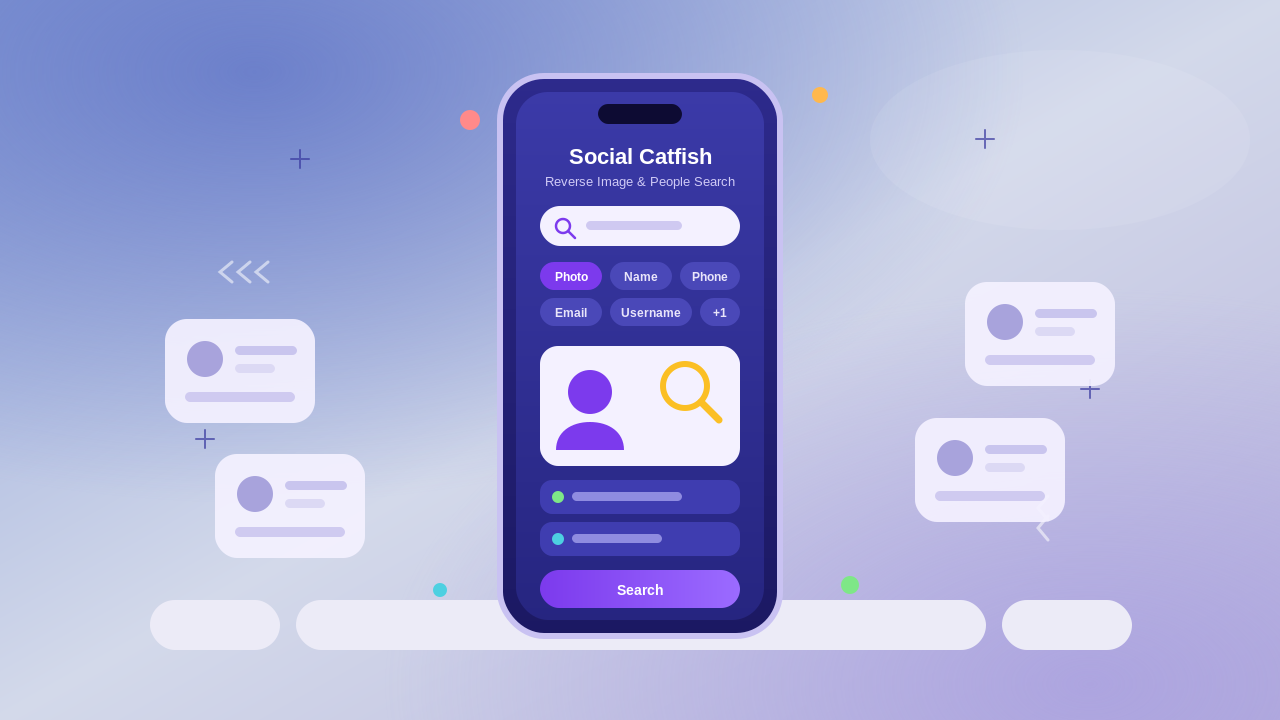
One iPhone app, six searches. Tap a tab on the phone to preview what each one looks for.
Previewed: 1 of 6
Download on the App Store → Search on the websiteA search can show where a photo, name, number or username appears online. It may find nothing and can’t confirm who is behind a profile. Not for employment, tenant screening, insurance or credit decisions. Private and confidential — only you see the results.
Are People Finder Apps Free?
The apps are free to download. Full reports cost money, and each app lists its plans on its App Store page, so check there for current prices.
Subscriptions bought inside an iPhone app are billed and cancelled through Apple: Settings> Your Name> Subscriptions. Cancelling on a company’s website does not stop an App Store subscription. For our own service, see our guide to cancelling a Social Catfish subscription.
What These Apps Can’t Be Used For
None of these apps can be used for hiring, tenant screening, credit or insurance decisions. Social Catfish is not a consumer reporting agency, and results cannot be used for FCRA-regulated purposes. Check each other app’s own terms for its wording.
A search may also find nothing, and it cannot confirm who is behind a profile. These apps suit personal checks, like whether a photo on a dating profile appears under other names.
Have a photo, name or number? Run the search from your phone. Free to download.
Get it on the App Store →FAQ
It depends on what you start with. Social Catfish runs a photo search, and the public-record apps on this list are built around names, phone numbers and addresses. A search shows where details appear online, not who someone is.
The apps are free to download, but full reports need a subscription or purchase. Each app lists its plans on its App Store page.
It depends on what you start with, so we do not name a winner. See “Which App Should You Use?” above.
A reverse image search can show where a photo appears online. It cannot confirm who is in the photo. See our reverse image search page.
Our app is iPhone only for now. Android readers can use the website.